A:AnswerHello Ellie,
Please follow these instructions below.
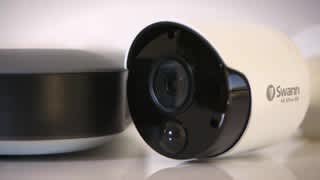
Aiming the camera
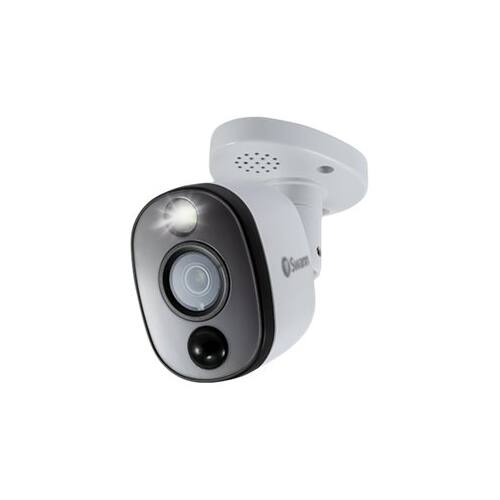
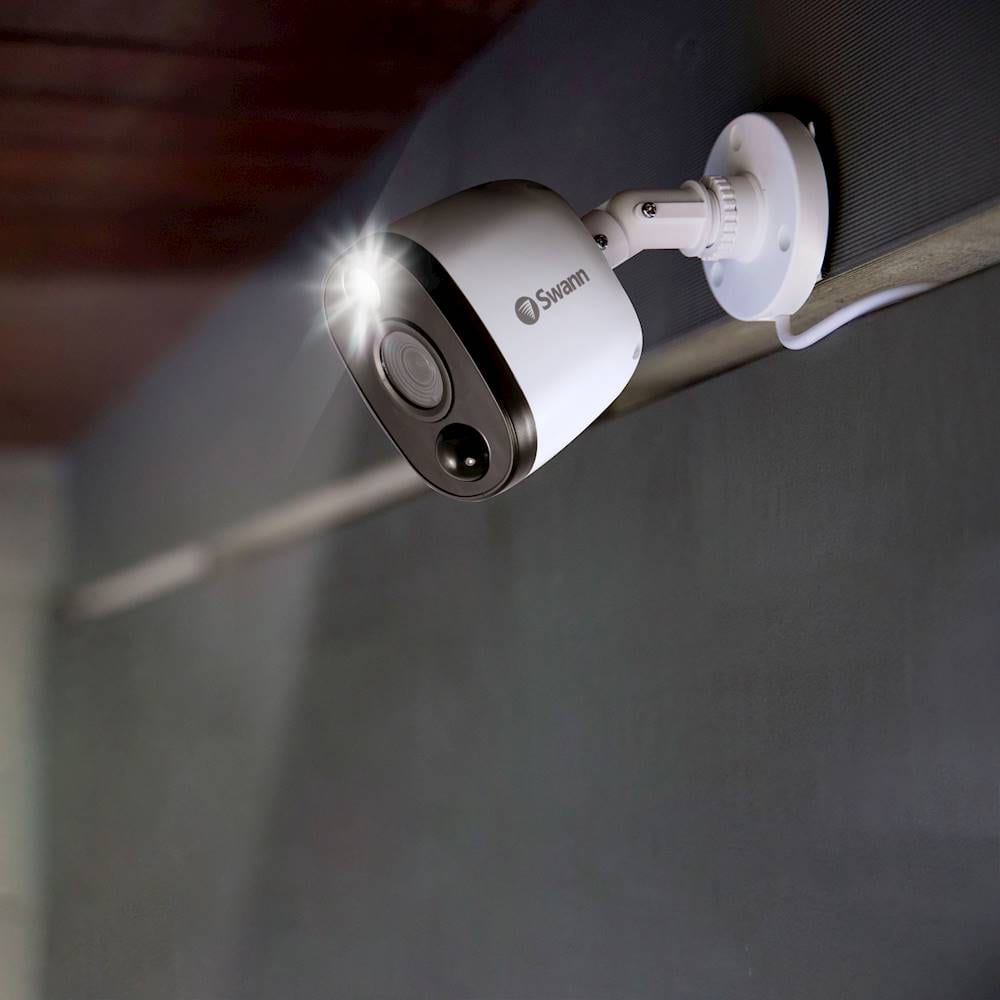
1. Loosen both screws (use an Allen key) to adjust the camera’s orientation.
This enables you to rotate the camera so no matter what direction it is facing,
your images will be the right way up. Tighten each screw to secure in place.
2. Loosen the screw to tilt the camera up or down. Tighten the screw to secure in place.
3. To pan the camera left or right, loosen the screw and position accordingly.
Tighten the screw to secure in place.
Please let us know how we may further assist you,
Thank you.
JV
Swann Customer Support
A:AnswerHello chuck68,
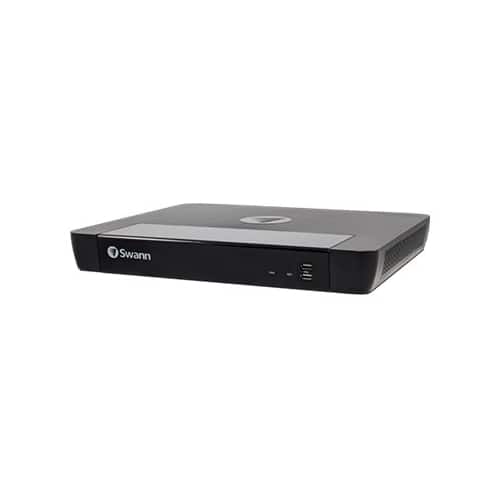
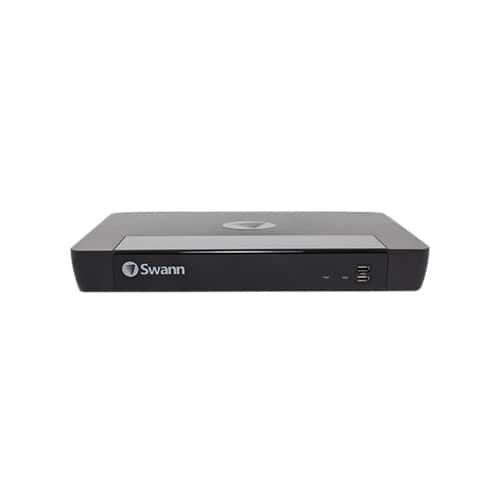
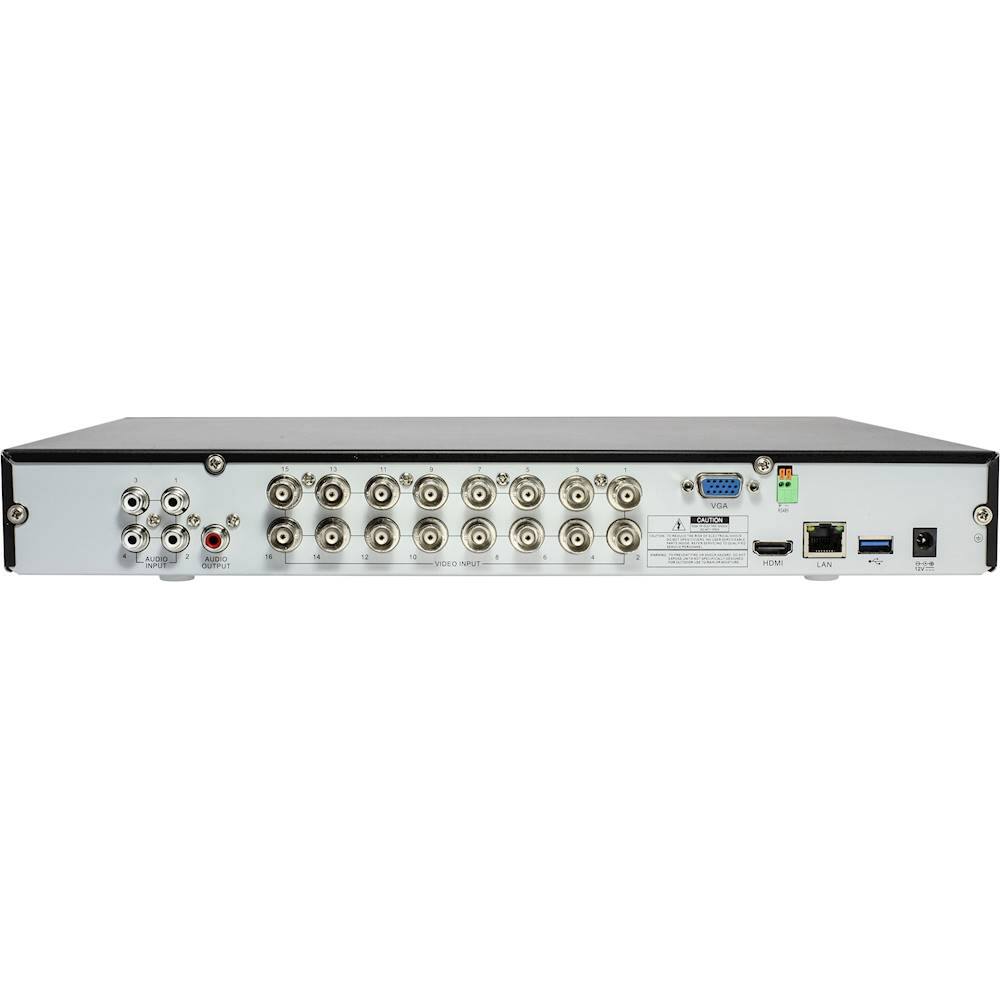
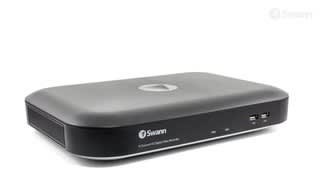
Thank you for reaching out to us with your question. No, this recorder does not support POE. This will vary on your settings, contact our support team for an estimate, and recommended settings for optimizing storage space. The hard drive can be expanded to at most 6 TB internally.
Please let us know how we may further assist you,
Thank you.
JV
Swann Customer Support
A:AnswerI am the original question writer and want to respond to this first answer given.
I called the manufacturer. Their response was that no, the existing wiring will not work from the 700 TVL series. The cord/signal for that older and discontinued model are analog and will not work for this system.
A:AnswerHello Mari,
Thank you for reaching out to us with your question. We are not sure we understand your question. Can you please elaborate on what is PVI? Click on the blue box on the bottom right-hand corner to live chat with a technical support agent or contact us over the phone.
https://support.swann.com/s/
Please let us know how we may further assist you,
Thank you.
JV
Swann Customer Support
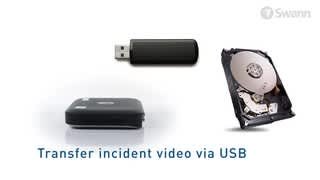
A:AnswerDepends on drive size, number of active channels, settings, sensitivity, capture's, image quality, alarms, events, pictures, videos, and SAVED events. The 2TB/8 camera unit might get 2.5 to 3 days at max capture setting. I do not see any information on adding an internal drive. Easy enough to plug an external drive in and save the events if needed. Best to have events stored on cloud so you can go back at any time.
A:AnswerHello Ahr2d2,
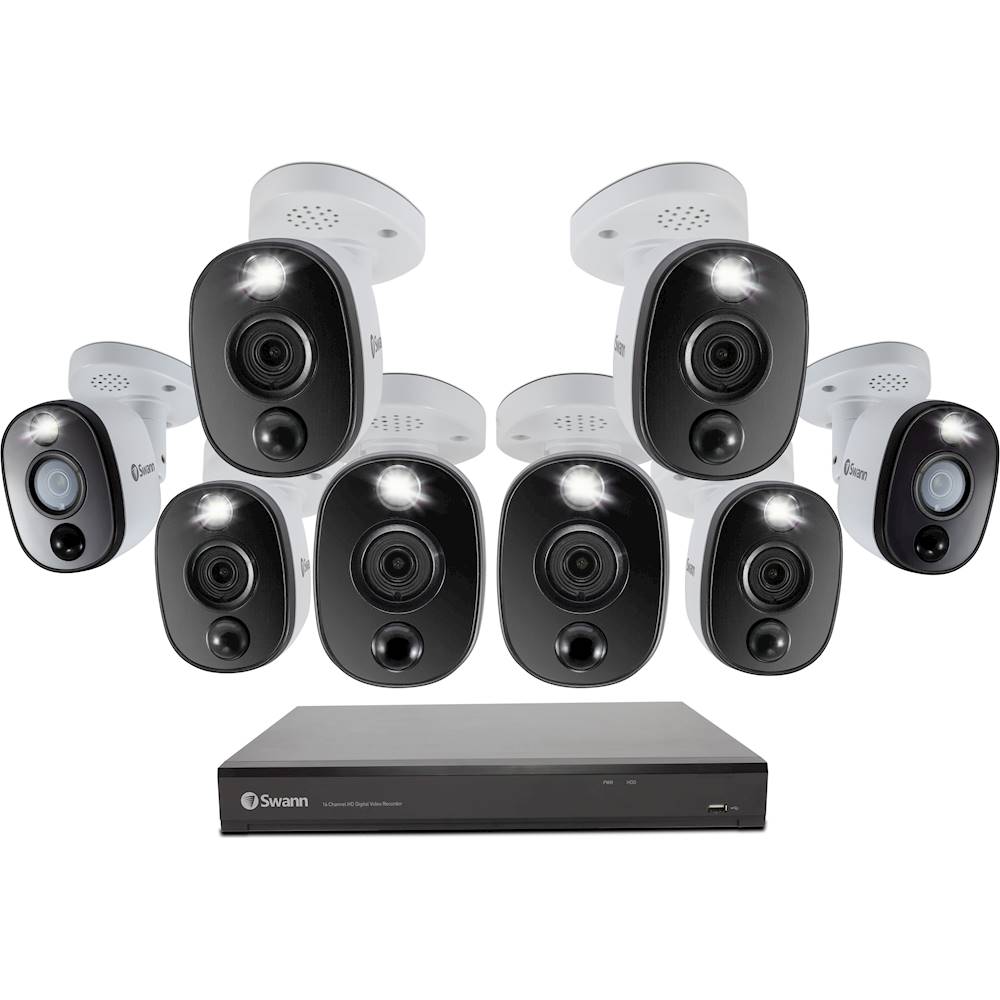
Thank you for reaching out to us with your question. This camera has night vision distances of up to 130ft/40m (Total Darkness) and Color Night Vision up to 32ft/10m (color, with sensor light).
Please let us know how we may further assist you,
Thank you,
JV
Swann Customer Support
A:AnswerYes you can. You might need to go to settings in order to adjust the volume of the camera’s alarm. I have this option turn off as there are why too many people walking in front of my home and the alarms go off continuously.
A:AnswerThis system only has alarm speakers in the cameras as far as I can tell. I only just had my system installed. Each camera has a speaker to broadcast the alarm sound and no microphone.
A:AnswerYou must have the unit connected to the active internet and the proper app installed.
The SWANN app sends a push notification, if toggled, and you have to open the event which may be live, video, or photo. In the free Dropbox app your photos and/or videos are saved and you need to check the app periodically since I don't think it gives any notification.
A:AnswerIt really depends on your environment and settings. I live in a community with several houses and frequent cars riding by my house & light foot traffic. The settings on the DVR (4 camera) are at default, which satisfies my needs. I am getting 30 days of footage with 1 minute clips when a car rides by and light foot traffic. If you increase any settings that deal with activation and sensitivity of the camera, the days of footage will decrease. This DVR records in medium quality footage and high quality footage, this is done so you can live stream / review to a device using minimal data...or you can live stream / review in high quality (this can also be adjusted to record all high or all low-or both). As far as your DVR, it will overwrite the footage once it is full. The other option is to use a cloud to store your footage, the bigger the more footage you can review.
A:AnswerI do not think so. Our system does not. The program includes controls for audio for channels 1,2,3,4 at one time. All of the cameras came with a speaker/device for an audible alarm when triggered, if toggled for automatic response on alarm, or remotely. We were unable to use these speakers/devices to record audio, but that doesn't mean the speaker/device is not able to capture audio by someone other than the intended user.
**Warning** Laws vary from state to state about audio recording when combined with video.
A:AnswerHello Chag,
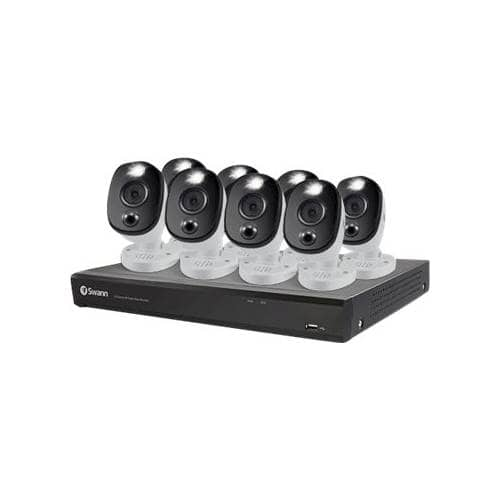
Thank you for reaching out to us with your question. No, the cameras included in this kit do not have audio features. We do not have compatible cameras to this recorder with audio features. We would recommend looking into our NVR kits.
Please let us know how we may further assist you,
Thank you.
JV
Swann Customer Support
A:AnswerHello Claudia,
Thank you for reaching out to us with your question. Yes, the settings can be configured to be different on each channel. You can record continuously or based on motion. The alarm can be triggered on certain cameras as needed. This applies to spotlight settings as well.
Please let us know how we may further assist you,
Thank you.
JV
Swann Customer Support
A:AnswerHello Alicia,
Thank you for reaching out to us with your question. No, an internet connection is not required in order for this unit to record onto its 1 TB hard drive.
Please let us know how we may further assist you,
Thank you.

JV
Swann Customer Support
A:AnswerHello,
Thank you for reaching out to us with your question. No, we would recommend our SWNVK-885808FB.
Please let us know how we may further assist you,
Thank you.
JV
Swann Customer Support
A:AnswerHello Josh,
Thank you for reaching out to us with your question. Yes, the sensor warning lights can be disabled per channel as needed.
Please let us know how we may further assist you,
Thank you.
JV
Swann Customer Support
A:AnswerGo into settings/alarm and toggle the deterrent tab. This is where lights and siren can be toggled for a given duration. Also, in the app, this can temporarily be activated remotely, when you go full screen, even though this feature is off in the main program.
One problem I find is the deterrent light causes the night time view to be severely diminished, so I would only recommend this feature during daylight hours.
A:AnswerHello Larry,
Thank you for reaching out to us. We have received your many questions and reviews. We are here to help. Please contact our support.
Please let us know how we may further assist you,
Thank you.
JV
Swann Customer Support