A:AnswerHello Alex,
Thank you for your question. Consumers want smart security solutions that prevent crime, interconnect with one another, and offer value with no recurring fees, and this is what we are delivering with the new Swann Security products. Swann does not charge any monthly subscription fees.
Please let us know how we may further assist you,
Thank you,
JV
Swann Customer Support
A:AnswerHello Alejandro,
Thank you for reaching out to us with your question. Due to the nature of these updates, we do not have a confirmed projection on each launch. Our development team is working day and night to address the potential bugs within the software. Recently the external development team of the SAFE by Swann app ceased trading due to the most recent pandemic, putting the continued operation of many Swann devices at risk. Our team has been working diligently to re-engineer those devices, & transition our customers to the new Swann Security app. We appreciate your understanding & patience at this time, & thank you for your support.
Please let us know how we may further assist you,
Thank you.
JV
Swann Customer Support
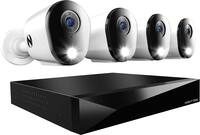
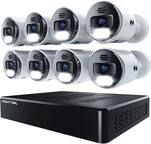
A:AnswerThis system has a lot of customization options in the on-screen programming. You can change the behavior of each light separately. Mine did not do any flashing etc. right out of the box and I didn’t turn those features on, just not interested in that currently. So far it is a fairly impressive system, pro-like.
A:AnswerHello intrepid777,
Thank you for reaching out to us with your question. The longest recommended run is 300 feet. This camera can not connect to the recorder wirelessly. The DVR can record based on motion or continuously as needed per channel.
Please let us know how we may further assist you,
Thank you.
JV
Swann Customer Support
A:AnswerHello Buckinsc2020,
Thank you for reaching out to us with your question. Yes, this can connect to your wireless network using our Swann Wireless Adapter. You also have the option of using a more reliable wired connection.
Please let us know how we may further assist you,
Thank you.
JV
Swann Customer Support
A:AnswerHello,
Thank you for reaching out to us with your question. No, the cameras included in this kit do not have audio features.
Please let us know how we may further assist you,
Thank you.
JV
Swann Customer Support
A:AnswerHi BasketballTony,
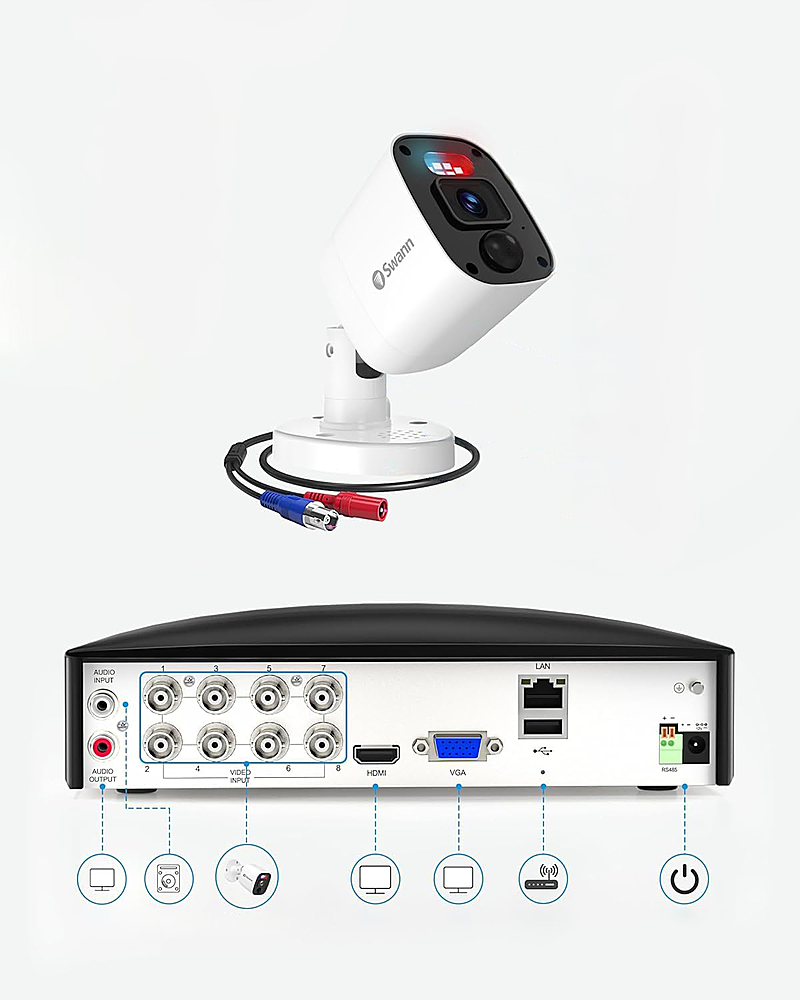
You will need a monitor/TV just for initial setup (HDMI or VGA) but you don't really need it connected to a screen after that unless you are making some advanced settings changes or unless you want to monitor the cameras without the app.
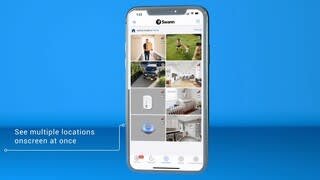
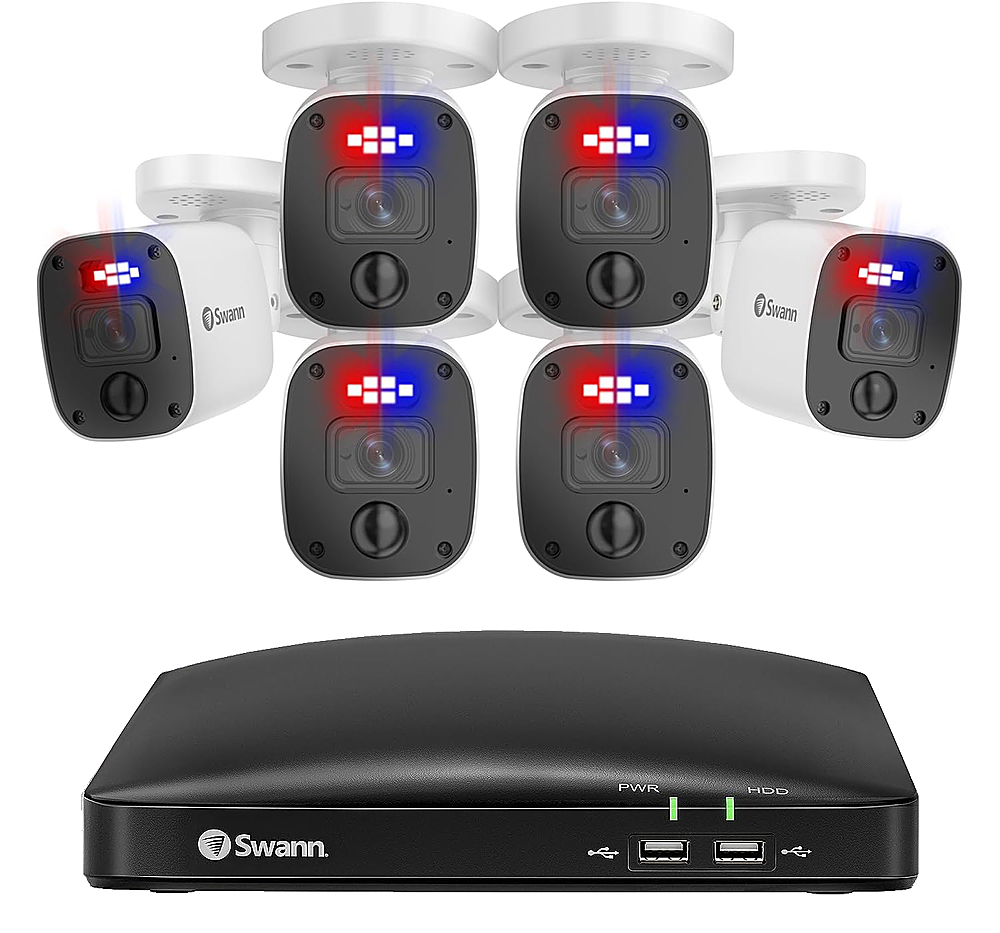
You can have anywhere as few as 1 camera or as many as 8, so 2 works just fine. You can access this system on your cell phone through the Swann Security app, but you will need to connect the DVR to the internet via ethernet cable, so keep that in mind. In the app, you will be able to view live video, turn camera lights on/off, turn siren on/off, take videos, and record if you'd like.
A:AnswerHello,
Thank you for reaching out to us with your question. No, this can only be connected to a monitor using an HDMI or VGA cable.
Please let us know how we may further assist you,
Thank you.
JV
Swann Customer Support
A:AnswerYes you can hook up the DVR to your TV with the HDMI cord and then the mouse is still connected to the DVR so whatever you do on the DVR will be seen on the TV
A:AnswerHello Jbkgb,
Thank you for reaching out to us with your question. The cameras will have power running through a joint line within the BNC cable. One end of the cable will connect to an AC power adapter, which is supplied. Click on the blue box on the bottom right-hand corner to live chat with a technical support agent or contact us over the phone.
https://support.swann.com/s/
Please let us know how we may further assist you,
Thank you.
JV
Swann Customer Support
A:AnswerThis can record without WiFi because it's what's called a CCTV (Closed Circuit TV) system, so the DVR connects directly to the cameras and the DVR connects to a screen/tv. However, if you want to use the Swann Security app or view the cameras away from home, you will need to connect the DVR to the internet via an ethernet cable.
A:AnswerHello Virna,
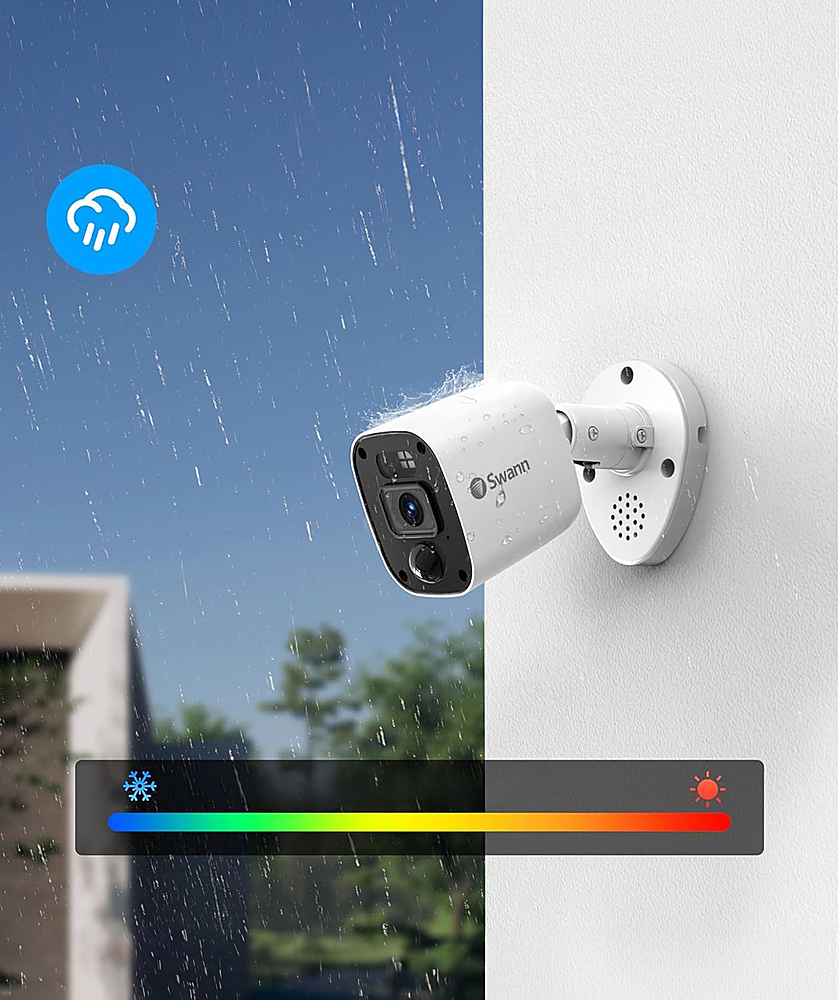
Thank you for reaching out to us with your question. Yes, these cameras are rated for indoor and/or outdoor use.
Please let us know how we may further assist you,
Thank you.
JV
Swann Customer Support
A:AnswerHello Buc2020,
Thank you for reaching out to us with your question. This kit will require a hardwired connection to your network using an Ethernet cable. You can add the Swann Wireless Adapter to this recorder to connect to your wireless network. This adapter is sold separately.
Please let us know how we may further assist you,
Thank you.
JV
Swann Customer Support
A:AnswerHello,
Thank you for reaching out to us with your question. No, the alarm can not be manually triggered from the recorder settings. This can only be activated from the Swann Security application.
Please let us know how we may further assist you,
Thank you.
JV
Swann Customer Support
A:AnswerHello Sid,
Thank you for reaching out to us with your question. Using our Swann Wireless Adapter, you can connect to your wireless network without the Ethernet cable.
Please let us know how we may further assist you,
Thank you.
JV
Swann Customer Support
A:AnswerHello Aj,
Thank you for reaching out to us with your question. This can connect directly to your TV or monitor using the HDMI ports and cable.
Please let us know how we may further assist you,
Thank you.
JV
Swann Customer Support
A:AnswerHello,
Thank you for reaching out to us with your question. No, the cameras included in this kit do not have audio features. We would recommend looking into our NVR kits. Check out the model: SWNVK-886804FB.
Please let us know how we may further assist you,
Thank you.
JV
Swann Customer Support
A:AnswerHello James,
Thank you for reaching out to us with your question. No, this recorder does not support POE cameras. We would recommend looking into our NVR kits and we look forward to soon offering cameras that are compatible with DVRs that have audio features.
Please let us know how we may further assist you,
Thank you.
JV
Swann Customer Support
A:AnswerHello Fdave,
Thank you for reaching out to us with your question. Yes, both of your Swann Systems can be remotely accessed and controlled through the same application and user login. You can add multiple Swann cameras/accessories to one account.
Please let us know how we may further assist you,
Thank you.
JV
Swann Customer Support