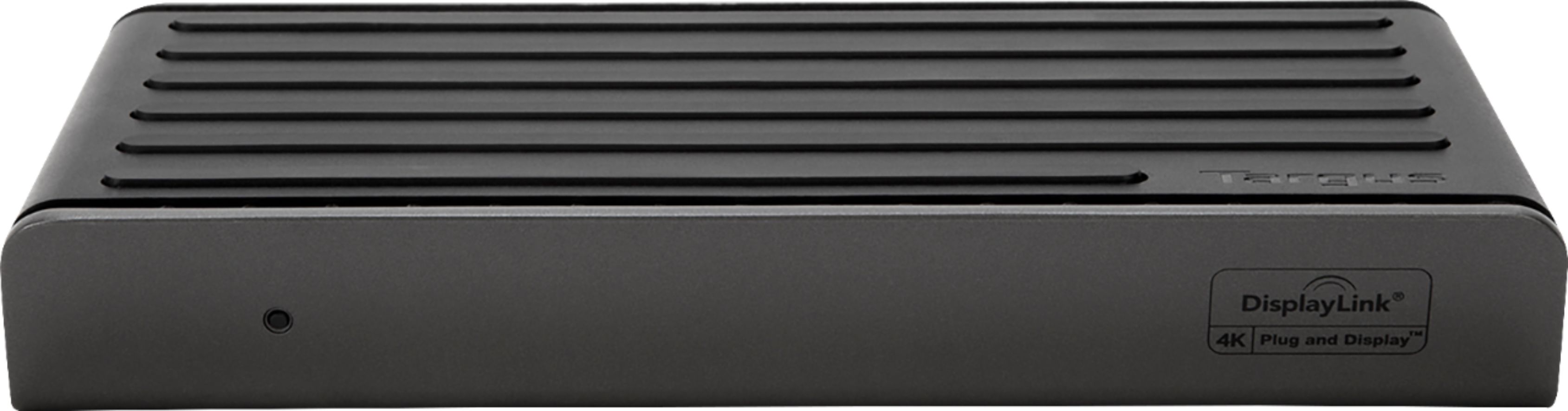
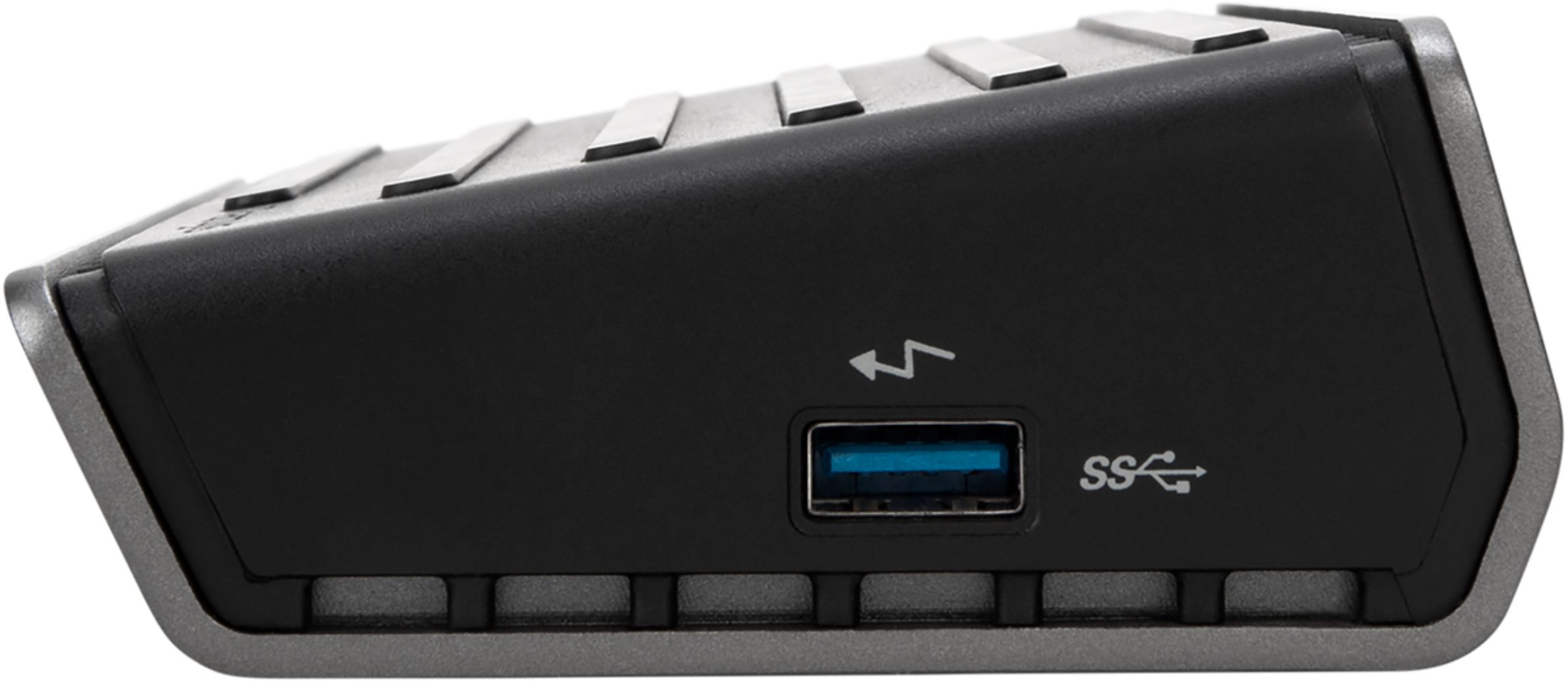
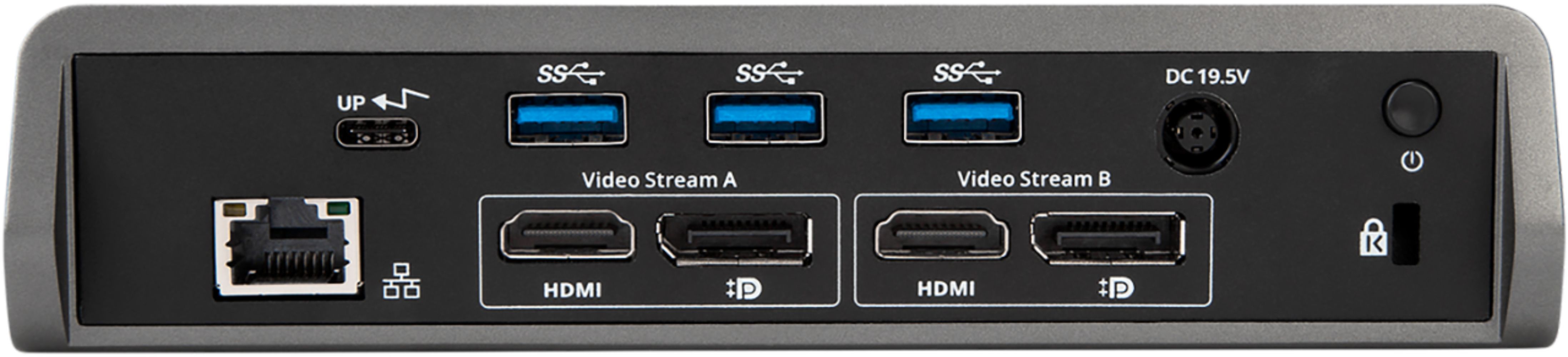
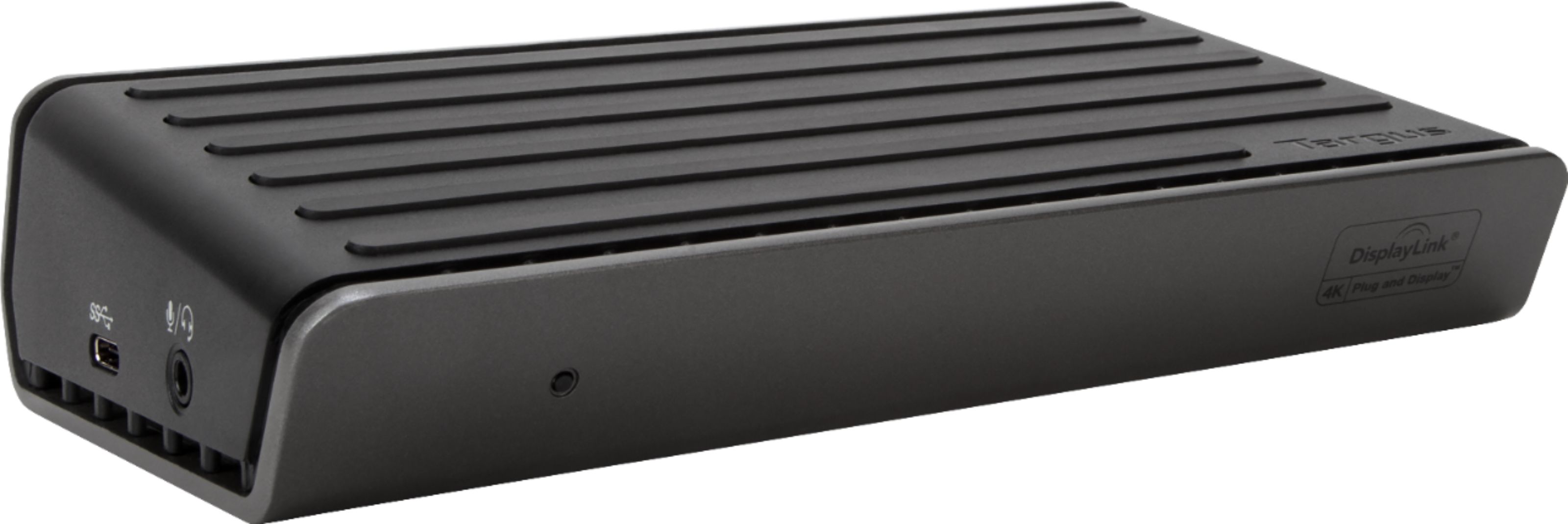
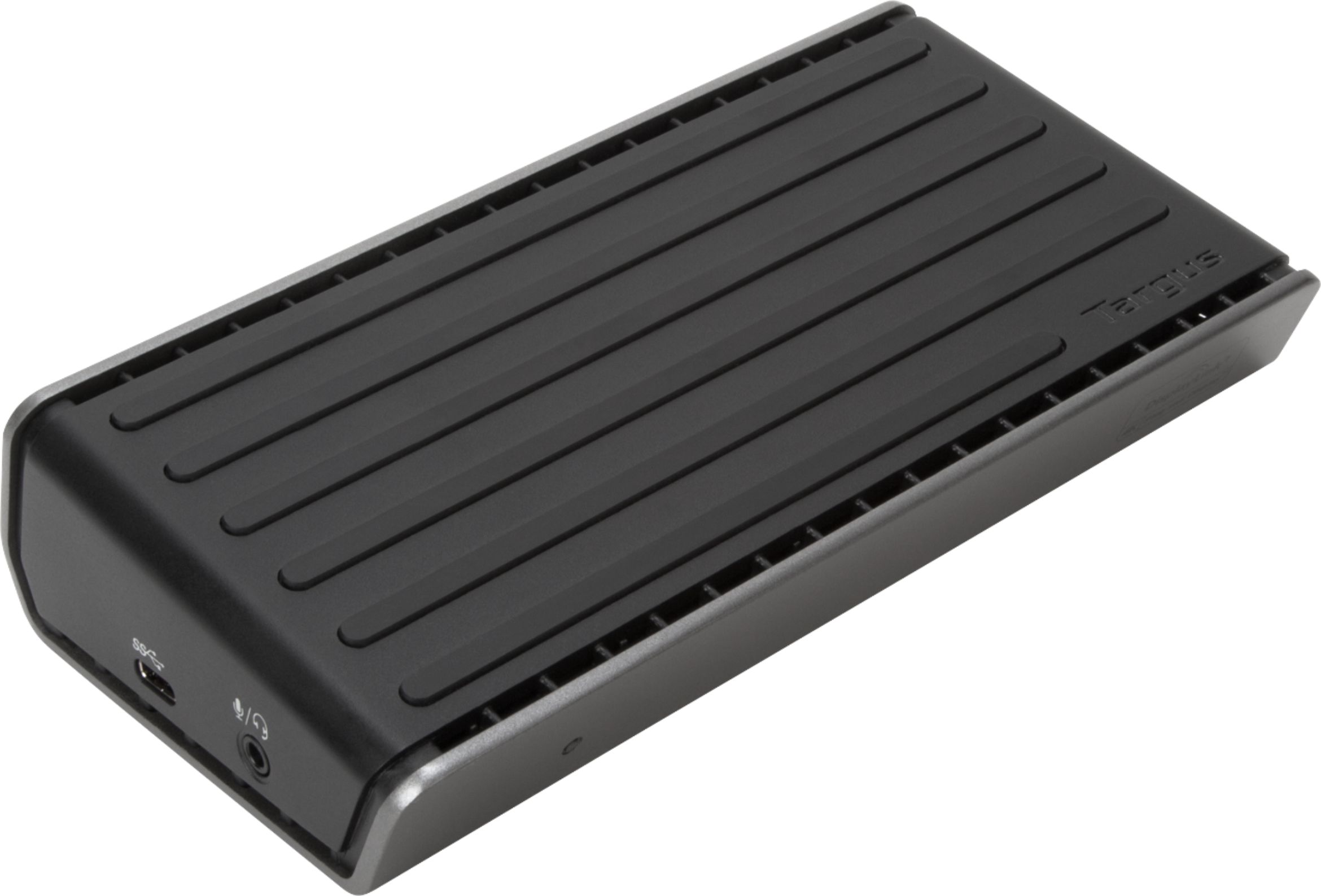
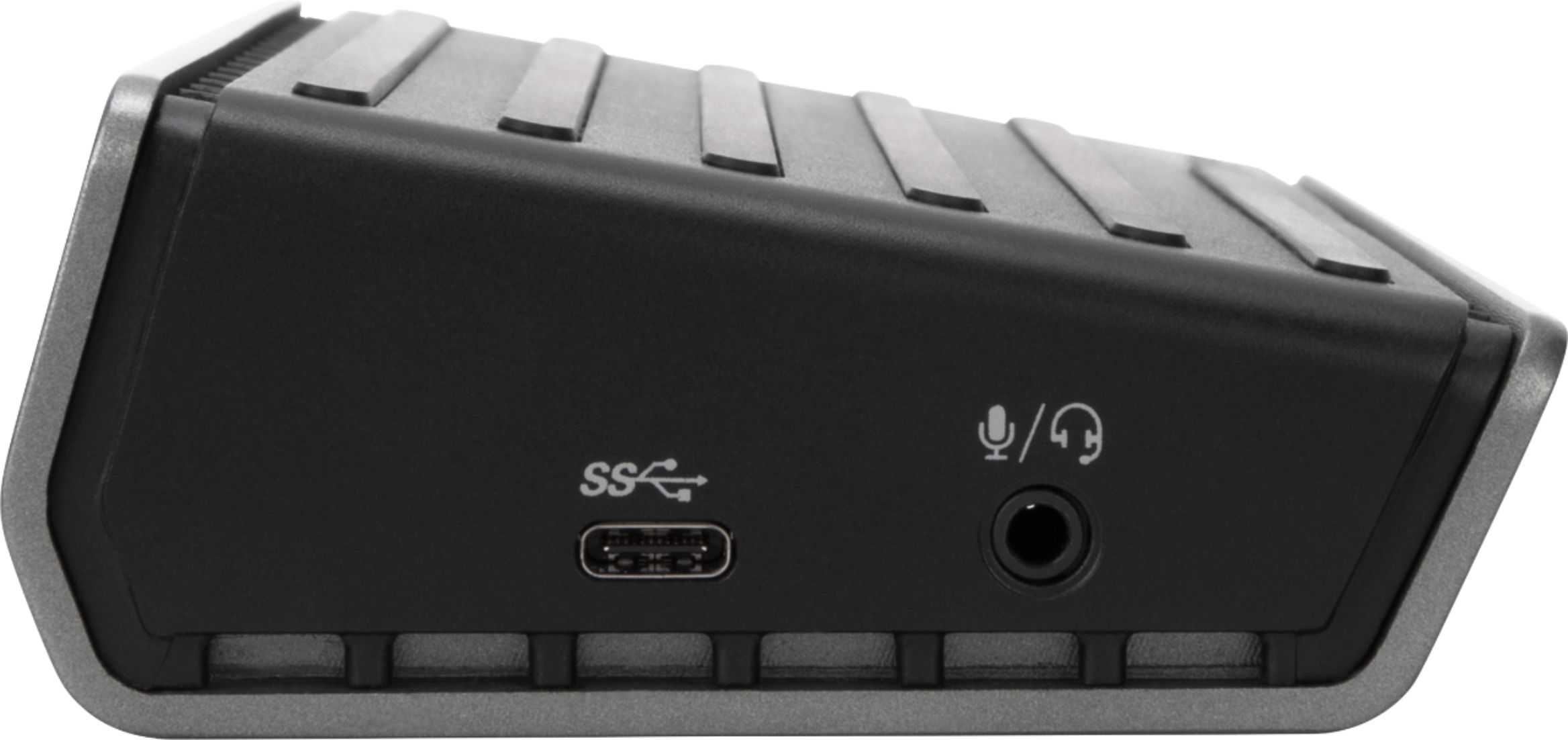
A:AnswerI bought this same SKU. To answer your question, it is USB-C. The problem is the picture provided is not correct. This device is a lot different. See my attached reference image to see what this device actually looks like.
A:AnswerI am currently using it with an HP Spectre x360 Convertible 15-ch0xx and it does charge. Every time I plug it in, an HP warning about using an HP charger pops up, but so far, it charges well and doesn't overheat.
A:AnswerNo. Go to power options. Change the “when I close my lid” to the “do nothing” option.
You will also have to go to your display settings and configure how you want your PC to handle the extra monitors.
I hope this helps.
A:AnswerI could not get it to charge my laptop. I took it back to Best Buy and let the Geek Squad look at it for me. I was told that the it would not charge my laptop. They then suggested I contact Dell.
I contacted Dell and after a while of explaining on my part and research on their part they have suggested and they have assured me that the
‘Targus Univeral USB 3.0 DV4K docking stations with Power - docking station” would do the job. It can be found on the dell website.
I have not purchased it yet but I probably will.