Questions & Answers
- Model:
- 32S335
- |
- SKU:
- 6420959
Q: QuestionWhat is the difference between the TCL model 32S335 and model 32S325?
Asked by rmwi.
- A:Answer rmwi- The specs are nearly identical between those two models. The 32S325 is the 2019 model and the 32S335 is the 2020 model. -TCL US Support
Answered by TCLExpert

Q: QuestionDoes this tv work without having a cable box?
Asked by Camex.
- A:Answer Yes, it's a smart TV so it has built-in WiFi. No cable needed.
Answered by BrileyK
Q: QuestionWhat is the distance between the feet of the TV? Or End to end of the feet.
Asked by Artfigueroa.
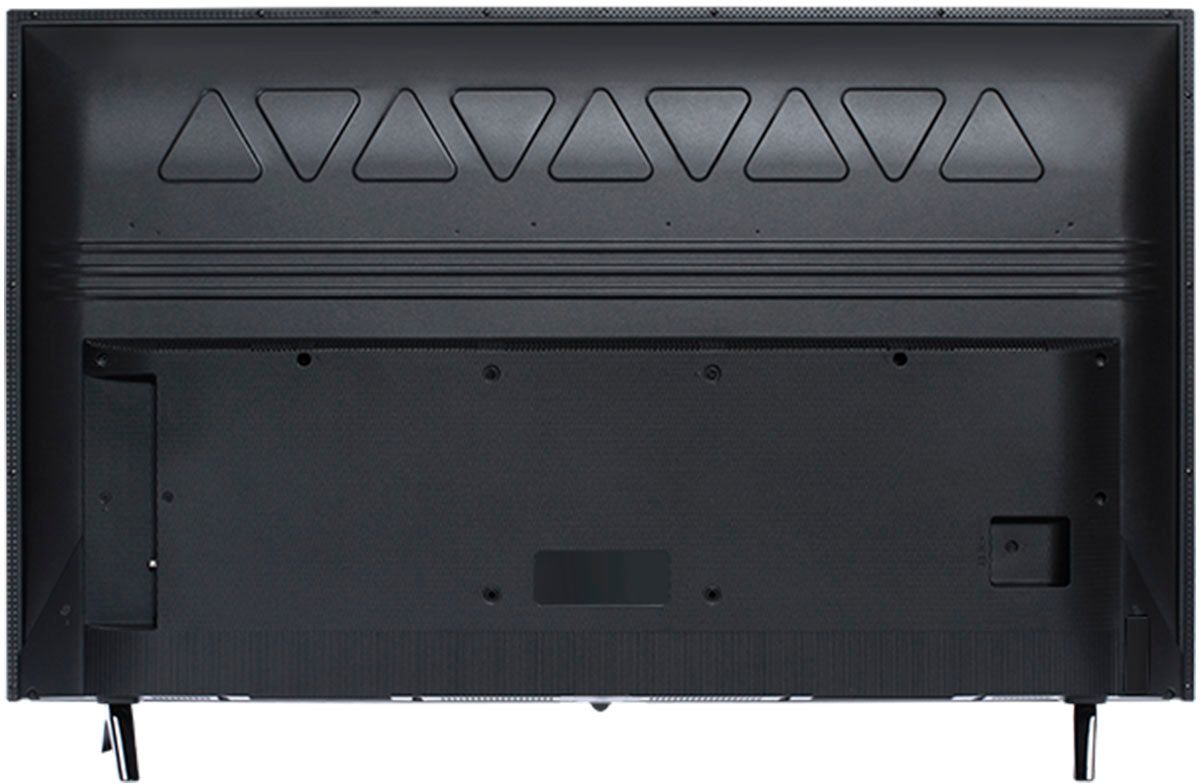
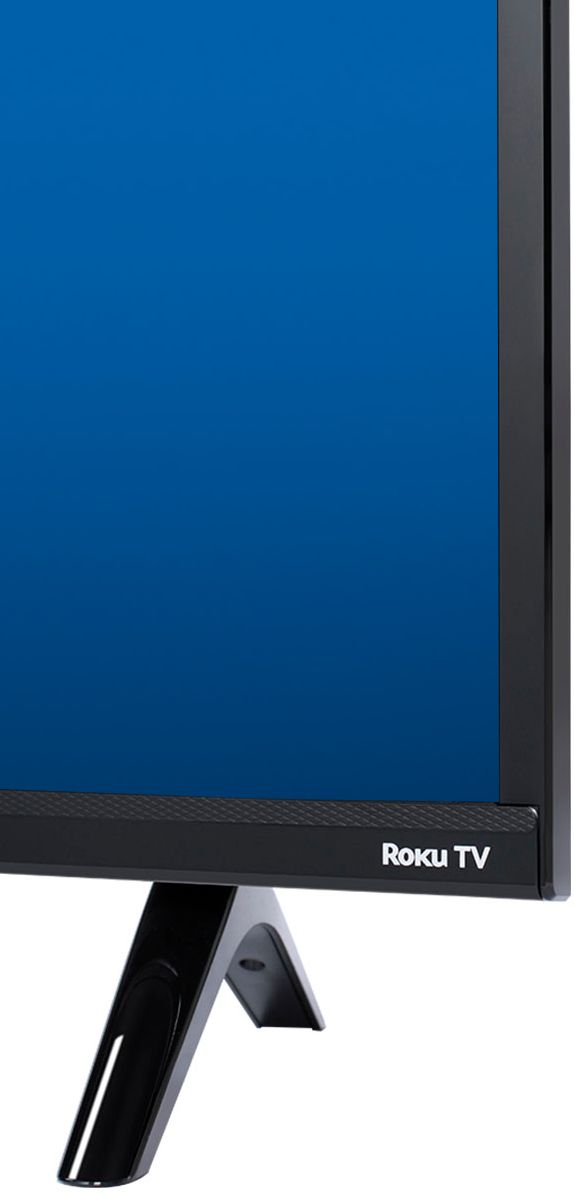
- A:Answer For this 32 inch TCL Roku TV, the feet spacing to fit on a stand is 24.7 inches. Hope this helps! Thank you, TCL Customer Support
Answered by TCLExpert

Q: QuestionDoes it have a sleep timer and is it easy to use. I had one you had to run through so many settings to get to it!
Asked by Millie.
- A:Answer I find it easier to reach the sleep timer another way. While watching a program I tap the asterisk (*) button on the remote, a menu will slide out from the left and you use the arrow buttons to set shut off time in 30 minute increments. This way you don't need to leave your program.
Answered by David
Q: QuestionDoes this tv have bluetooth so I can connect bluetooth headphones?
Asked by Nala.
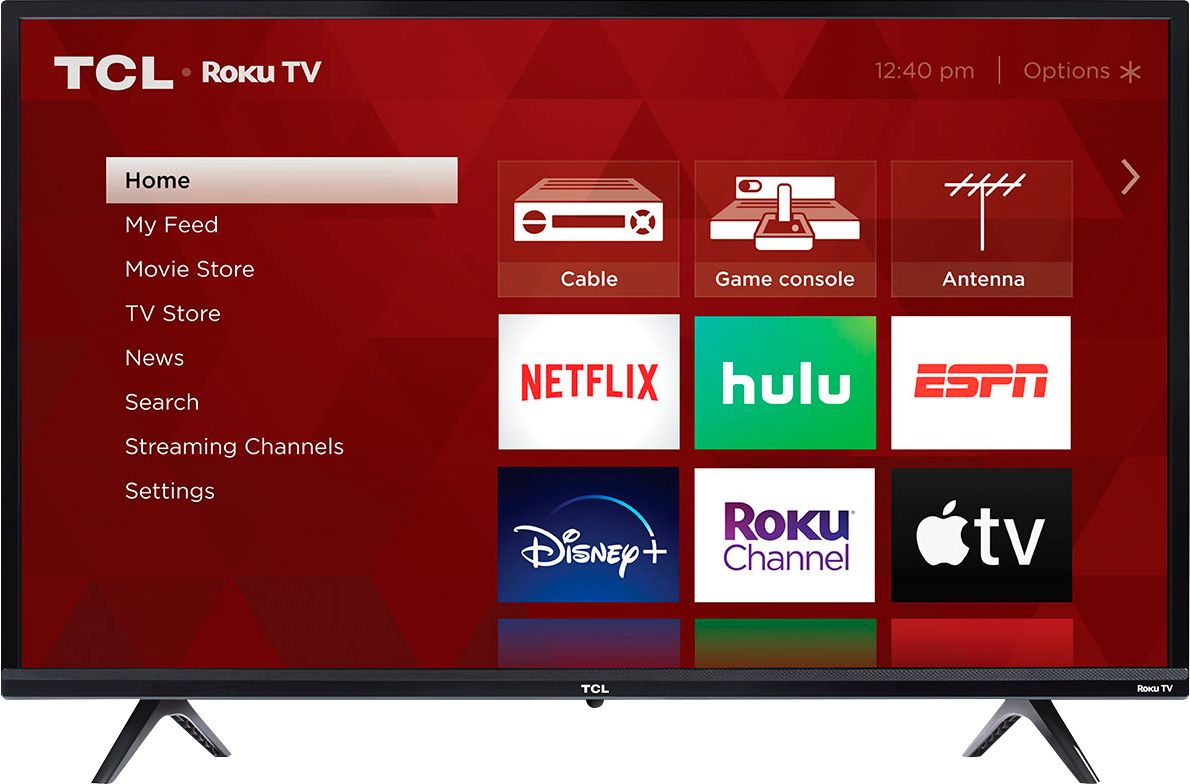
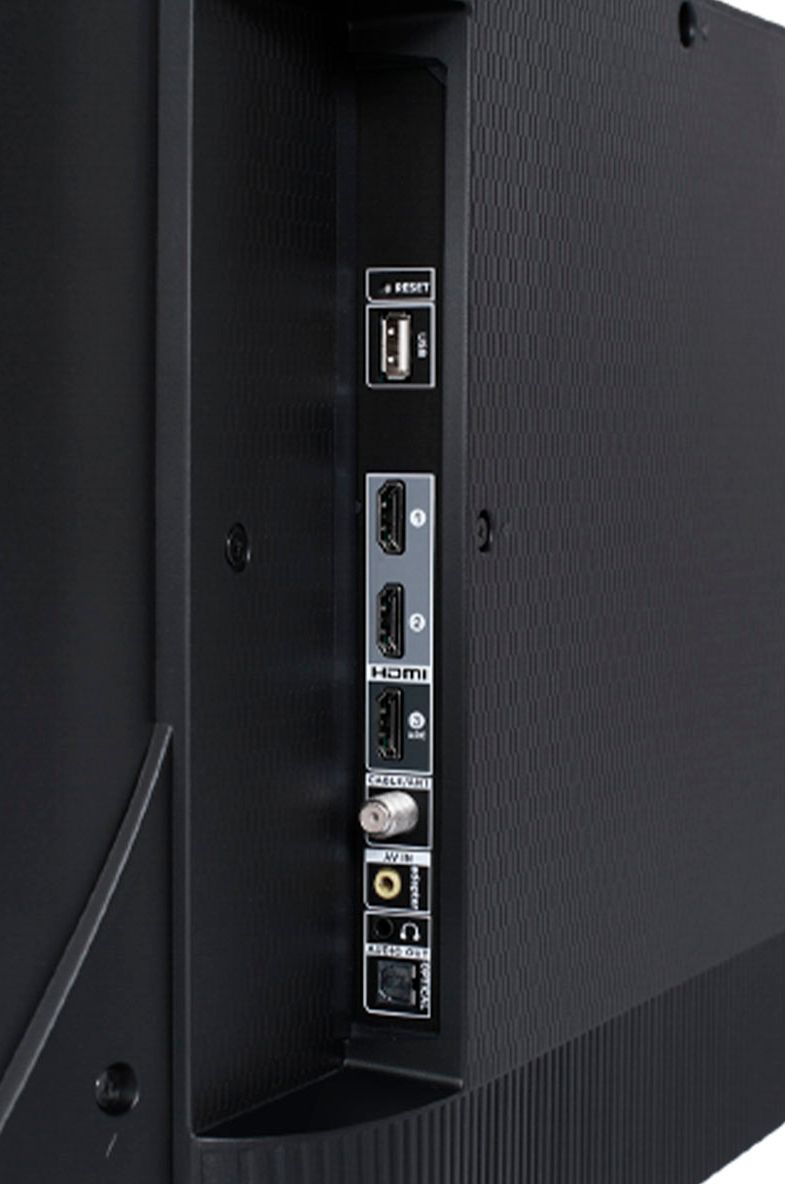
- A:Answer Our TCL Roku TVs do not currently support Bluetooth. However, you can download the free Roku app on your smart phone or tablet to use voice search, voice control, and experience private listening. To enjoy private listening you simply click private listening in the app, and attach headphones to your smart phone or tablet. Or you can use the 3.5 mm headphone jack in the back of the TV to connect standard headphones. Hope this helps! Thank you, TCL Customer Support
Answered by TCLExpert

Q: QuestionUsing an ota antenna. Will this get me good reception with over the air tv antenna? I have no cable.
Asked by TammyK.
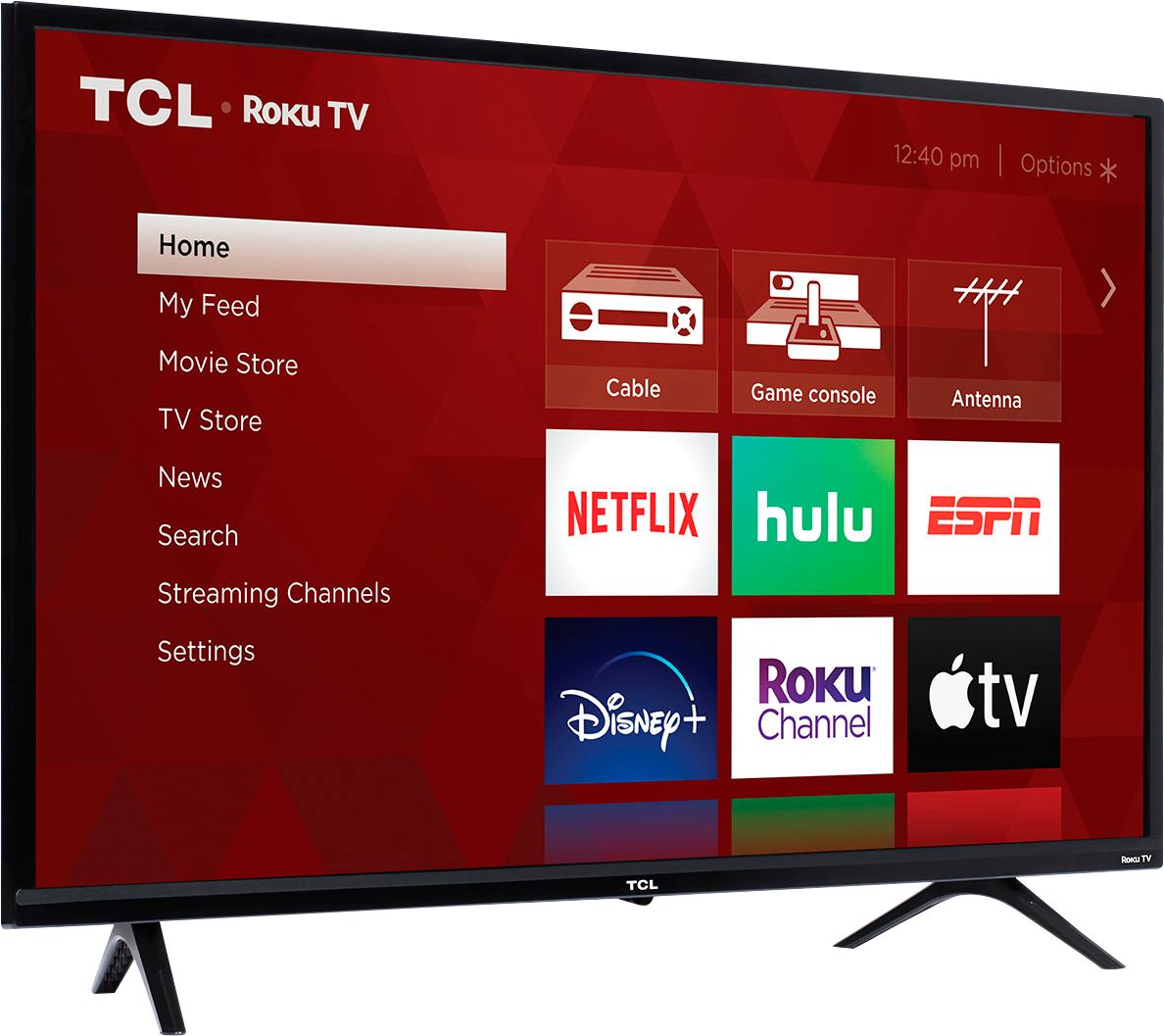
- A:Answer This TCL TV has a coaxial located on the back of the TV near the other inputs. By connecting an antenna you can receive over-the-air channels. However, the reception depends on the signal strength. Hope this helps! Thank you, TCL Customer Support
Answered by TCLExpert

Q: QuestionCan you add programs to the smart TV? Specifically the Xfinity Stream app like you can with the Roku stick?
Asked by Takenforasucker.
- A:Answer Yes you can
Answered by Reyna
Q: QuestionDoes it have YouTube ?
Asked by Anonymous.
- A:Answer Absolutely! Through our TCL Roku TV you have access to Roku's complete database of content, which includes thousands of streaming channels as well as over 500,000 different movies and TV episodes. Roku offers a specific YouTube TV app that can be found in the streaming channel store. -TCL US Support
Answered by TCLExpert

Q: QuestionEthernet Port ?
Asked by Andrew.
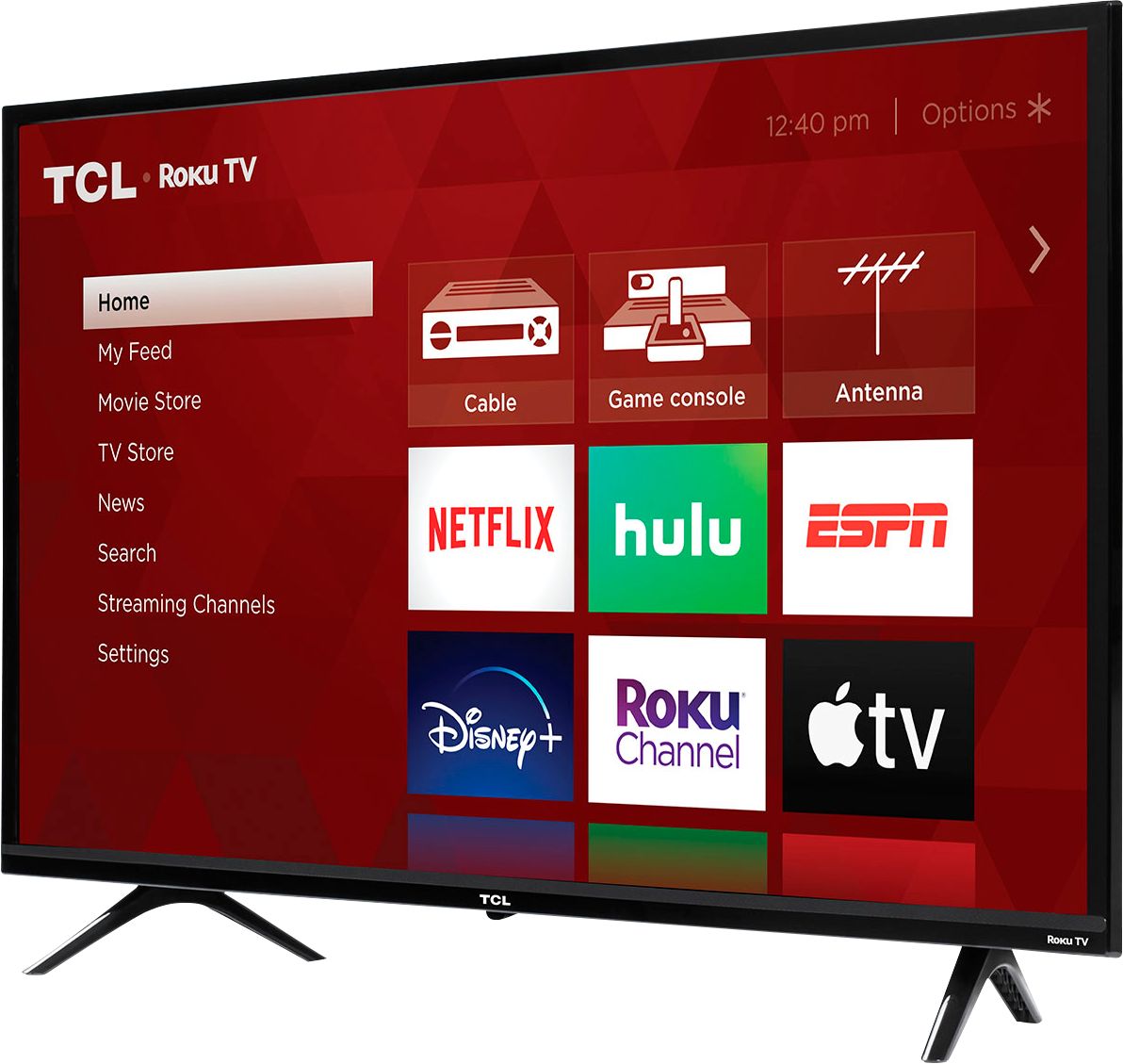
- A:Answer This TCL Roku TV has the ability to connect to the Internet via WiFi. It does not feature an Ethernet port. Hope this helps! Thank you, TCL Customer Support
Answered by TCLExpert

Q: QuestionDoes the TCL - 32” Class 3 Series LED HD Smart Roku TV connect to local cable networks? Thank you.
Asked by Beekeeper.
- A:Answer Hello BeeKeeper, Yes, you will have multiple way to do so. First, you can connect a cable box or you can connect an Antenna and scan for channels. Lastly, you can connect the TV to the Internet and add the broadcast networks name so long as they have a streaming channel for example like Fox. Hope this Helps, TCL Customer Support
Answered by TCLExpert

Q: QuestionCan you tell me how far apart the legs on the stand are from each other? It makes a difference where we could put this tv. Thank you so much
Asked by Dwj.
- A:Answer For this 32 inch TCL Roku TV, the feet spacing to fit on a stand is approximately 24.7 inches. Hope this helps! Thank you, TCL Customer Support
Answered by TCLExpert

Q: QuestionDoes this TV connect to Amazon Prime?
Asked by Brandt.
- A:Answer The Prime Video streaming channel is one of the thousands of streaming channels offered through the Roku Channel Store. You can also visit www.roku.com/whats-on to see other streaming channels Roku offers. Hope this helps! Thank you, TCL Customer Support
Answered by TCLExpert

Q: QuestionCan this model connect to 2.4 and 5G wifi?
Asked by jimh.
- A:Answer This TCL Roku TV has the ability to connect to the Internet via WiFi and supports both 2.4Ghz and 5Ghz. Hope this helps! Thank you, TCL Customer Support
Answered by TCLExpert

Q: QuestionDoes this tv have free Roku channels (like the stick does)?
Asked by Anonymous.
- A:Answer Absolutely! With the built-in Roku operating system on this TV, you should be able to access all of the same content you do on your Roku Stick. Hope this helps! Thank you, TCL Customer Support
Answered by TCLExpert

Q: QuestionWith a ROKU TV, does this mean that a separate ROKU device is not necessary?
Asked by CharlesH.
- A:Answer You do not need a separate roku device to use the television
Answered by annalee
Q: QuestionIs there an ethernet connection to go to my computer?
Asked by bakes.
- A:Answer This TCL Roku TV has the ability to connect to the Internet net via WiFi. It does not feature an Ethernet port. Hope this helps! Thank you, TCL Customer Support
Answered by TCLExpert

Q: QuestionIs this tv wall mountable?
Asked by Moondance.
- A:Answer Absolutely! This TCL Roku TV is compatible with most wall mounts that support a 100mm x 100mm VESA mounting pattern. Hope this helps! Thank you, TCL Customer Support
Answered by TCLExpert

Q: QuestionCan I mirror my I-phone SE to this TV (ie display Instagram or FB Live)?
Asked by Otis23.
- A:Answer Screen mirroring with a Roku device is not supported with iOS® or Apple devices. However, you can download the free Roku mobile app on your smartphone to use as a remote, cast personal photos and videos to the TV, experience private listening, etc. You can also cast select channels (Such as YouTube) from your Apple device. You can visit https://support.roku.com/article/208754928-how-to-use-screen-mirroring-with-your-android-or-windows-device for more information. Hope this helps! Thank you, TCL Customer Support

Answered by TCLExpert

Q: QuestionHello, how is it possible to connect my router by using a ethernet cable(RJ-45) to the TV? I dont see a port; thus seems only Wi-Fi will work?
Asked by Gomar.
- A:Answer This TCL Roku TV has the ability to connect to the Internet via WiFi. It does not feature an Ethernet port. Hope this helps! Thank you, TCL Customer Support

Answered by TCLExpert

Q: Questiondoes this tv have a ethernet port
Asked by Anonymous.
- A:Answer This TCL Roku TV has the ability to connect to the Internet via WiFi. It does not feature an Ethernet port. Hope this helps! Thank you, TCL Customer Support

Answered by TCLExpert

Most-viewed items
- $299.99$299.99The price was $449.99
- $199.99$199.99The price was $299.99
- $409.99$409.99The price was $809.99
- $159.99$159.99The price was $259.99
- $99.99$99.99The price was $129.99
- $149.99$149.99The price was $219.99
- $139.99$139.99The price was $149.99
- $1,149.00$1,149.00The price was $1,299.00
- $329.99$329.99The price was $469.99
















