A:AnswerThe built-in media player and USB port are design to use moderately sized thumb drives for playing back movies, pictures, and music. You can visit https://support.tcl.com/setup-configuration/02-playing-video-or-music-from-usb-devices-using-roku-media-player for more information about the functionality and file types supported. Hope this helps! Thank you, TCL Customer Support
A:AnswerThis TCL Roku TV does not currently feature a web browser. However, there are thousands of streaming channels and over 500,000 different movies and TV episodes available through the Roku streaming system. Additionally, you can screen mirror compatible phones to the TV. This way you can search on your phone, but view on the TV. Hope this helps! Thank you, TCL Customer Support
A:AnswerThis TV comes with a standard IR Roku remote which does not feature a mic for voice control. You can download the free Roku mobile app on your Smartphone or tablet to use as a remote. Through the Roku mobile app, you gain access to power toggle, volume toggle, private listening, voice search, and more. However, the voice control is not designed to be used for external connected devices, like an antenna. Hope this helps! Thank you, TCL Customer Support
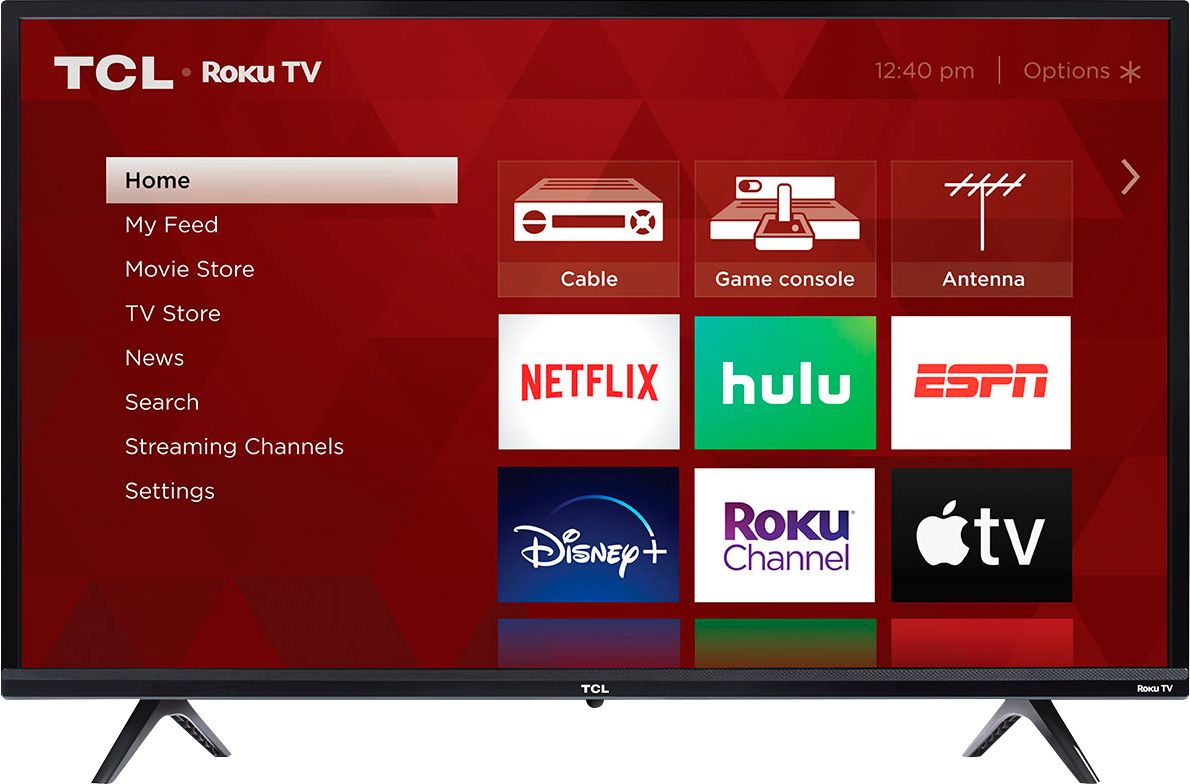
A:AnswerThe remote does not feature number buttons. Currently, our smart TVs do not support the direct input of channel numbers for OTA. However, if your TV is connected to the Internet, you can press the left arrow key to populate a channel guide and navigate channels this way. Additionally, you can enable "favorites" for over the air channels so that your most-watched channels will automatically appear towards the top. To enable favorites you would go to Home>Settings>TV inputs>Antenna TV>Favorite Channels>Enable. Hope this helps! Thank you, TCL Customer Support
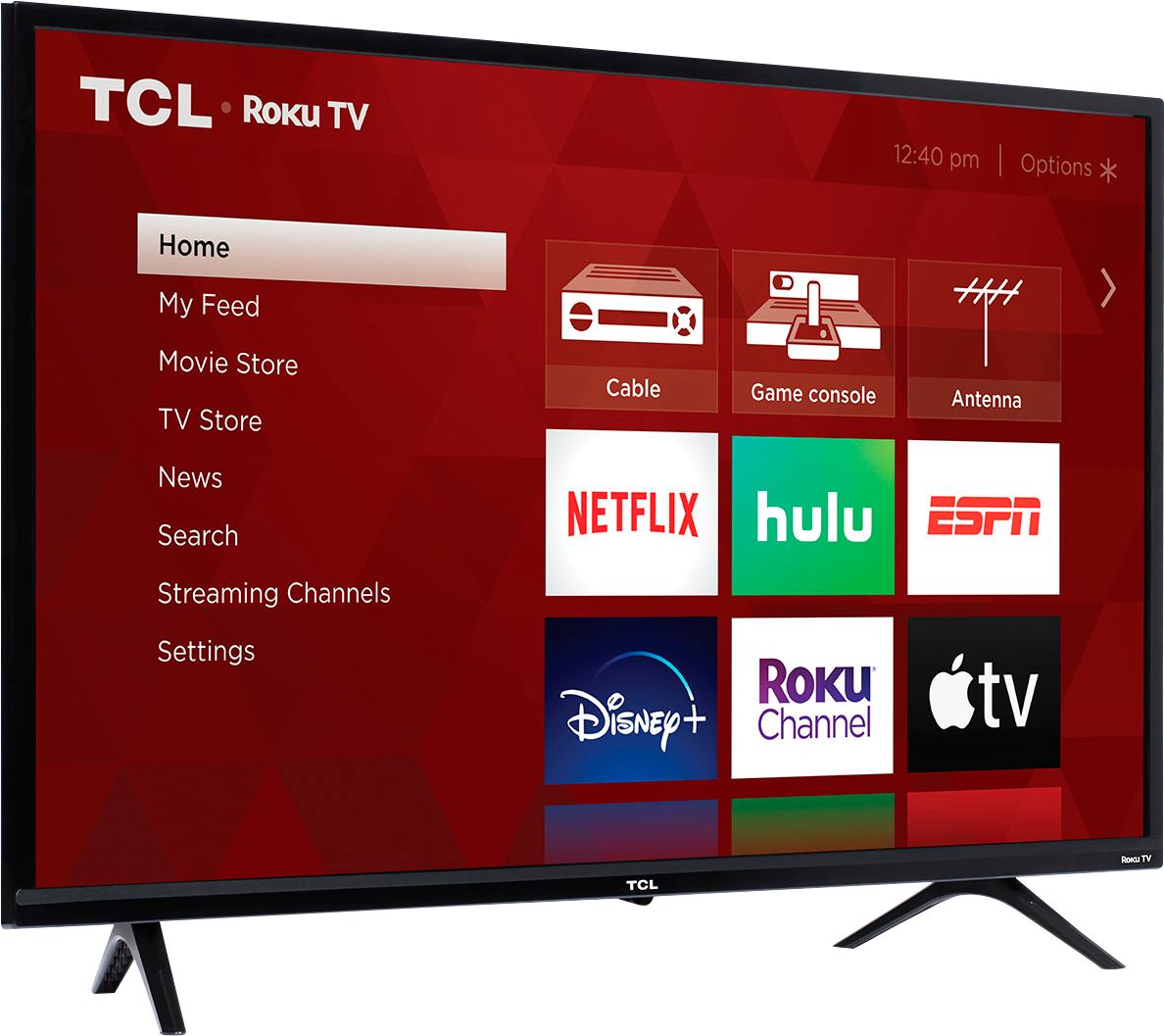
A:AnswerThe new version of 3-Series TVs offers the same great performance and features as the previous versions. The new models offer a refreshed bezel and stand design, but features and capabilities are identical. Hope this helps! Thank you, TCL Customer Support
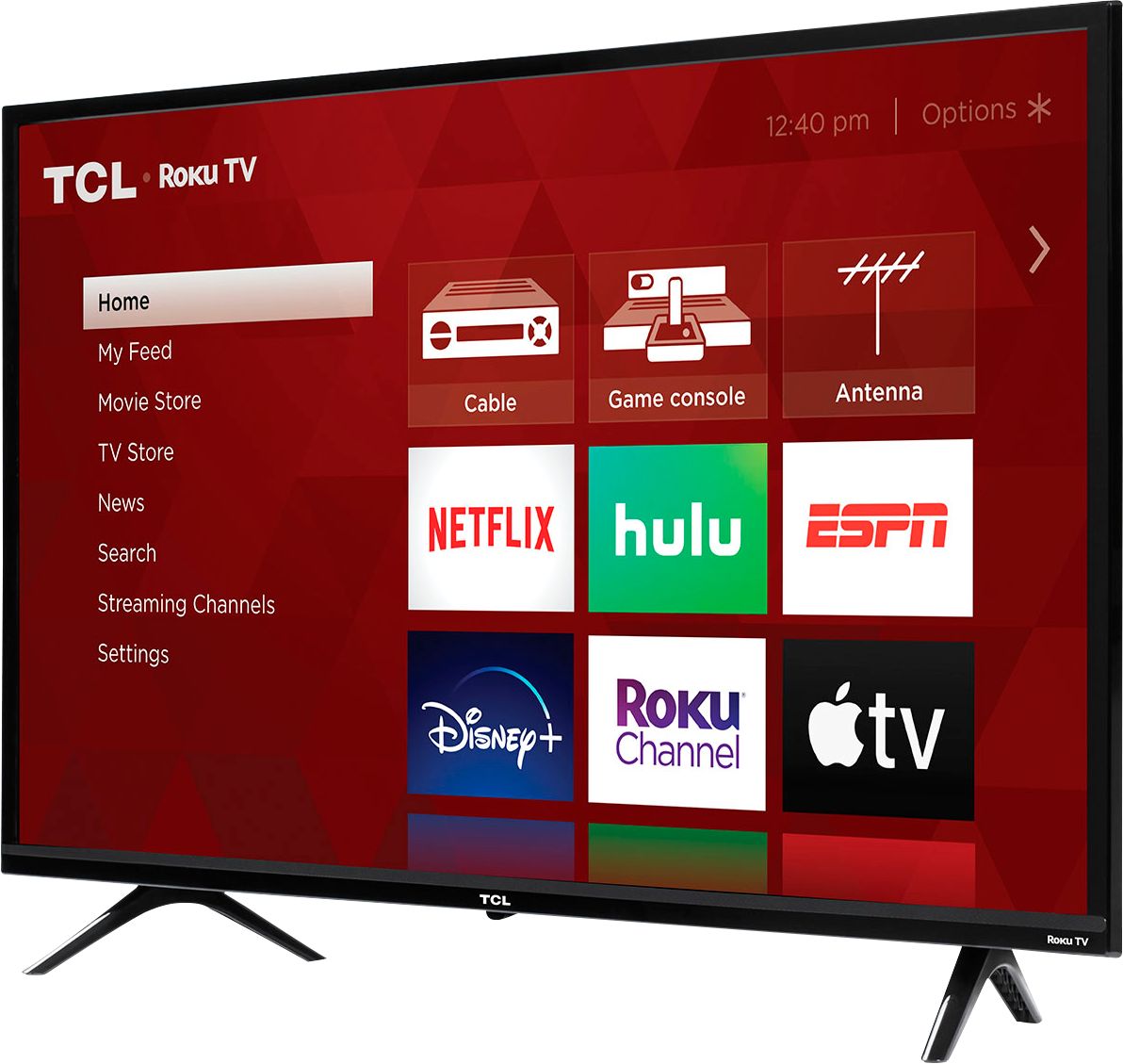
A:AnswerAbsolutely! You would activate the new Roku TV under your current Roku account and the TV will automatically download all of your streaming channels. Then you would simply log in to the streaming apps with your existing credentials. Hope this helps! Thank you, TCL Customer Support
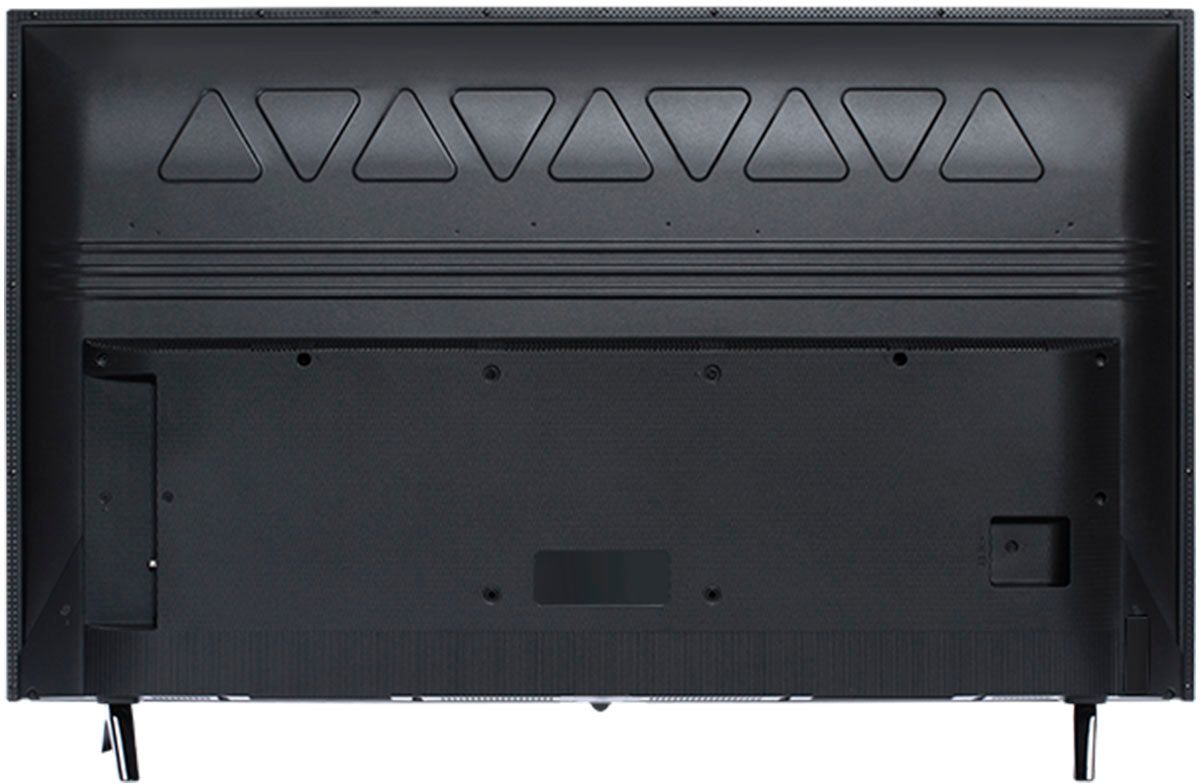
A:AnswerThis TCL Roku TV has the ability to connect to the Internet via WiFi. The strength of the connect will depend on your setup and network. Hope this helps! Thank you, TCL Customer Support
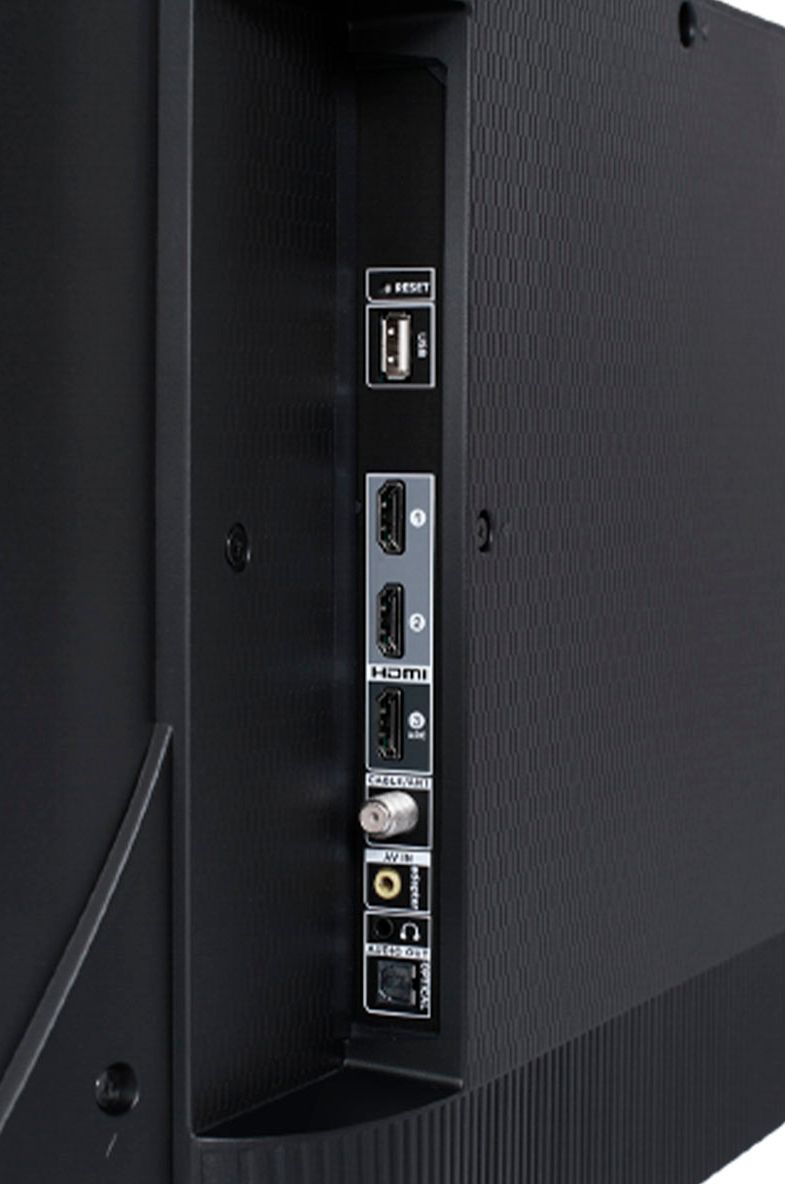
A:AnswerThere is not a physical button for it, but there is an option for it. Simply press the asterisk (*) button on your TCL Roku TV remote while watching content, highlight the sleep time option, and choose how long you want to set it for (30minutes-3hours). Hope this helps! Thank you, TCL Customer Support
A:AnswerThe BeachBody on Demand streaming channel is one of the thousands of streaming channels offered through the Roku Channel Store. You can also visit www.roku.com/whats-on to see other streaming channels Roku offers. Hope this helps! Thank you, TCL Customer Support
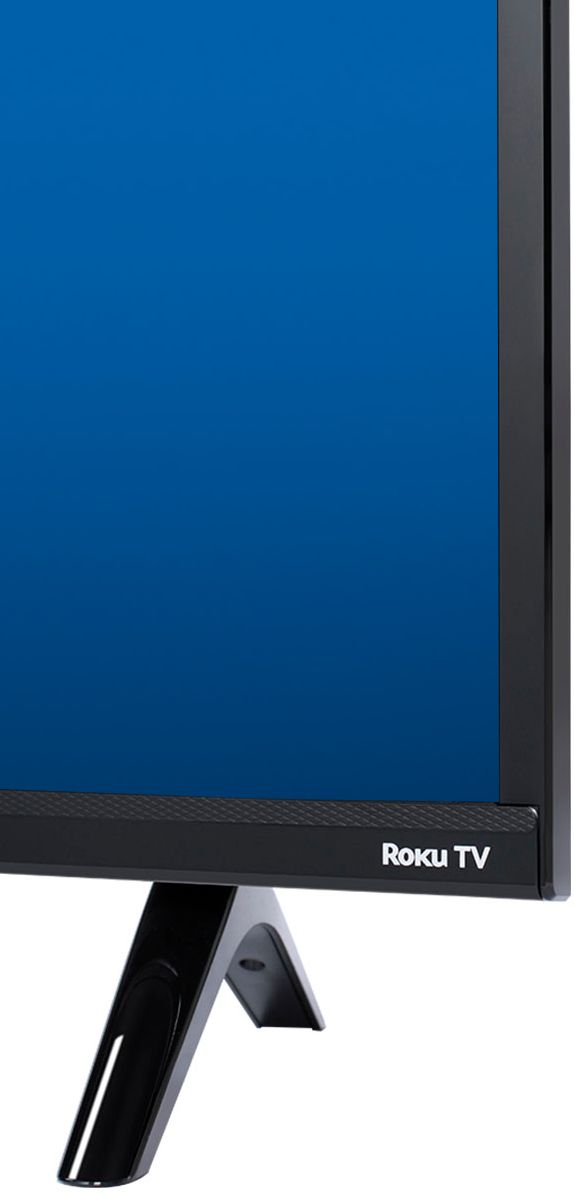
A:AnswerDelmy-
It does not have a built in DVD player but if you can easily connect one through one of the HDMI ports. Not that you need one. This TV has Roku OS built into the TV. By connecting the the Internet you will gain access to thousands of streaming channels and over 500,000 different movies and TV shows.
- TCL US Support
A:AnswerThis TCL Roku TV is designed and engineered to be used within the US. As such, it supports 120V. Hope this helps! Thank you, TCL Customer Support
A:AnswerThe DirecTV Stream streaming channel is one of the thousands of streaming channels offered through the Roku Channel Store. You can also visit channelstore.roku.com/browse to see other streaming channels Roku offers. Hope this helps! Thank you, TCL Customer Support