A:AnswerThis TV should indeed support AirPlay and HomeKit. You can visit https://support.roku.com/article/360057488733 for more information. Hope this helps! Thank you, TCL Customer Support
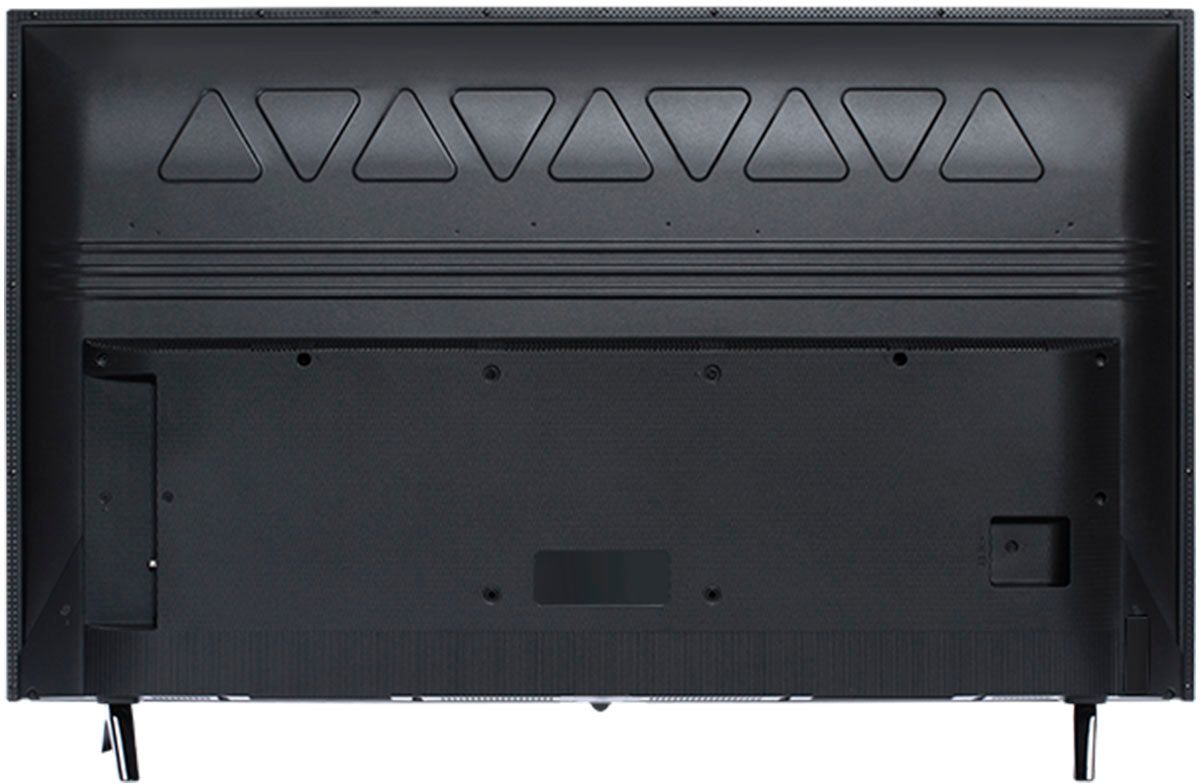
A:AnswerThis TCL Roku TV is compatible with most mounts that support a 100mm x 100mm VESA mounting pattern. This TV utilizes M4 screws for mounting purposes. The length of the screw depends on the mount you are using. Different mounts may have different thicknesses and some people elect to use spacers. This is why the length depends on your specific setup and hardware. Most mounts come with a "screw kit" that has various screw sizes in different lengths. Hope this helps! Thank you, TCL Customer Support
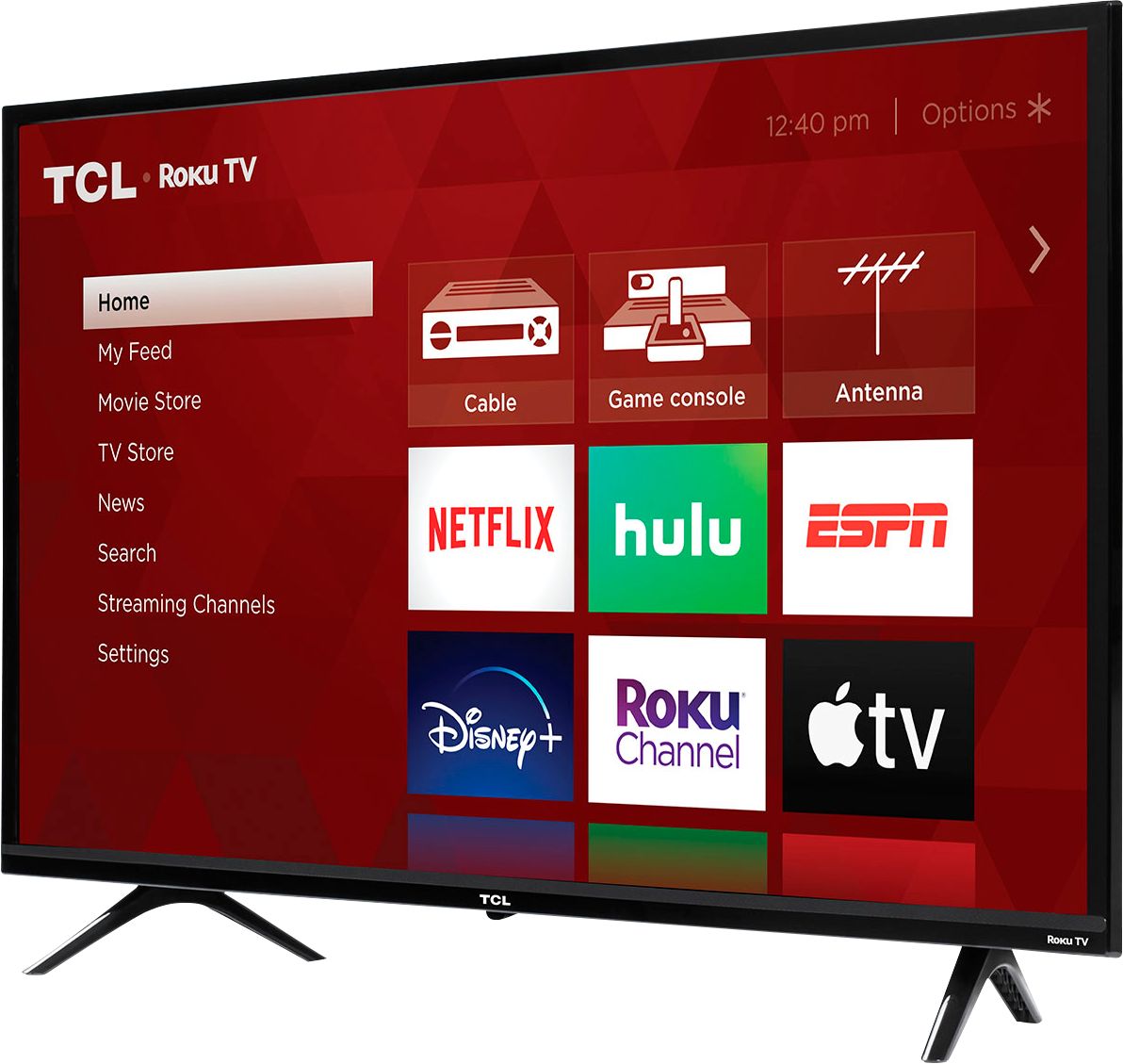
A:AnswerYou can go to channelstore.roku.com/browse to see what streaming channels and apps are offered through the Roku Channel Store. To search for a specific channel you would simply want to enter that information into the search section. Hope this helps! Thank you, TCL Customer Support
A:AnswerIn addition to the remote that comes with the TV, you can download the free Roku mobile app on your Smartphone or tablet to use as a remote. Through the Roku mobile app, you gain access to power toggle, volume toggle, private listening, voice search, and more. Hope this helps! Thank you, TCL Customer Support
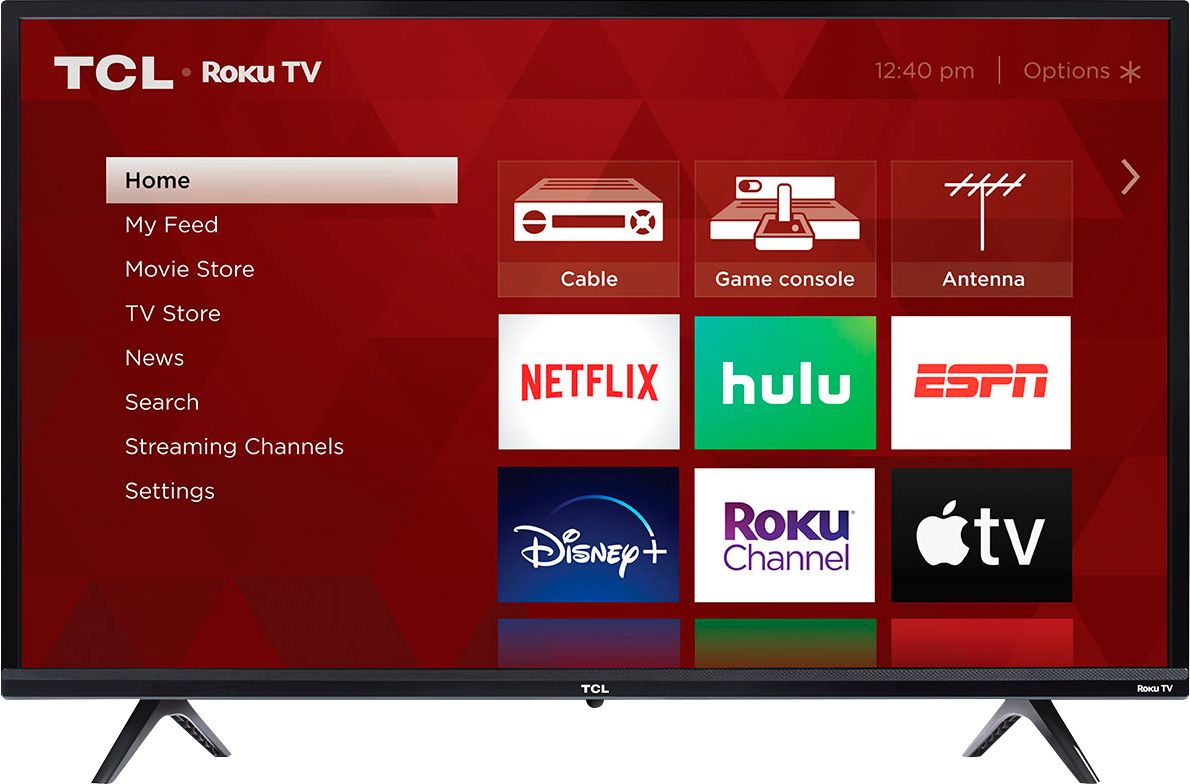
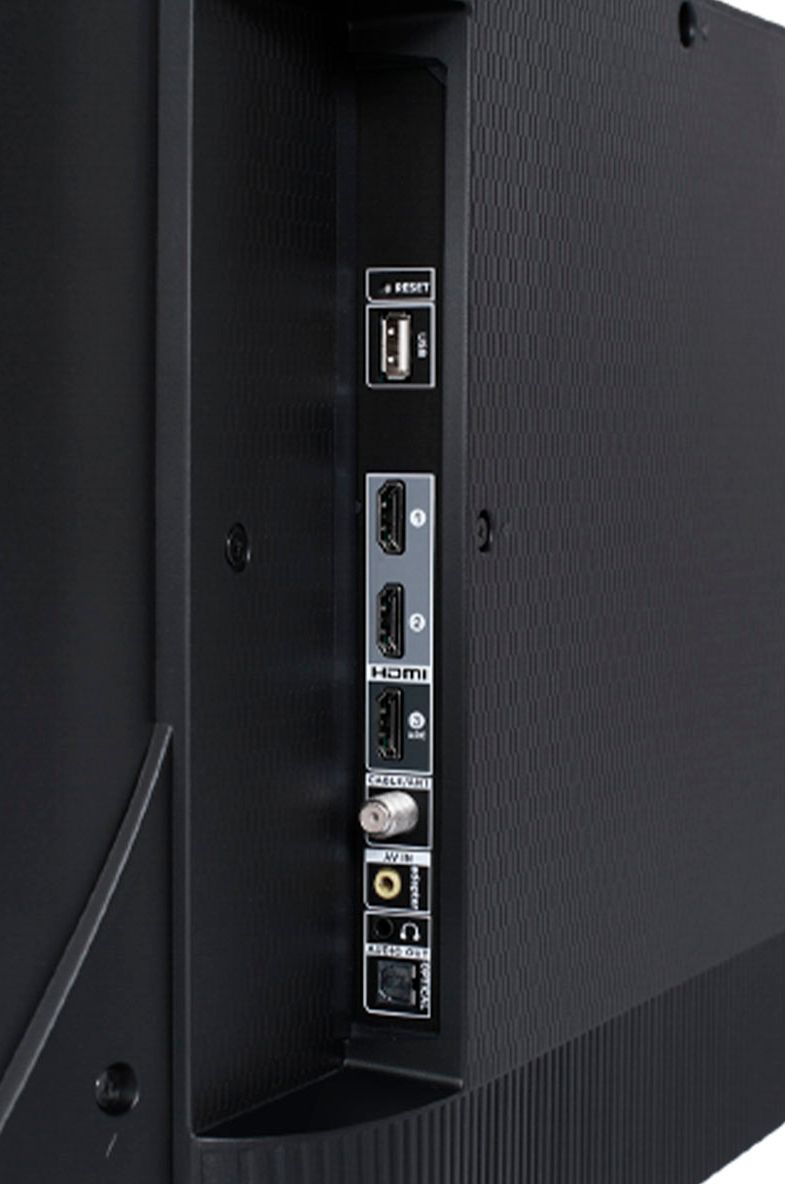
A:AnswerThe built-in media player and USB port are design to use moderately sized thumb drives for playing back movies, pictures, and music. You can visit https://support.tcl.com/setup-configuration/02-playing-video-or-music-from-usb-devices-using-roku-media-player for more information about the functionality and file types supported. Hope this helps! Thank you, TCL Customer Support
A:AnswerThis TV does not have a built-in Alexa. However, it is compatible with Alexa. You can visit https://support.tcl.com/rokutv-setup-configuration/using-amazon-alexa-to-control-your-tcl-roku-tv for more information. Hope this helps! Thank you, TCL Customer Support