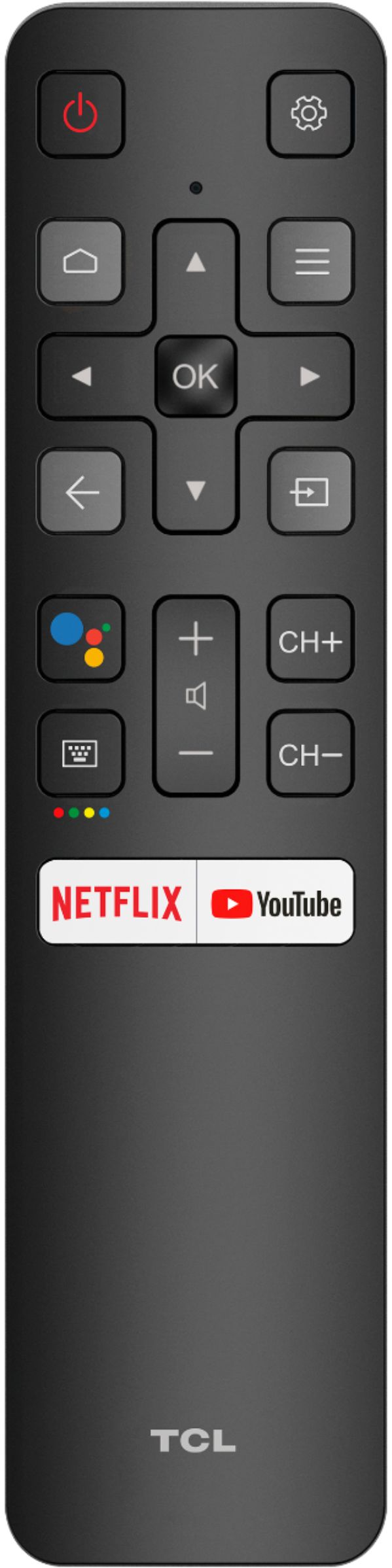
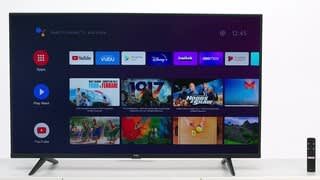
A:AnswerThe remote itself does not have a mute button. However, you can use the Google voice assistant button on the remote to ask google to mute and unmute the TV. Hope this helps! Thank you, TCL Customer Support
A:AnswerOur TCL Android TVs do support casting from IOS devices. However, there may be a limitation depending on the IOS app you are casting from. Hope this helps! Thank you, TCL Customer Support
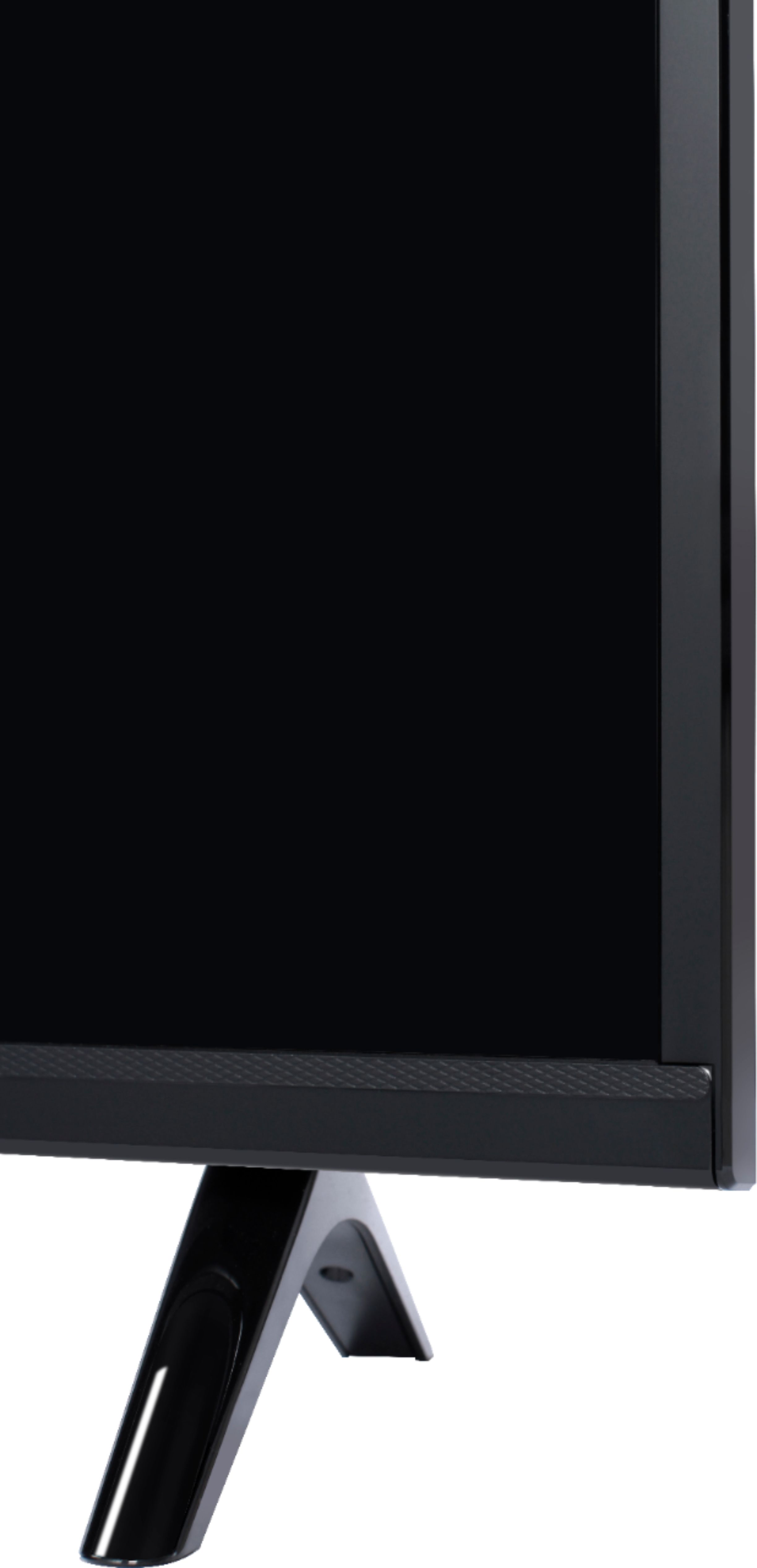
A:AnswerThis TCL Android TV comes with two feet with screws to secure them, a power cord, a TV remote with batteries, an AV Input cable adapter, and a quick start guide. Hope this helps! Thank you, TCL Customer Support
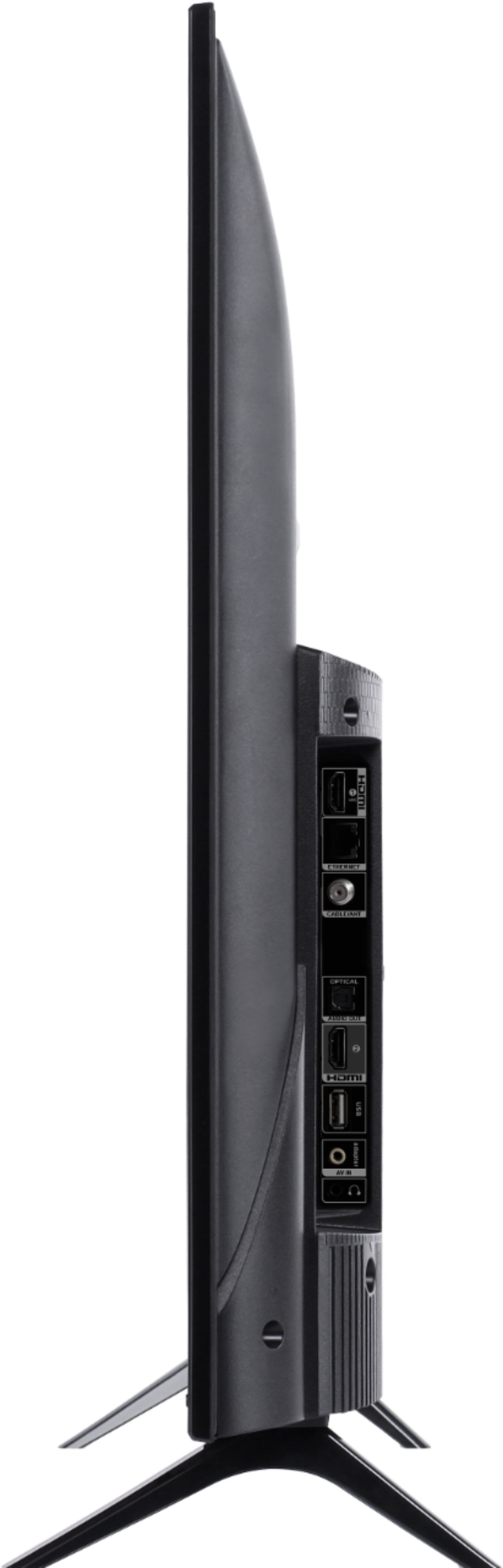
A:AnswerThe Zoom app is not currently an available streaming app on this TCL Android TV. Additionally, the TV does not feature a built-in camera or mic. However, this TV does come with several HDMI ports. Any of these ports can be used to connect the TV to external devices, such as a PC and then the TV can be used as monitor. Hope this helps! Thank you, TCL Customer Support
A:AnswerOur TCL Android TVs do indeed support Bluetooth and can be paired with compatible audio devices that also support and pair via Bluetooth. You can also visit https://support.tcl.com/androidtv-setup-configuration/connecting-bluetooth-devices-to-my-android-tv-642 for more information. Hope this helps! Thank you, TCL Customer Support
A:AnswerThe Dish Anywhere streaming app is indeed one of the many available streaming apps on this TCL Android TV. Hope this helps! Thank you, TCL Customer Support
A:AnswerYou cannot completely disable the volume on the TV when it's on Optical. However, it can be put to zero. When that's done, then there would be a speaker icon showing it's disabled. If that's distracting, then the volume on the tv can be changed to 1 so the speaker icon does not appear. You would then use your receiver remote to control your speaker volume. Hope this helps! Thank you, TCL Customer Support
A:AnswerHello Mike,
All of our TCL TVs are designed and engineered to be used within US and only supports 120V/60hz.
Thank you,
Joseph
TCL Customer Support