A:AnswerYes, definitely. It has a cable input that you can connect an antennae to, is very easy to change the input, and has auto scan to find channels. I did this with mine and it was a piece of cake.
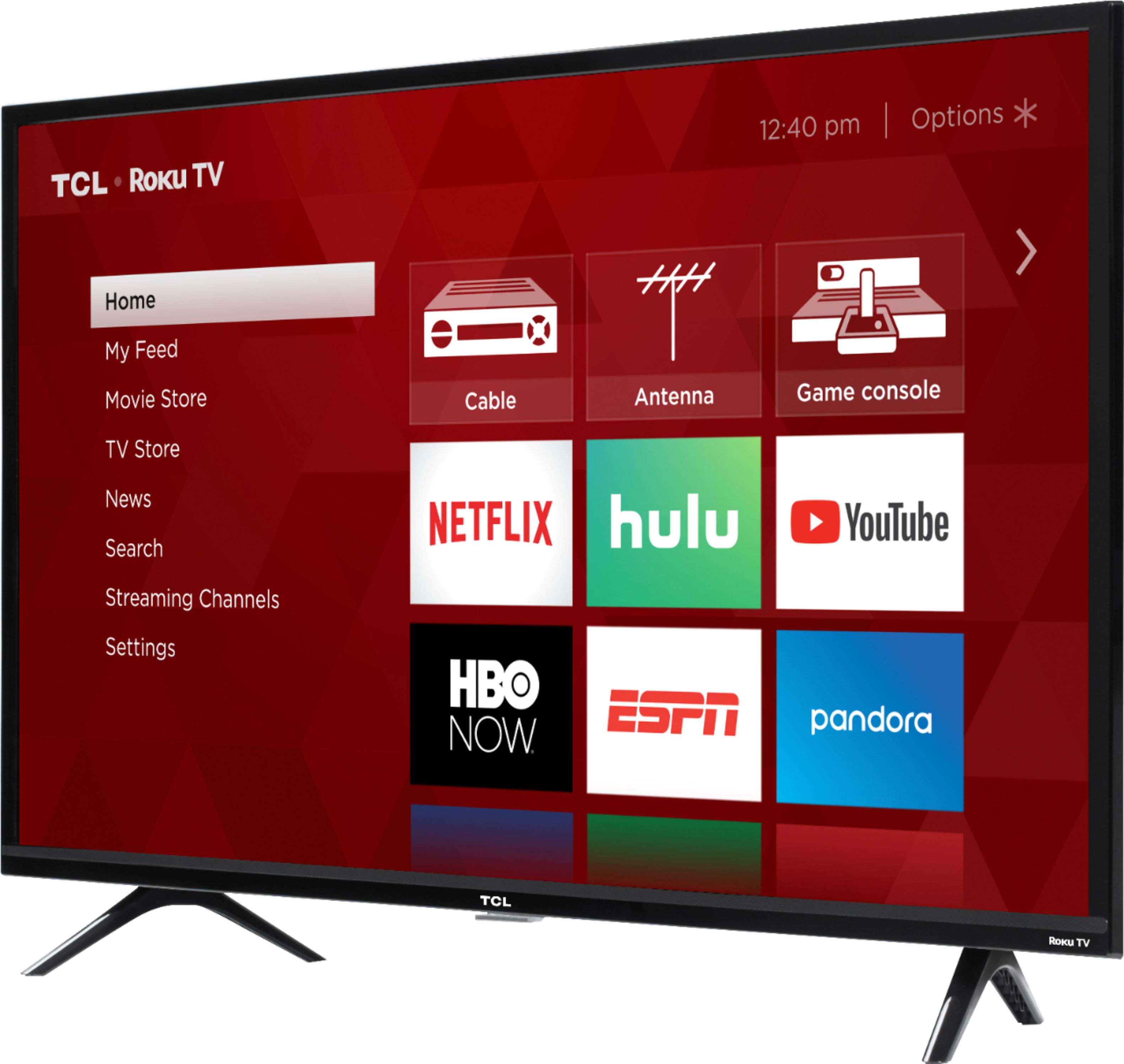
A:AnswerIn order to use the smart features of this TCL Roku TV, you would need to complete the guided setup. This includes connecting to the Internet via WiFi, creating a Roku account (completely free), and activating the TV (completely free). However, if you just want to use this TV as a traditional TV by connecting external devices through the various inputs and not use the smart features, you can elect to not connect this TV to the Internet at startup. You will still have access to all of the inputs and features of a traditional TV. Hope this helps! Thank you, TCL Customer Support
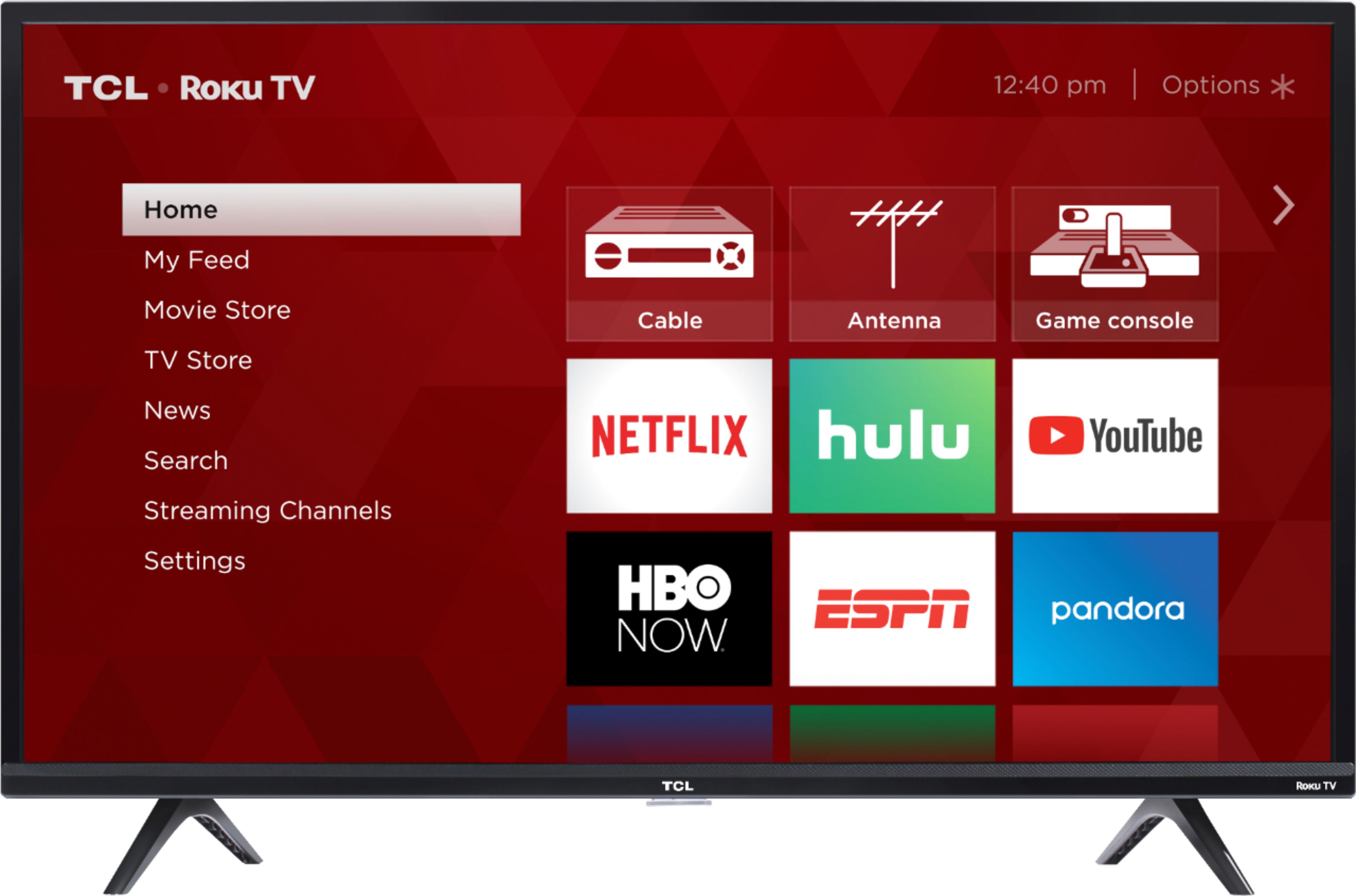
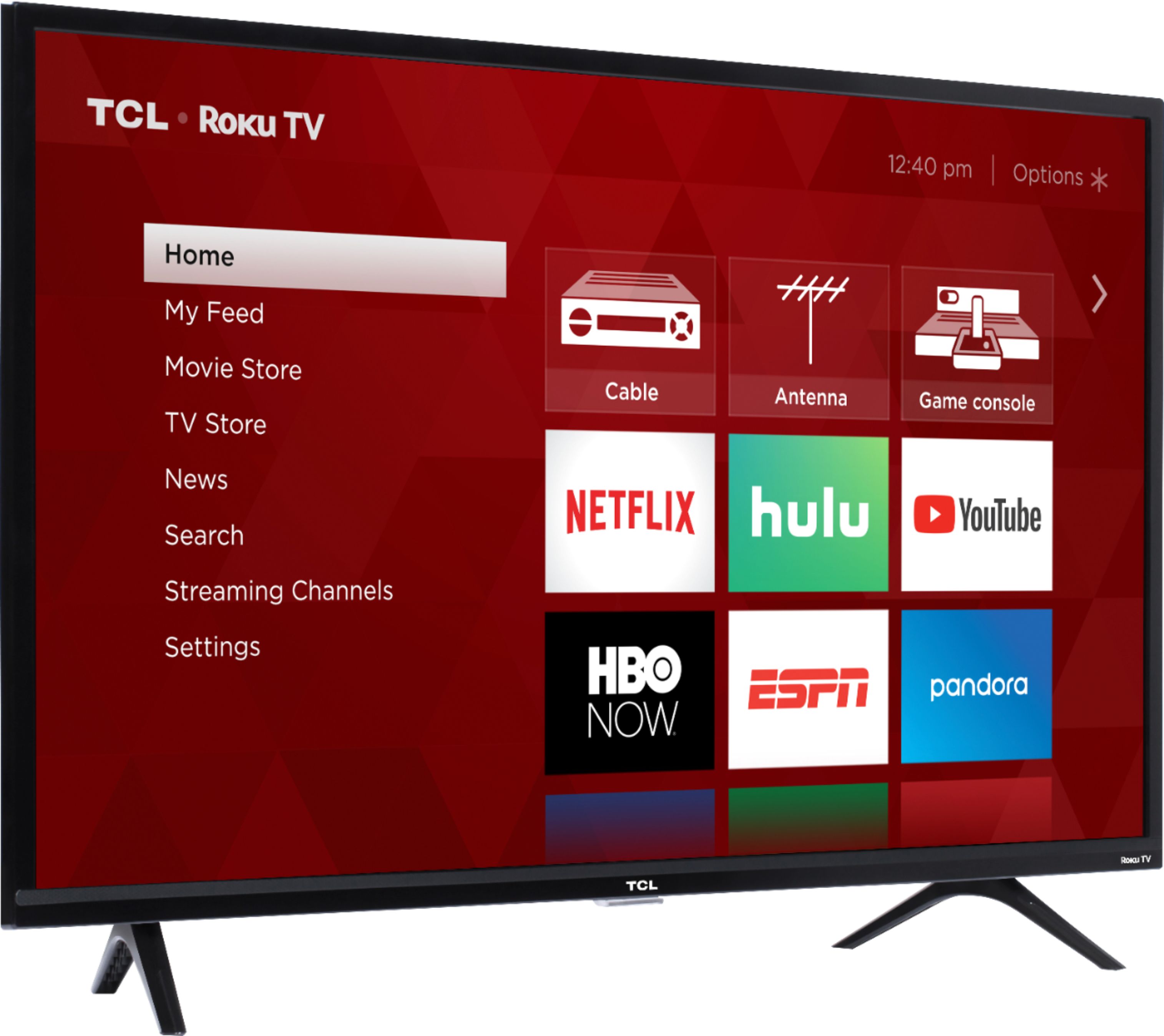
A:AnswerWith all TCL Roku TVs you can rename the inputs so that you can better recall what may be connected to the TV. The picture simple shows the option of a renames input. Hope this helps! Thank you, TCL Customer Support
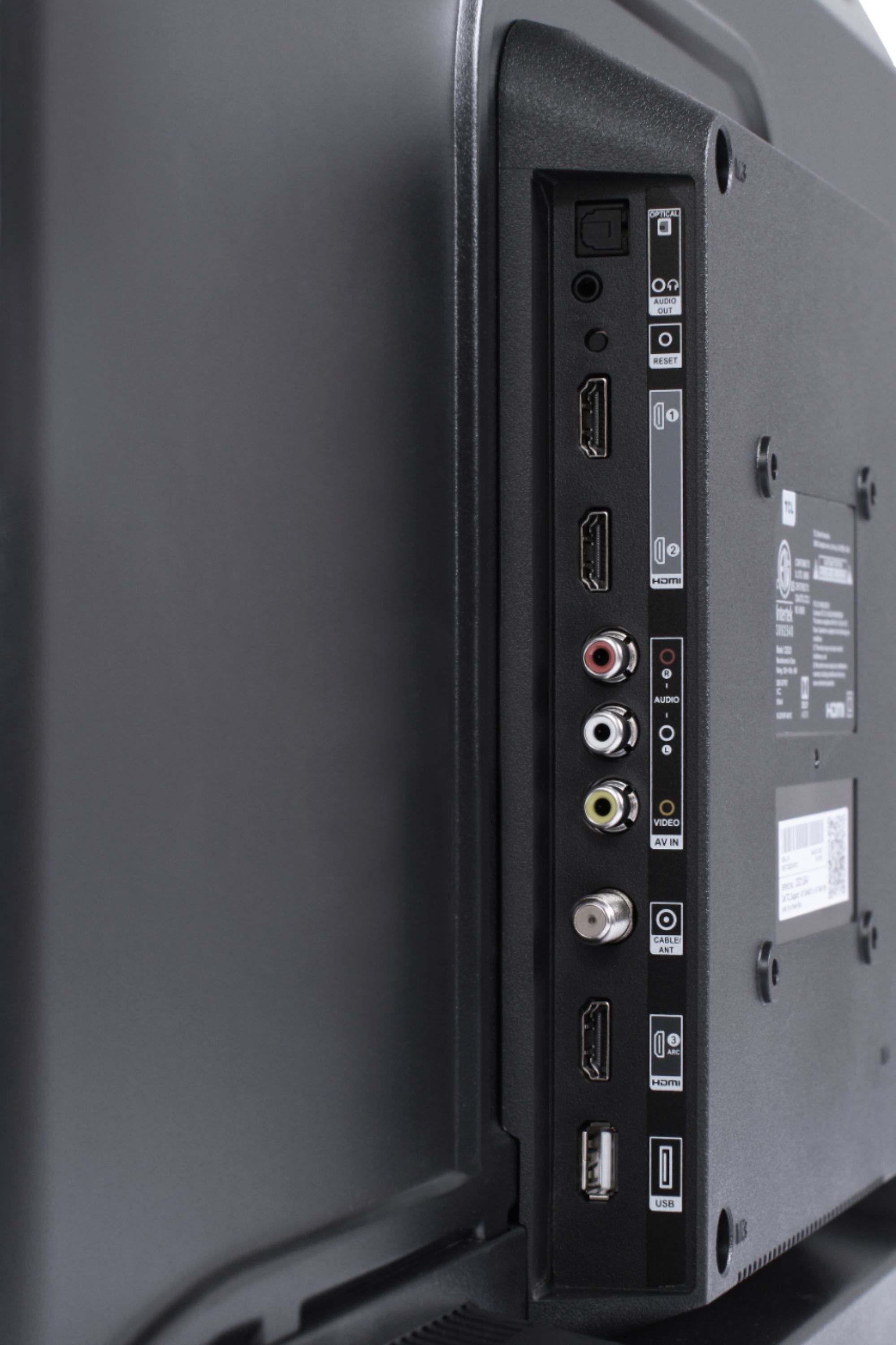
A:AnswerAlthough this TCL Roku TV is designed with the primary role of television in mind, it does come with 3 HDMI ports. Any of these ports can be used to connect the TV to external devices, such as a PC. Hope this helps! Thank you, TCL Customer Support
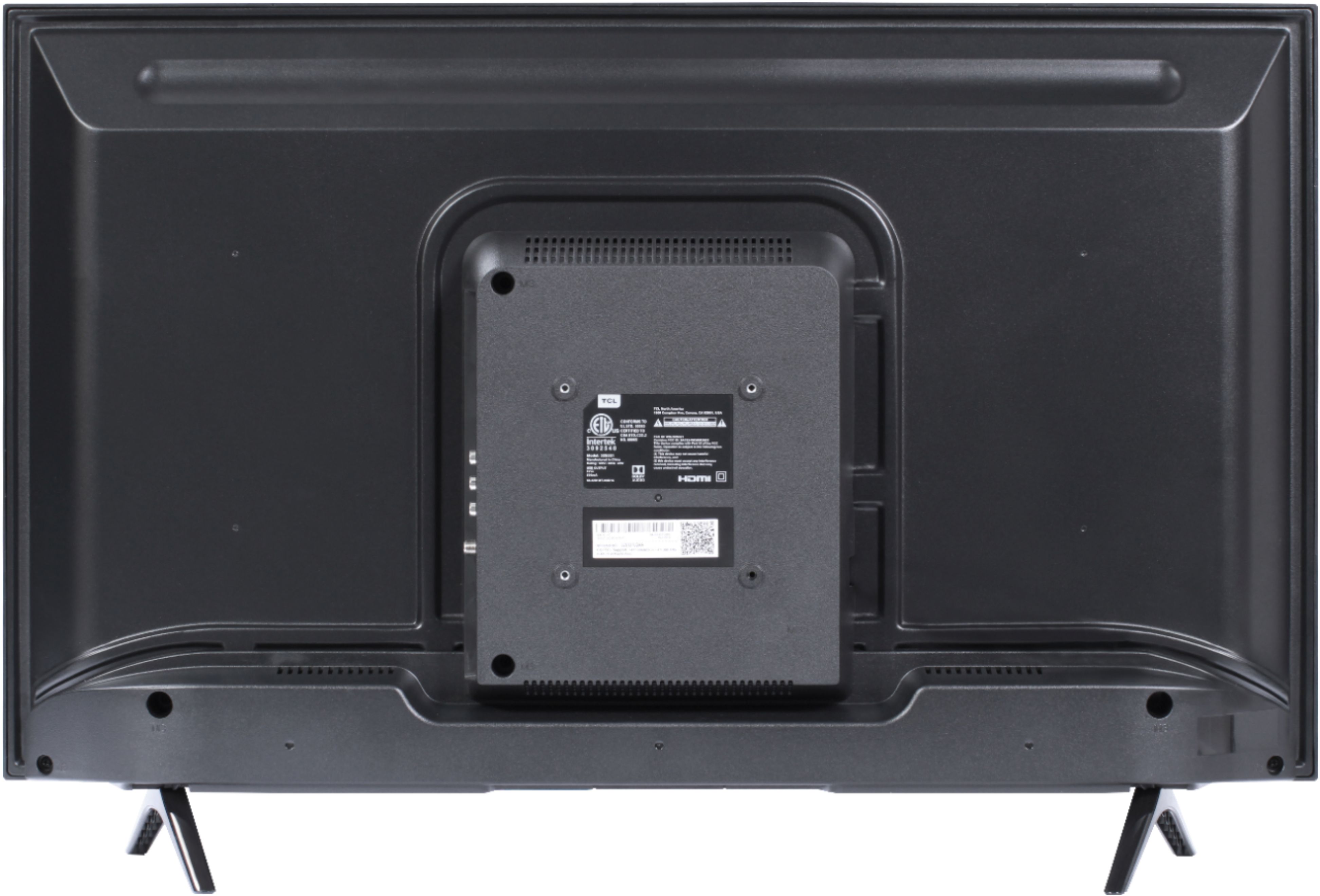
A:AnswerThis TCL Roku TV has a coaxial located on the back of the TV near the other inputs. By connecting an antenna you can receive over-the-air channels. However, the reception depends on the signal strength. Hope this helps! Thank you, TCL Customer Support
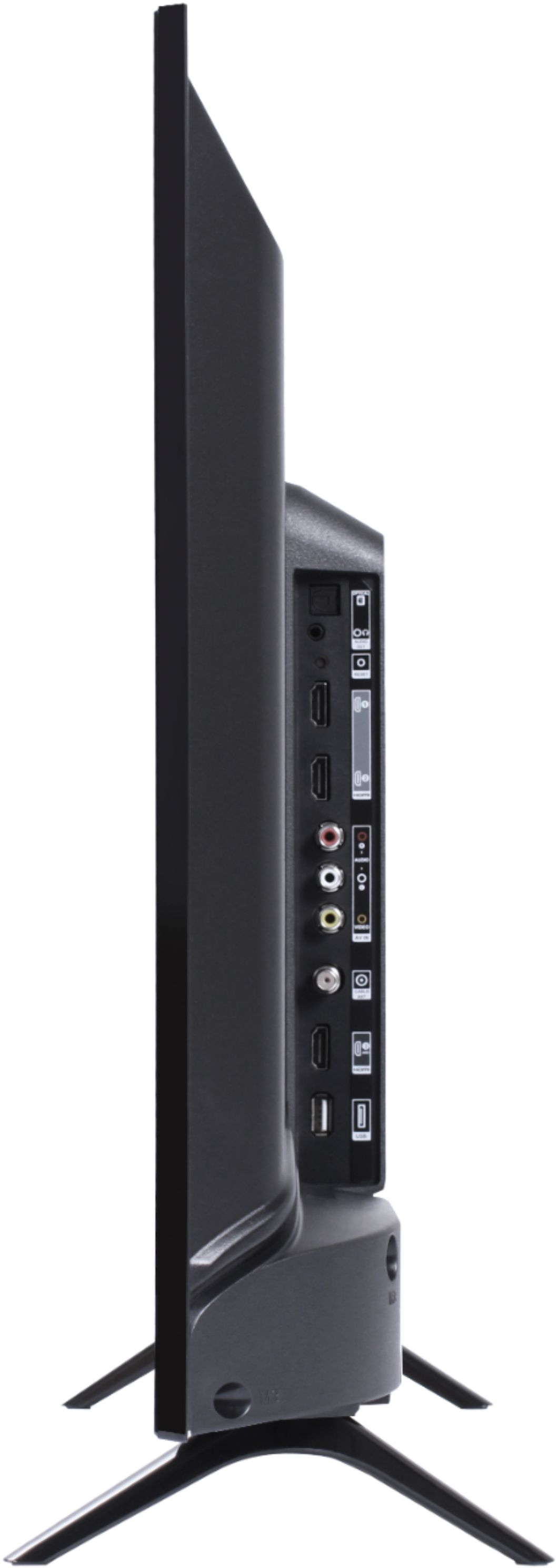
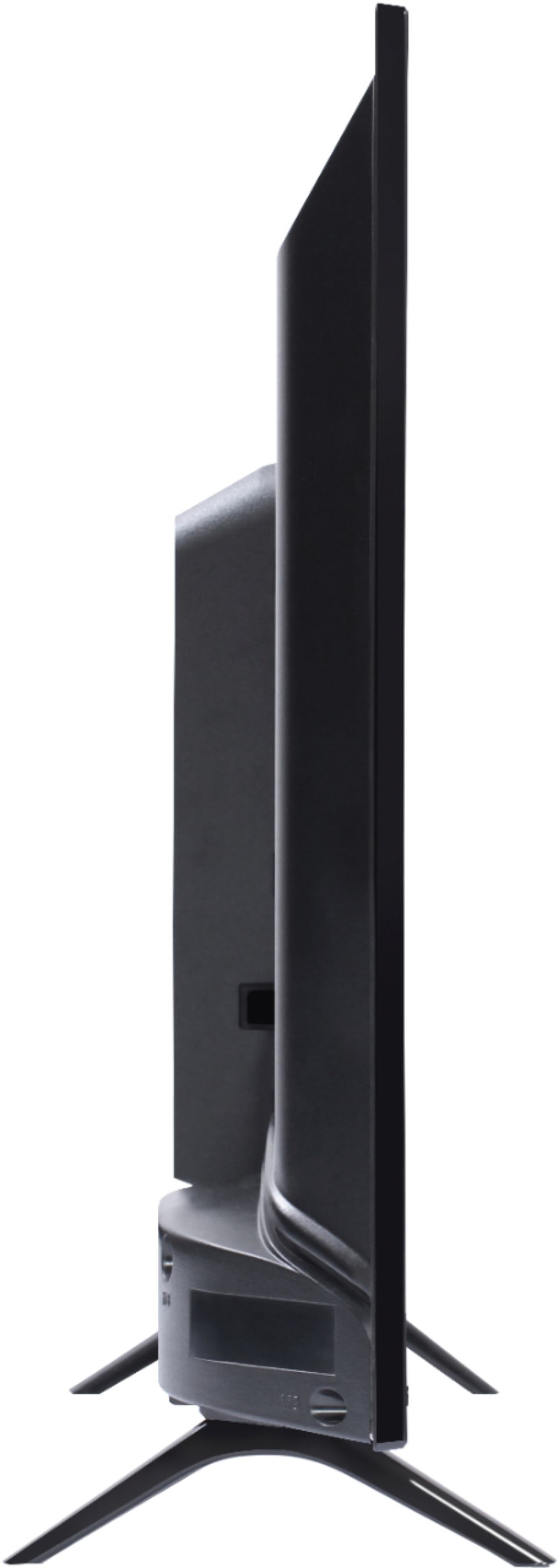
A:AnswerWith the feet attached, the dimensions of the TV are as follows: (W x H x D) 28.8" x 19.0" x 6.8". Hope this helps! Thank you, TCL Customer Support
A:AnswerAbsolutely! All of our TCL Roku TVs are compatible with Alexa voice assistant. You can visit https://support.tclusa.com/televisions-setup-configurations/using-amazon-alexa-to-control-your-tcl-roku-tv for more information. Hope this helps! Thank you, TCL Customer Support
A:AnswerOur TCL Roku TVs are now compatible with Alexa voice assistant. You can visit https://support.tclusa.com/televisions-setup-configurations/using-amazon-alexa-to-control-your-tcl-roku-tv for more information. Hope this helps! Thank you, TCL Customer Support