A:AnswerFor more information regarding Geek Squad services, you may want to contact your local Best Buy directly. Hope this helps! Thank you, TCL Customer Support
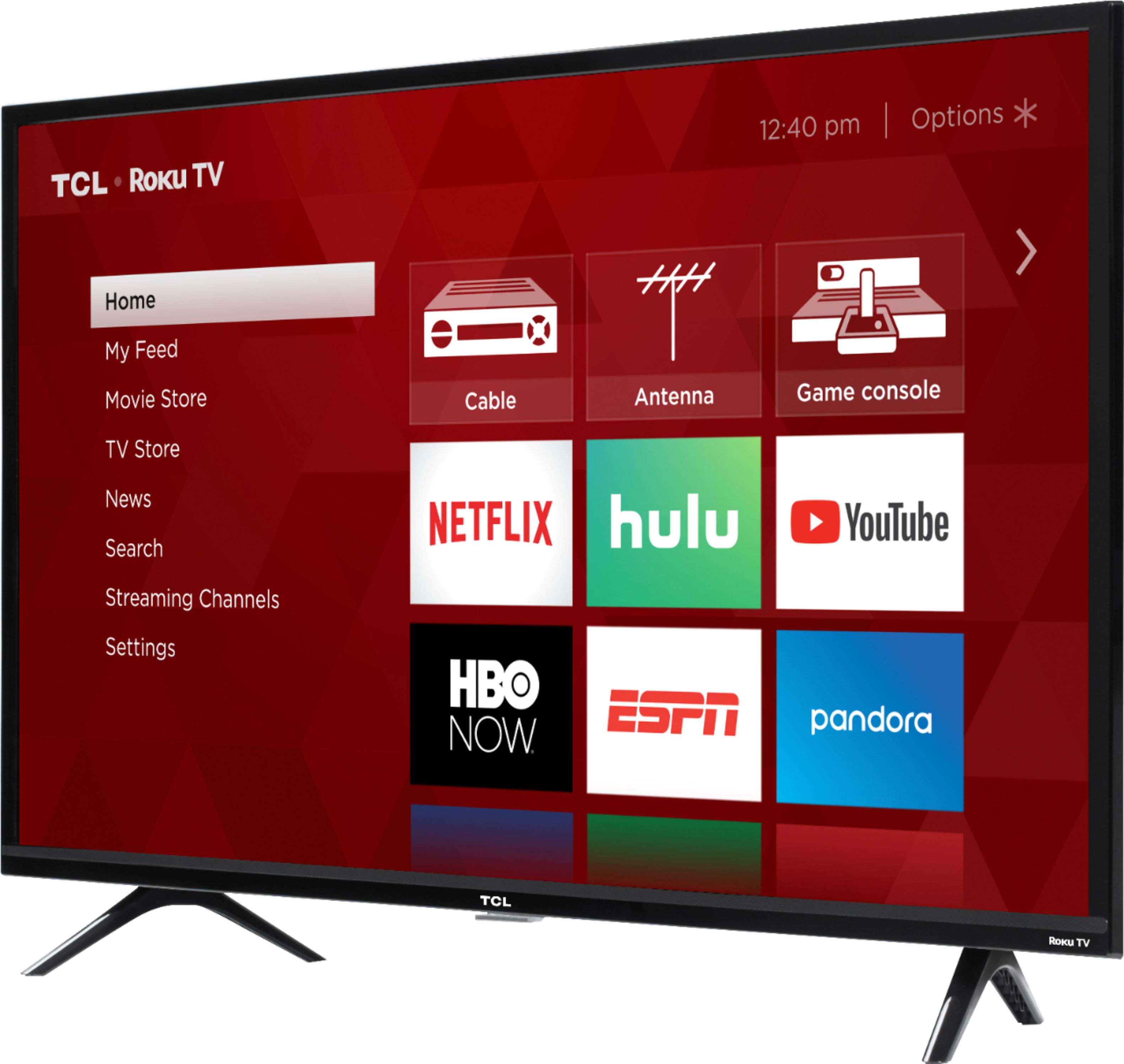
A:AnswerThis TCL Roku TV does not currently feature a web browser. However, there are thousands of streaming channels and over 500,000 different movies and TV episodes available through the Roku streaming system. Additionally, you can screen mirror compatible Android and Windows phones to the TV. This way you can search on your phone, but view on the TV. Hope this helps! Thank you, TCL Customer Support
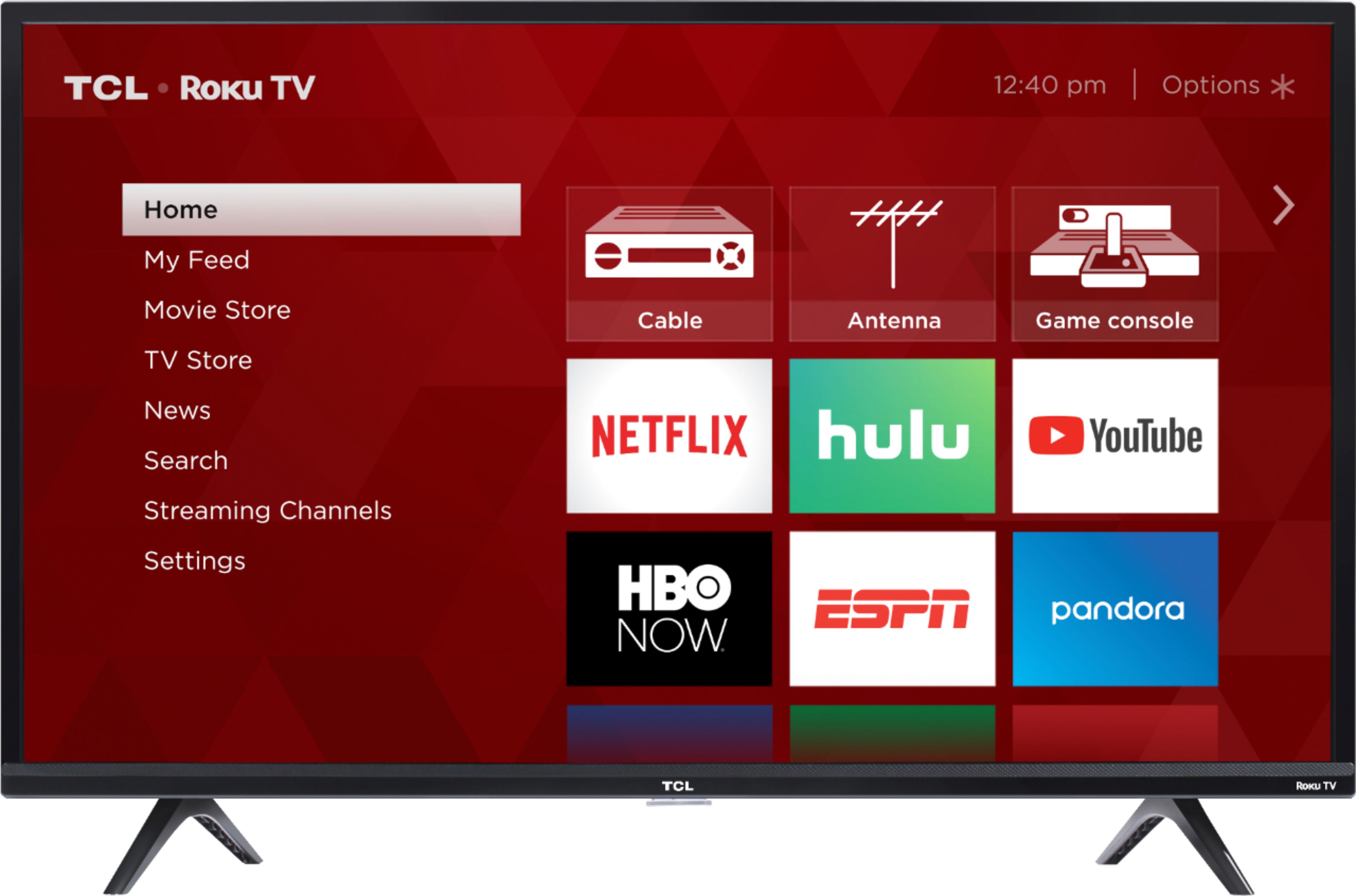
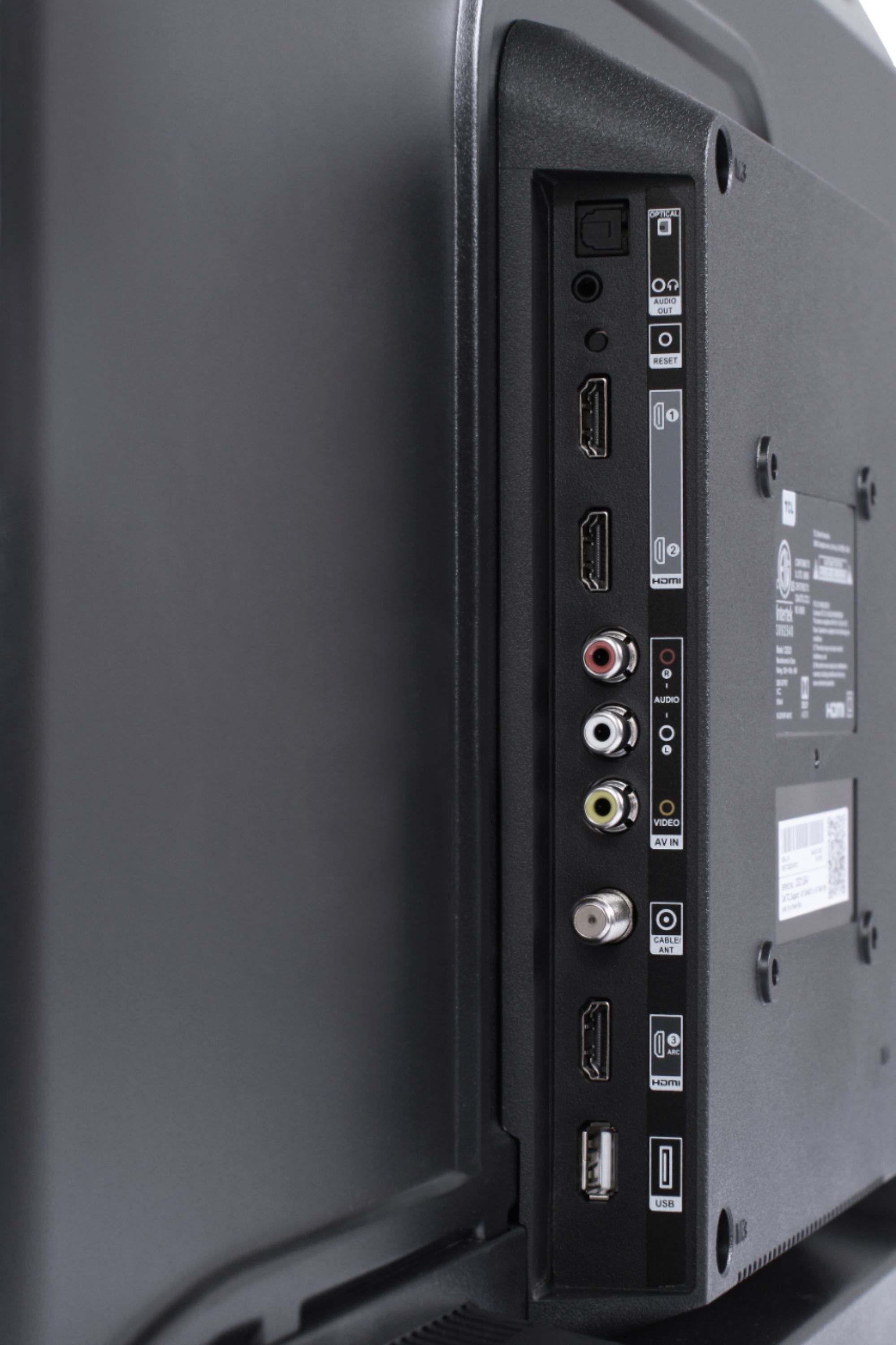
A:AnswerTCL Roku TVs have access to thousands of streaming channels, and over 500,000 movies and tv episodes to fulfill almost any streaming need. This TV also includes 3 HDMI ports to connect external devices, such as that of an AppleTV. Hope this helps! Thank you, TCL Customer Support
A:AnswerThis TCL Roku TV has the ability to connect to the Internet via WiFi. However, you have to provide the Internet for it to connect to. Hope this helps! Thank you, TCL Customer Support
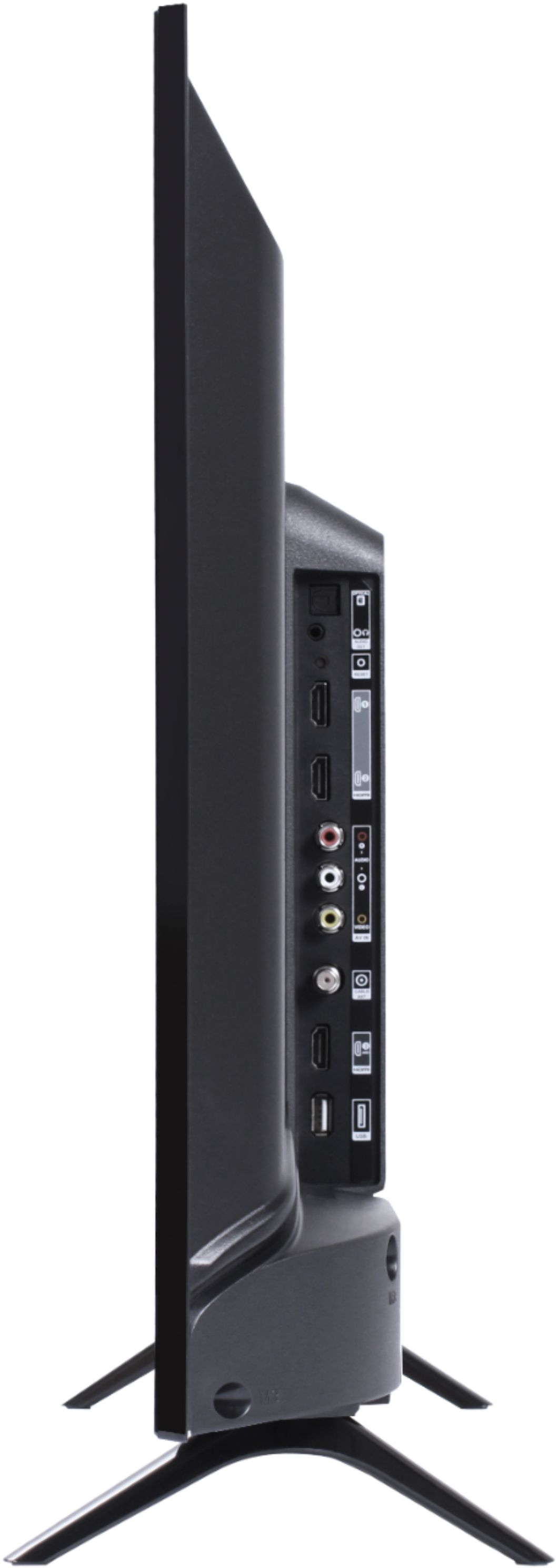
A:AnswerCurrently, our TVs do not support Bluetooth. If you are trying to connect a sound bar or speakers you can use the Optical port, or the HDMI ARC port. For Headphones, there is a Headphone jack on the back of the TV, or you can download the Free Roku app for private listening. Hope this helps! Thank you, TCL Customer Support
A:AnswerThis TCL Roku TV has various inputs, including 3 HDMI ports, that can be used to connect external devices like a game console. Hope this helps! Thank you, TCL Customer Support
A:AnswerFor better assistance, you would want to contact your local Best Buy or Best Buy customer support. Hope this helps! Thank you, TCL Customer Support
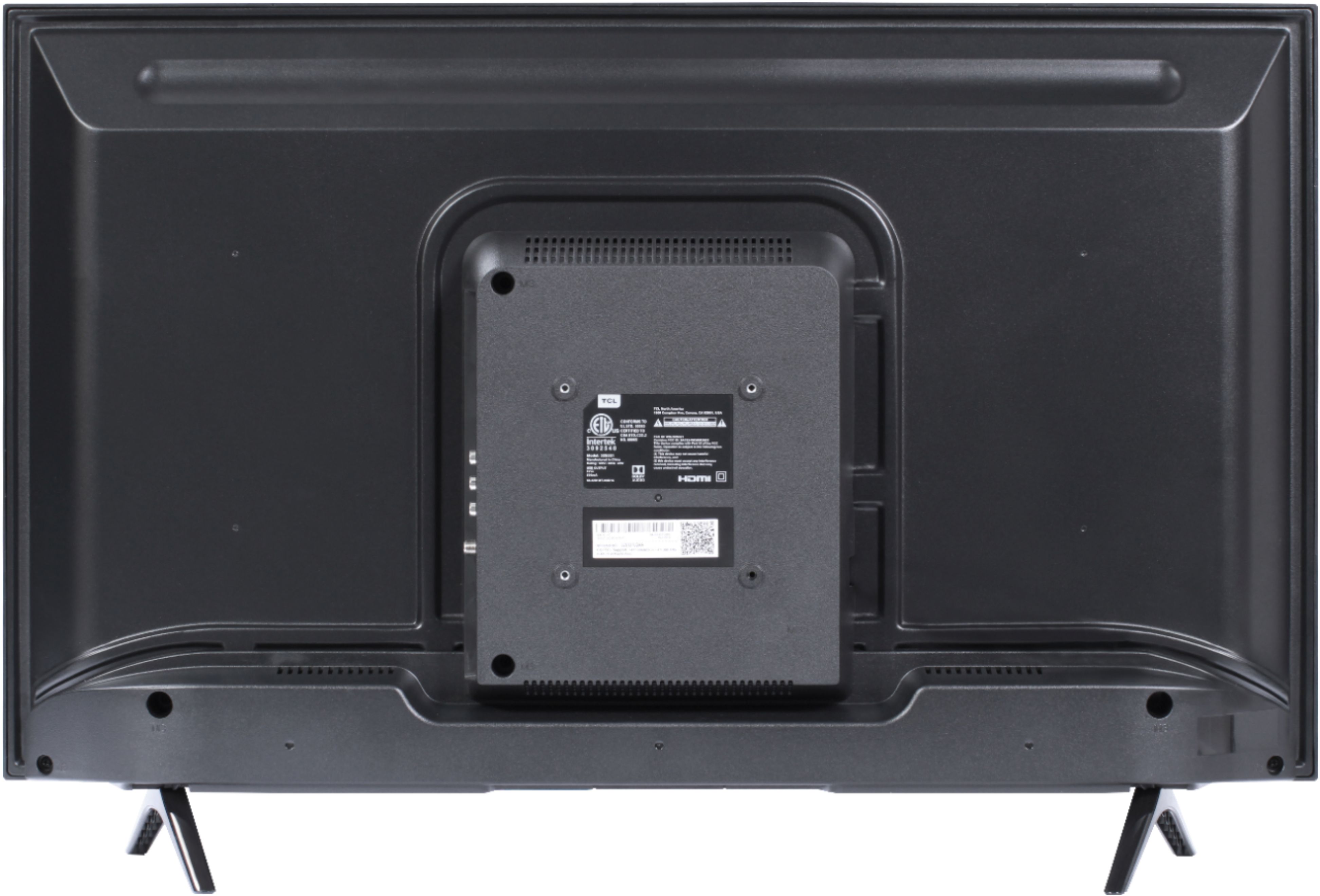
A:AnswerThis TCL Roku TV has a coaxial located on the back of the TV near the other inputs. By connecting an antenna you can receive over-the-air channels. However, the reception depends on the signal strength. Hope this helps! Thank you, TCL Customer Support
A:AnswerAll TCL Roku TVs are manufactured in our own assembly plants in China. In fact, we are proud of the fact that we are one of only three TV manufacturers globally who is what’s called “vertically integrated”, meaning everything inside a TCL TV is TCL components! Thank you, TCL Customer Support
A:AnswerThis TCL Roku TV is compatible with most soundbars and can be connected via HDMI ARC, Optical, or the 3.5mm headphone jack. Hope this helps! Thank you, TCL Customer Support
A:AnswerIn order for us to better assist, please reach out to us at [email protected] with your contact information and a description of what you need assistance with. Thank you, TCL Customer Support
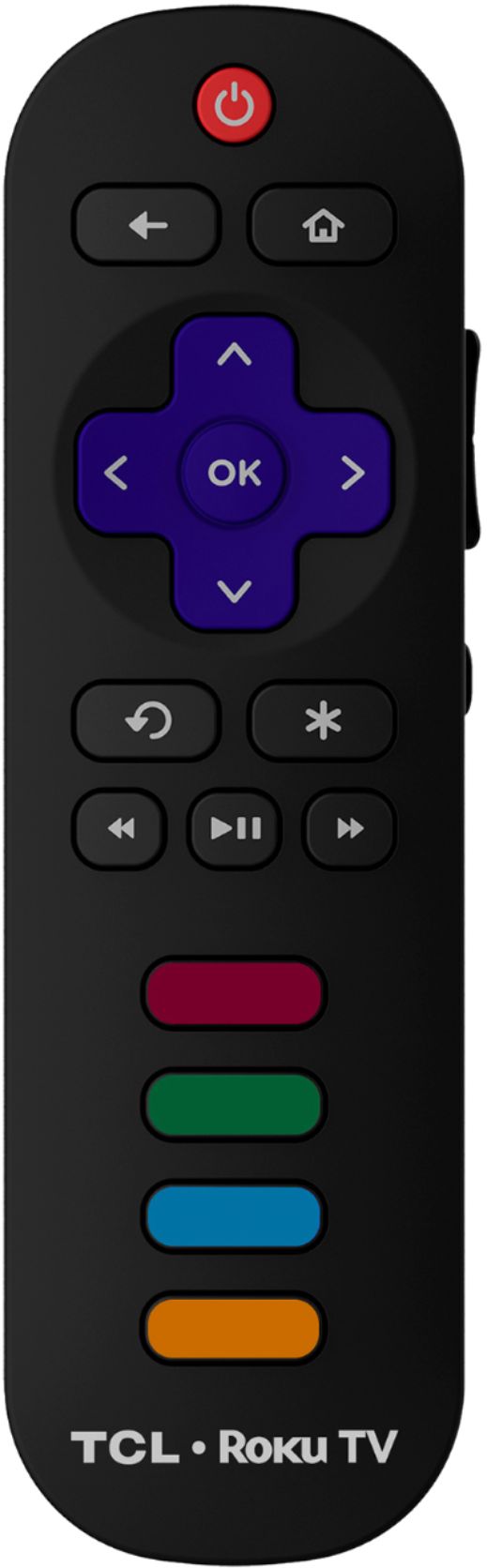
A:AnswerCurrently, our smart TVs do not support the direct input of channel numbers. However, if your TV is connected to the Internet, you can press the left arrow key to populate a channel guide and navigate channels this way. Additionally, you can enable "favorites" for over the air channels so that your most watched channels will automatically appear towards the top. To enable favorites you would go to Home>Settings>TV inputs>Antenna TV>Favorite Channels>Enable. Hope this helps! Thank you, TCL Customer Support
A:AnswerThis TCL Roku TV has the ability to connect to the Internet via WiFi. However, this TV TV does not currently feature a web browser. However, there are thousands of streaming channels and over 500,000 different movies and TV episodes available through the Roku streaming system. Additionally, you can screen mirror compatible Android and Windows phones to the TV. This way you can search on your phone, but view on the TV. Hope this helps! Thank you, TCL Customer Support
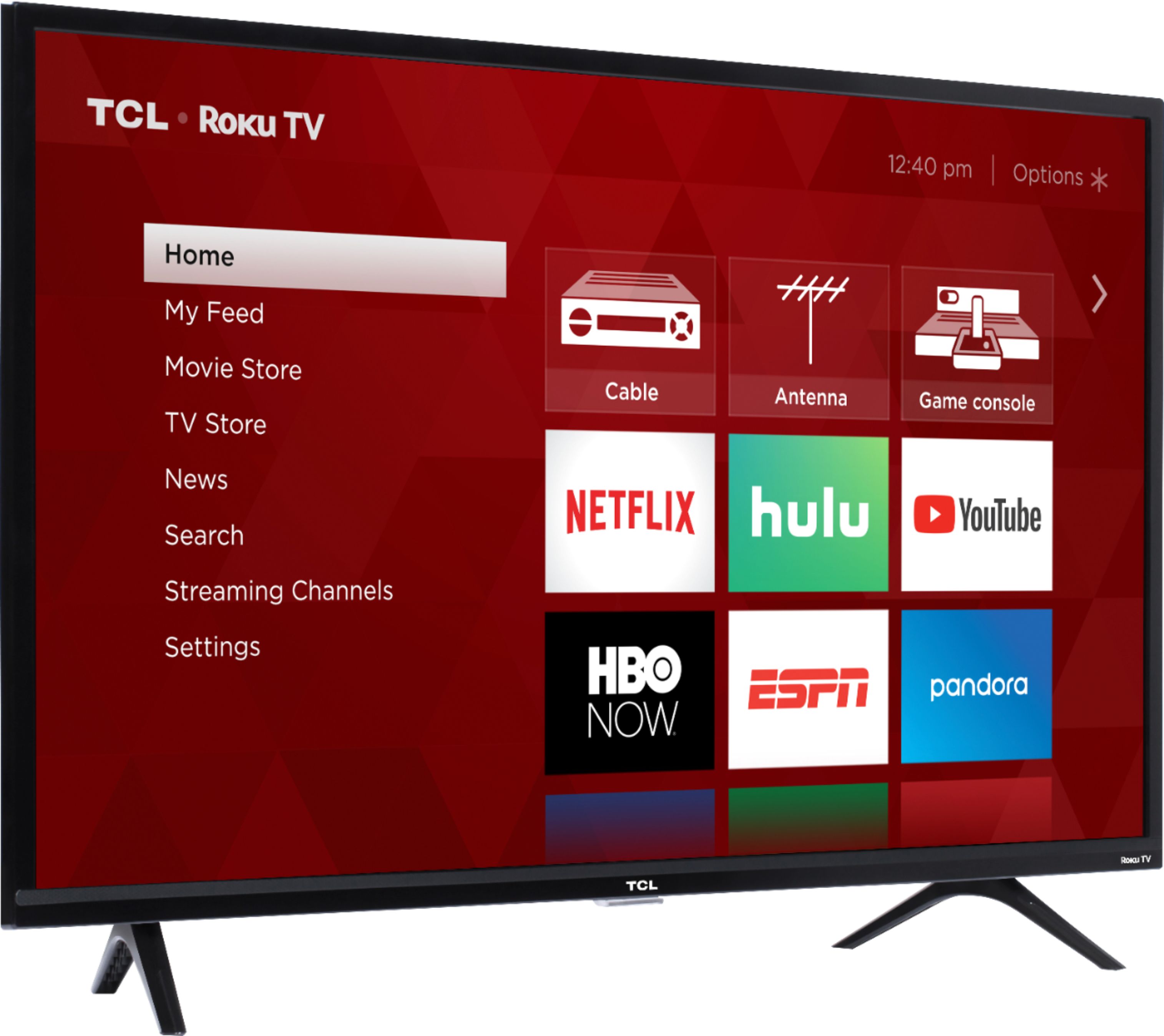
A:AnswerYou can go to www.Roku.com/whats-on to see what streaming channels and apps are offered through the Roku Channel Store. To search for a specific channel you would simply want to enter that information into the search section. Additionally, our TVs support screen mirroring with compatible Android and Windows devices. Here is a great article with more details on how: https://support.roku.com/article/208754928-how-to-use-screen-mirroring-with-your-android-or-windows-device. Hope this helps! Thank you, TCL Customer Support