A:AnswerTCL Roku TVs support screen mirroring with compatible Android and Windows devices. Here is a great article with more details on how: https://support.roku.com/article/208754928. Hope this helps! Thank you, TCL Customer Support
A:AnswerYou can go to channelstore.roku.com/browse to see what streaming channels and apps are offered through the Roku Channel Store. To search for a specific channel you would simply want to enter that information into the search section. Hope this helps! Thank you, TCL Customer Support
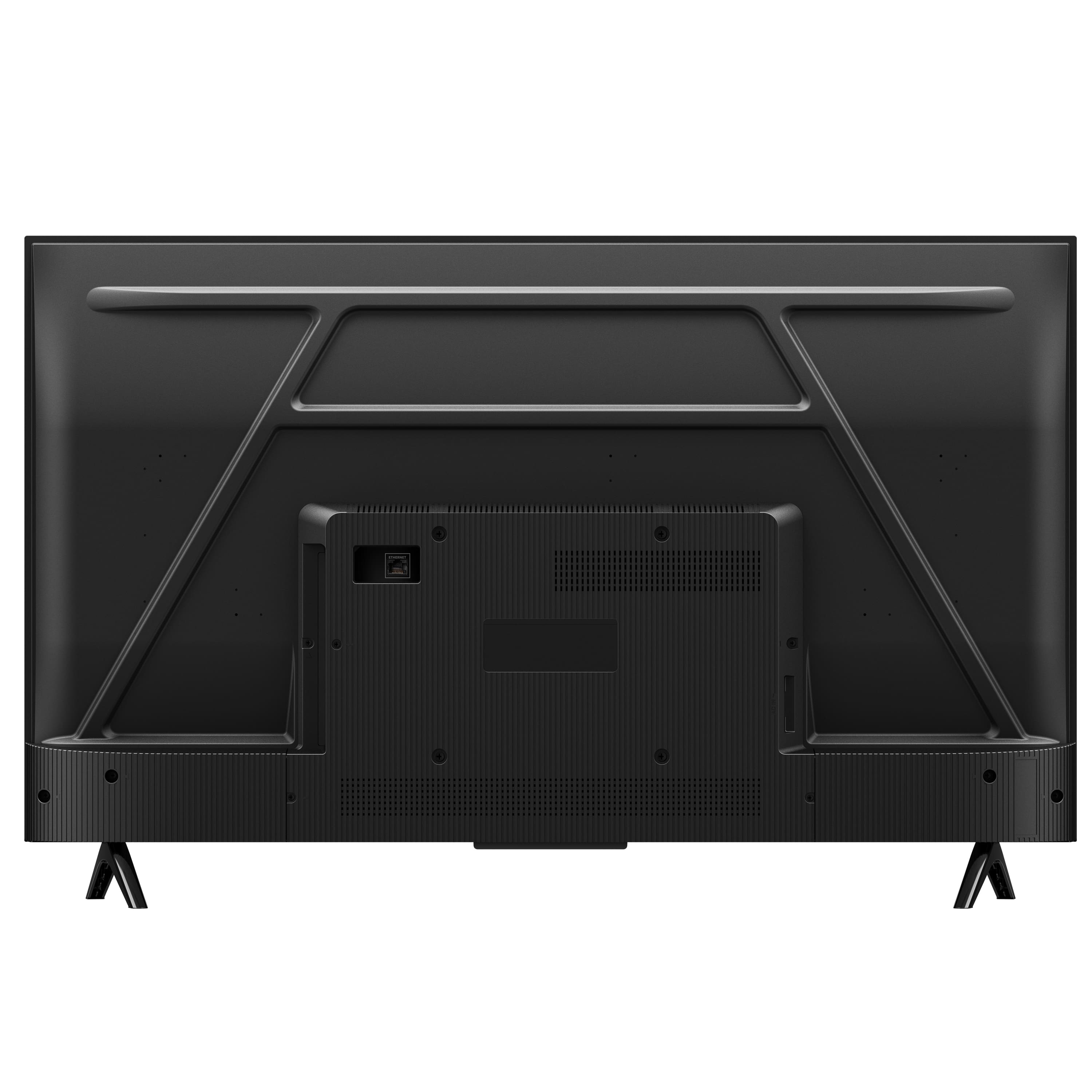
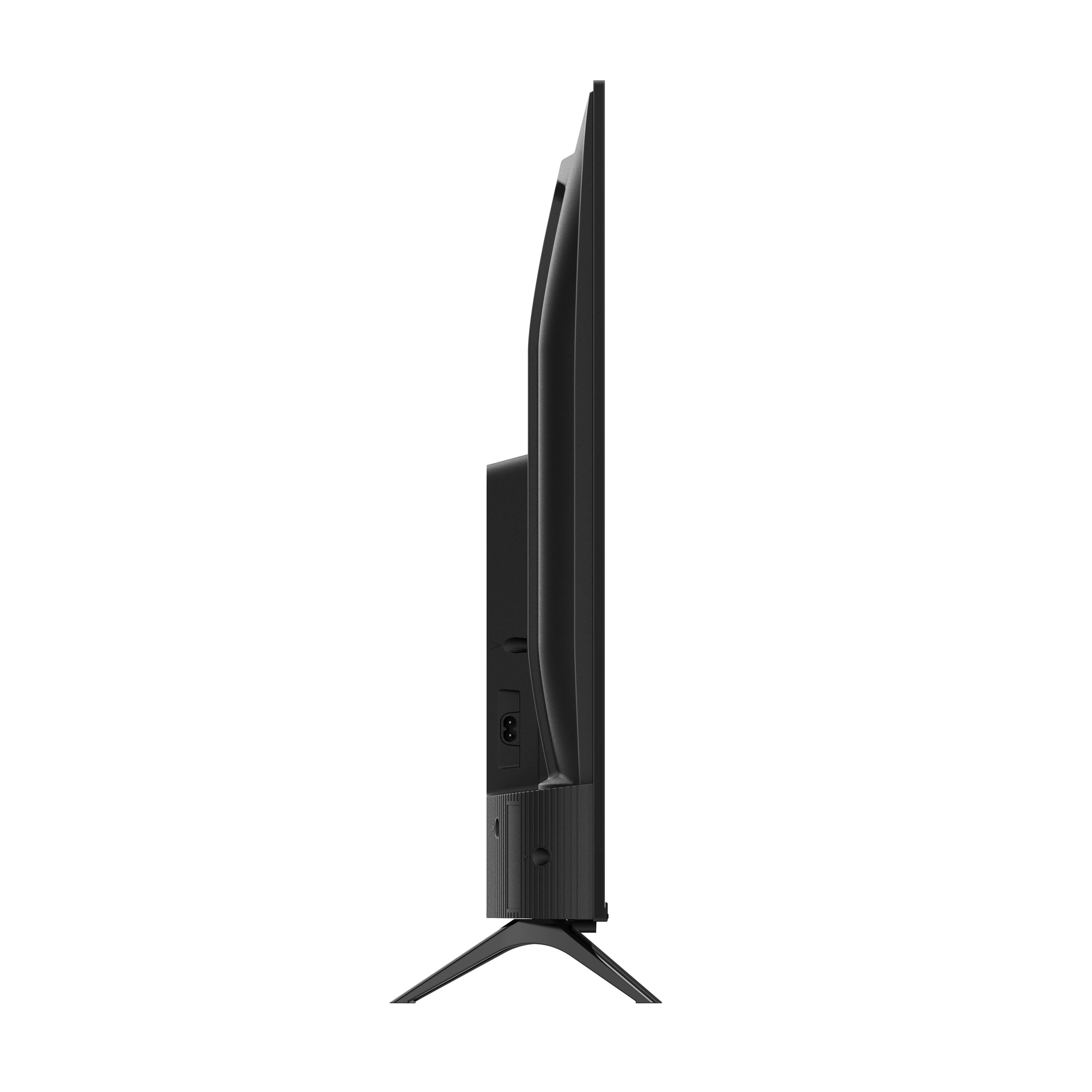
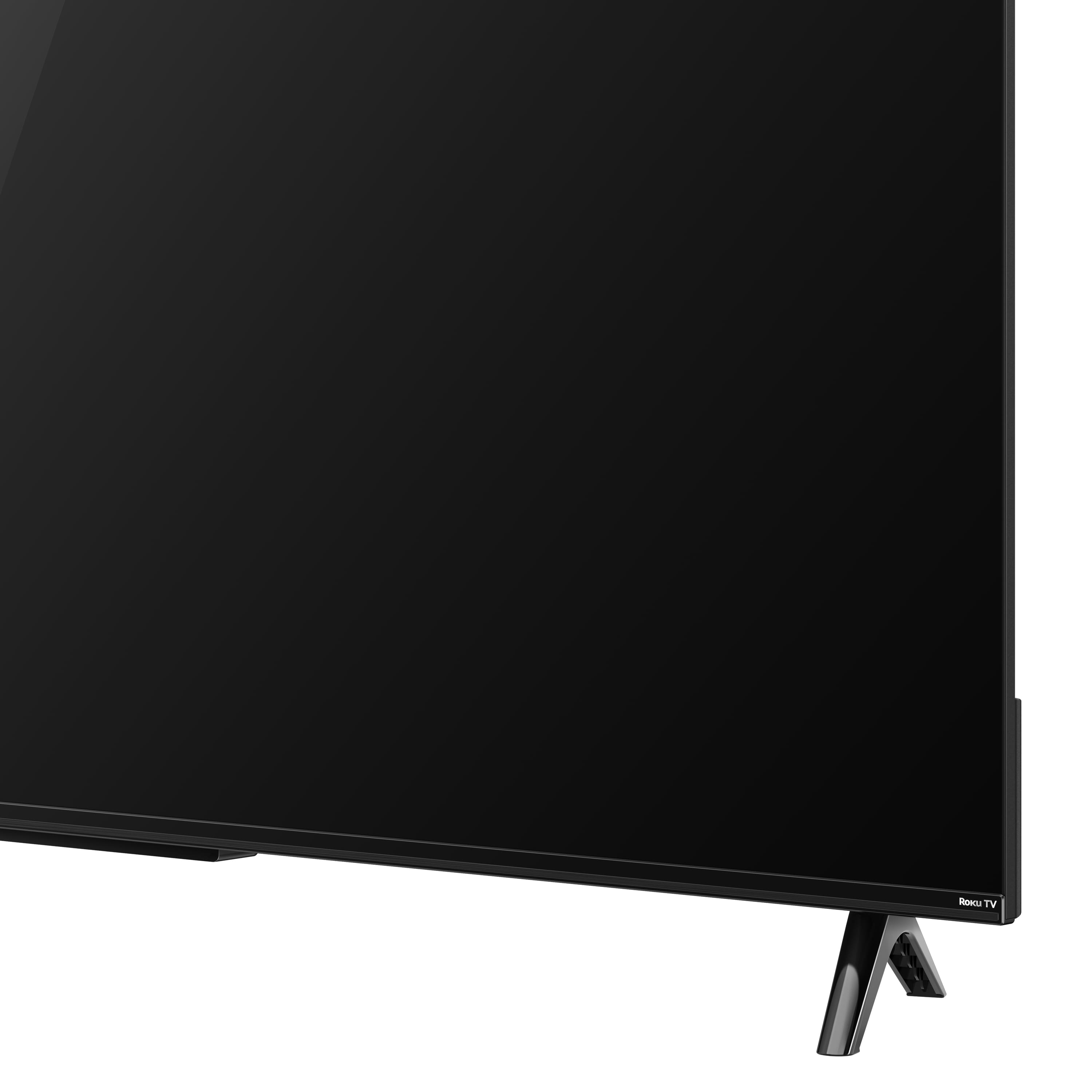
A:AnswerIf you pull up the item and scroll down the page you will find specifications and it lists all the measurements. Height, width, depth, with feet and without feet. Comprehensive
A:AnswerYes. I mounted mine on my existing wall rack.
Plus, having Geek Squad coverage they delivered it and changed then brackets out and installed it for me.
I'm really happy with the picture and the TV overall.
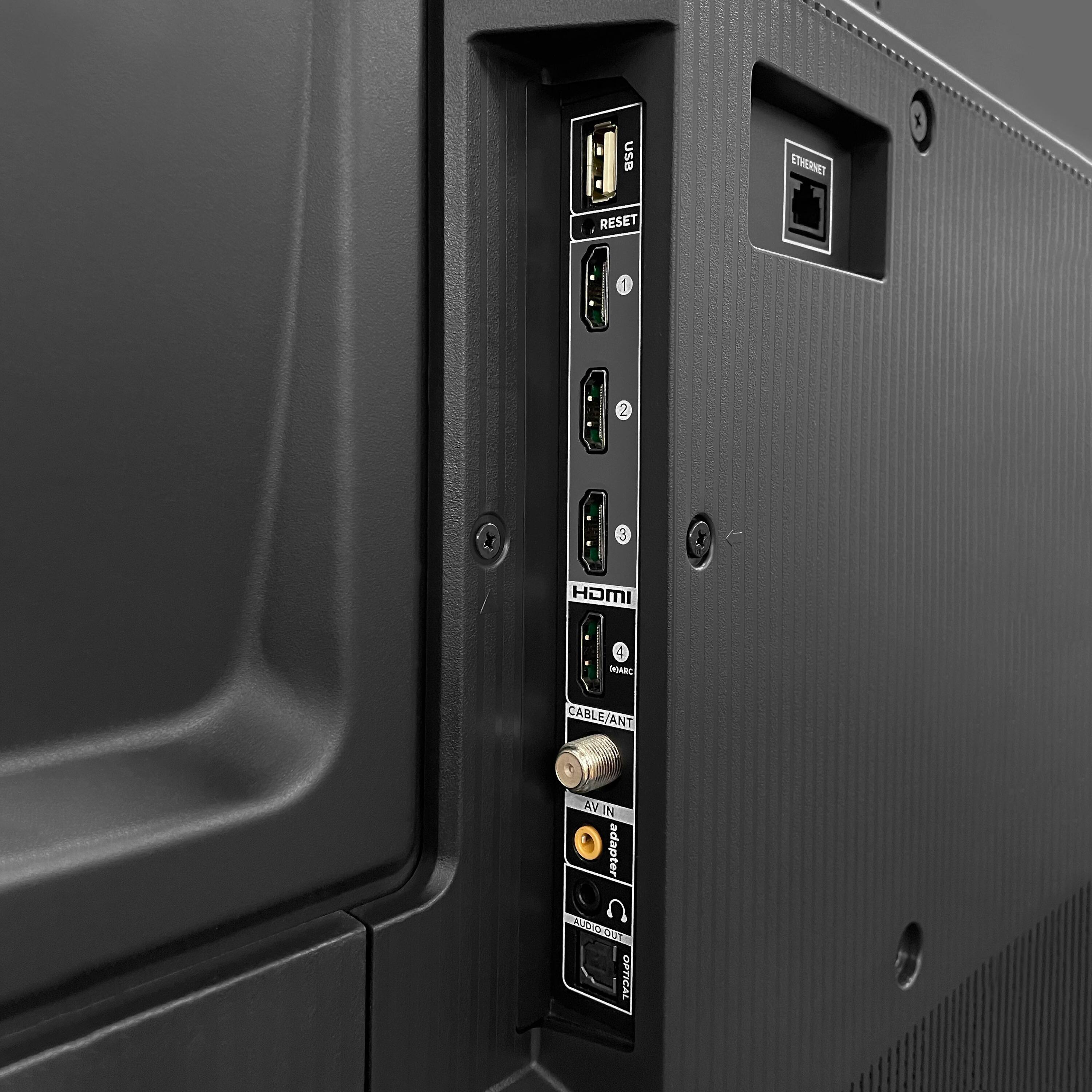
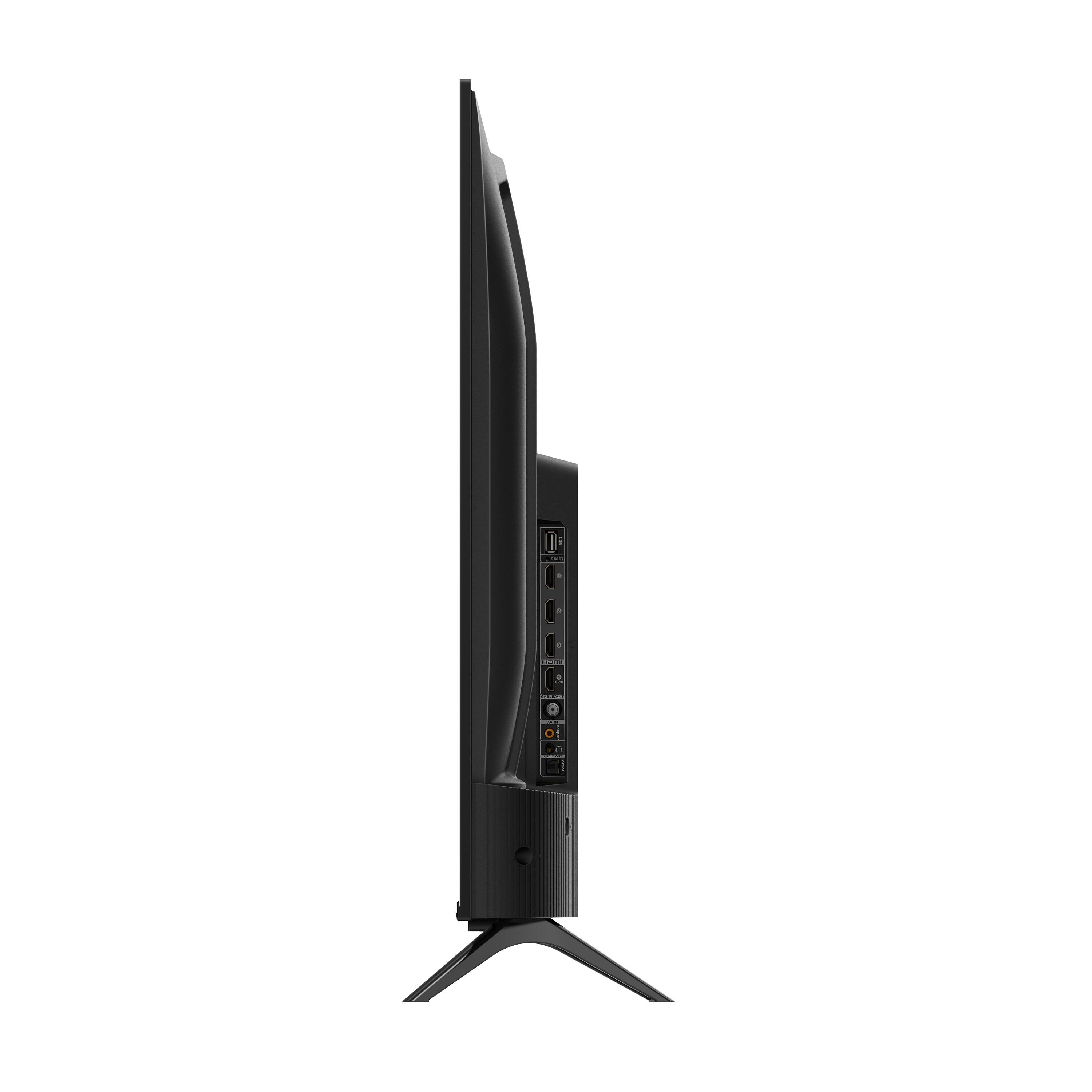
A:AnswerI have 2 of these tv's that I use as computer monitor's and they work fantastic. I have a 32 in the basement & now this 43 in my garage. I cant review for gaming on these because I use them for surfing the internet, looking up car parts and streaming sports while working on cars. I use a standard HDMI cable. works great.
A:AnswerThis TCL TV is compatible with most wall mounts that support a 200mm x 200mm VESA mounting pattern, which is the same pattern as 43S431. Hope this helps! Thank you, TCL Customer Support