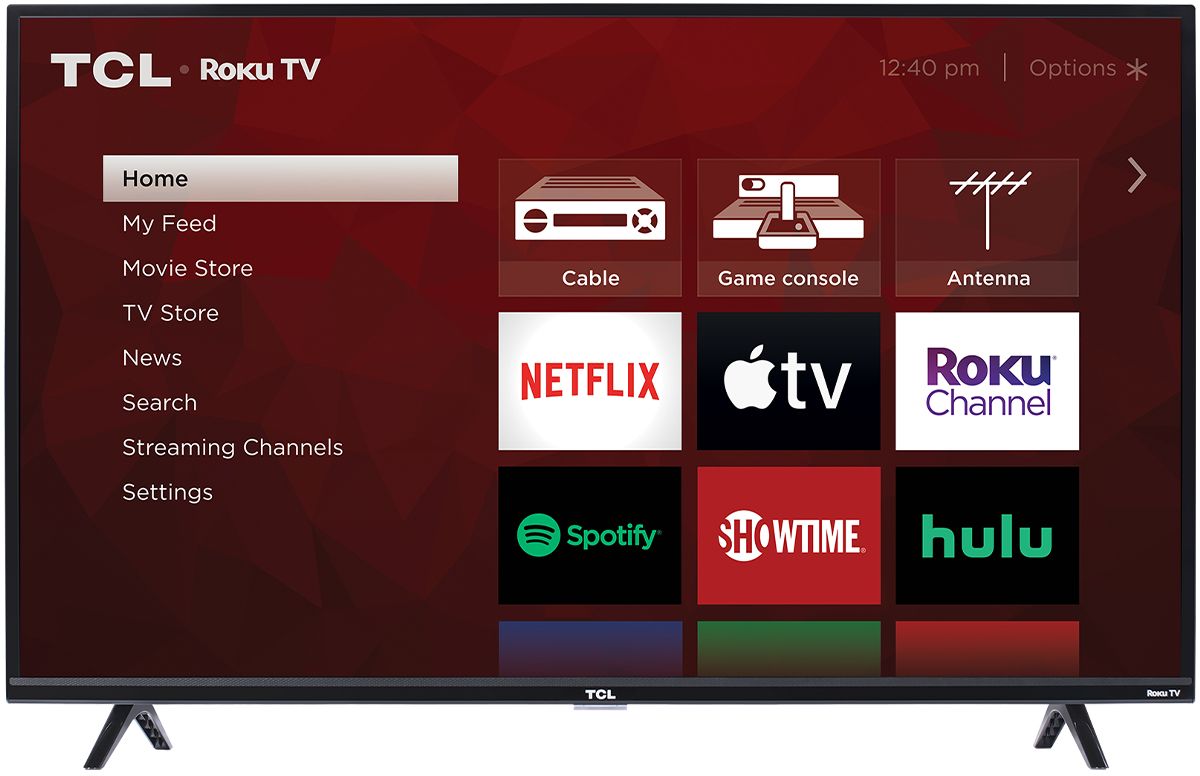
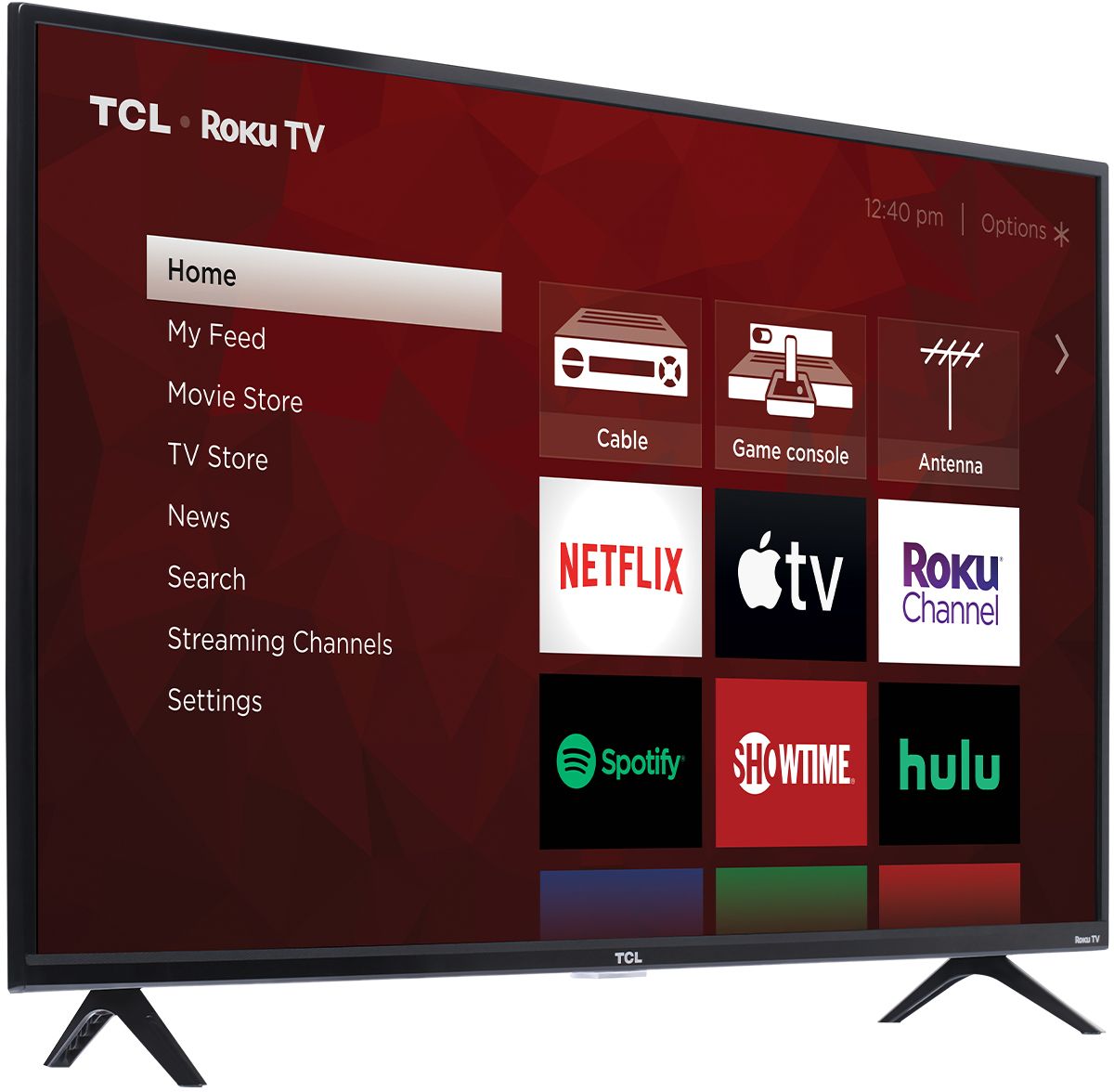
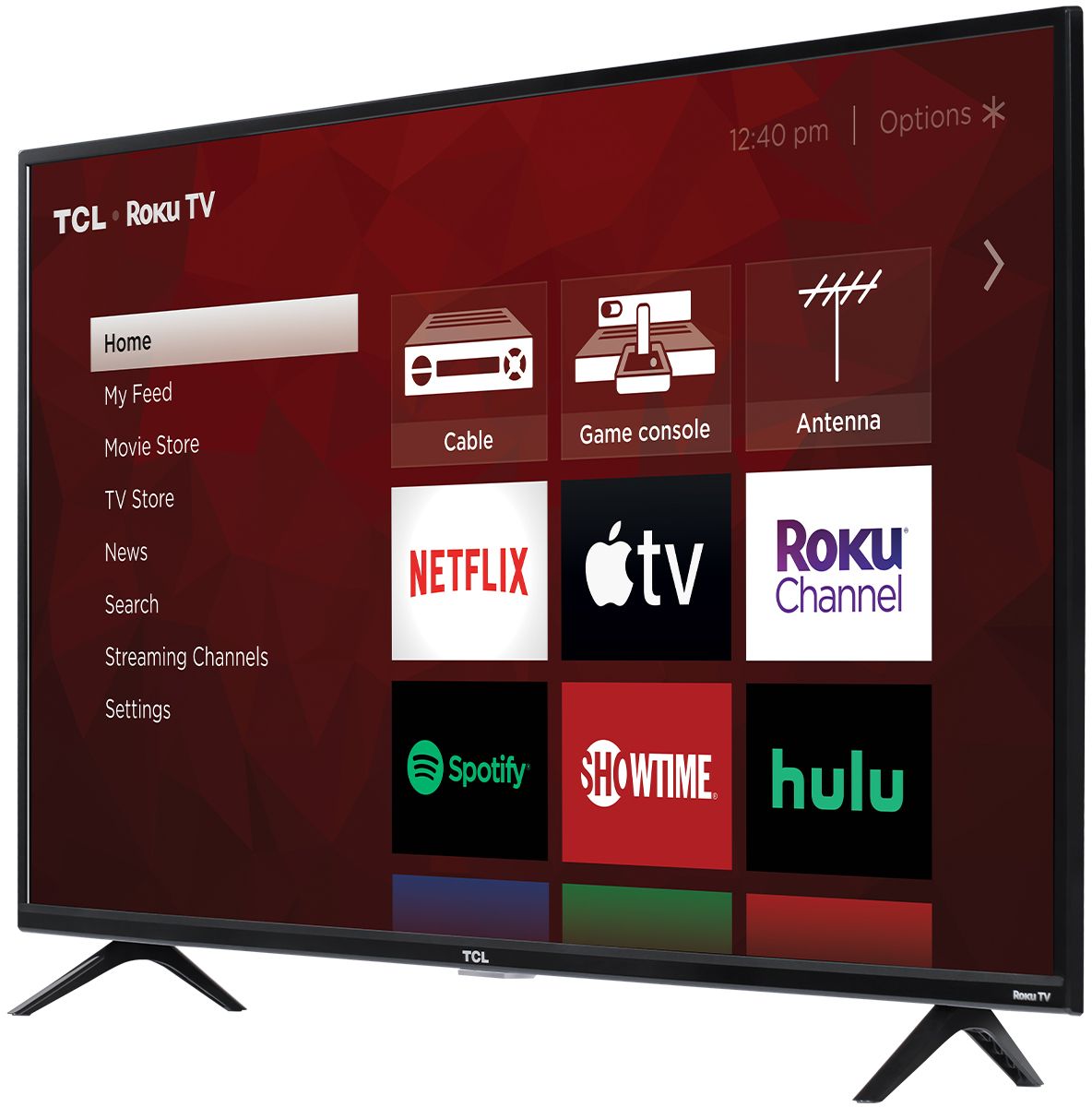
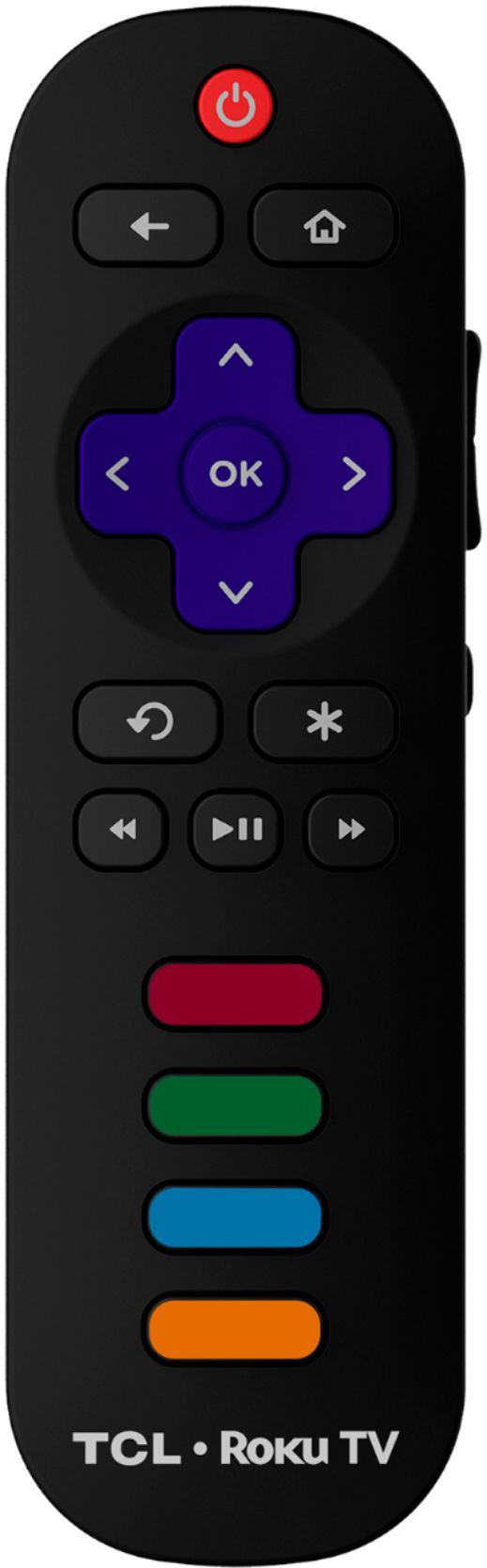
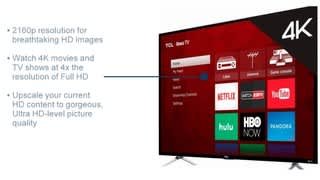
A:Answer Roku is a streaming platform that offers many features, including thousands of streaming channels (apps) and over 500,000 movies and TV episodes. Some content is free while other content is subscription based or pay-per-view. You can go to www.Roku.com/whats-on to see what streaming channels and apps are offered through the Roku Channel Store. To search for a specific channel you would simply want to enter that information into the search section. Screen mirroring with a Roku device is not supported with iOS® or Apple devices. However, you can download the free Roku mobile app on your smartphone to use as a remote, cast personal photos and videos to the TV, experience private listening, etc. You can also cast select channels (Such as YouTube) from your Apple device. You can visit https://support.roku.com/article/208754928-how-to-use-screen-mirroring-with-your-android-or-windows-device for more information. Hope this helps! Thank you, TCL Customer Support