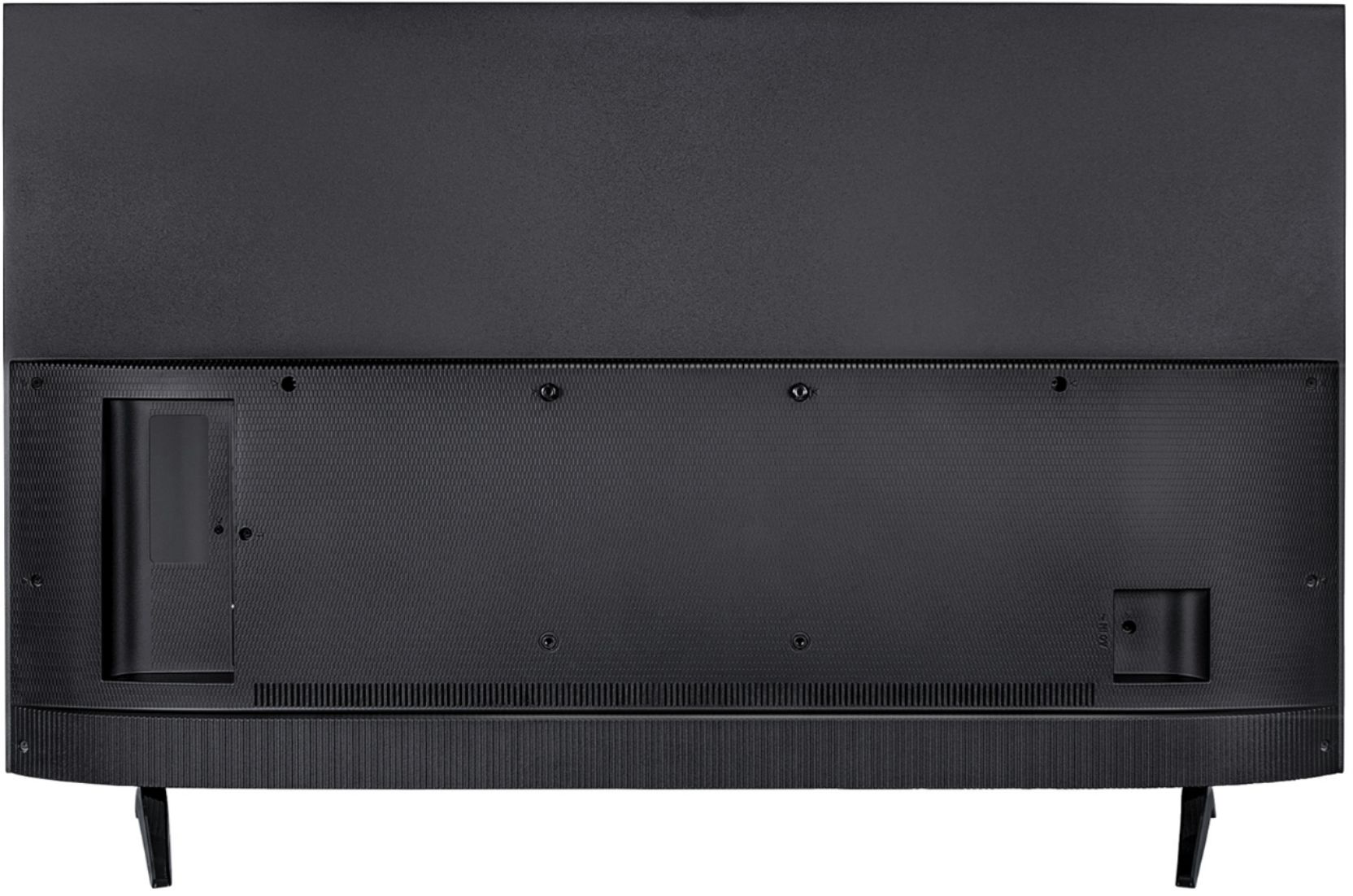
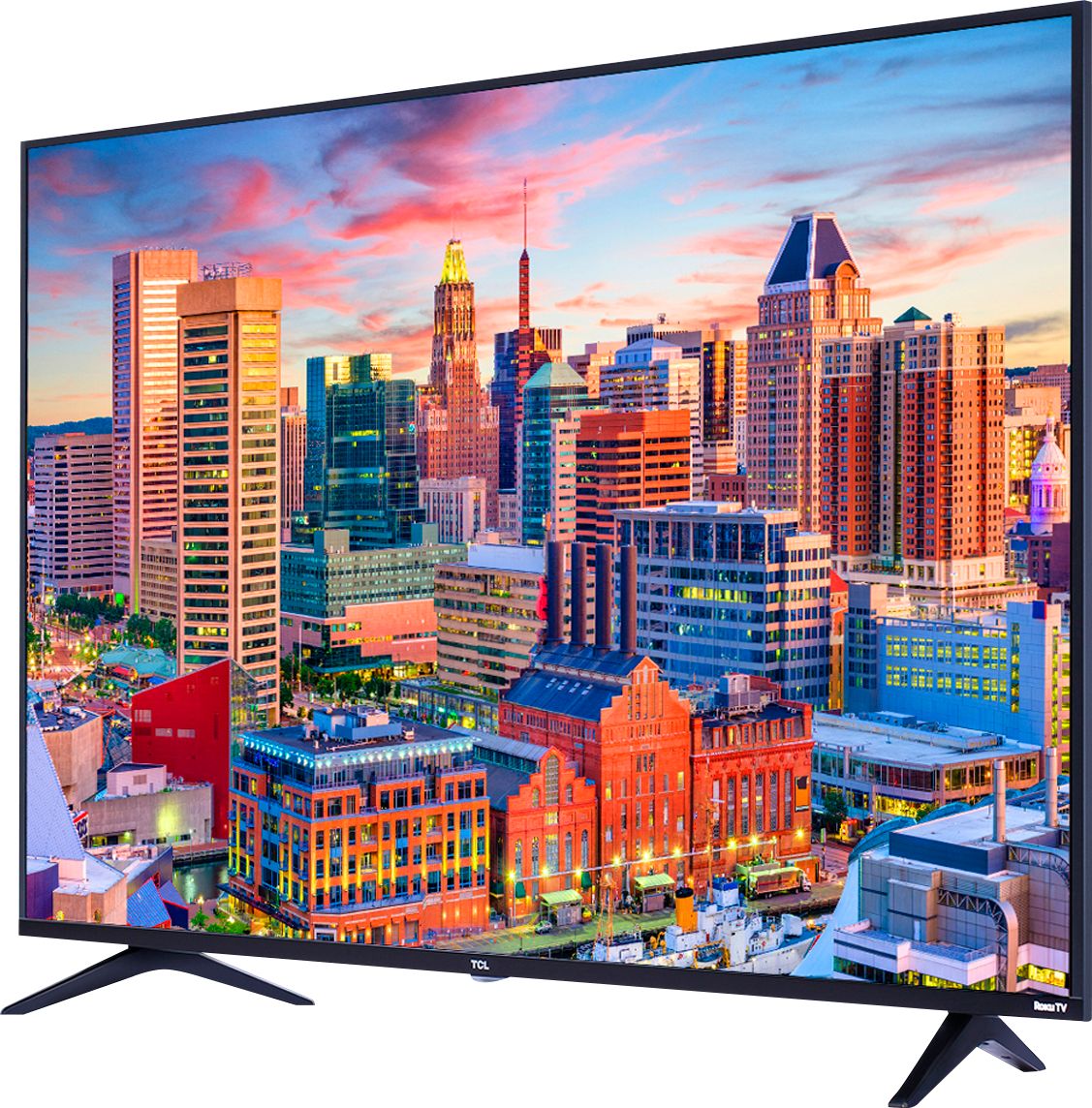
A:AnswerIt probably will, but it will cover the HD modem sensor where you cannot operate your TV. If a soundbar is put in the back of the TV, it sort of defeats the purpose of better sound.
A:AnswerThe type of TV you use should make no difference to copy protection in a BluRay disk. The Blu Ray player takes care of copy protection. I expect most modern HDMI cables will work fine. You don't need a high dollar cable.
A:AnswerThis TV has rear mounted, downward firing speakers. They're alright for watching general programing, however when it's time to bust out the popcorn, and have yourself a movie night, the sound quality may leave you underwhelmed.
An inexpensive sound bar is a solid recommendation.
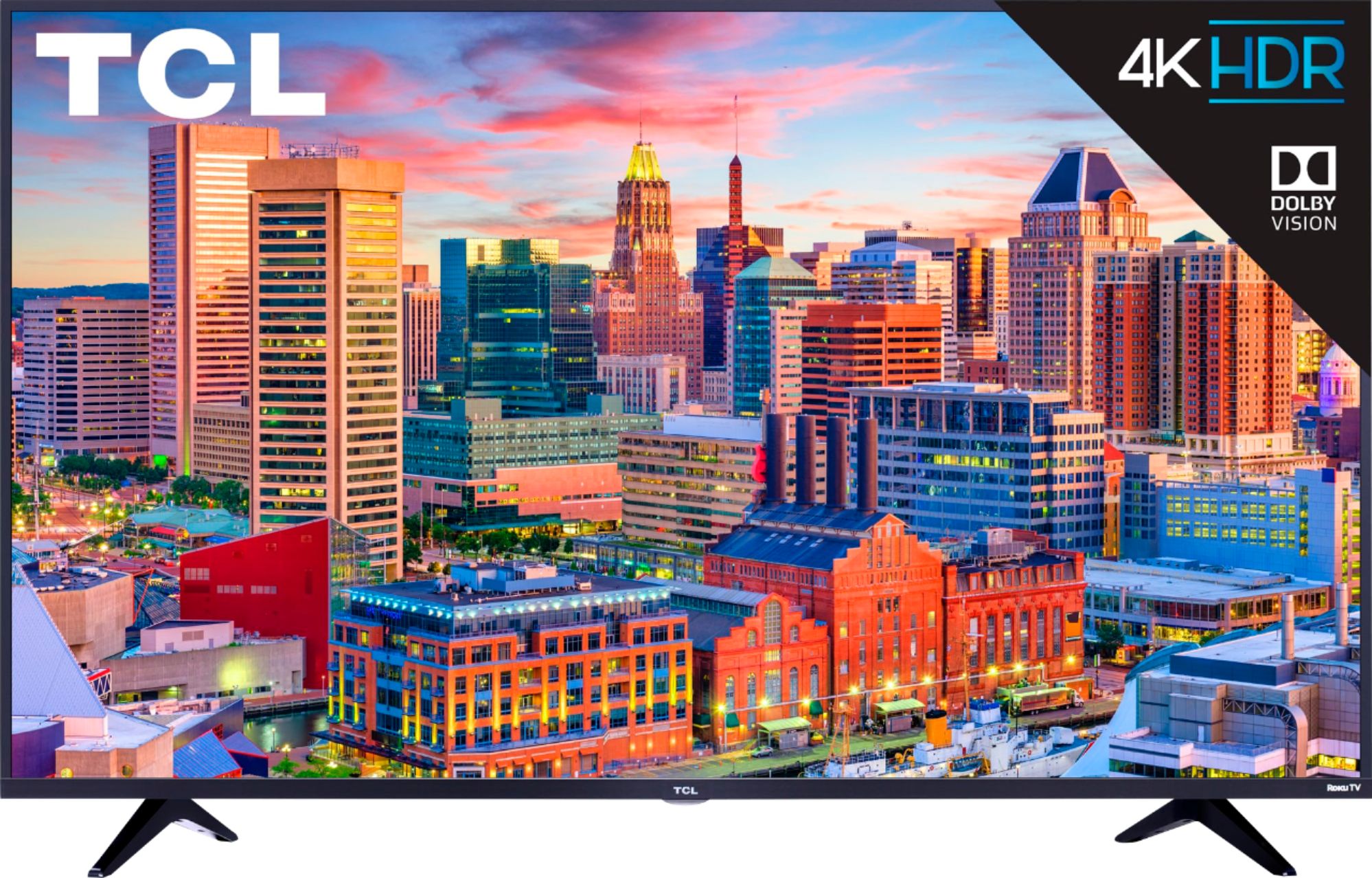
A:AnswerAssuming your Amazon Fire Stick is HDMI then yes you'll be able to use it on one of the HDMI port available. Now keep in mind that your fire stick will reside as a subsystem to the ROKU main system. Meaning the Fire stick will be available via the ROKU menu of the TV. Short answer yes it will work.
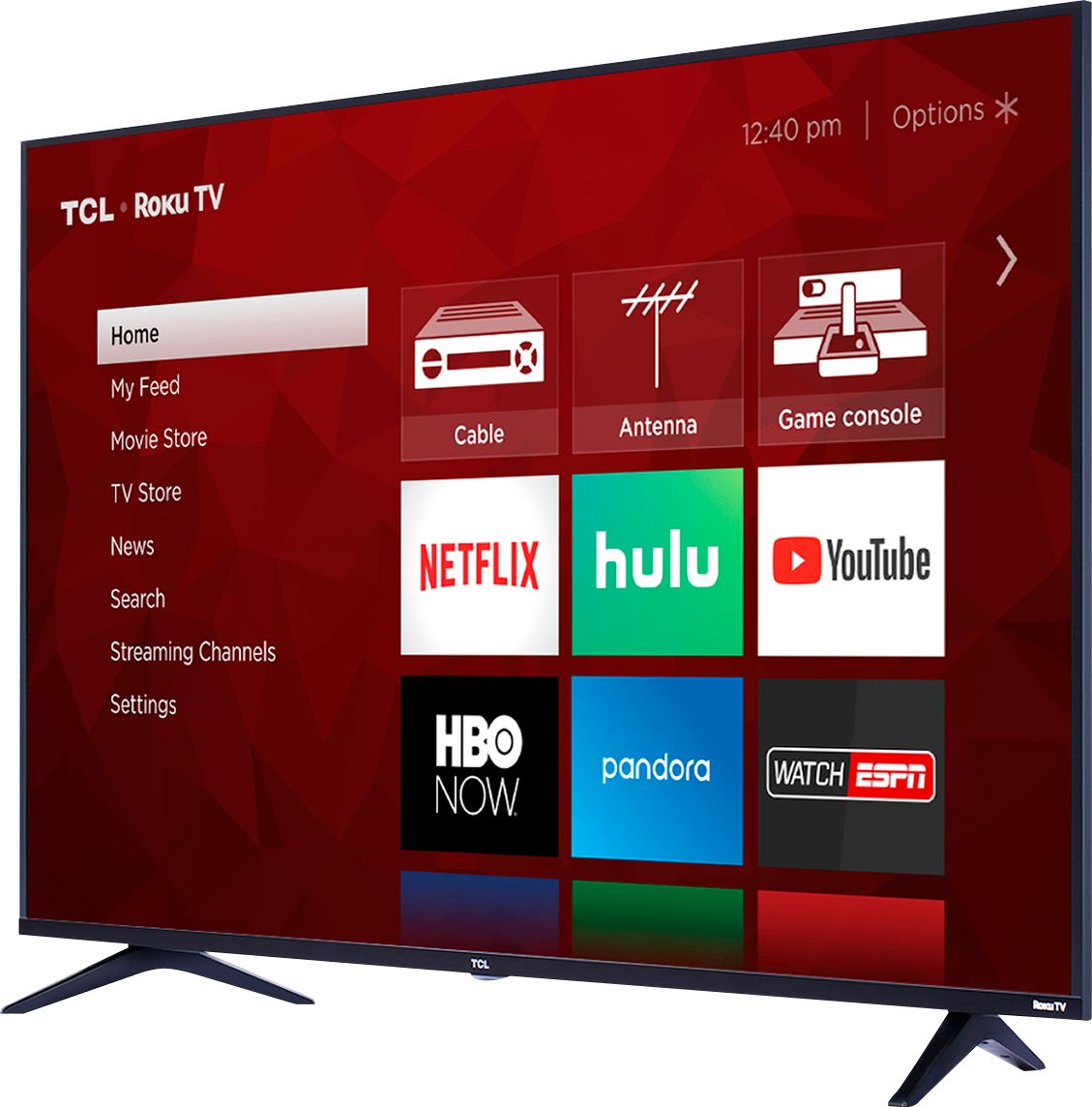
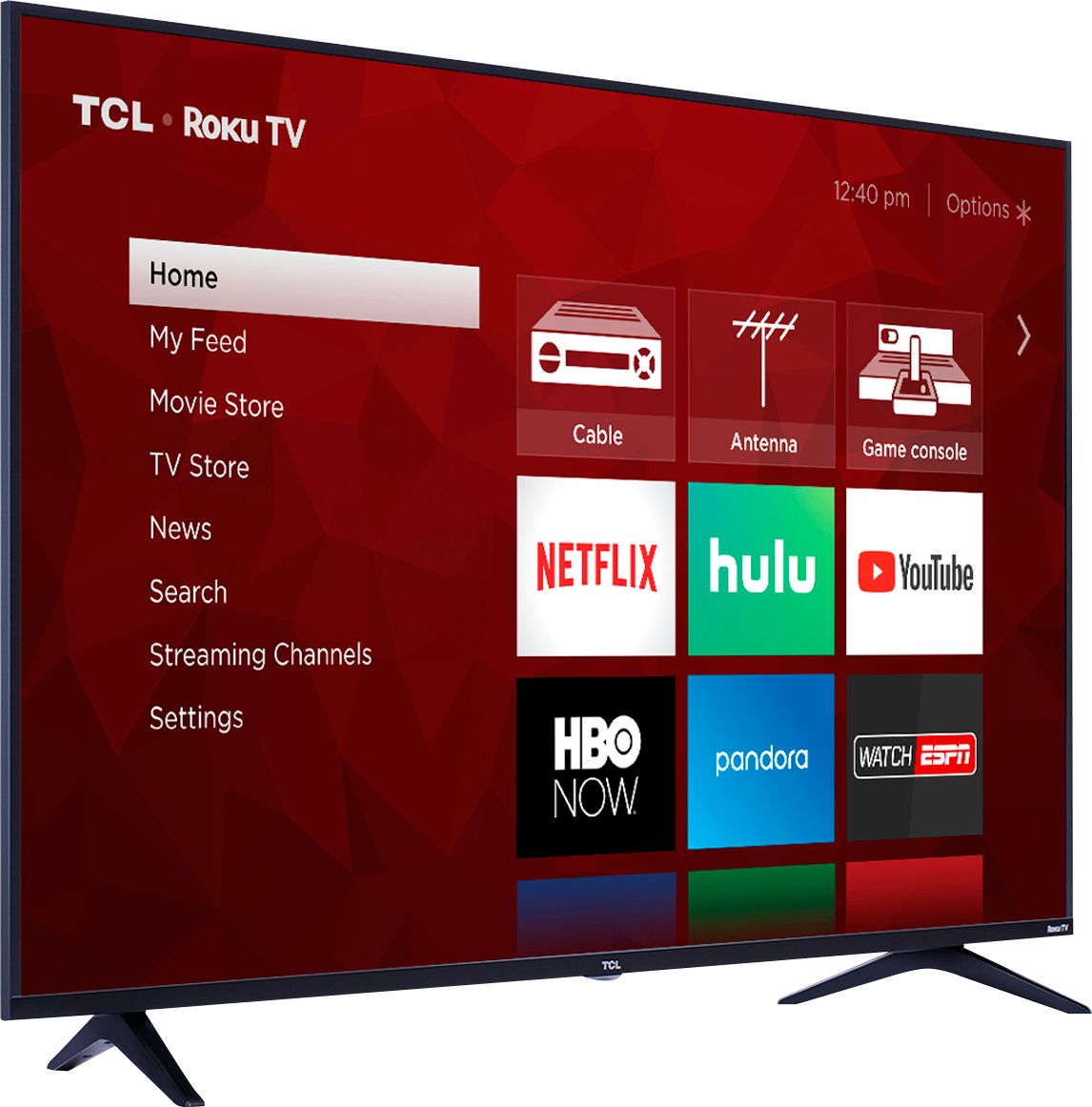
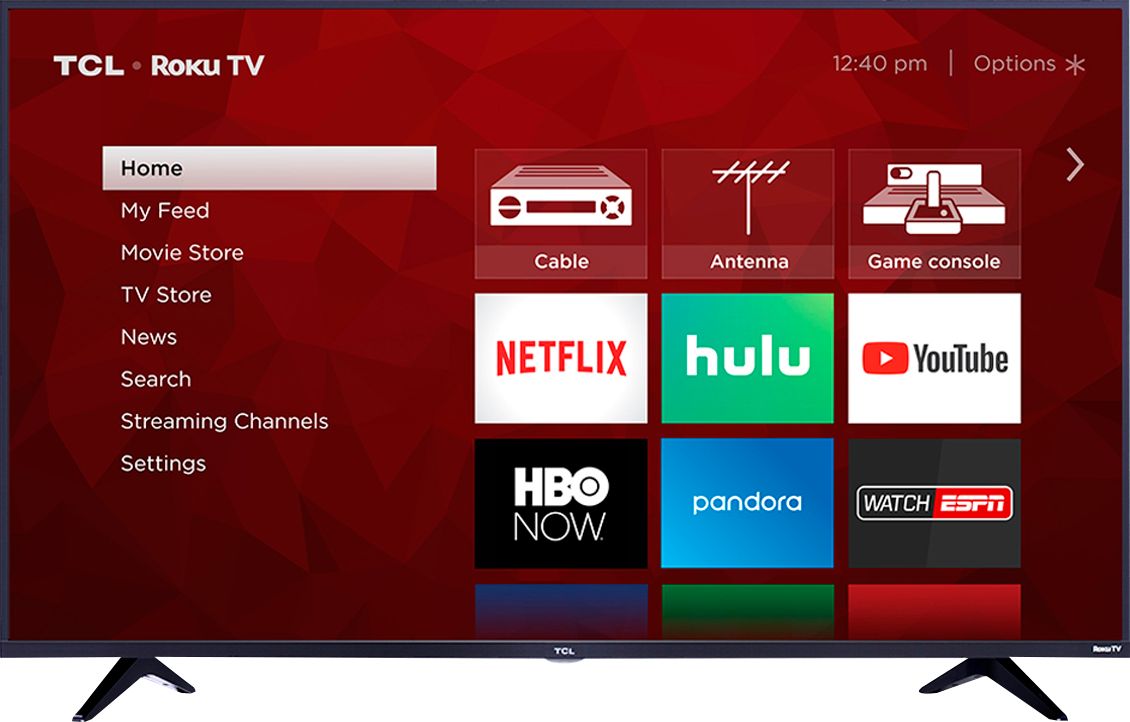
A:AnswerThe tv has a home screen that displays all the tv inputs and all your installed apps. So you can easily switch between your apps or direct tv. My tv auto connects to wifi when its available. So, let's say your watching the Roku tv app (via wifi) and you loose wifi signal, you just click the home button on the tv remote and navigate to select the direct tv icon. The tv should auto connect to wifi when it becomes available.
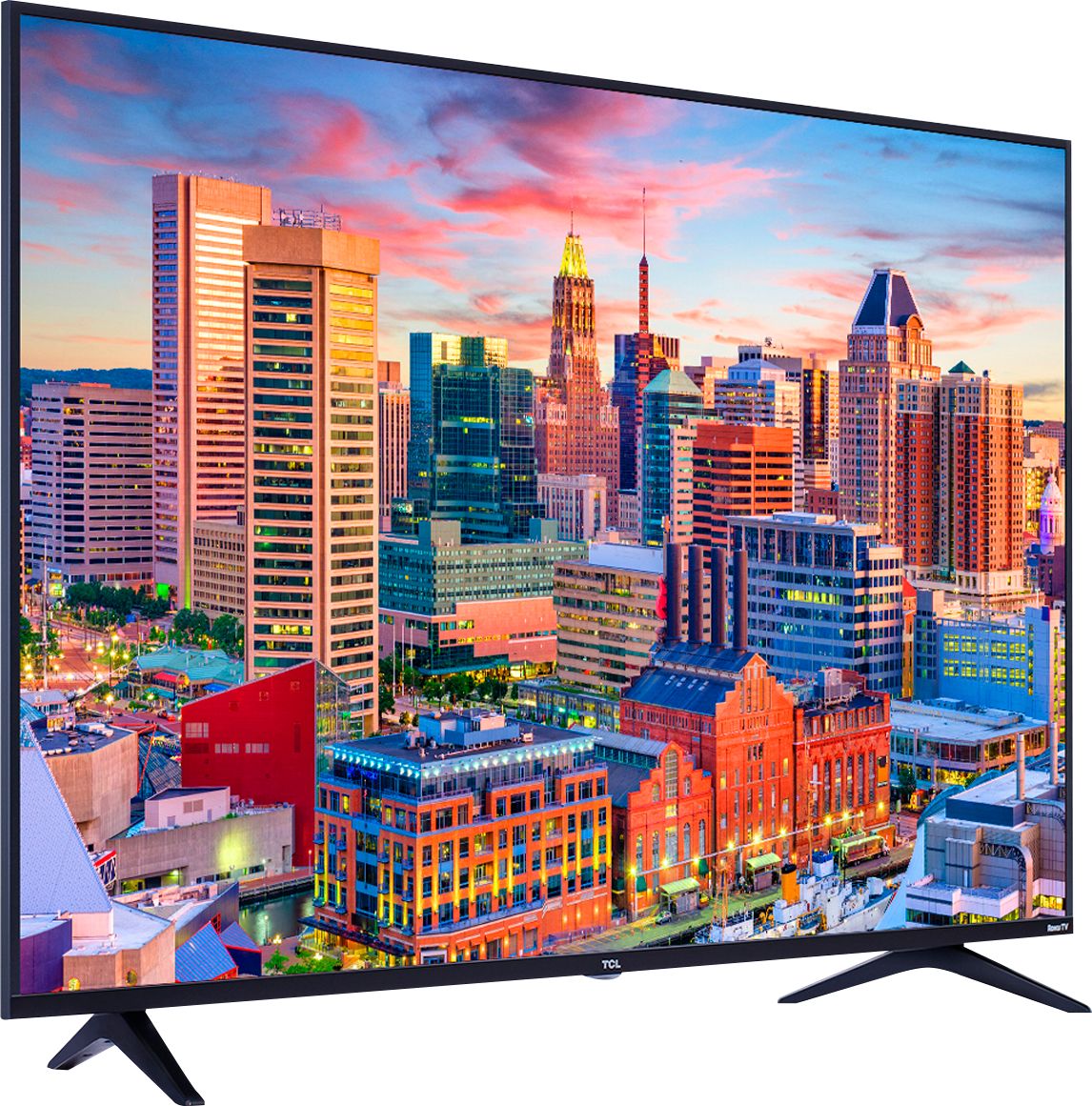
A:AnswerAll of our TCL Roku TVs are now compatible with Alexa. You can visit https://support.tclusa.com/using-amazon-alexa-to-control-your-tcl-roku-tv for more information. Hope this helps! Thank you, TCL Customer Support
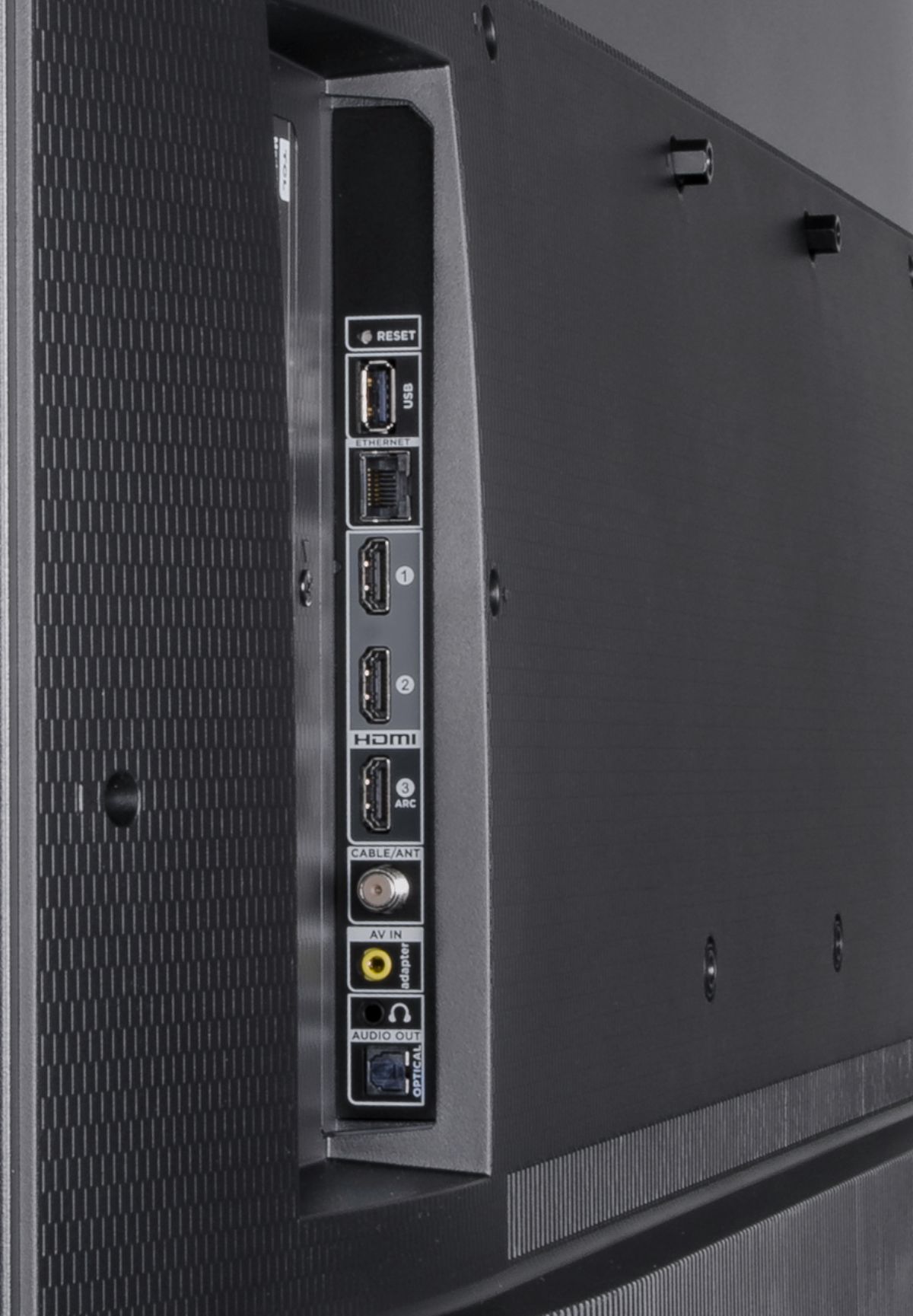
A:AnswerTypically, most external devices are connected through HDMI, Composite, or Coaxial. The USB port is more used for a flashdrive. Hope this helps! Thank you, TCL Customer Support

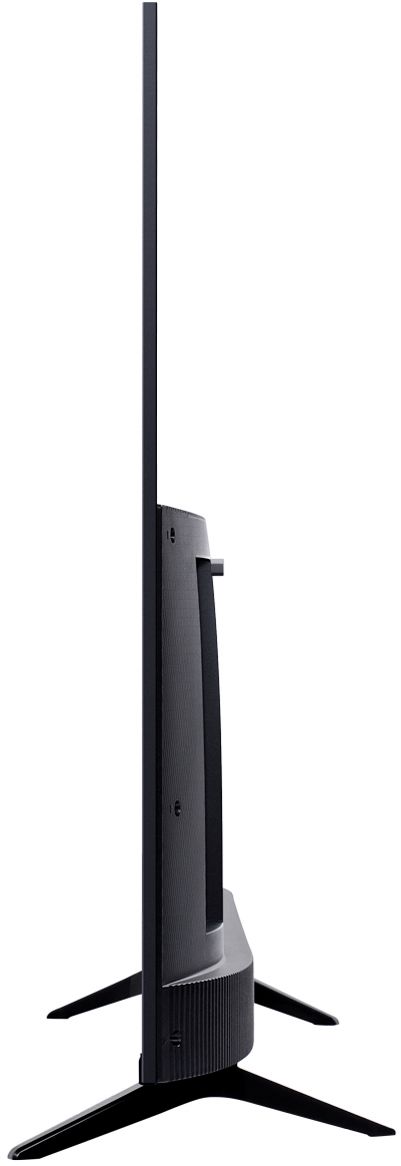
A:AnswerFor this TCL Roku TV with the feet attached, the dimensions are as follows: (W x H x D) 37.8" x 24.0" x 8.4". Hope this helps! Thank you, TCL Customer Support