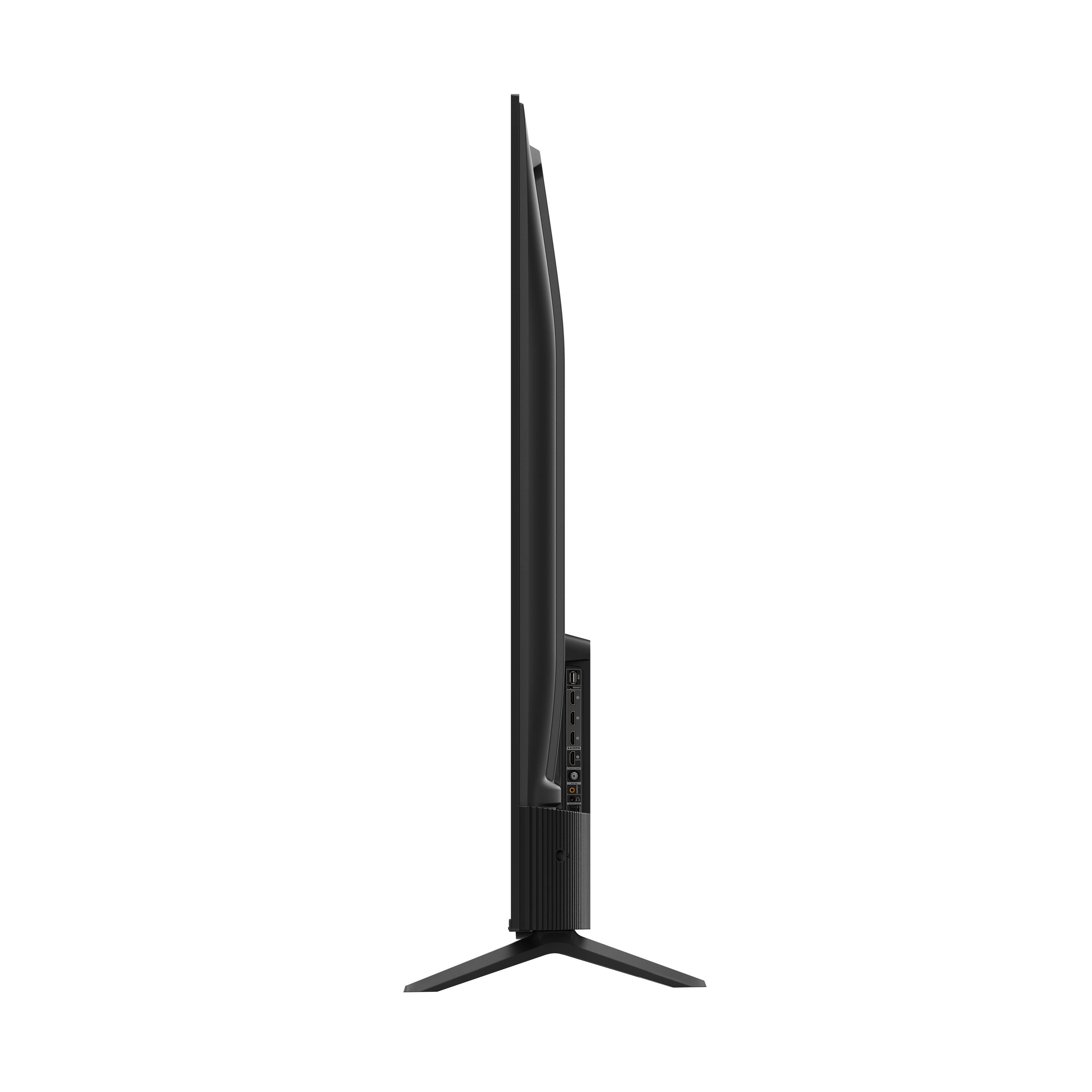
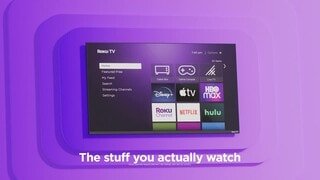
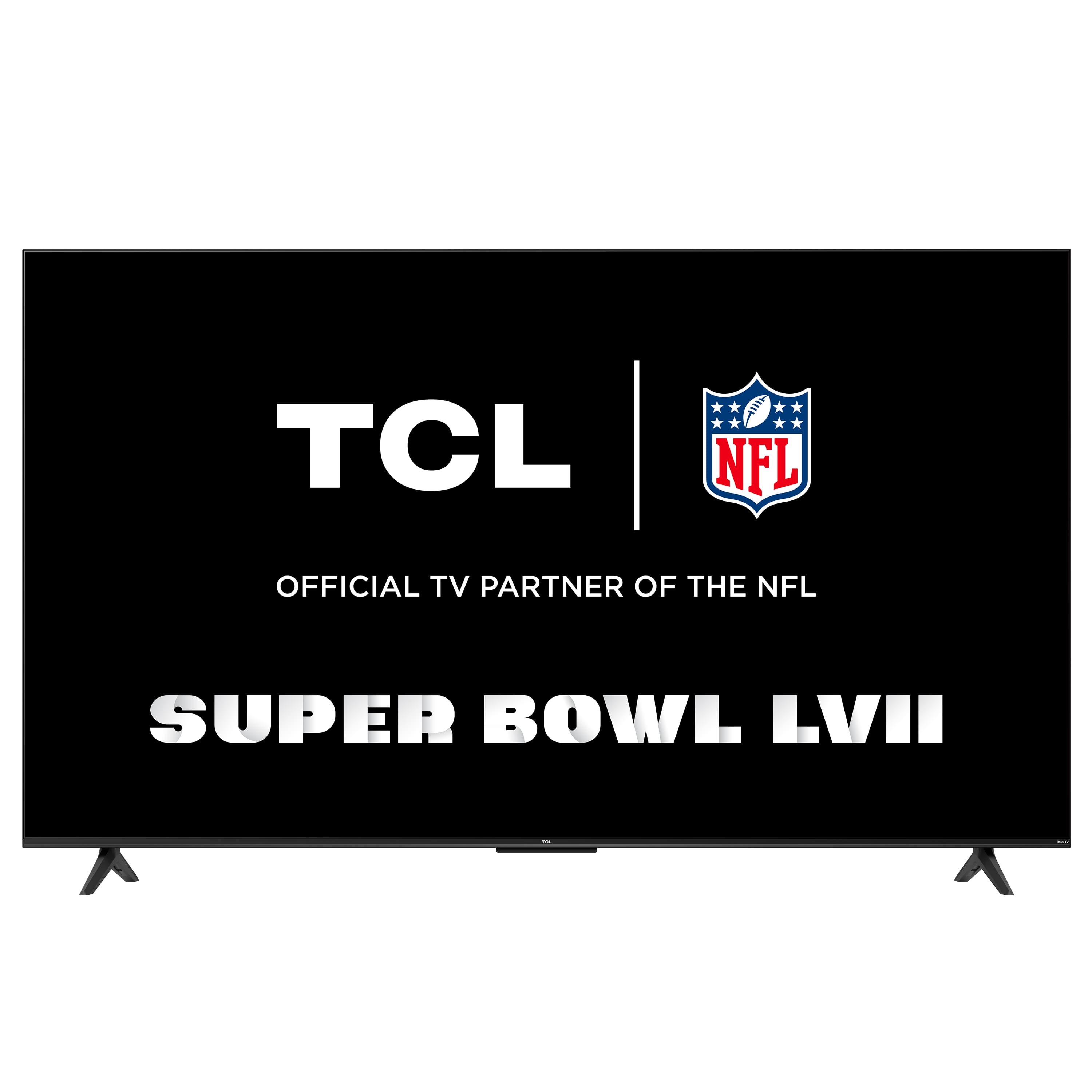
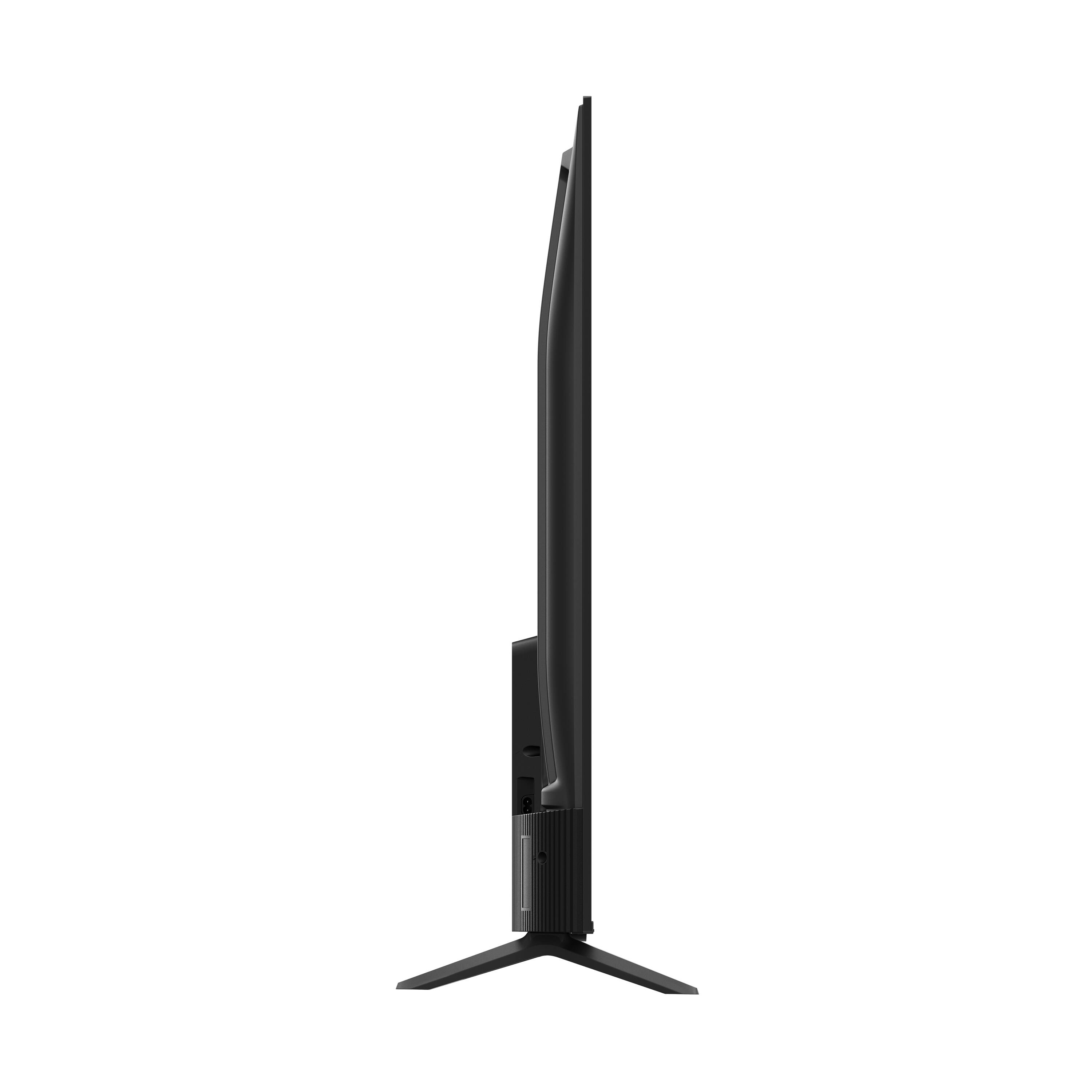
A:AnswerFor this 50 inch TV, the feet spacing to fit on a stand is 37.8 inches. The feet are not adjustable. Hope this helps! Thank you, TCL Customer Support
A:AnswerNot sure of tech part but its easy to add devices. As long as connected to same wifi. You just go to settings then remotes & devices then go to add devices then wireless speakers & it'll walk you through.
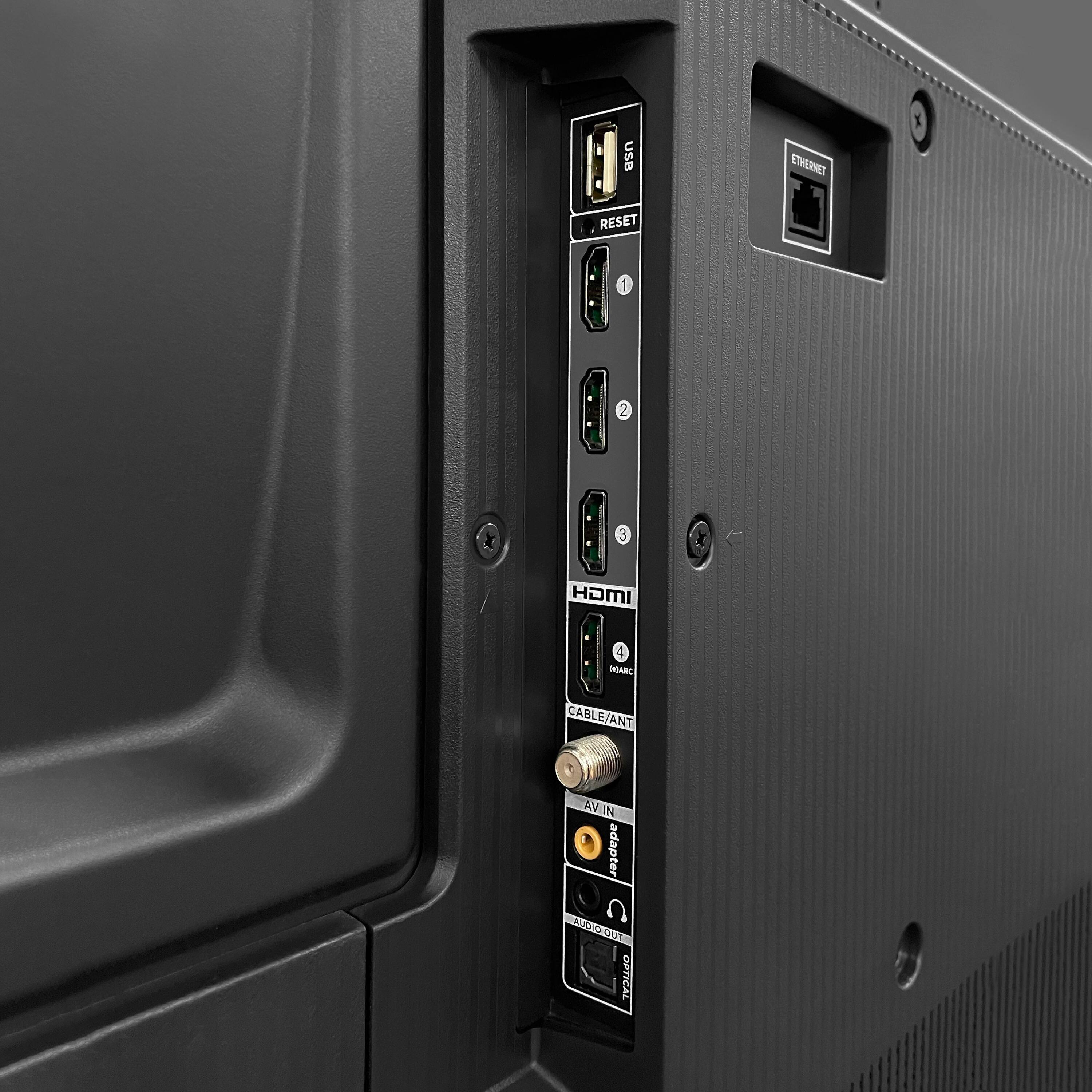
A:AnswerThis TCL TV features various inputs that can be used to connect external devices like a game console. Hope this helps! Thank you, TCL Customer Support
A:AnswerIf your remote is compatible and pairs with the TV, the private listening function should work. Hope this helps! Thank you, TCL Customer Support
A:AnswerThis TCL TV features various inputs that can be used to connect external devices like a cable box. Hope this helps! Thank you, TCL Customer Support
A:AnswerThis TCL Roku TV is designed to be used with the remotes that comes with the TV. We cannot guarantee that external Roku device remotes would pair and work flawlessly with this TV. Hope this helps! Thank you, TCL Customer Support
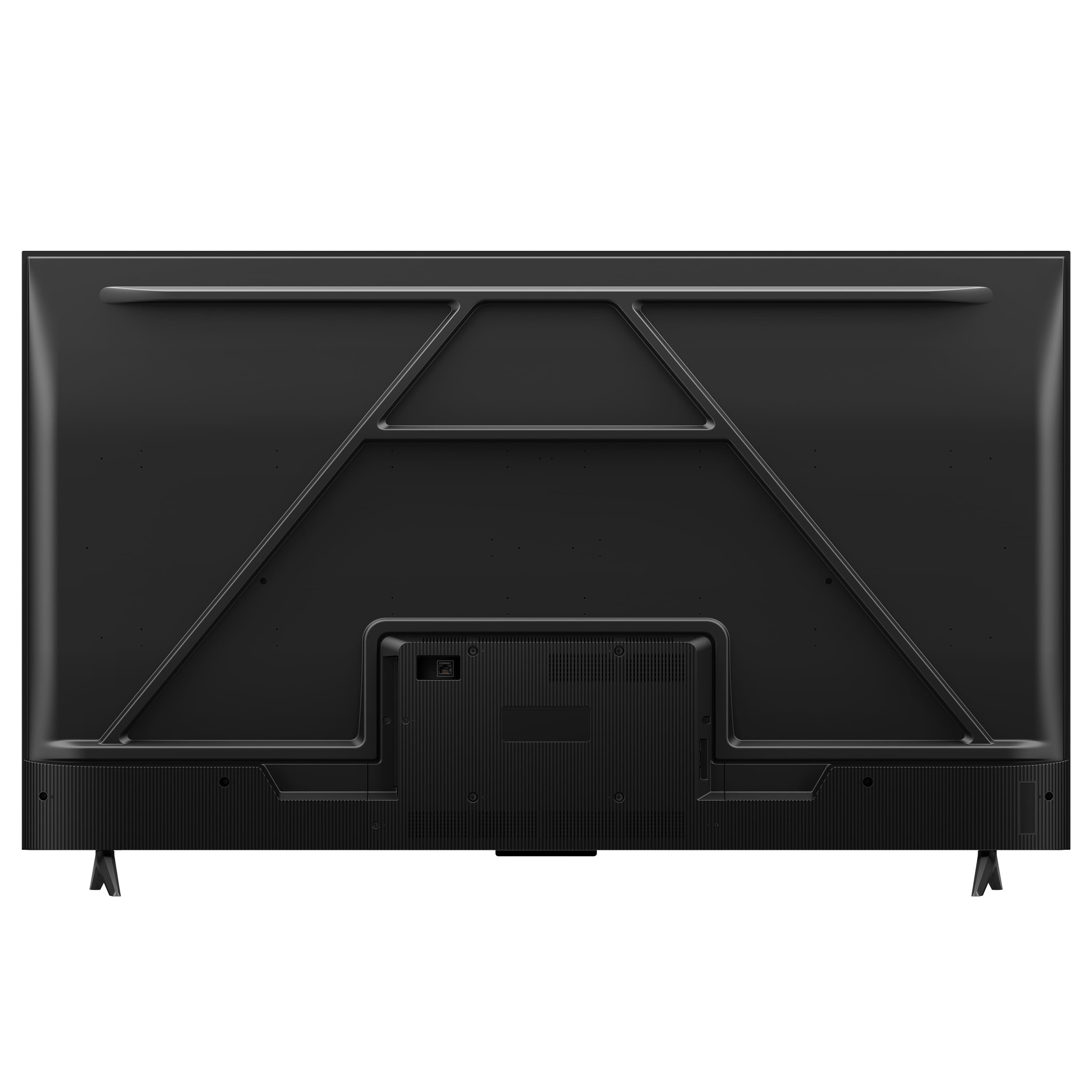
A:AnswerThe HDMI ports on this TV are separate from the Ethernet port. For the HDMI ports, it is recommended to use a more recent High-Speed HDMI cable. Hope this helps! Thank you, TCL Customer Support
A:AnswerCurrently, our Roku based TVs do not support Bluetooth. If you are trying to connect a sound bar or speakers you can use the Optical port, or the HDMI ARC port. For Headphones, there is a Headphone jack on the back of the TV, or you can download the Free Roku app for private listening. Hope this helps! Thank you, TCL Customer Support