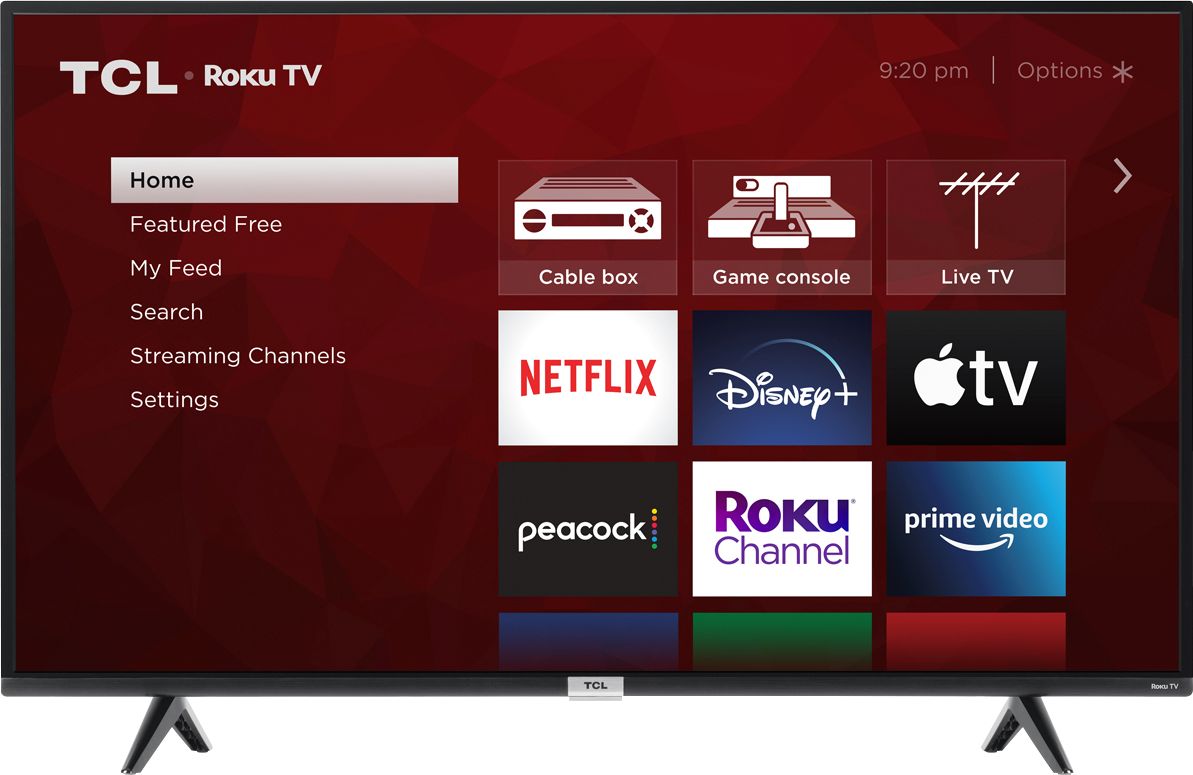
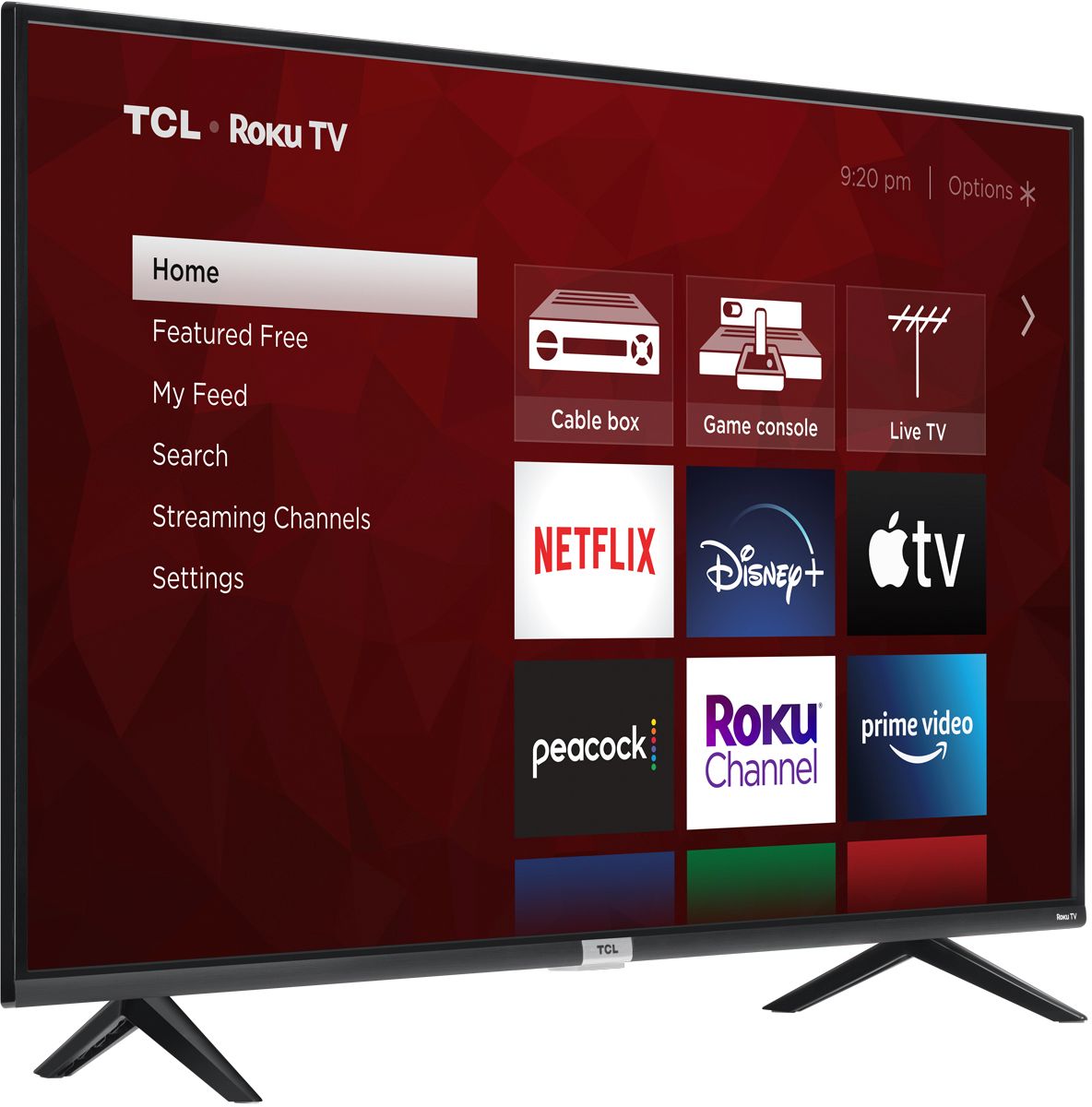
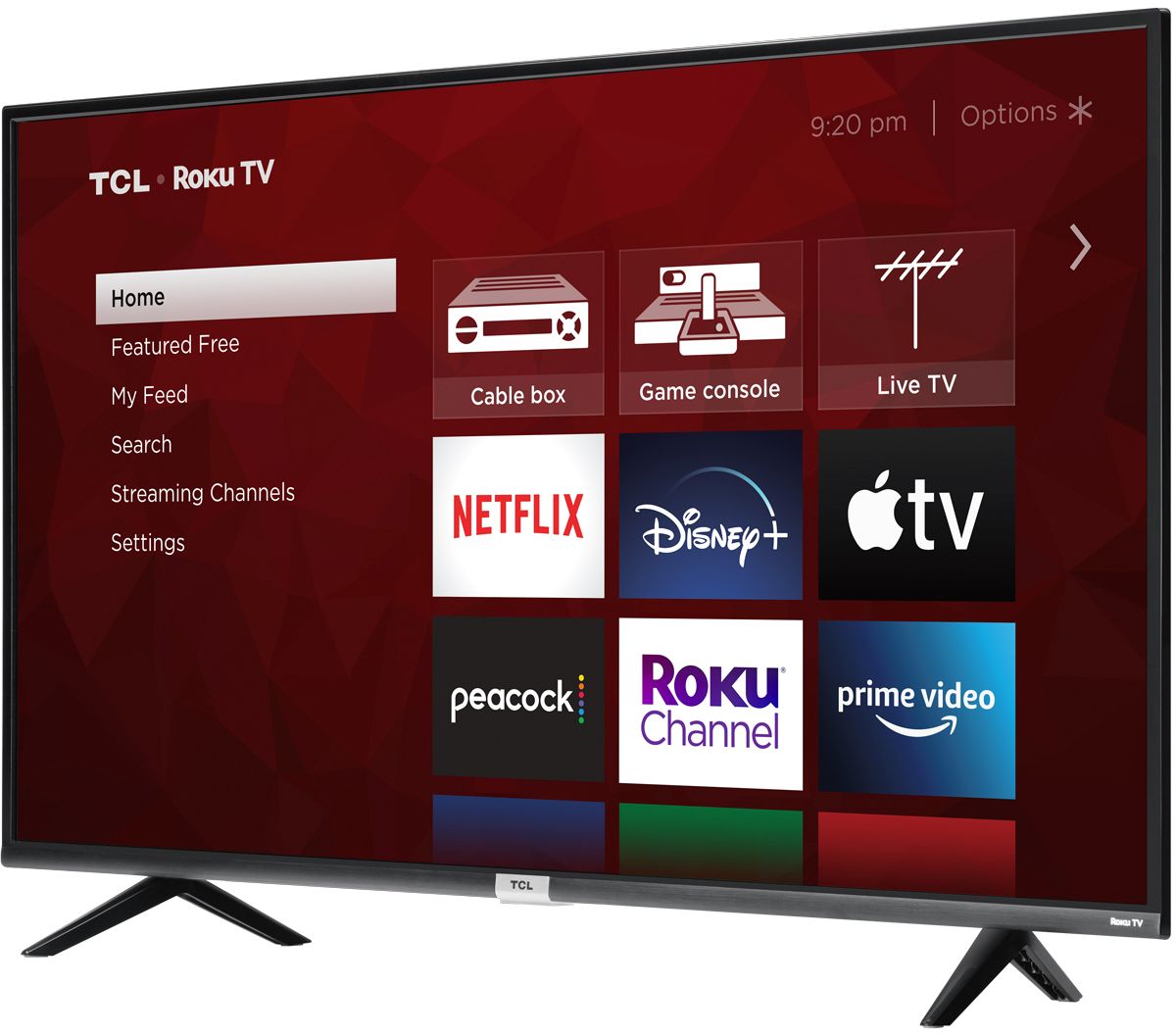
A:AnswerYou can add and remove streaming channels from your Home screen at at given time. You can also move and rearrange the streaming channels to put your most used channels near the top. Hope this helps! Thank you, TCL Customer Support
A:AnswerYou can go to www.Roku.com/whats-on to see what streaming channels and apps are offered through the Roku Channel Store. To search for a specific channel you would simply want to enter that information into the search section. Hope this helps! Thank you, TCL Customer Support
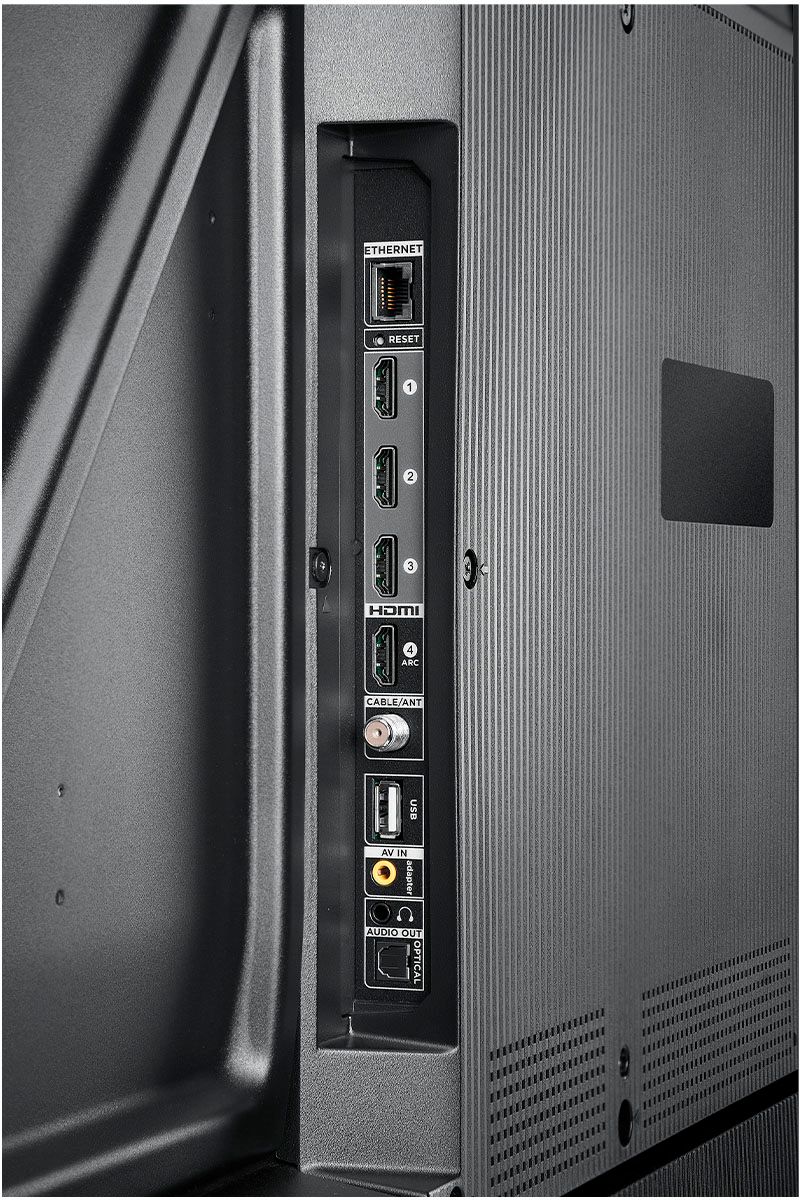
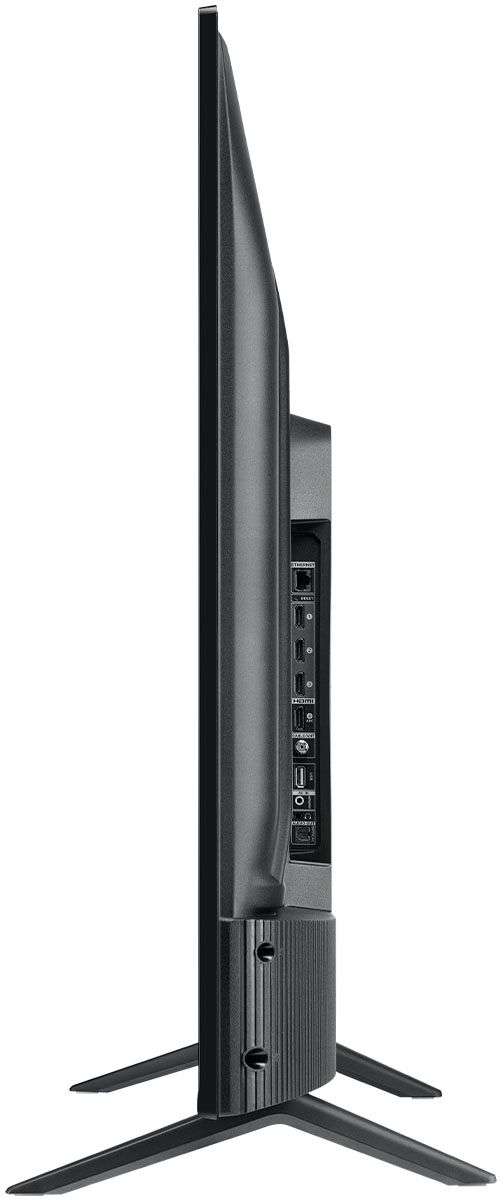
A:AnswerThis TV does not feature a built-in DVD/Blu-ray player. However, this TV features various inputs that can be used to connect external devices like a DVD/Blu-ray player. Hope this helps! Thank you, TCL Customer Support
A:AnswerTCL Roku TVs support screen mirroring with compatible Android and Windows devices. Here is a great article with more details on how: https://support.roku.com/article/208754928-how-to-use-screen-mirroring-with-your-android-or-windows-device. Hope this helps! Thank you, TCL Customer Support
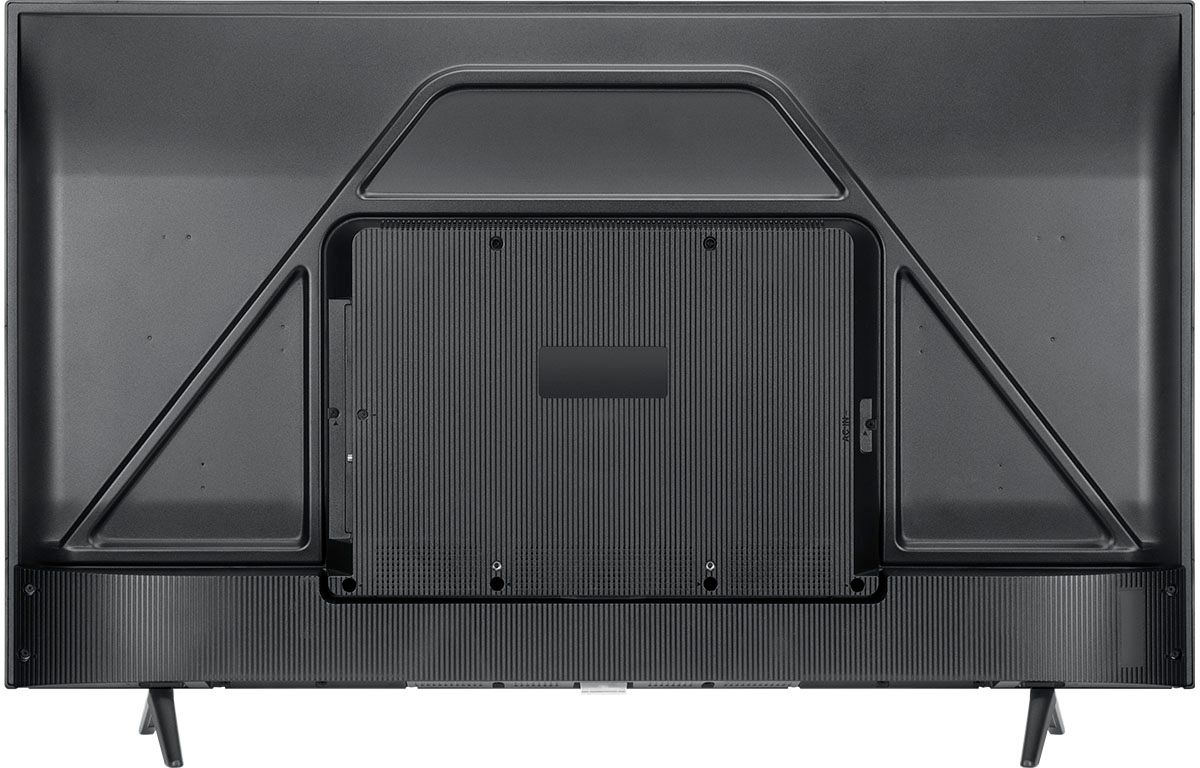
A:AnswerThis TCL Roku TV is compatible with most wall mounts that support a 200mm x 300mm VESA mounting pattern. It is designed to be mounted and used in landscape orientation. The TV itself doe not have settings to rotate the image. Hope this helps! Thank you, TCL Customer Support
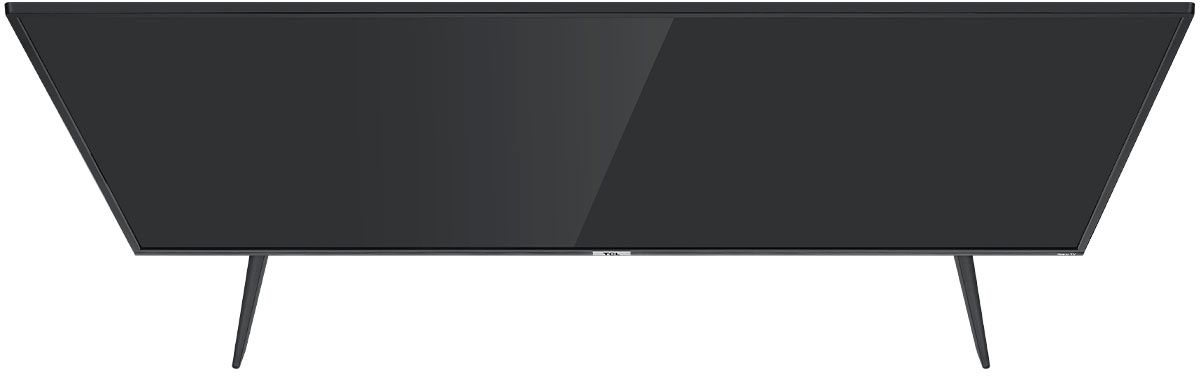
A:AnswerFor this 50 inch TCL Roku TV, the feet spacing to fit on a stand is 35.3 inches wide and 11.8 inches deep. Hope this helps! Thank you, TCL Customer Support