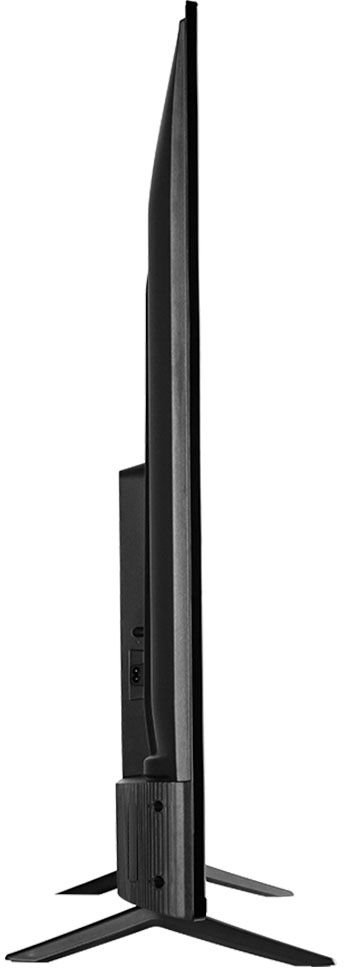
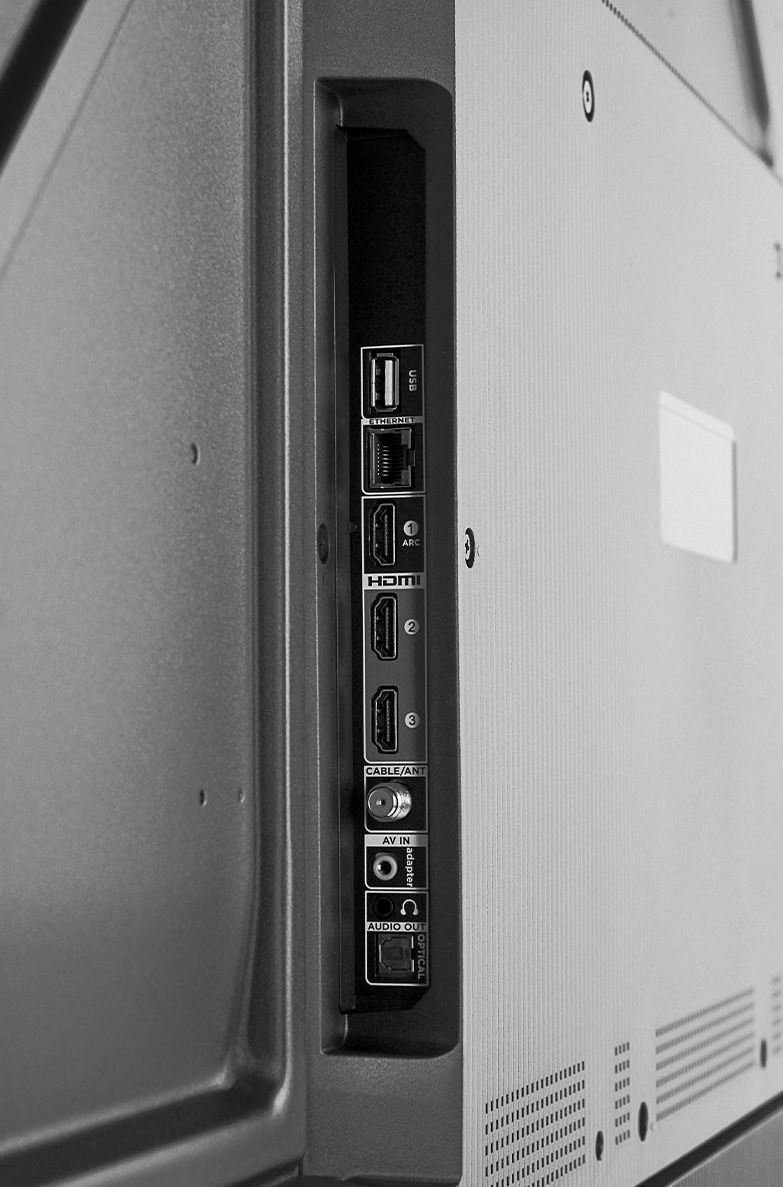
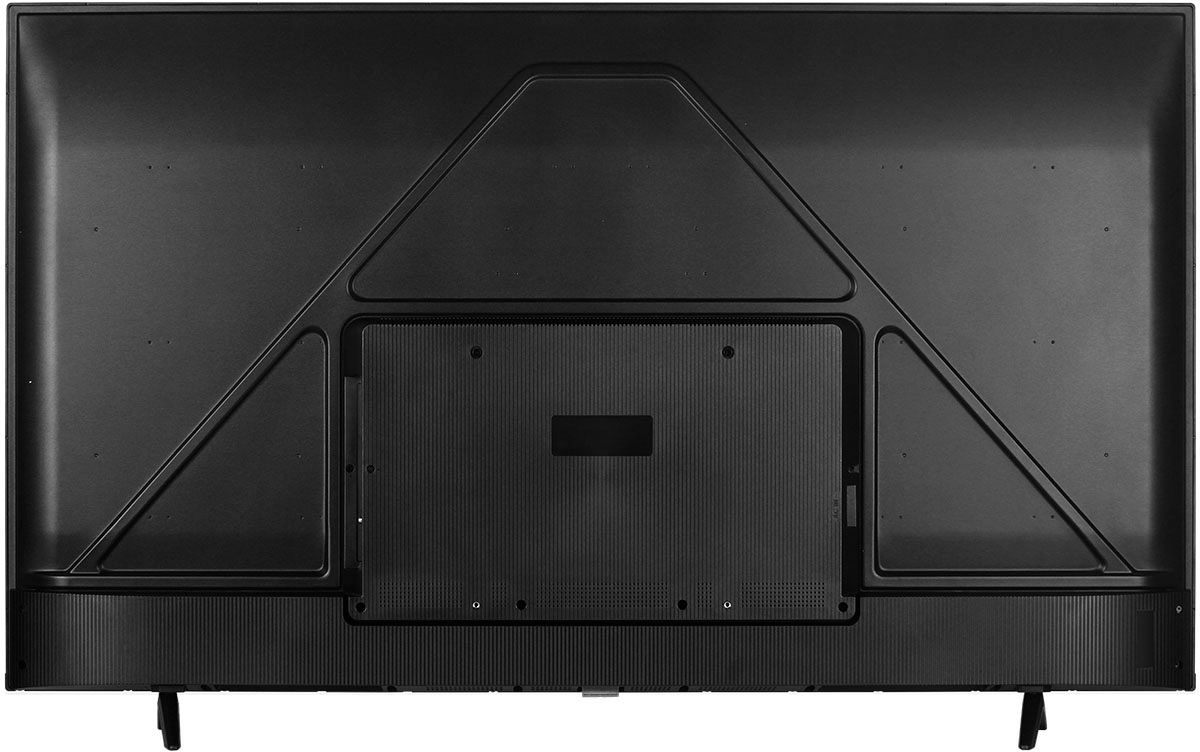
A:AnswerThis TCL TV has a coaxial located on the back of the TV near the other inputs. By connecting an antenna you can receive over-the-air channels. However, the reception depends on the signal strength. Hope this helps! Thank you, TCL Customer Support
A:AnswerThis TCL Android TV features various inputs that can be used to connect external devices like a cable box. Hope this helps! Thank you, TCL Customer Support
A:AnswerSurprisingly you cannot turn this TV on via Google assistant. We use Google assistant for most things in our home. We have an old TV with Google Chromecast that we love, and we can talk to. We thought this would be a step up in "smarts" but very disappointed with this. Didn't see it coming.
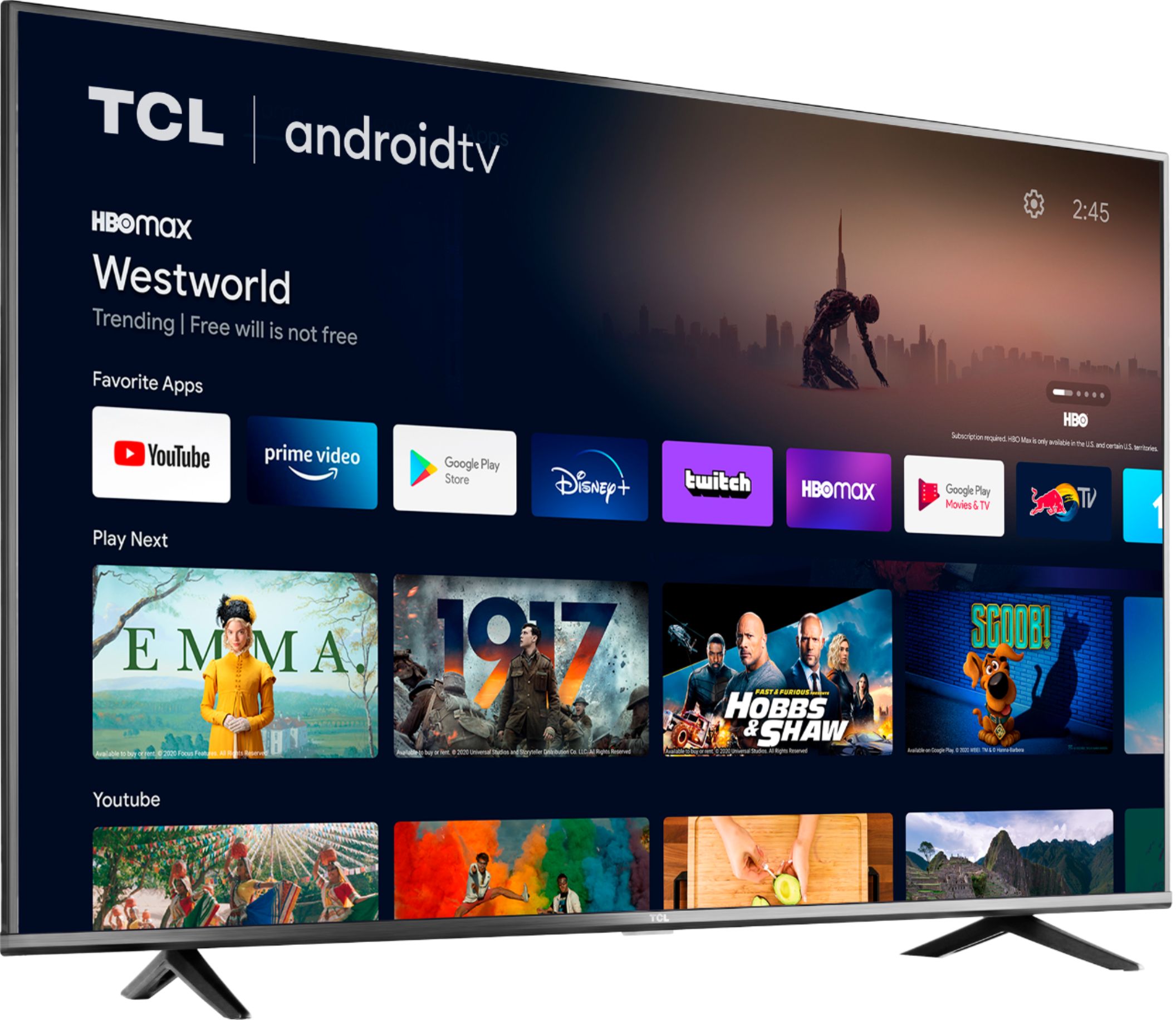
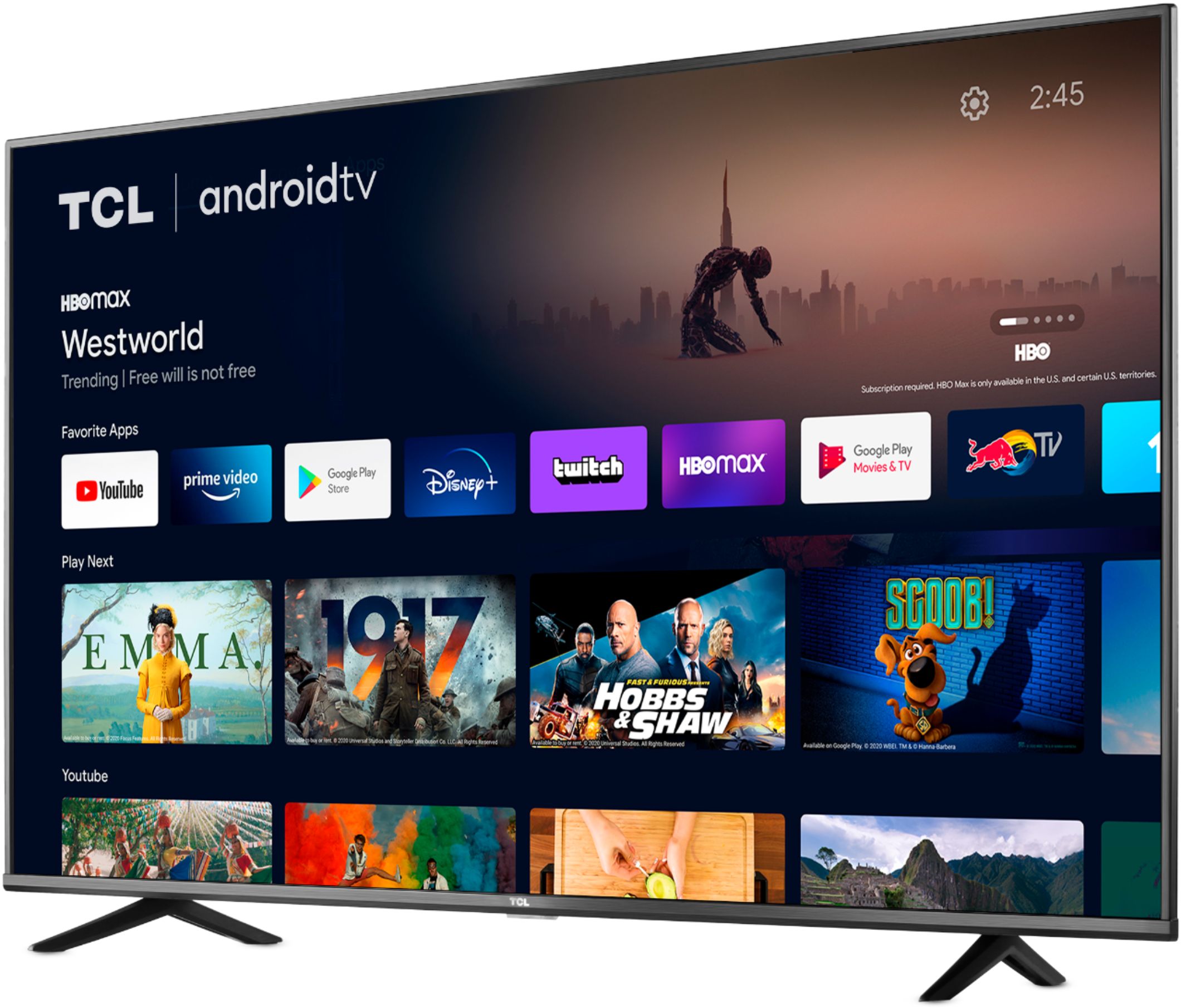
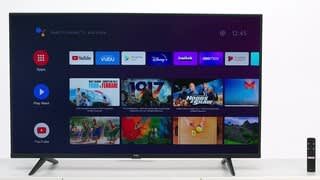
A:AnswerThis TCL Android TV just recently launched this year. The TV receives updated that are made available by Google. Our TCL Android TVs come with Chromecast built-in. Casting to your TV is a simple way to enjoy photos, videos, music, and other content on the big screen. You can watch entertainment from a laptop, tablet, or mobile device. Hope this helps! Thank you, TCL Customer Support
A:AnswerThis TCL Android TV features a 4K resolution and HDR10 support. It does not currently support Dolby Vision. Hope this helps! Thank you, TCL Customer Support
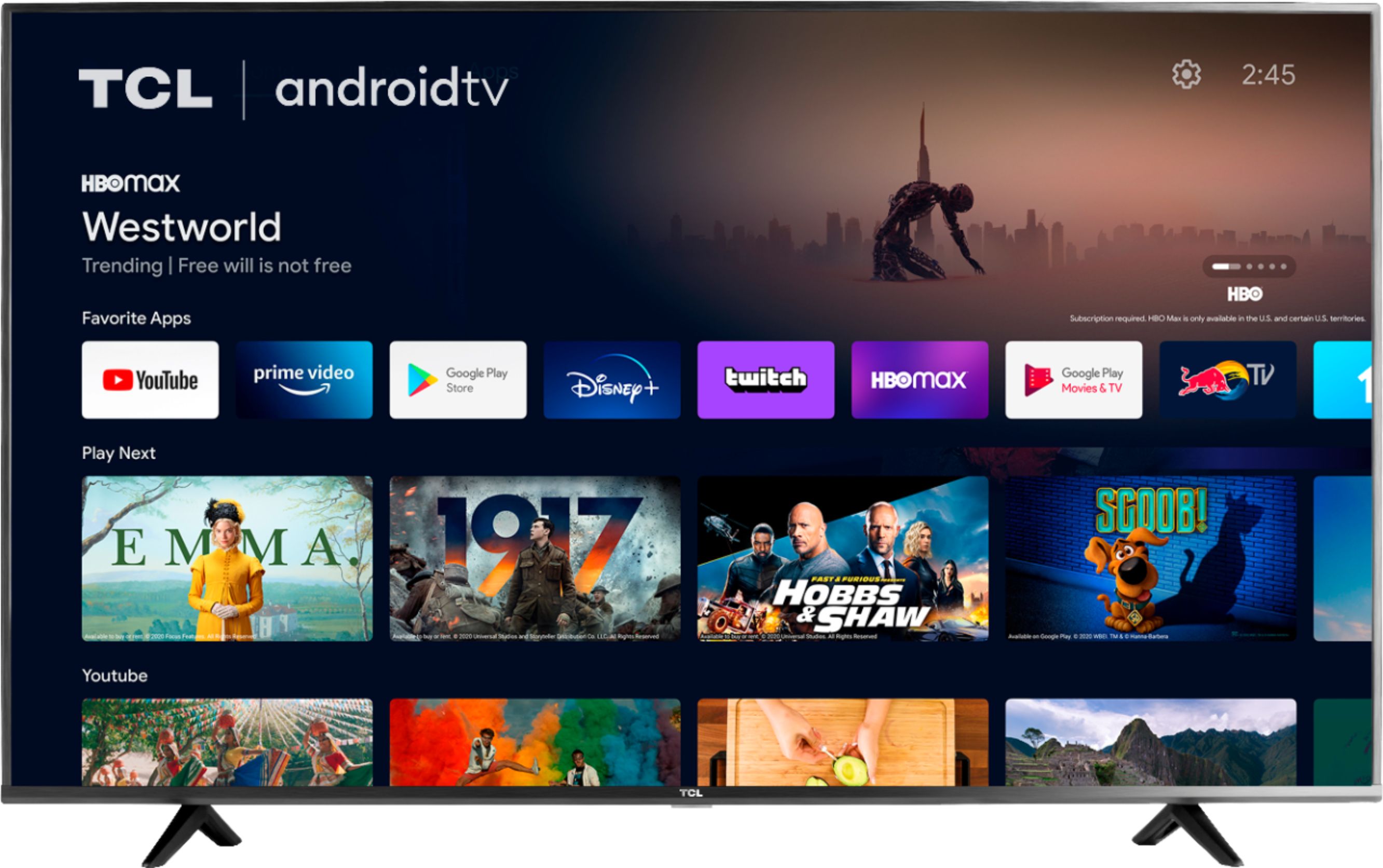
A:AnswerThis TV has access to 5,000+ apps with over 500,000 TV shows and movies available through the Google Play Store. However, please keep in mind that the Google Play Store for TVs does not include all of the same apps as the Google Play Store on a Phone/Tablet. Hope this helps! Thank you, TCL Customer Support
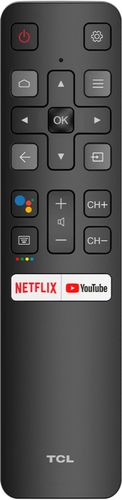
A:AnswerOur TVs are compatible with most Universal and cable remotes. Many Universal and cable box remotes can be programmed to control select features on the TV. You can visit https://support.tcl.com/us-remote-codes for more information. If you do not see your specific remote, you would need to contact the remote's manufacturer to obtain the remote code from them. However, this TV does not currently support the direct input on channel numbers for antenna TV. Hope this helps! Thank you, TCL Customer Support
A:AnswerOur TCL Android TVs come with Chromecast built-in. Casting to your TV is a simple way to enjoy photos, videos, music, and other content on the big screen. You can watch entertainment from a laptop, tablet, or mobile device. Hope this helps! Thank you, TCL Customer Support
A:AnswerNo, both systems work simultaneously. When the speakers are plugged into the back, the TV speakers work along with the headphones. If you want to go headphones only, just turn the sound completely down. Btw, there's no mute button on the remote control. That's a minor annoyance, because the rest of the system works so well. If you need any advice on how to set up your system, you'll have to call the help desk; if, on the other hand, you're just the teensiest bit adventuresome, then intuitively working your way through the sound system will not be that hard.
A:AnswerHow odd that you should ask, I just ran into something similar last night with regular headphones. The solution is quite simple: get into the audio settings menu on your TV and then under audio go to advanced settings. There you will find a button that allows you to adjust for sound delay. Adjust accordingly. The button even allows you to have the sound play BEFORE the characters move their mouths to speak. Good luck.
A:AnswerI do not know if all Android TV systems are the same. They have some apps that you can download, but there are not many. You may not download any browsers, not even Google, or Chrome. That sucks. Even though this is designed as a media center, you cannot download the IMDB app like you do on your phone. Some of the many media apps you can install and view do have cast information, they are not always enough to my liking. The remote is designed for basic activities, though Google Assistant is helpful, even if it keeps telling me that I cannot do something. I really like this TV, but I am thinking of setting up a computer with it to use it as a big beautiful monitor to get all that I would want out of it.