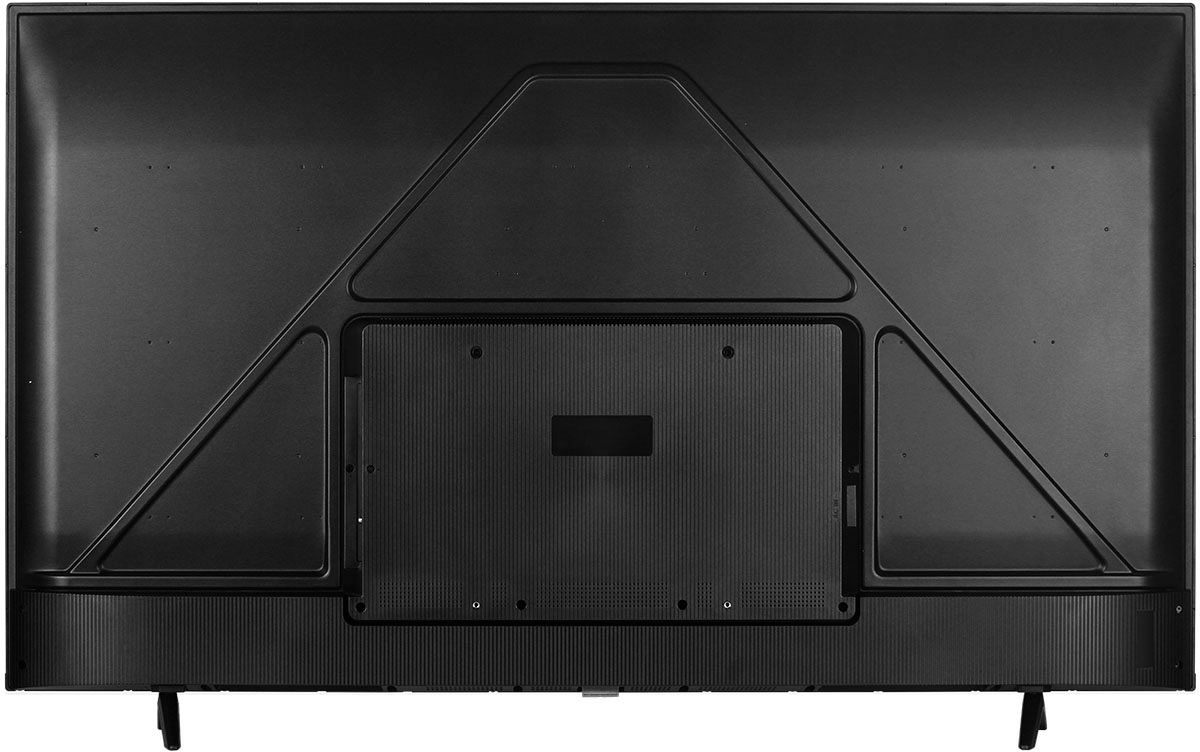
A:AnswerThese two patterns would be different. You may want to look up different mounting bracket types that fit the 200mm x 300mm pattern. Hope this helps! Thank you, TCL Customer Support
A:AnswerThis TCL TV has a coaxial located on the back of the TV near the other inputs. By connecting an antenna you can receive over-the-air channels. However, the reception depends on the signal strength. Hope this helps! Thank you, TCL Customer Support
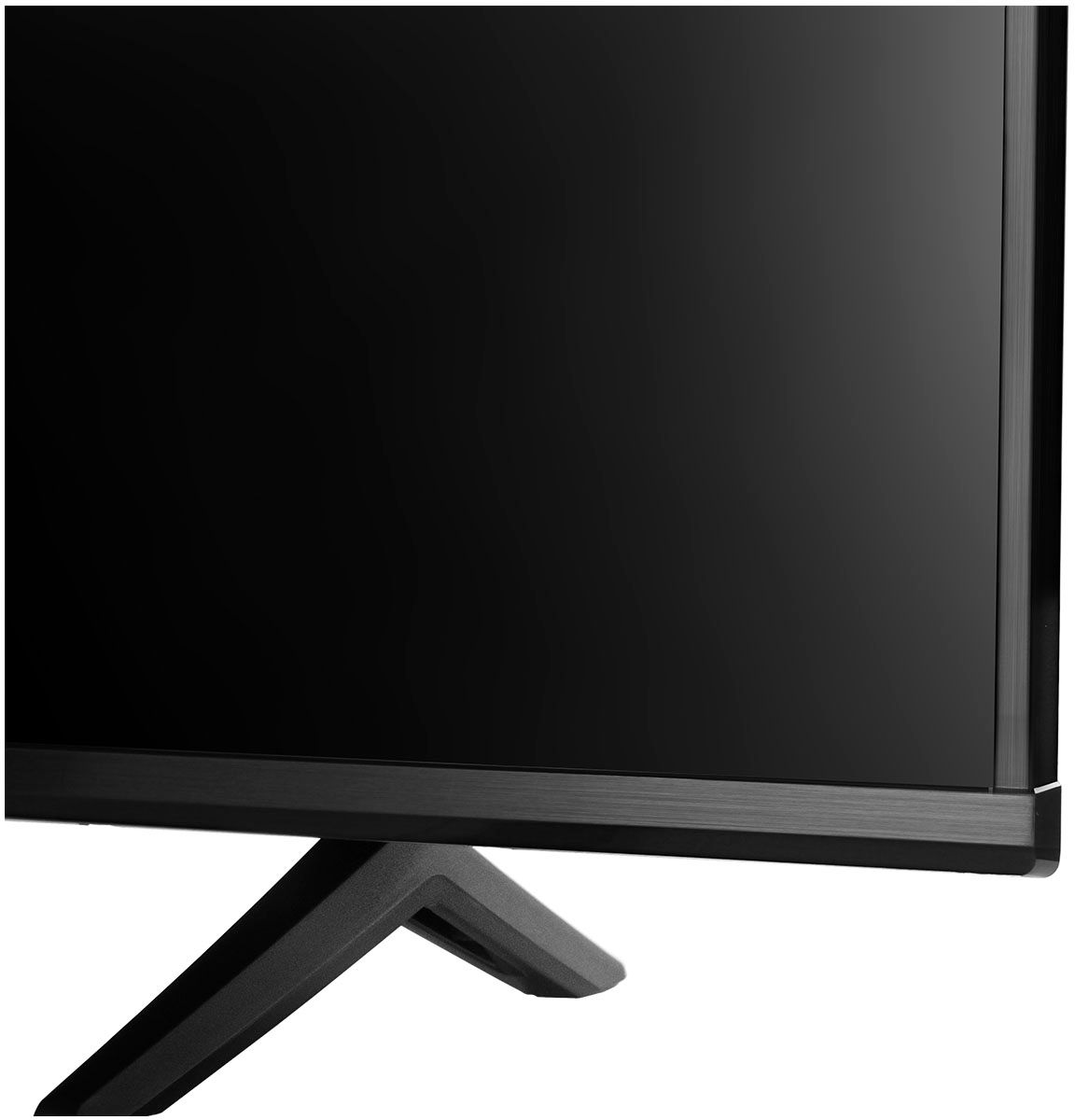
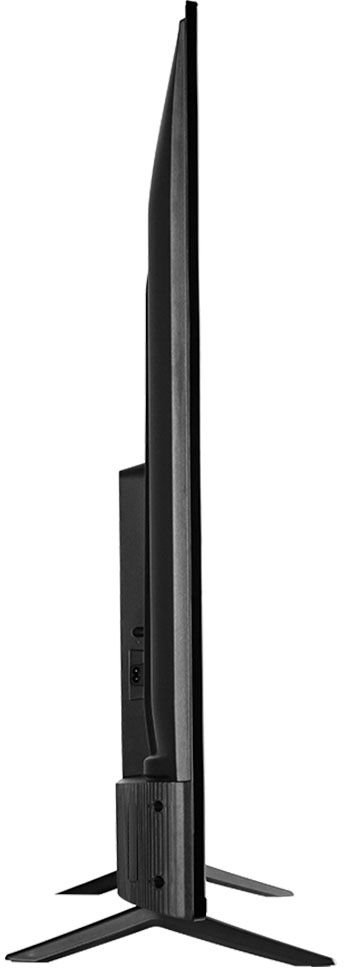
A:AnswerFor this 50 inch TCL Android TV, the feet spacing to fit on a stand is 37.3 inches wide and 11.8 inches deep. The feet are not adjustable. Hope this helps! Thank you, TCL Customer Support
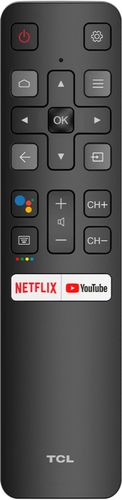
A:AnswerThis TCL Android TV does not currently support Siri. However, it has a built-in Google Assistant. The remote even features a Google Assistant button for easy access to voice control. Hope this helps! Thank you, TCL Customer Support
A:AnswerTCL seems to have disabled Alexa support with a software update. Mine still has the TCL "Works with Alexa" app installed on it but if I try to open it I get a "This app is not available in the current country" message. So maybe it's just geo-blocked in the U.S.?
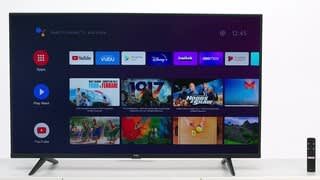
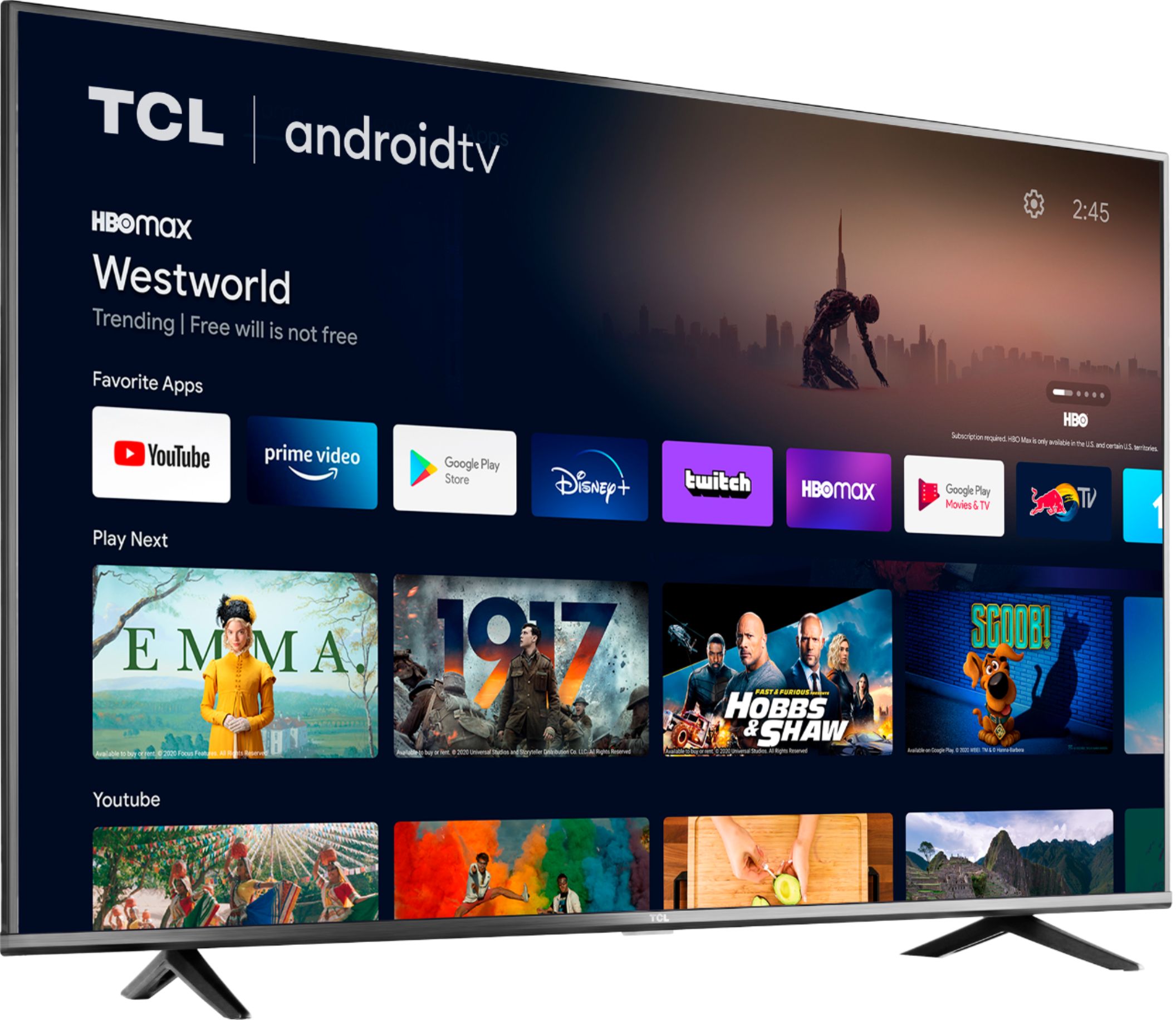
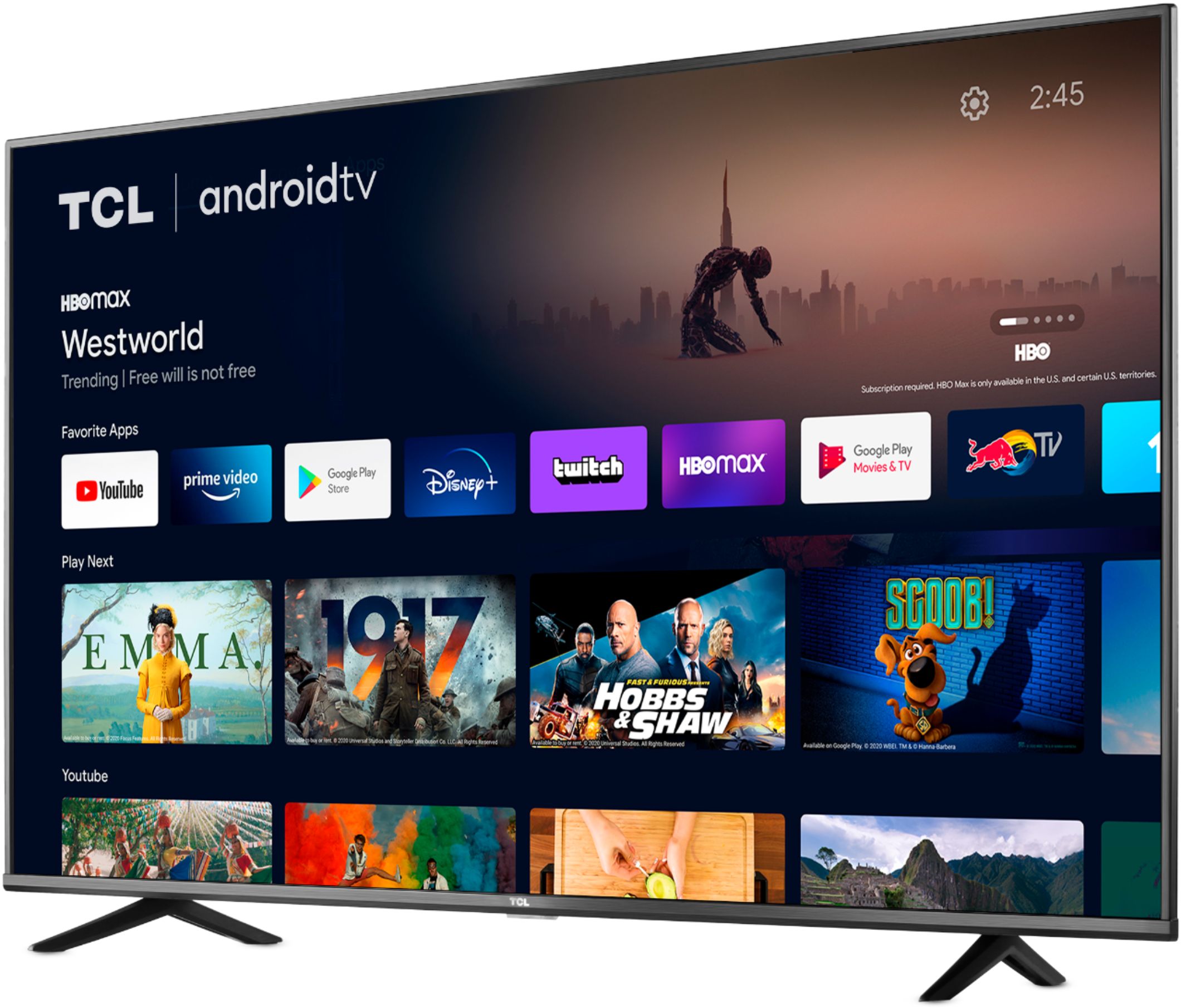
A:AnswerTCL Android TVs have access to thousands of streaming channels, and over 500,000 movies and tv episodes to fulfill almost any streaming need. This TV also includes 3 HDMI ports to connect external devices, such as that of a Firestick. Hope this helps! Thank you, TCL Customer Support
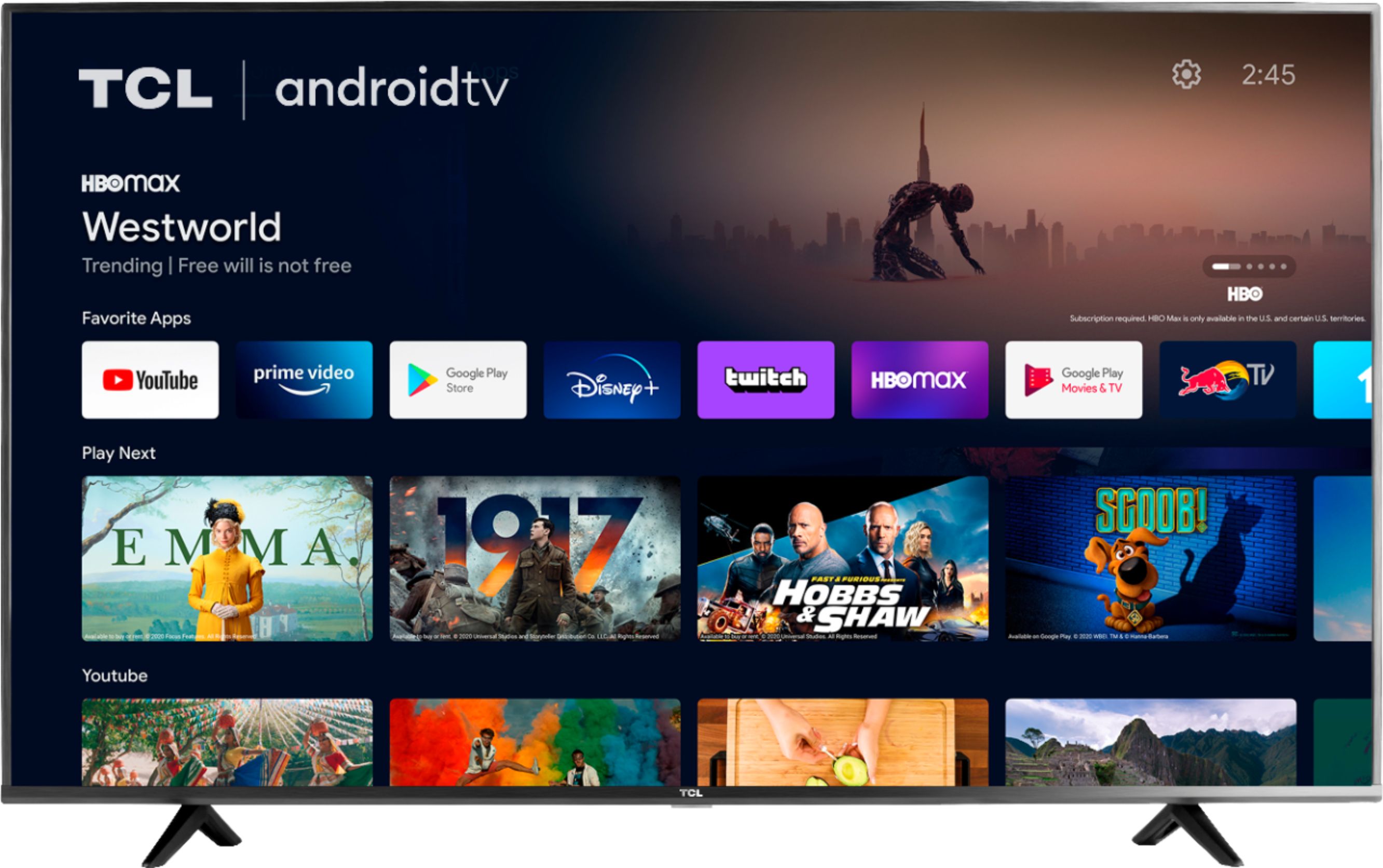
A:AnswerThis TCL Android TV has the ability to connect to the Internet via WiFi or through Ethernet. It supports both 2.4GHz and 5Ghz WiFi. Hope this helps! Thank you, TCL Customer Support
A:AnswerThis TCL TV has a coaxial located on the back of the TV near the other inputs. By connecting an antenna you can receive over-the-air channels. However, the reception depends on the signal strength. Hope this helps! Thank you, TCL Customer Support
A:AnswerThe composite connection for this TCL TV is a single input located between the coaxial input and the Headphone Jack. You would need to use an adapter to connect the traditional red/white/yellow cables you are used to seeing. Hope this helps! Thank you, TCL Customer Support
A:AnswerThe Peacock TV streaming app is indeed one of the many available streaming apps on this TCL Android TV. Hope this helps! Thank you, TCL Customer Support
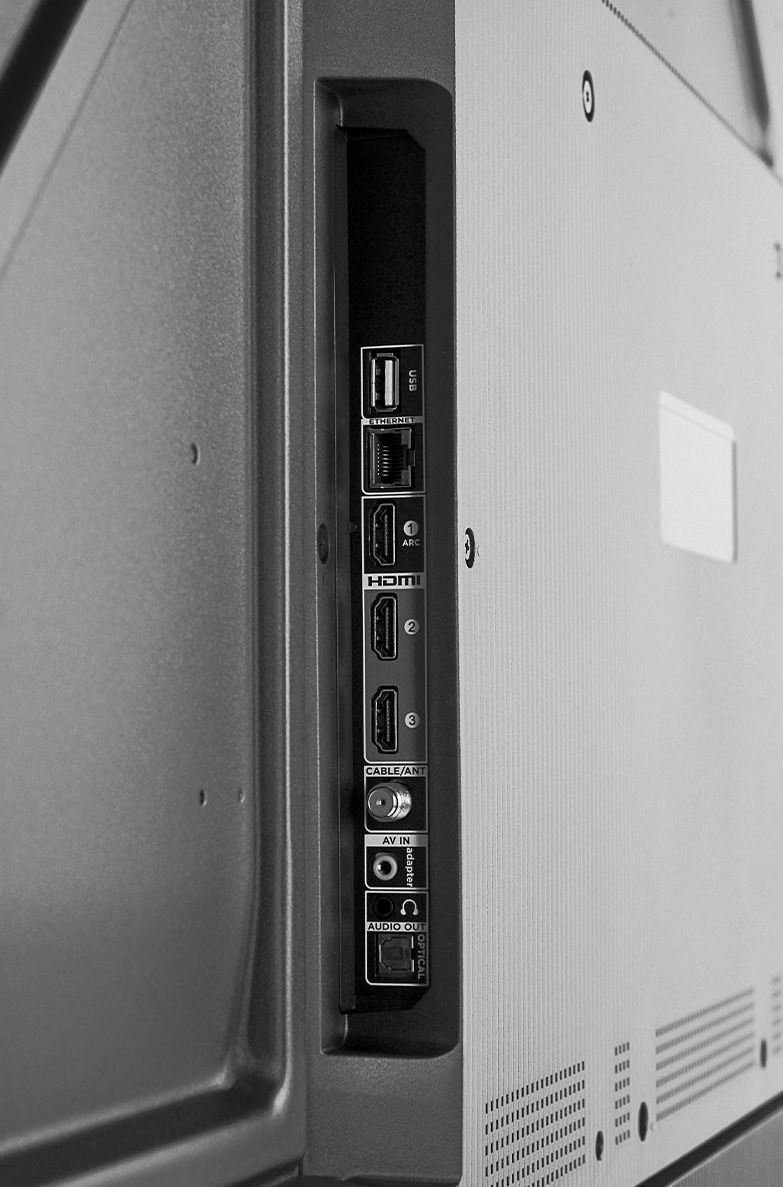
A:AnswerCurrently, if headphones are connected to the TV it disables the internal speakers. You would need to disconnect the headphones to regain audio from the TV. There is no settings to adjust for this. Hope this helps! Thank you, TCL Customer Support