A:AnswerTCL Roku TVs support screen mirroring with compatible Android and Windows devices. Here is a great article with more details on how: https://support.roku.com/article/208754928-how-to-use-screen-mirroring-with-your-android-or-windows-device. Hope this helps! Thank you, TCL Customer Support
A:AnswerDon't know I haven't used Roku I only bought the TV for the larger picture because my wife is legally blind and was having trouble seeing our older smaller screen.
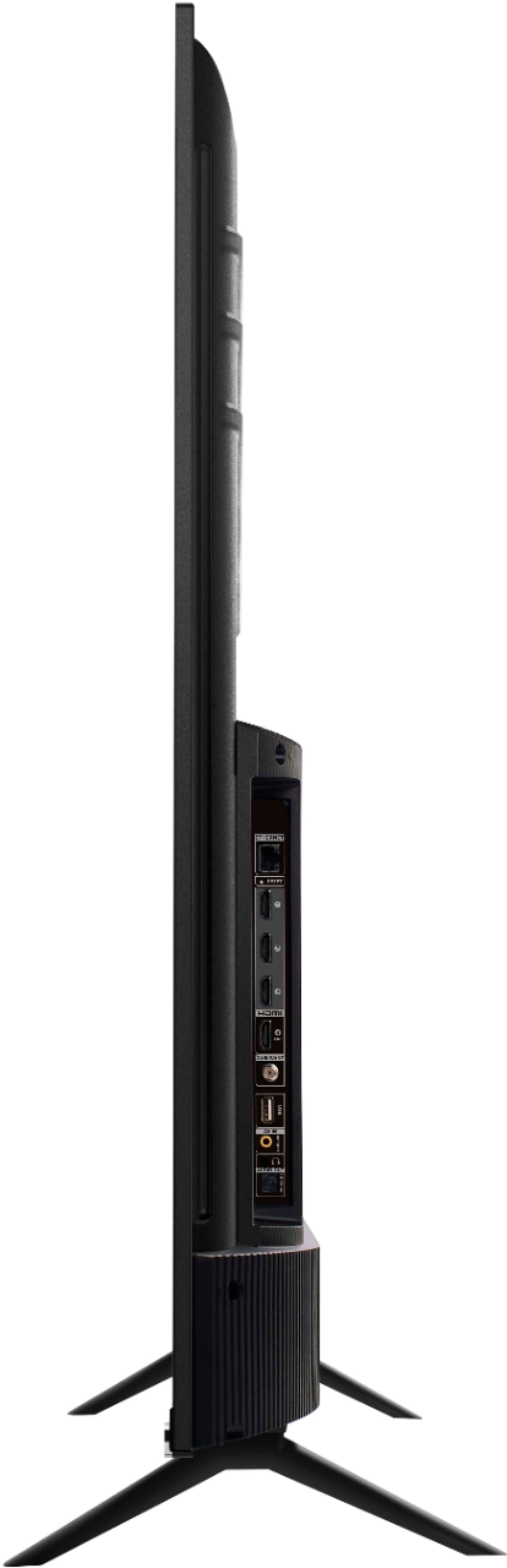
A:AnswerYes it has speakers. The main speaker is the TV speaker as it has multiple speaker output options including Optical, headphone jack, and coaxial. You can use a remote speaker system and leave the TV speakers on off. So I hope that is what you are getting at.
A:AnswerThis TV is advertised EVERYWHERE (as in there isn't a SINGLE place where this TV is advertised that DOESN'T say that...) as having a simulated 120HZ CMI refresh rate - which means it is NOT effective frame rate and is effectively 60Hz with a simulated 120Hz experience. I can confirm this as my model: TCL 50" 50S525 from less than a month ago is being used as an additional extended Monitor and while my Laptop has a 120Hz refresh rate i can manipulate, this TV ONLY has a 60Hz refresh rate option. There is no option to run it in 120Hz because its just simulating 120Hz on a 60Hz TV. My concern is that there is NO option on the TV itself (Picture setting or anywhere else) or the Roku Mobile App to adjust this - as in turn it off, low, etc. - Since an option for it's adjustment cannot even be found and it is definitely NOT 120Hz EFFECTIVE refresh rate (as someone in the support section said it was - they are wrong) I'd like to know if the action smoothing or motion clarity or CMI Index or w/e they want to to call it option that simulates 120Hz is built in (as in not adjustable) or if it even has it - cause the advertising (literally EVERYWHERE, just google the model number and take your pick of ANY result on any store or TCL's own website) says that it's 120 CMI refresh, but its def NOT 120 effective as my laptop can't select anything higher than 60Hz for it...would love some input on if its built in, or was the option to adjust taken away like the Sharpness as Monitors being grayed out
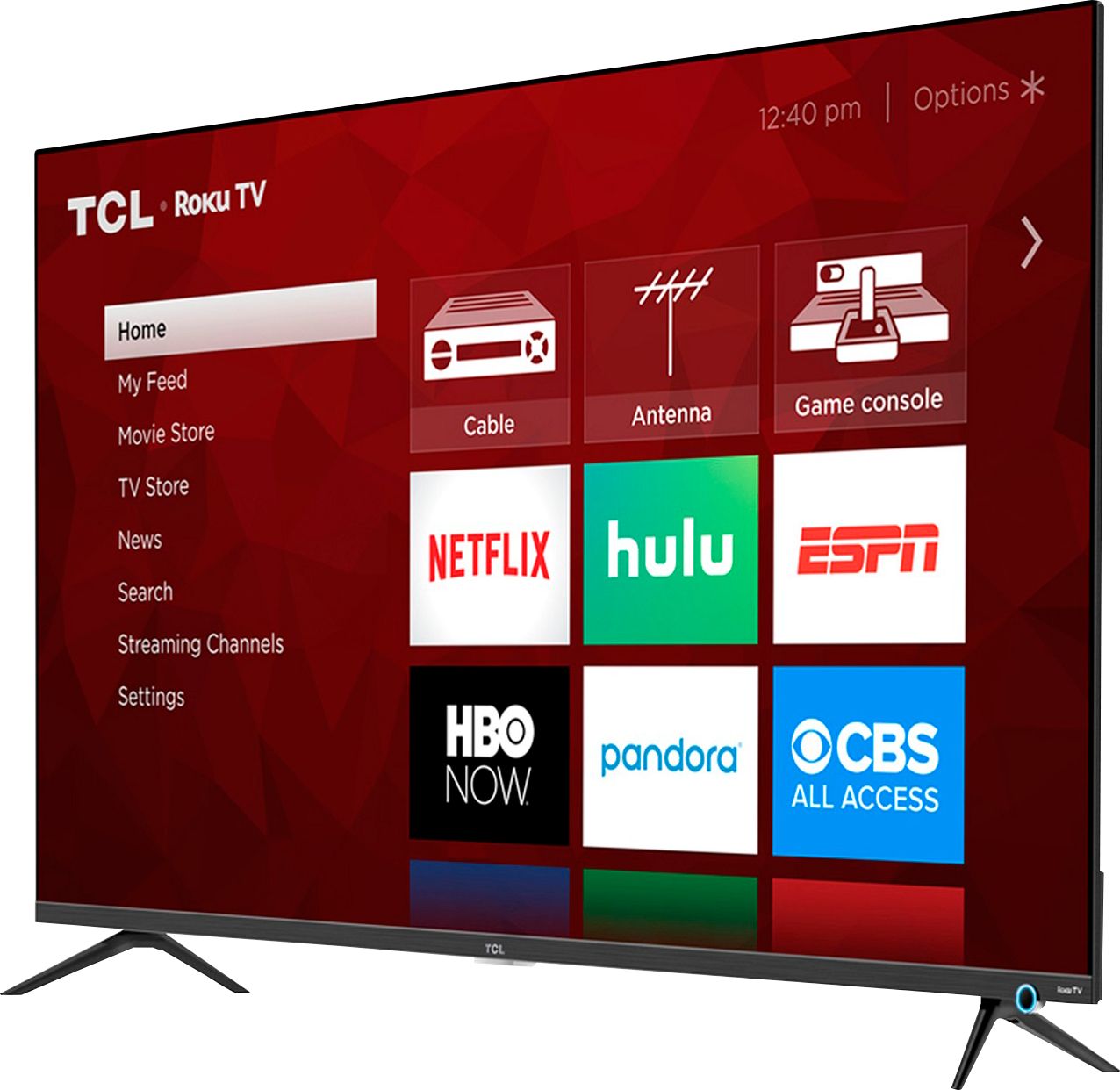
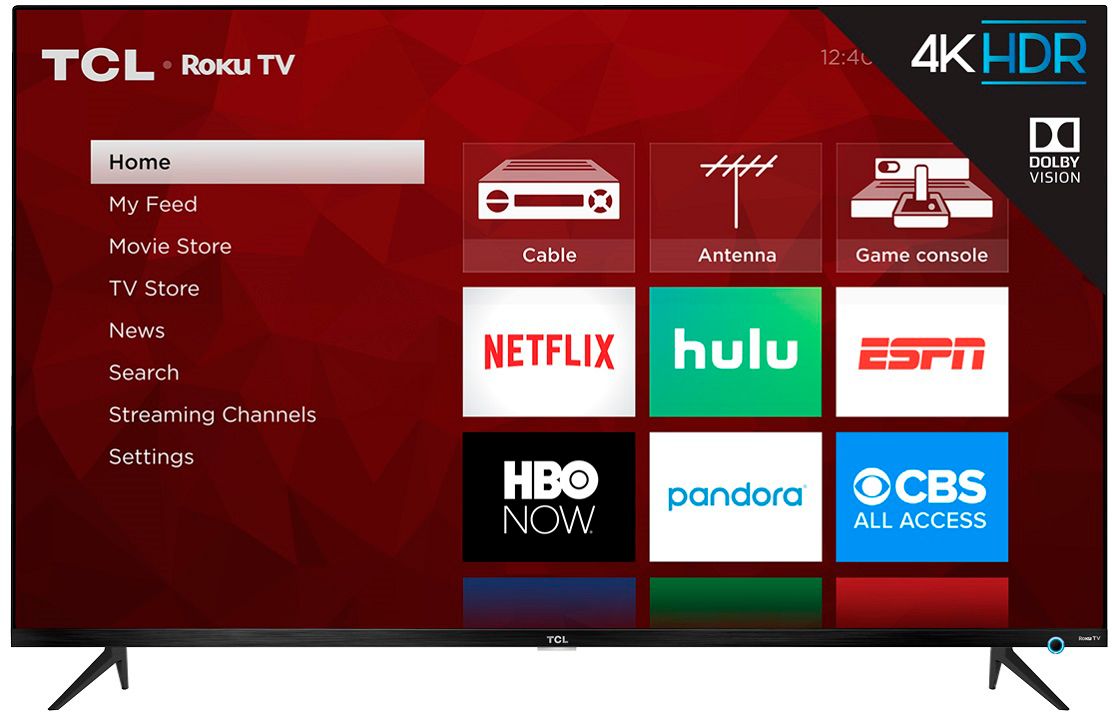
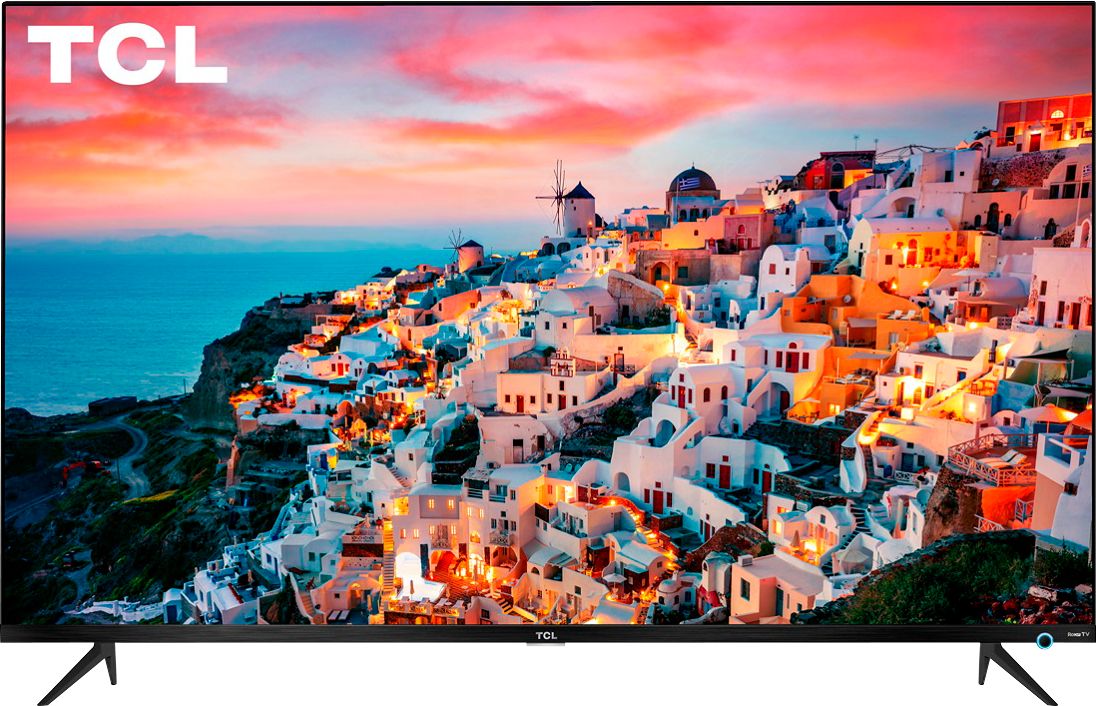
A:AnswerOur new award winning 5-Series features a 4K UHD resolution, HDR10 and Dolby Vision support, Wide Color Gamut with NBP Photon technology, has a Roku operating system, Auto Game Mode for a responsive gaming experience, FullView edge-to-edge glass display that blends seamlessly into your viewing experience, and more! You can visit https://www.tclusa.com/products/home-theater/5-series for more information about all of the amazing features our new 5-Series has to offer. Hope this helps! Thank you, TCL Customer Support
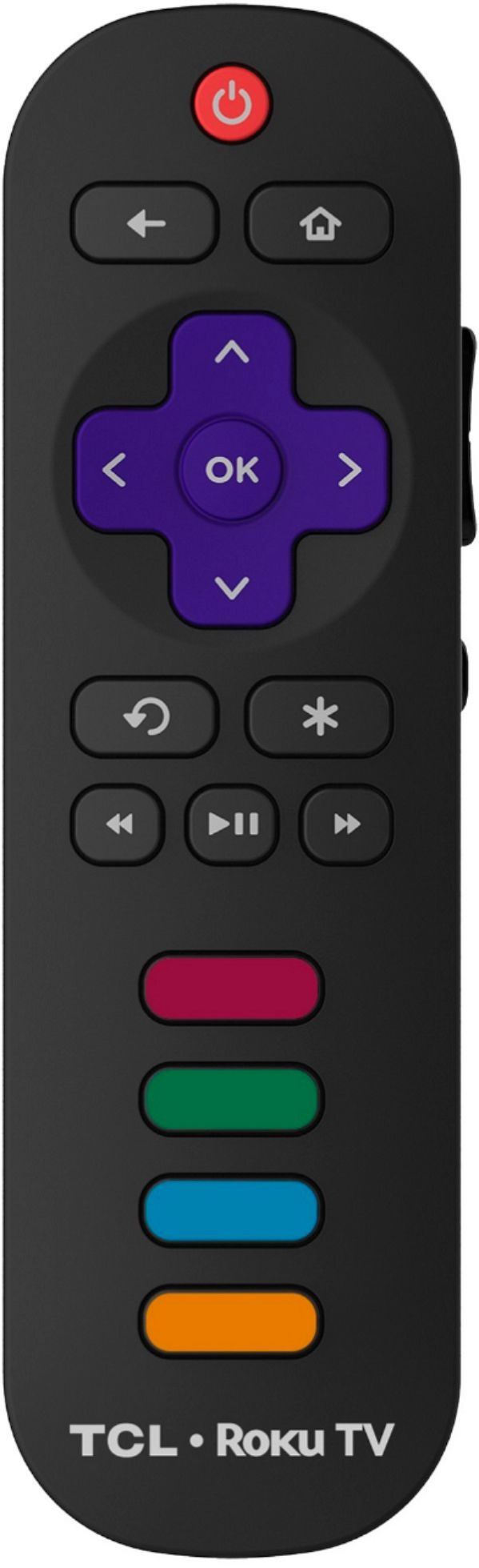
A:AnswerOur current TV tuners are QAM ATSC 1.0 and our 4K TVs will upscale to 4K. Most of the current broadcasts are 480i to 1080i broadcasts with very few stations actually providing 4K. You can check the received signal by pressing the OK button on the remote while viewing a TV channel. It would be best to contact Roku for the details on their Roku boxes. Hope this helps! Thank you, TCL Customer Support
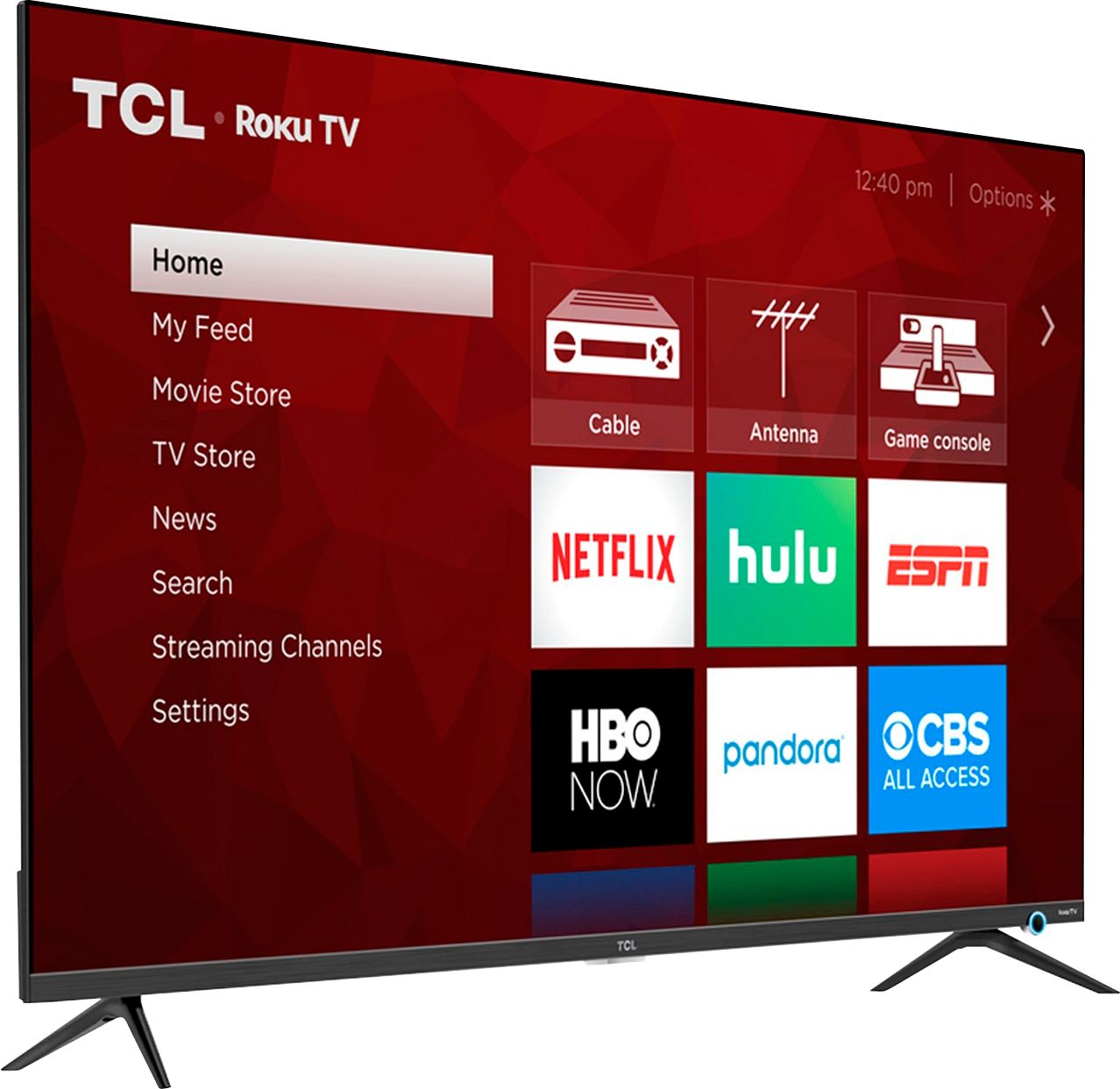
A:AnswerThis TCL Roku TV does a great job in upscaling non-4K content. The majority of our customers report a great experience with this TV. Hope this helps! Thank you, TCL Customer Support