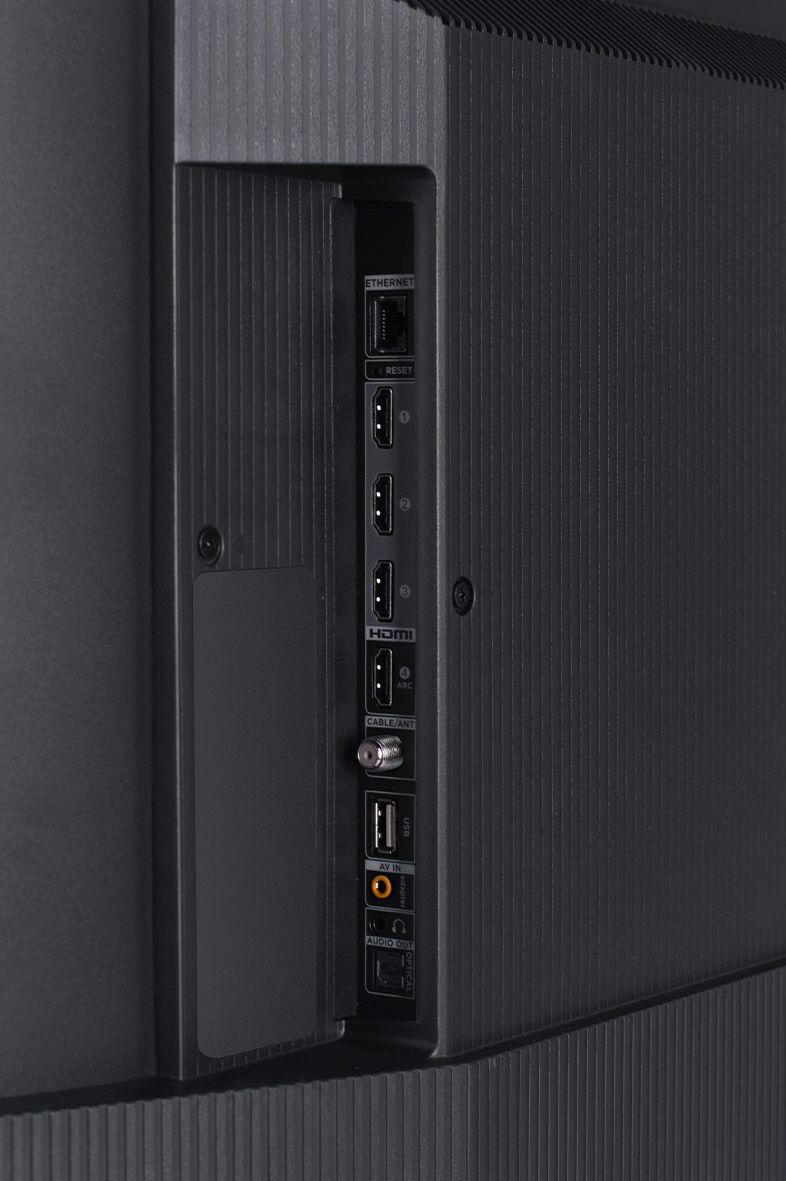
A:AnswerThe built-in media player and USB port are design to use moderately sized thumb drives for playing back movies, pictures, and music. You can visit https://support.tcl.com/setup-configuration/02-playing-video-or-music-from-usb-devices-using-roku-media-player for more information about the functionality and file types supported. Hope this helps! Thank you, TCL Customer Support
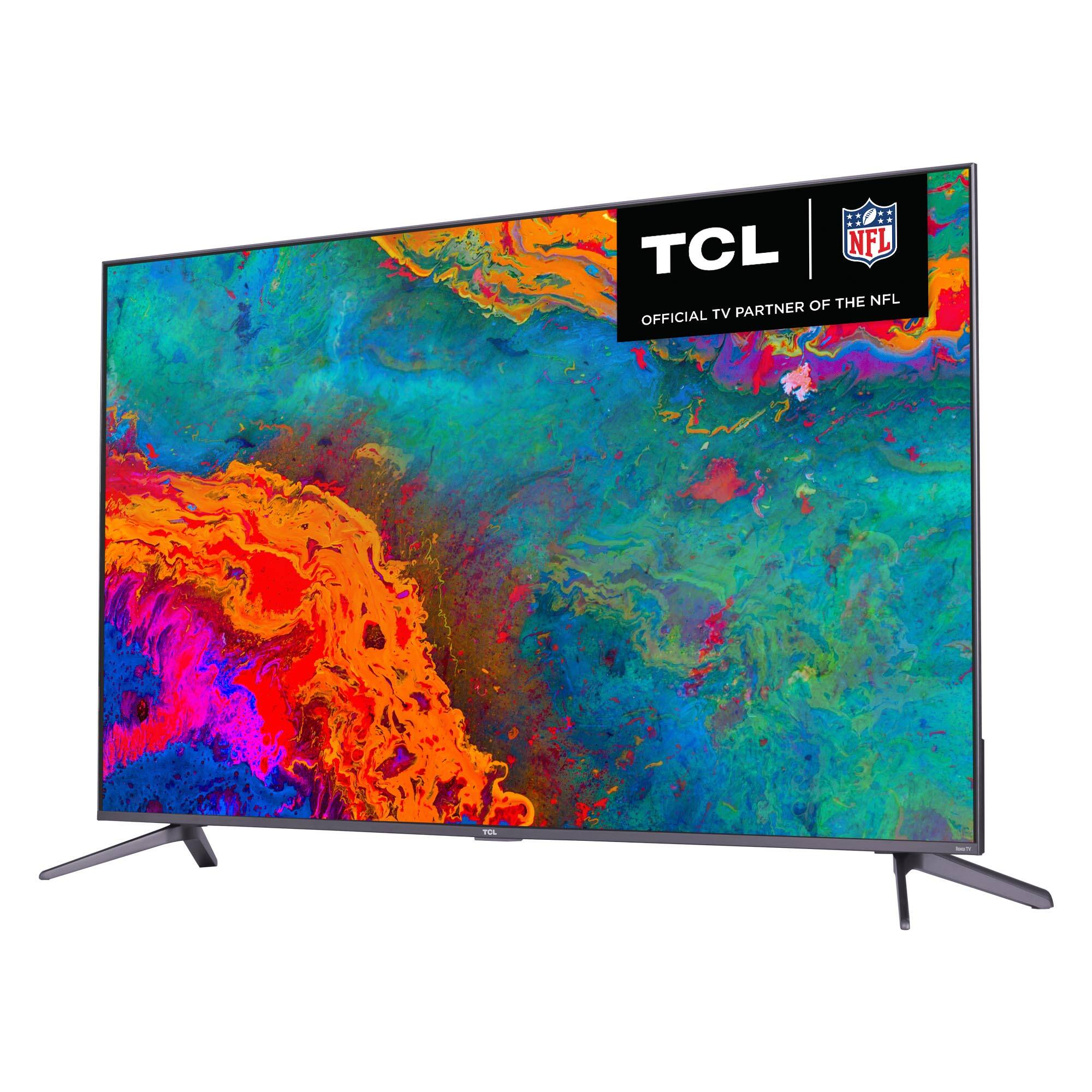
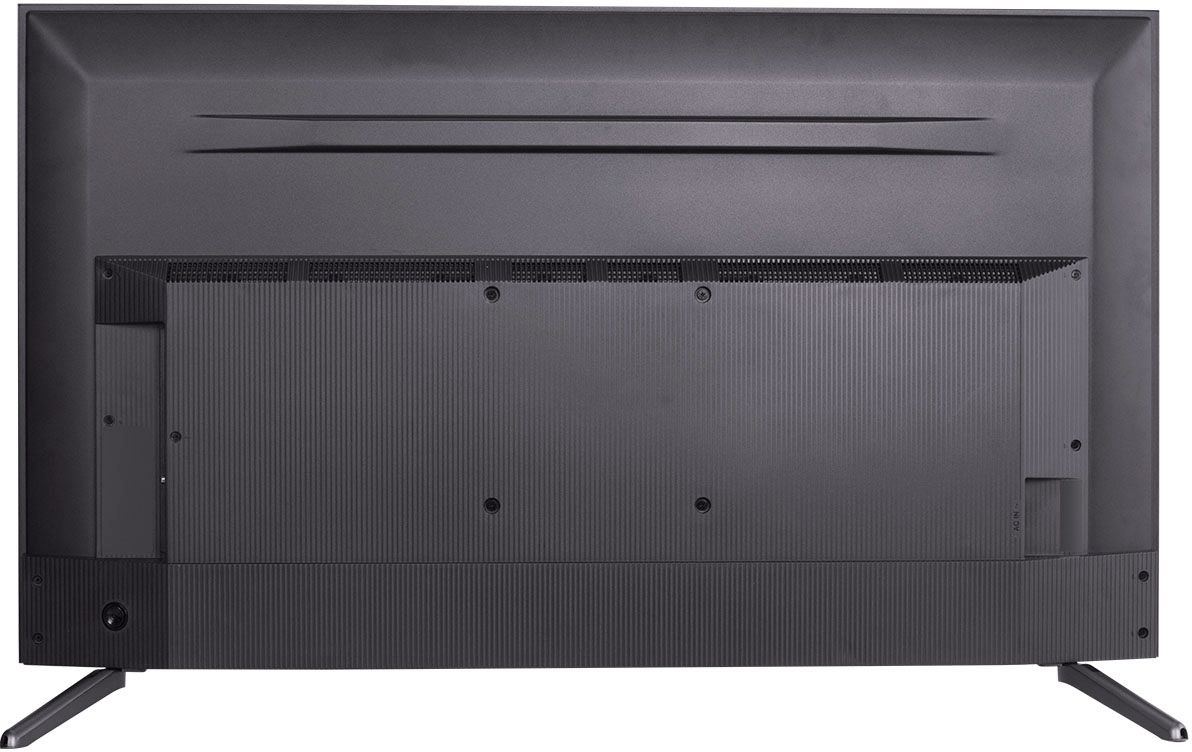
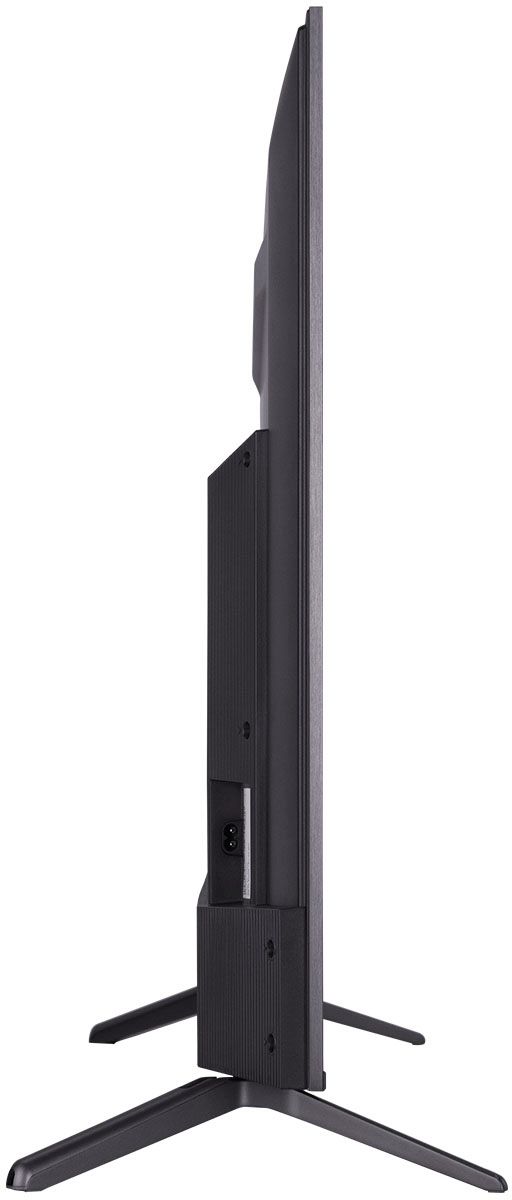
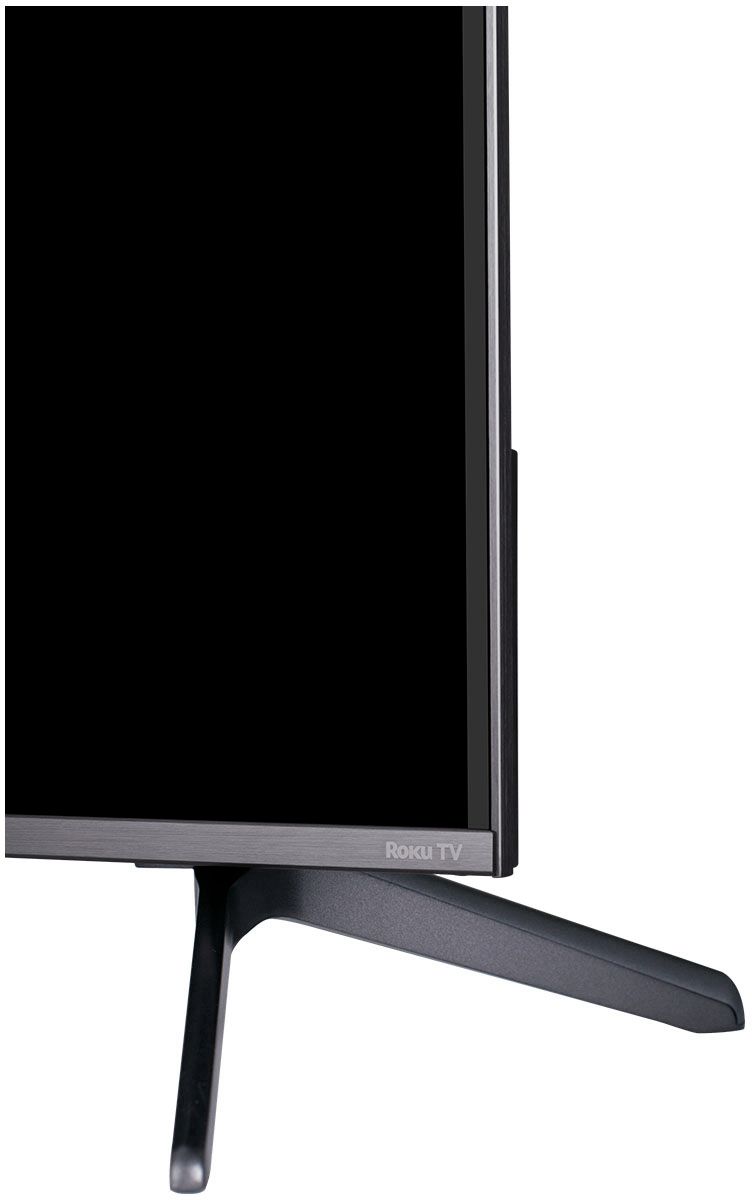
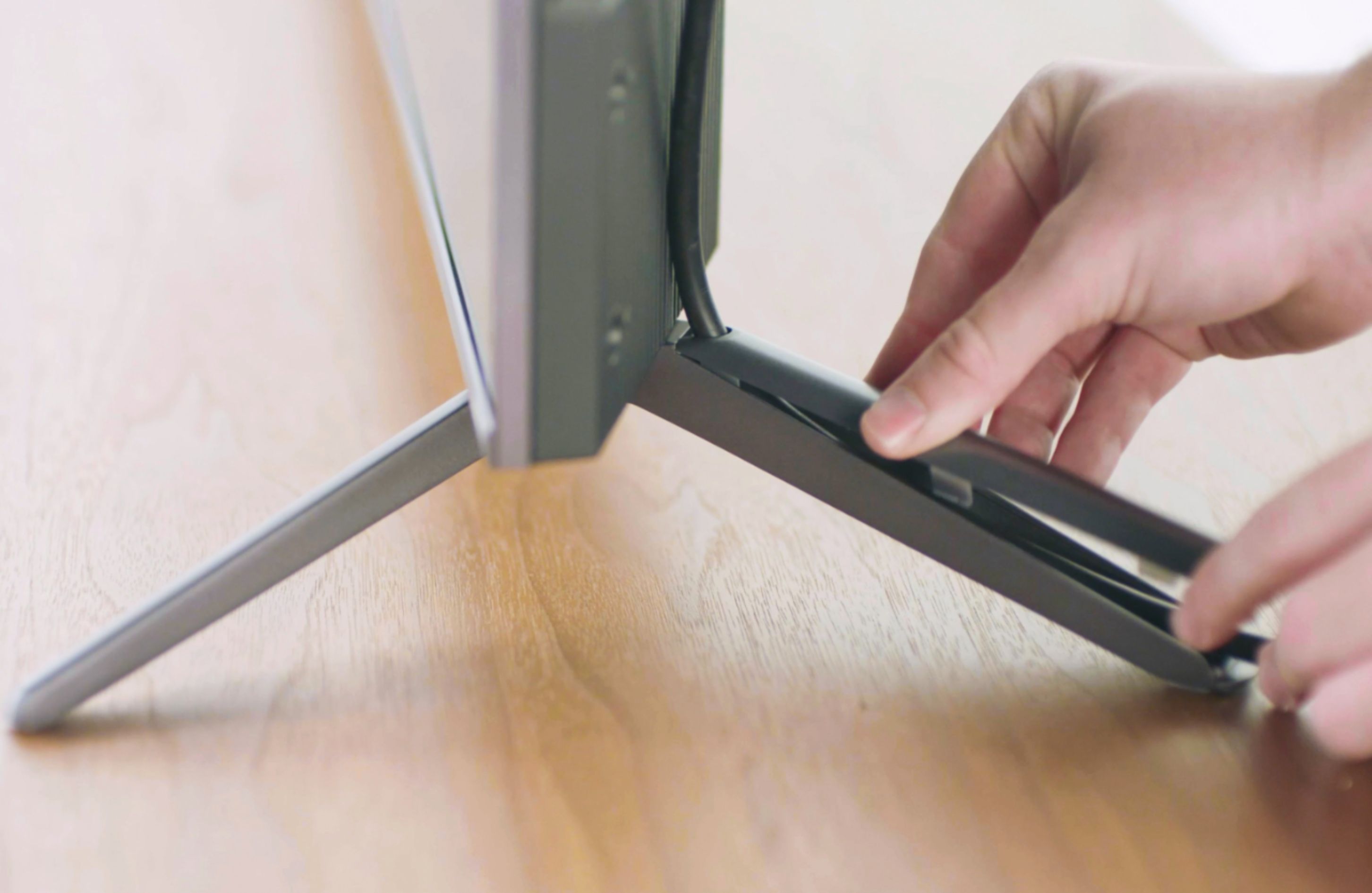
A:AnswerThe skinny part of the leg faces the front. The legs face away from the television. Also, the backs of the legs are hollow so one can thread cords through them. I too had trouble figuring out the orientation.
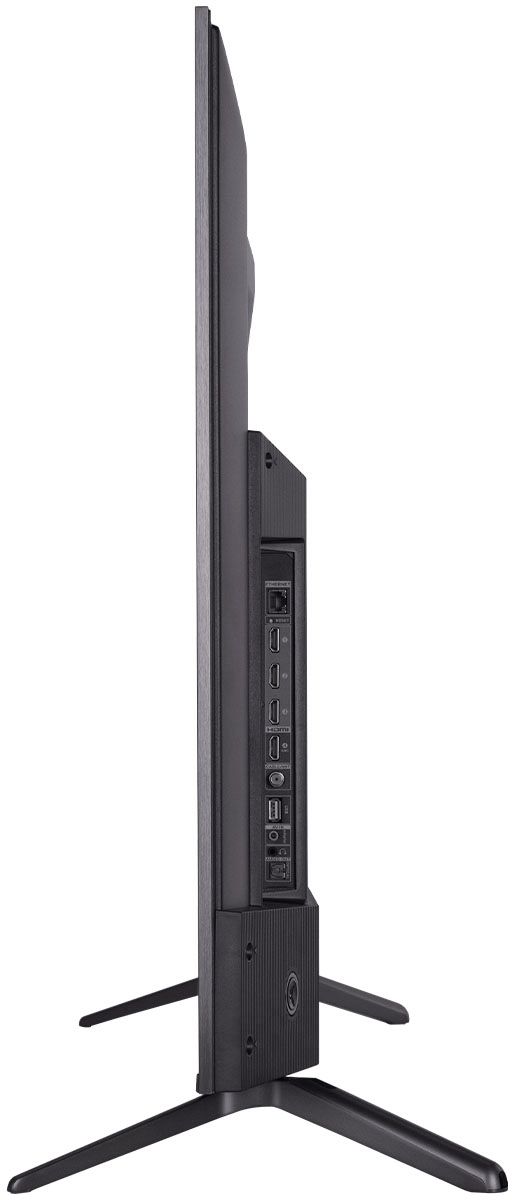
A:AnswerThis TCL TV features various inputs that can be used to connect external devices like an Apple TV or Antenna. Hope this helps! Thank you, TCL Customer Support
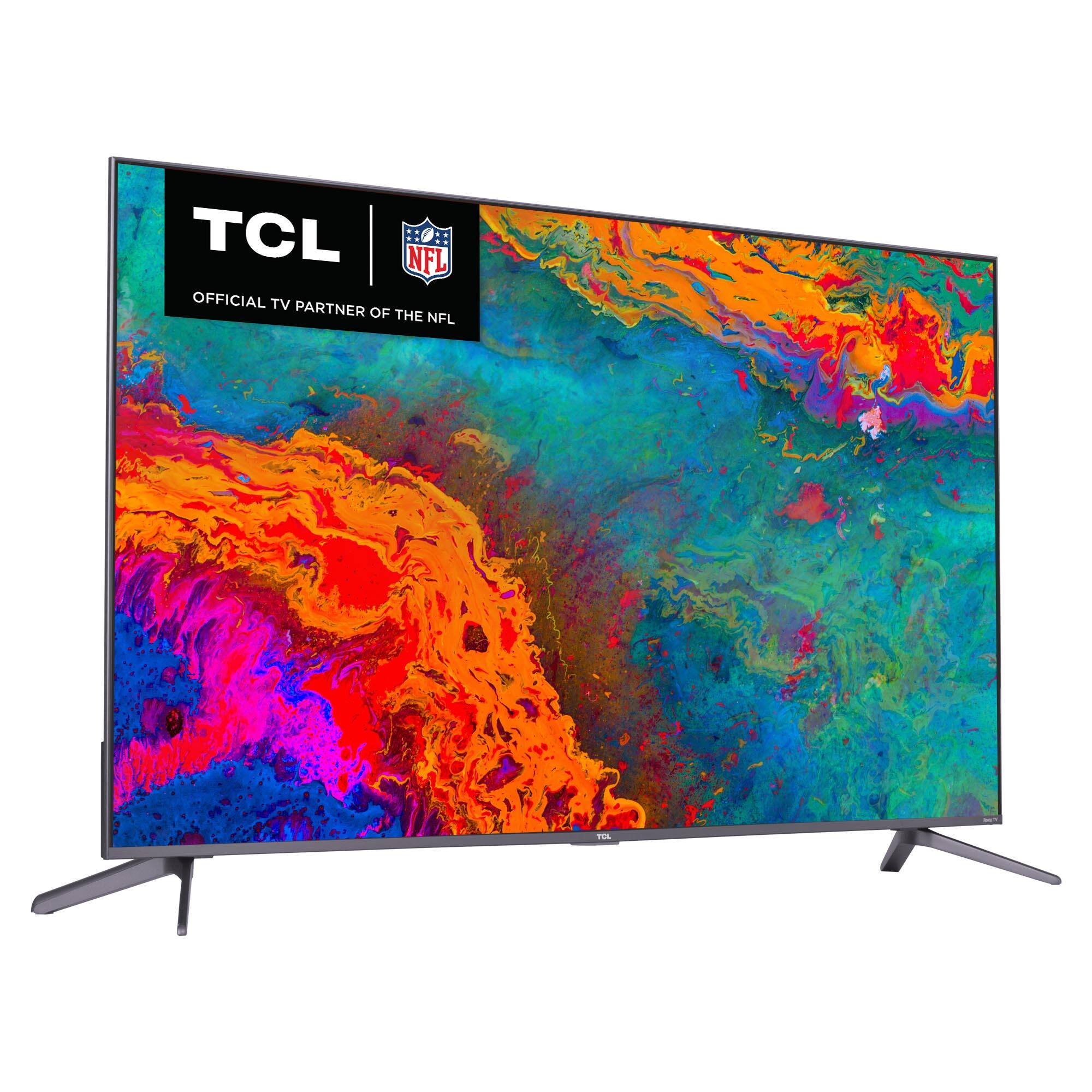
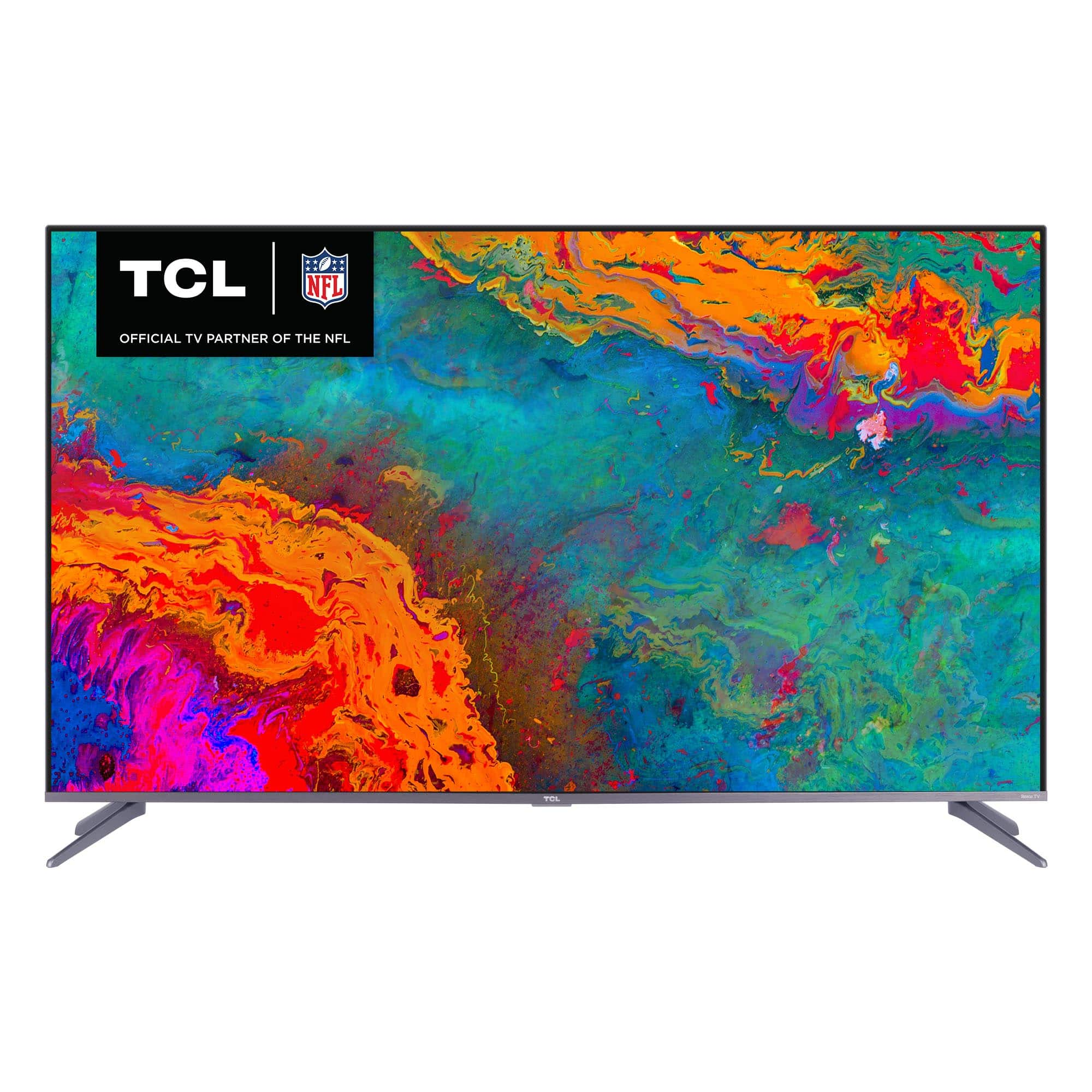
A:AnswerThis TCL Roku TV features a 4K resolution and will upscale non-4K content. Additionally, this TV supports HDR10 and Dolby Vision and will turn on automatically when supported content is played. Hope this helps! Thank you, TCL Customer Support
A:AnswerThe composite connection for this TCL TV is a single input located between the coaxial input and the Headphone Jack. You would need to use an adapter to connect the traditional red/white/yellow cables you are used to seeing. Hope this helps! Thank you, TCL Customer Support
A:AnswerIf you like the Roku format, this set has the best picture I’ve seen. In a 50” size screen. The QLED picture is very good, especially for the price. They now offer a mini LED QLED in a 55” set which was too big for my space. Only $250 more.
A:AnswerHere are some that I've found:
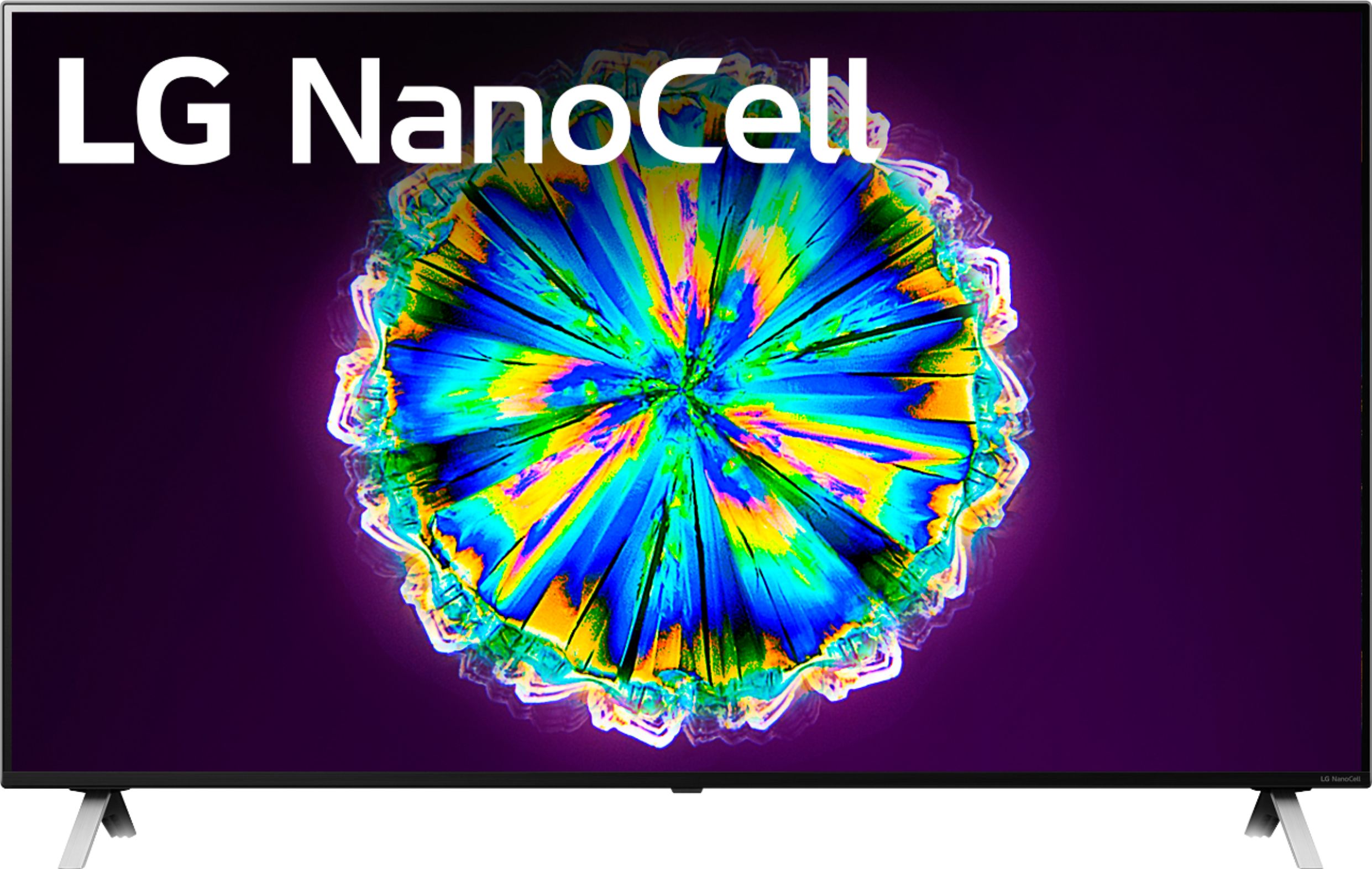
https://www.bestbuy.com/site/lg-55-class-nanocell-85-series-led-4k-uhd-smart-webos-tv/6401879.p?skuId=6401879
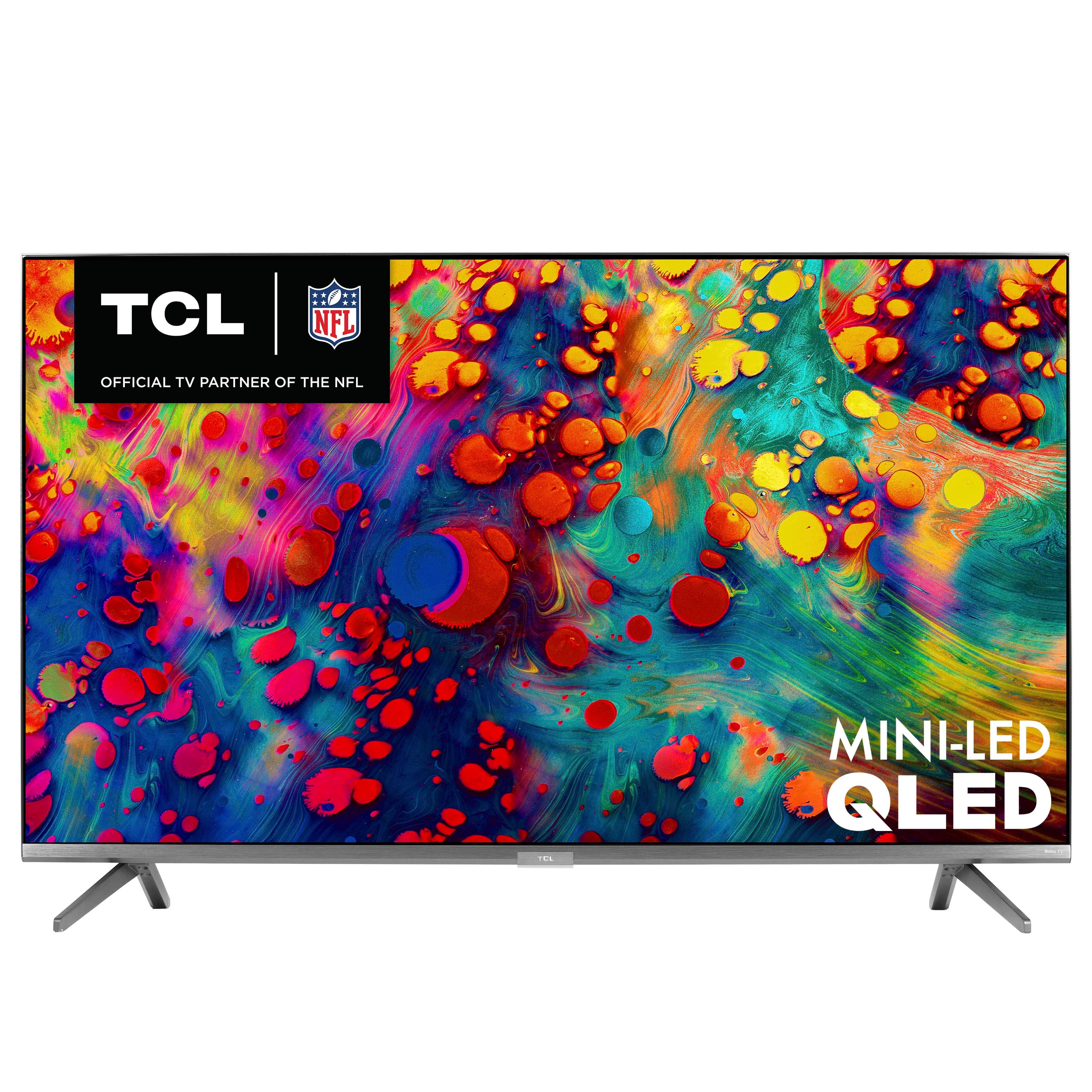
https://www.bestbuy.com/site/tcl-55-class-6-series-led-4k-uhd-smart-roku-tv/6424672.p?skuId=6424672
https://www.bestbuy.com/site/lg-49-class-nanocell-85-series-led-4k-uhd-smart-webos-tv/6401880.p?skuId=6401880
Hope this helps!
A:AnswerThanks for the response. I works now with my blu-ray player(Oppo firmware update) so it's my cable box that is causing the problem. Will get a new box and see if that fixes it.
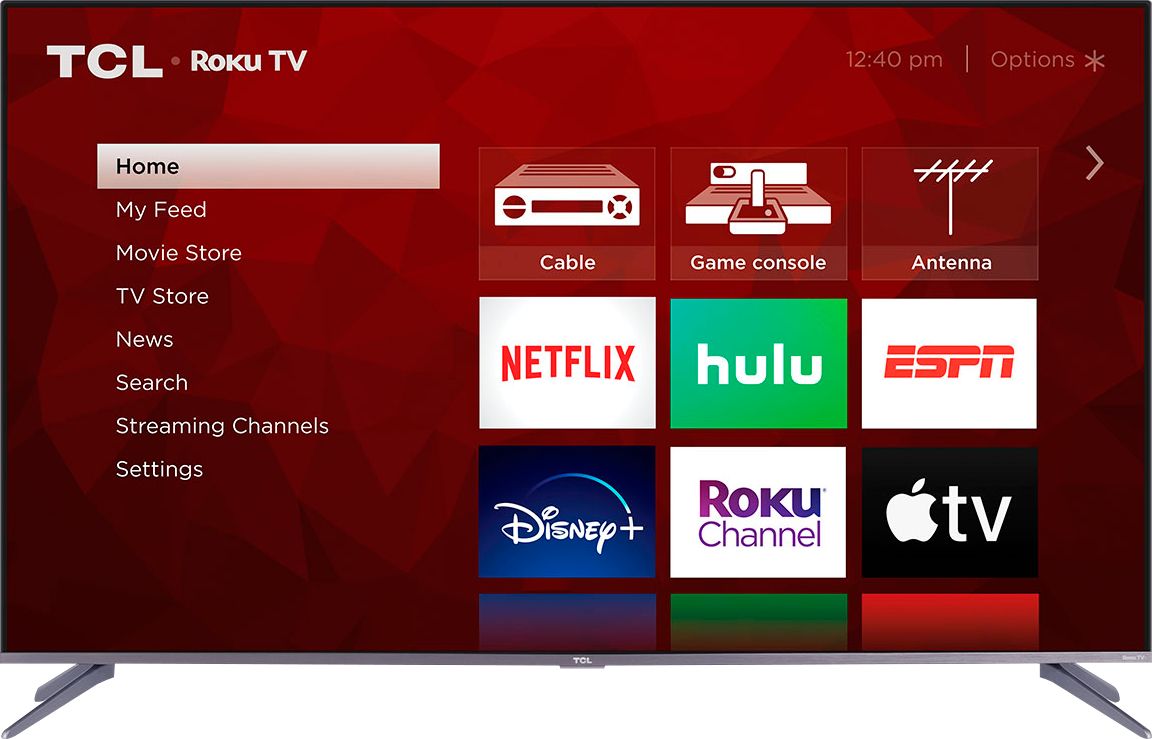
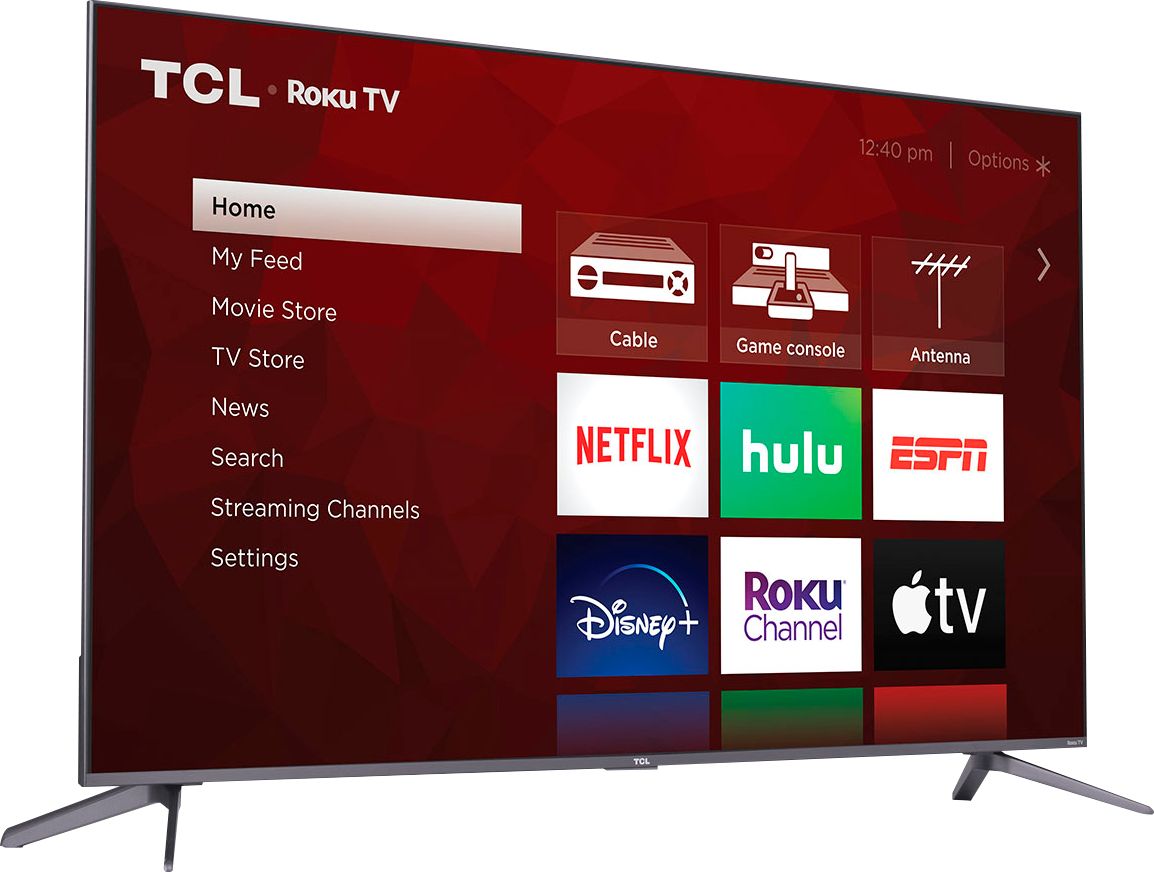
A:AnswerIn order to use the smart features of this TCL Roku TV, you would need to complete the guided setup. This includes connecting to the Internet via WiFi, creating a Roku account (completely free), and activating the TV (completely free). However, if you just want to use this TV as a traditional TV by connecting external devices through the various inputs and not use the smart features, you can elect to not connect this TV to the Internet at startup. You will still have access to all of the inputs and features of a traditional TV. Hope this helps! Thank you, TCL Customer Support
A:AnswerYou can choose favorites, also continue watching your show while going through the guide and it brings up all your favorite, just watched shows!!! Love it
A:AnswerDon't buy it, the whole company is a joke and the TV will 100% break on you within a year and a half, I've had two already break the exact same way in the exact same time frame and all I do is play Xbox for maybe 2 hours a day after work, absolutely garbage TV company and garbage TV.