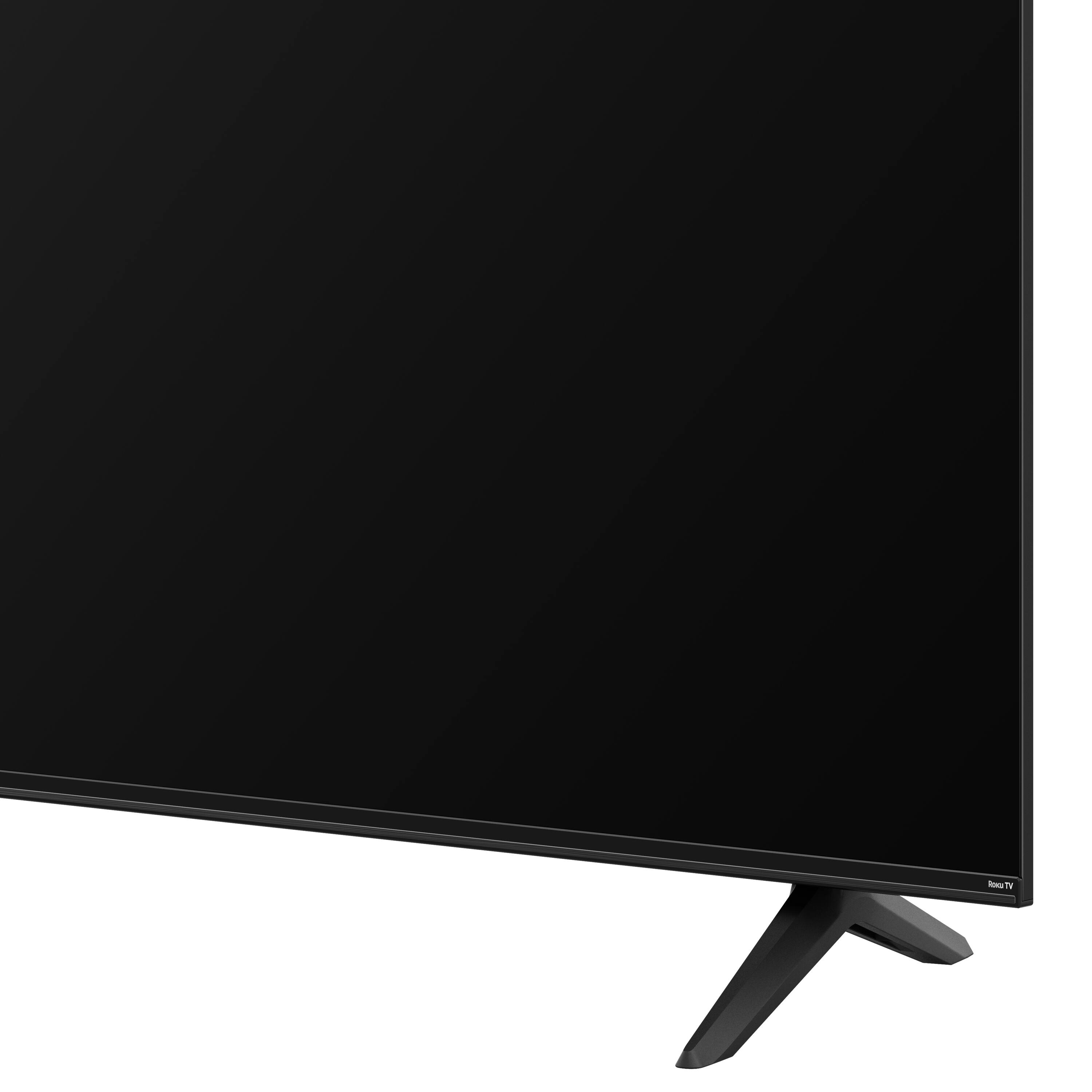
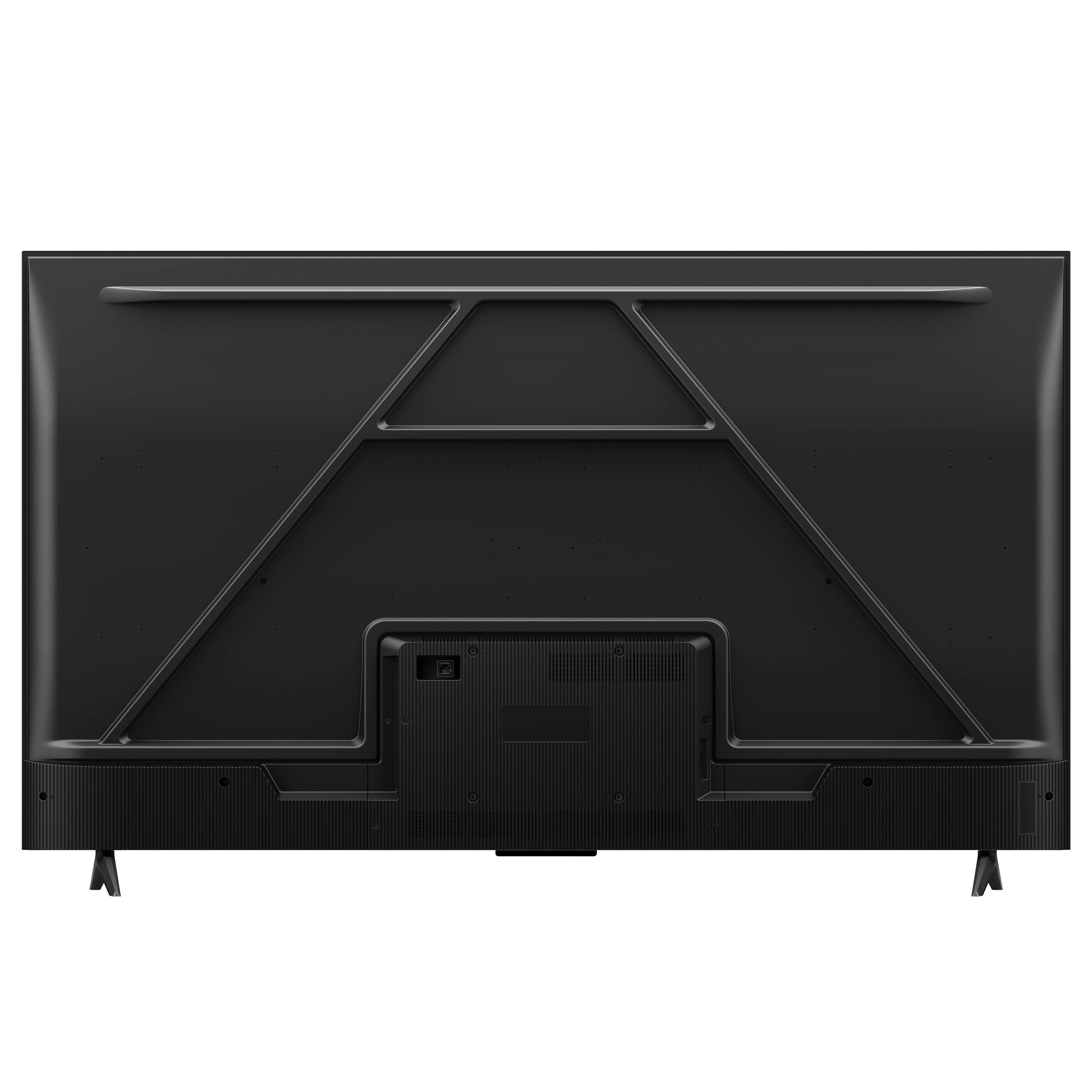
A:AnswerThis TCL TV comes with two feet with screws to secure them, a power cord, a TCL Roku remote with batteries, and a quick start guide. Any sort of connecting cables for external devices would need to be purchased separately. Hope this helps! Thank you, TCL Customer Support
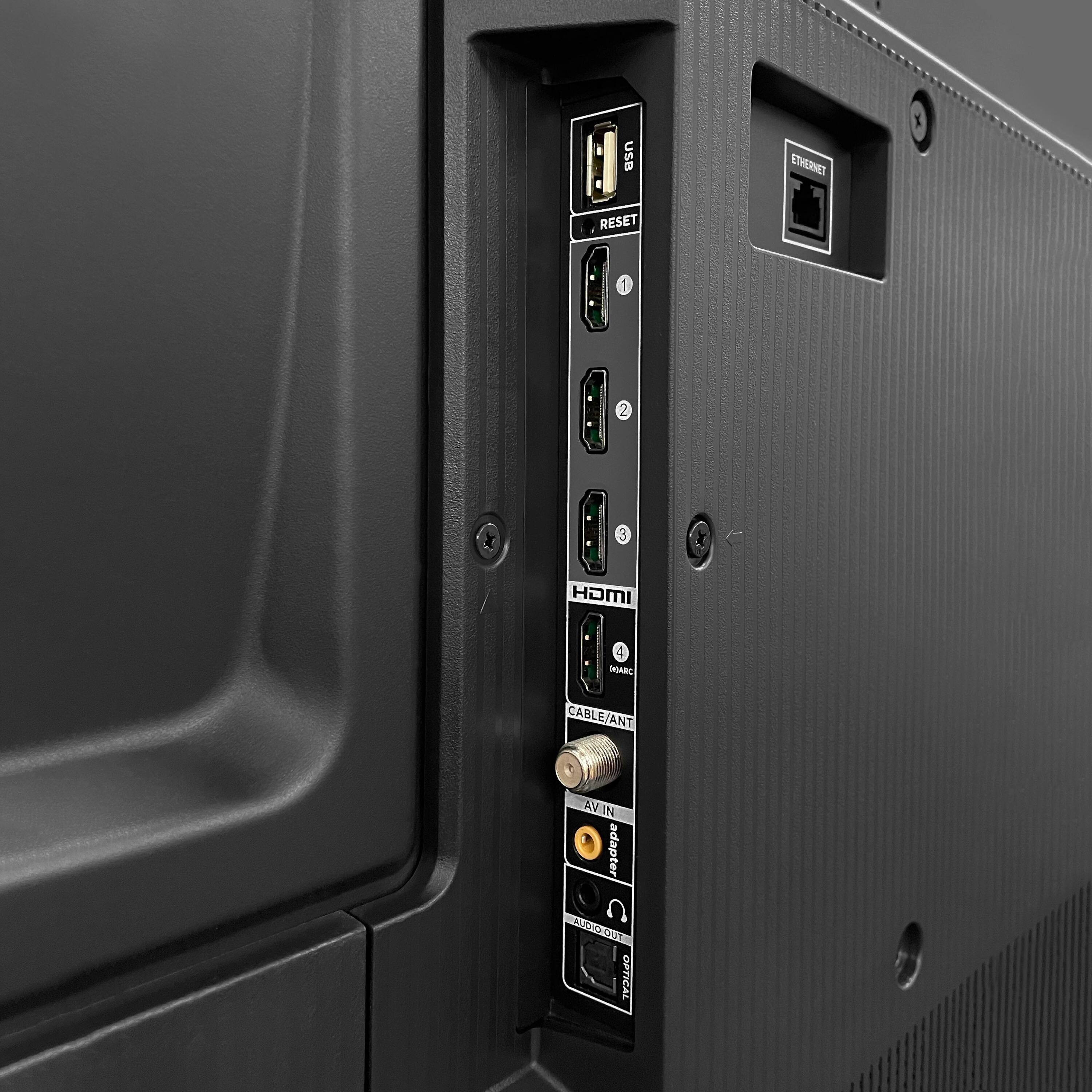
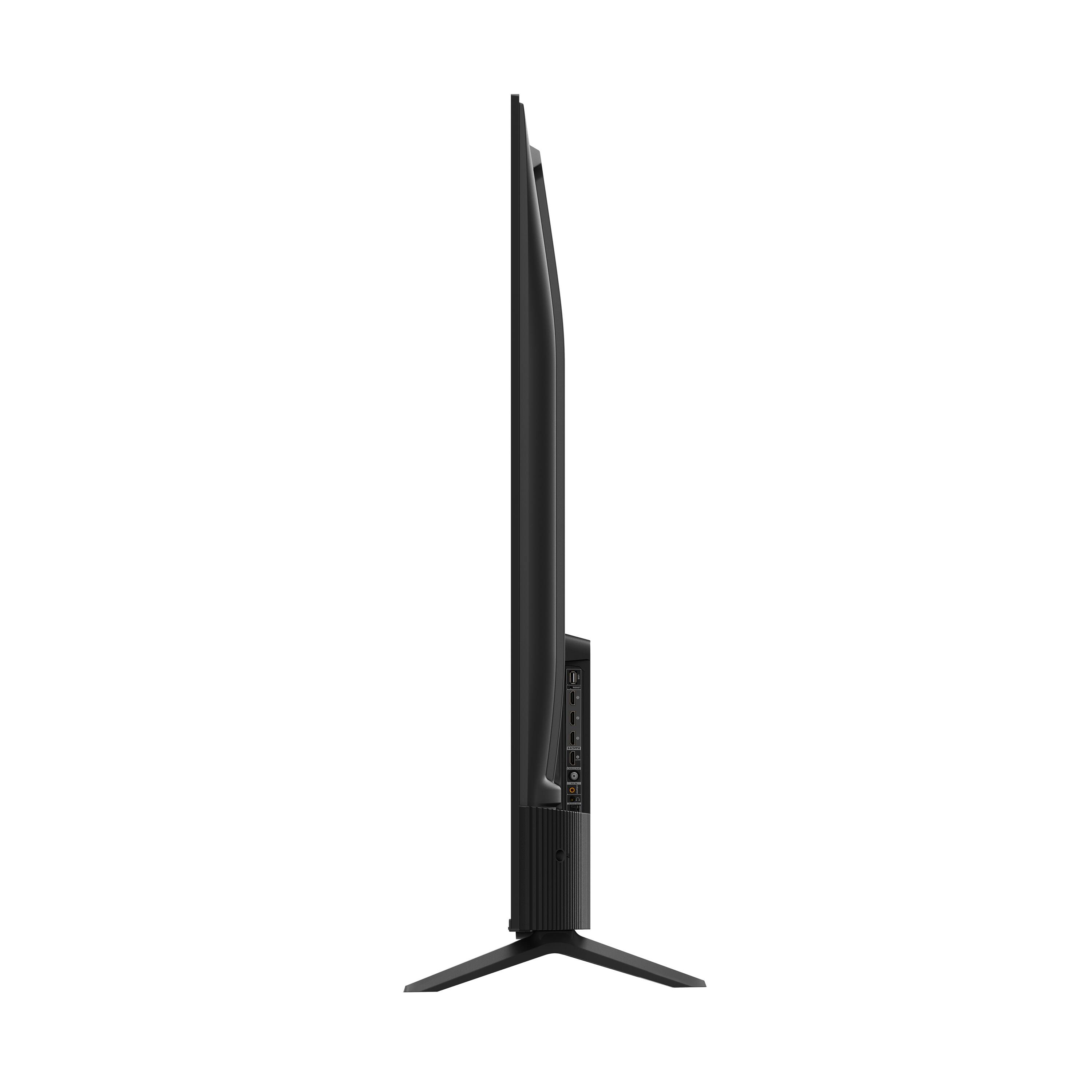
A:AnswerCurrently, our Roku based TVs do not support Bluetooth. If you are trying to connect a sound bar or speakers you can use the Optical port, or the HDMI ARC port. For Headphones, there is a Headphone jack on the back of the TV, or you can download the Free Roku app for private listening. Hope this helps! Thank you, TCL Customer Support
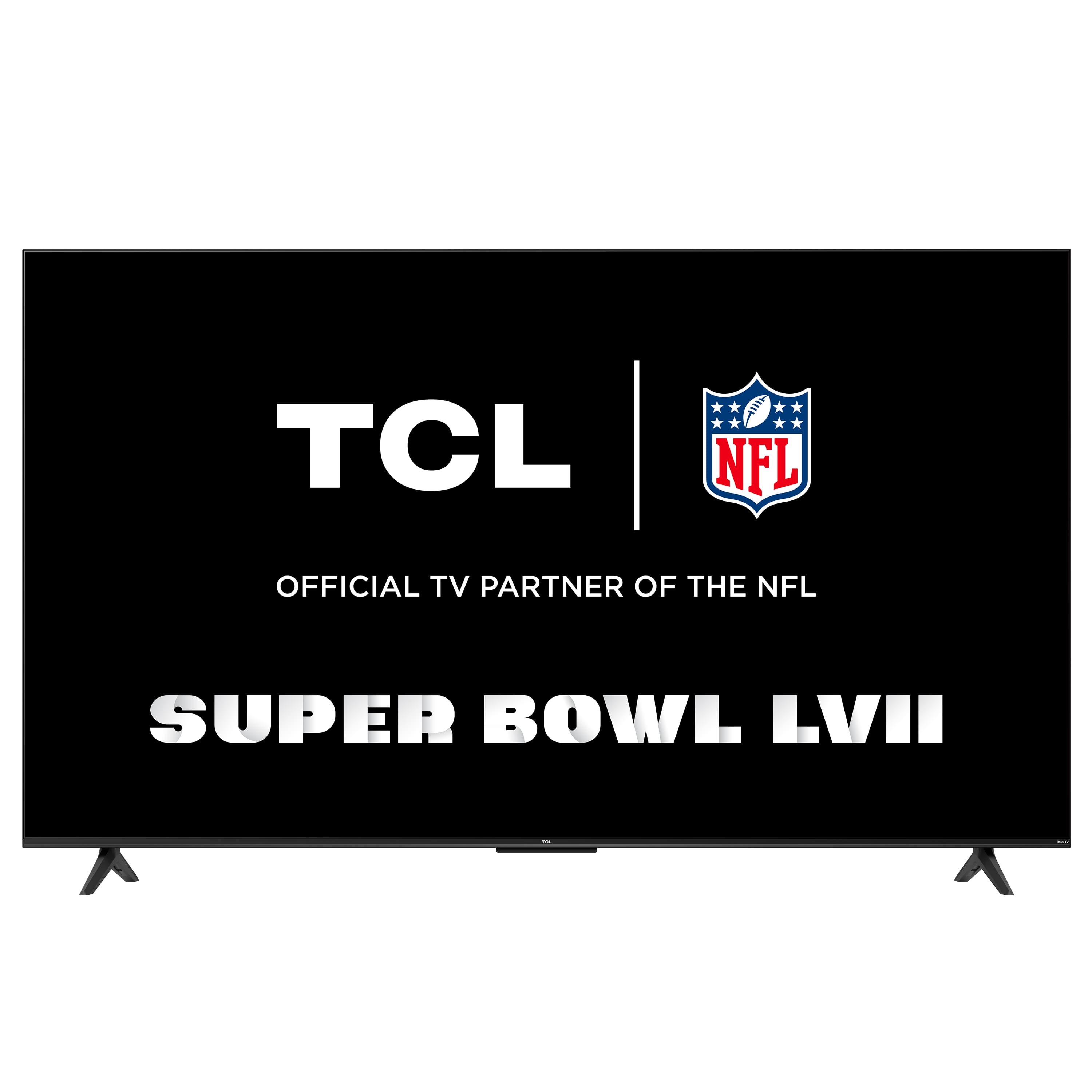
A:AnswerThe power cord is approximately 58 inches long. It is not recommended to replace the provided power cord with a third party one. Hope this helps! Thank you, TCL Customer Support
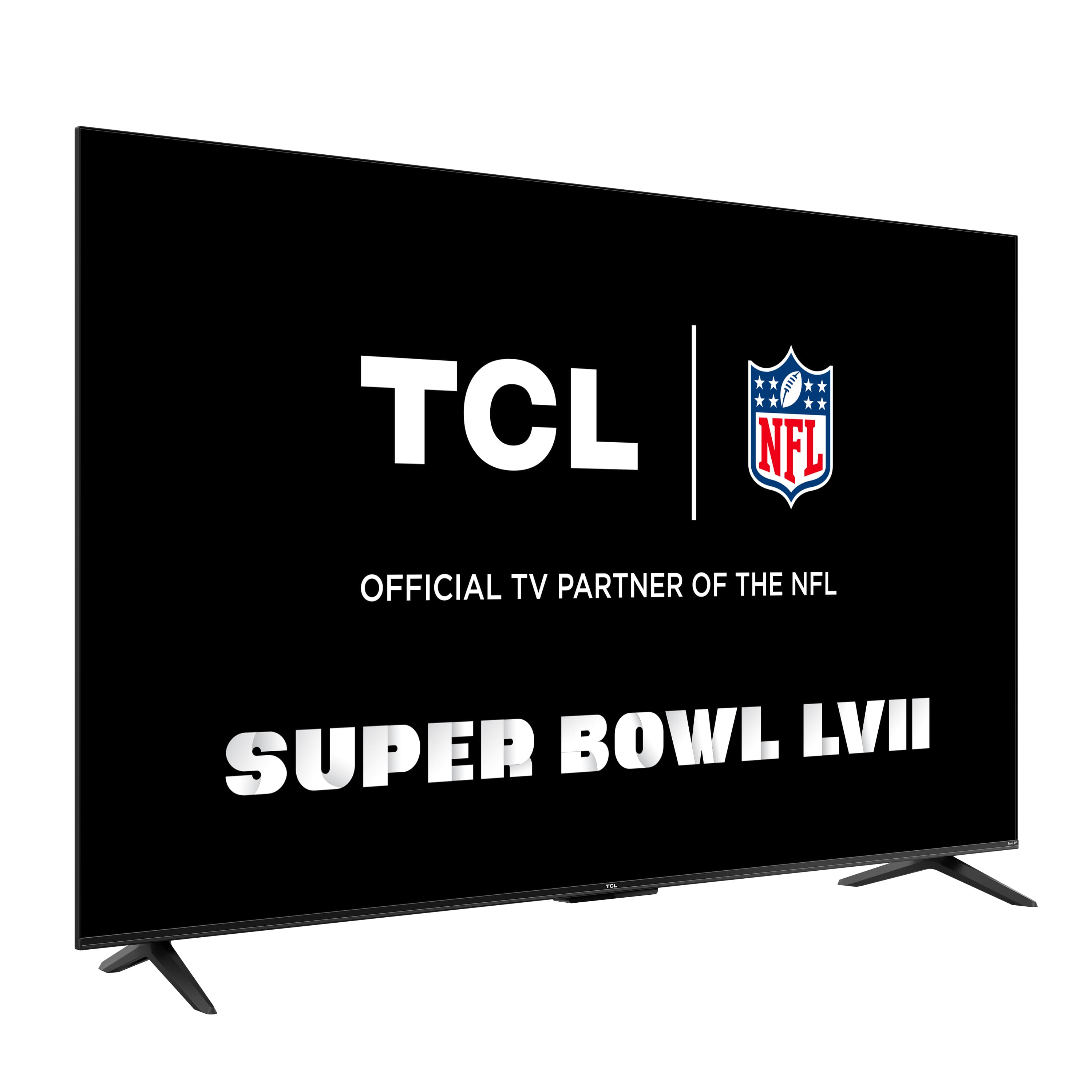
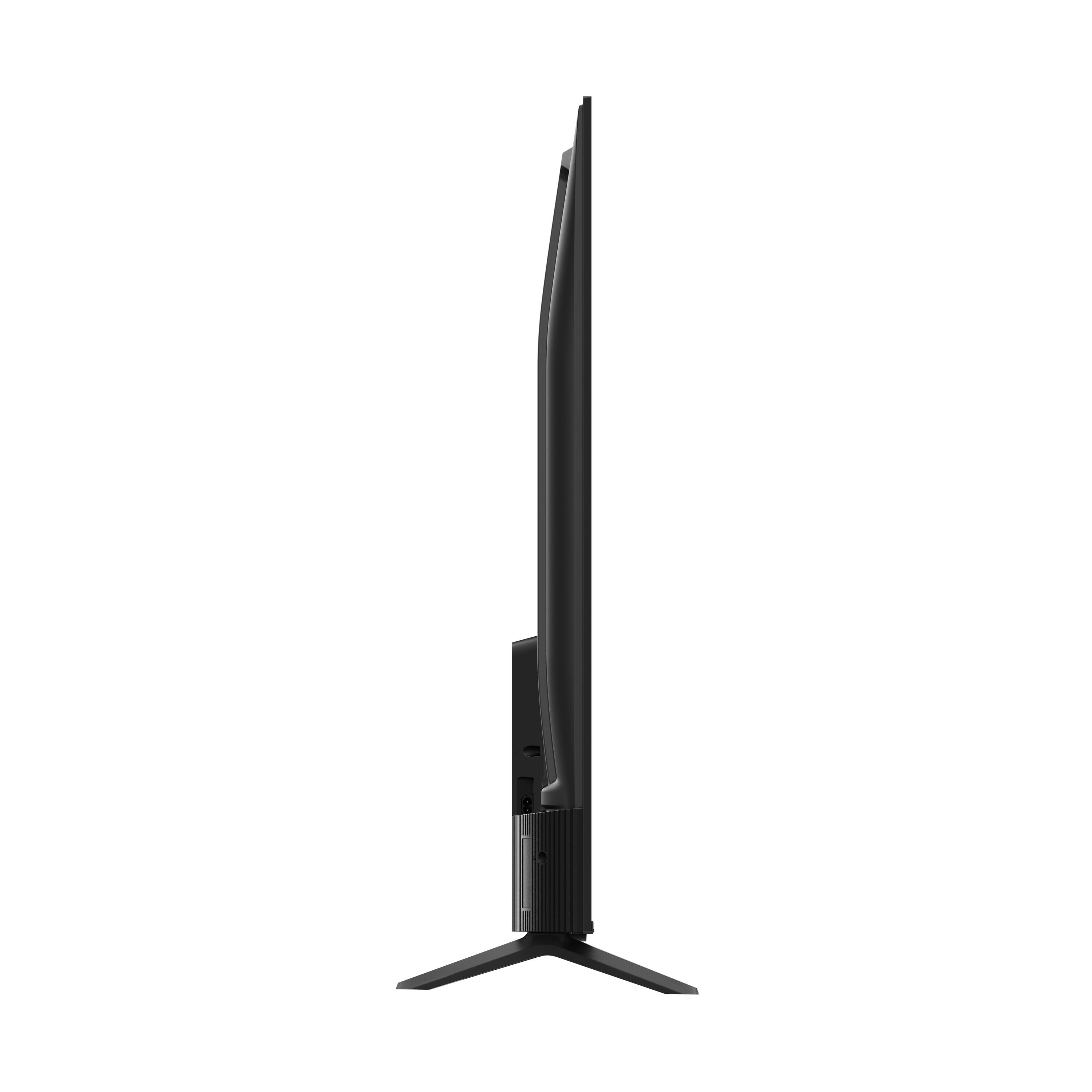
A:AnswerThis TCL TV features various inputs that can be used to connect external devices like an Apple TV. Additionally, this TV TV is compatible with most soundbars and headphones and can be connected via HDMI ARC, Optical, or the 3.5mm headphone jack. Hope this helps! Thank you, TCL Customer Support
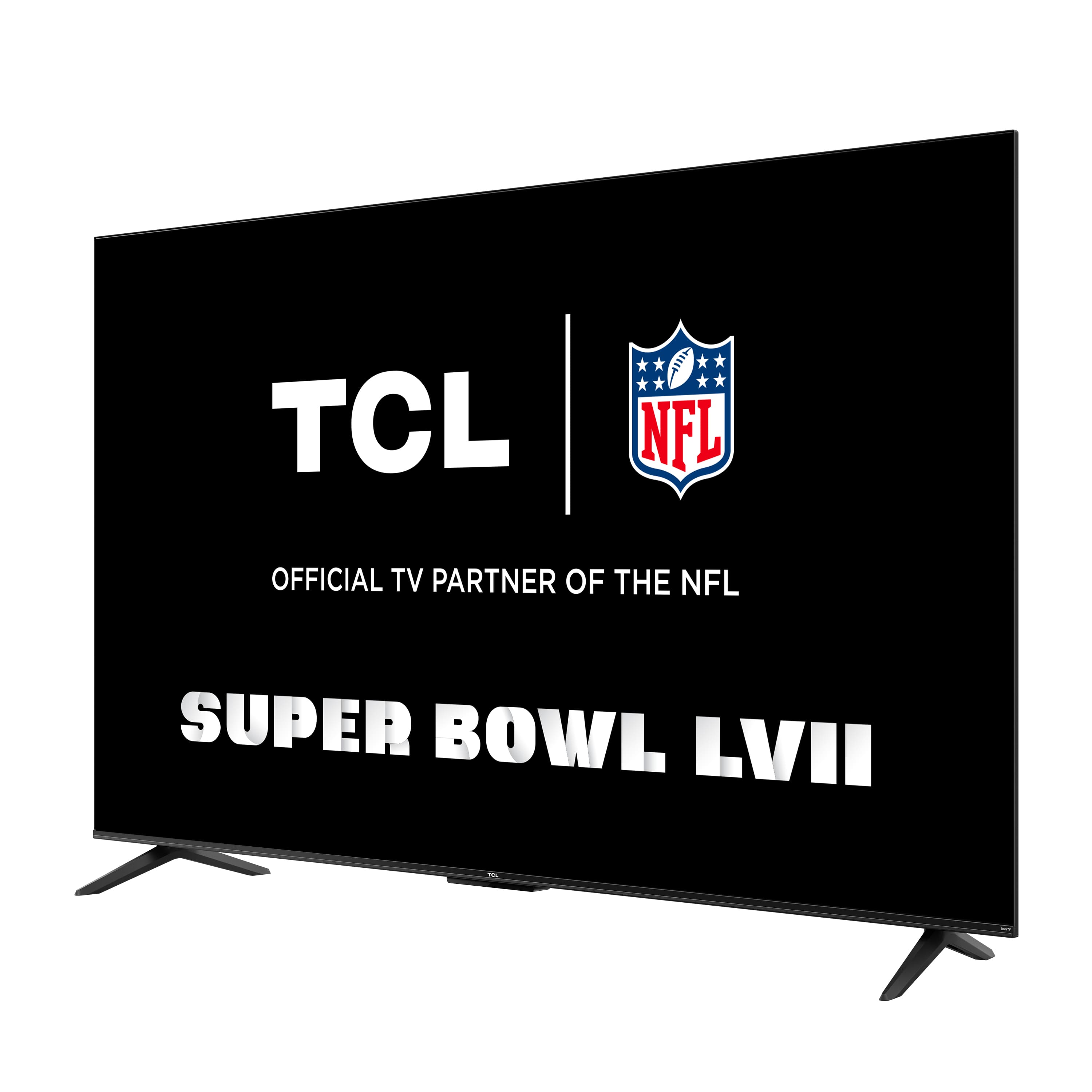
A:AnswerThe composite connection for this TCL TV is a single input located on the back of the TV near the other inputs. You would need to use an adapter to connect the traditional red/white/yellow cables you are used to seeing. The adapter would need to be purchased separately. Hope this helps! Thank you, TCL Customer Support
A:AnswerThis TCL TV is designed to display in landscape orientation. It does not feature settings to rotate the display image. Hope this helps! Thank you, TCL Customer Support
A:AnswerThere are various options available to adjust the settings to better fit your personal preference. You can access the Options menu on the TV by pressing the asterisk (*) button on your remote while watching content. Additionally, you can access expert picture settings by downloading the free Roku mobile app on a smartphone or tablet. The Roku mobile app works as a remote and allows you to access additional features like voice search, private listening, expert picture settings, and more. Hope this helps! Thank you, TCL Customer Support
A:AnswerFor inquiries concerning recycling at a Best Buy location, you would want to contact your local Best Buy or Best Buy Customer Support as they would be best equipped to further assist you. Hope this helps! Thank you, TCL Customer Support
A:AnswerYes. I have 2 Roku native TV’s (this TCL and a Westinghouse) and love the Apple integration. Screen mirroring works, too. They’ll automagically show up on your airplay screen as long as they’re on the same network.
If you want to use Siri and HomeKit to power it on and off, their are settings in the menu to enable that as well (including setting the fast start to “enabled”)