A:AnswerI recently bought a 55 inch TCL Roku and I have Directv stream; it works fine. My son has a 55 inch new LG tv that wasn’t compatible so Directv just sent a box to make it work.
A:AnswerThe length of the screw depends on the mount you are using. Different mounts may have different thicknesses and some people elect to use spacers. This is why the length depends on your specific setup and hardware. Most mounts come with a "screw kit" that has various screw sizes in different lengths. Hope this helps! Thank you, TCL Customer Support
A:AnswerThis TCL Roku TV features 4 HDMI ports. In order to use the smart features of this TCL Roku TV, you would need to complete the guided setup. This includes connecting to the Internet via WiFi, creating a Roku account (completely free), and activating the TV (completely free). Hope this helps! Thank you, TCL Customer Support
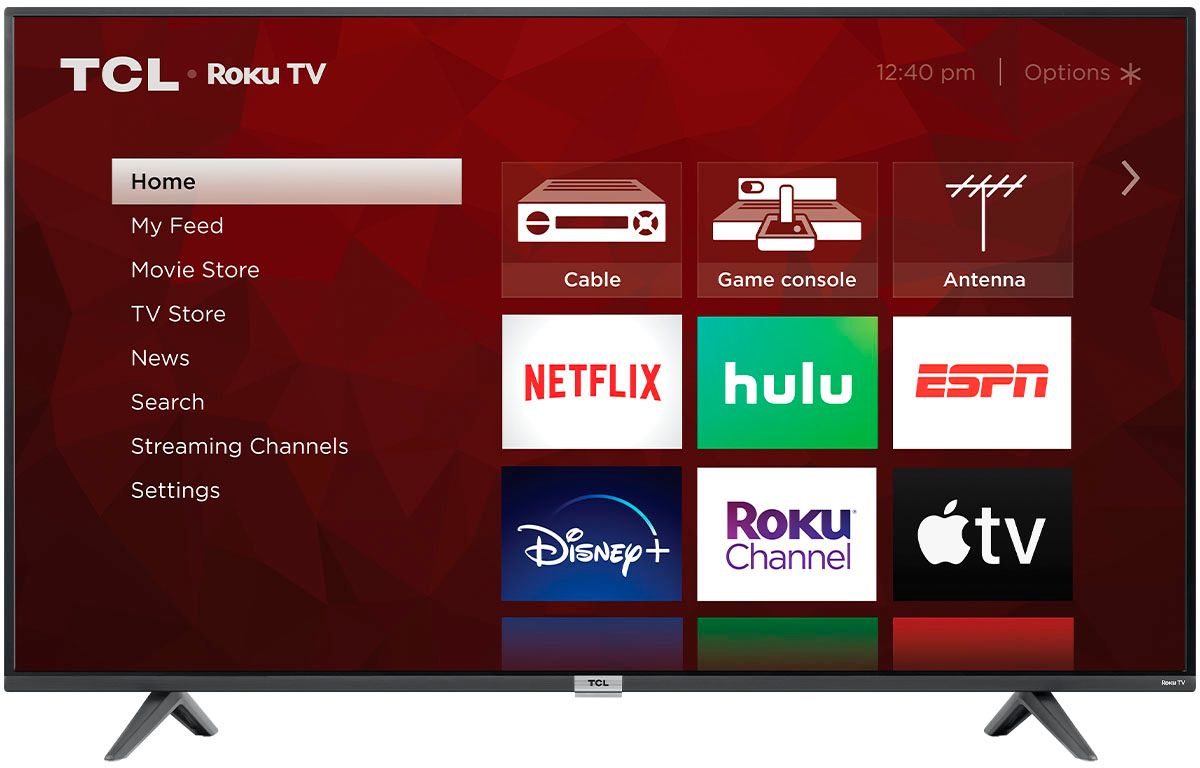
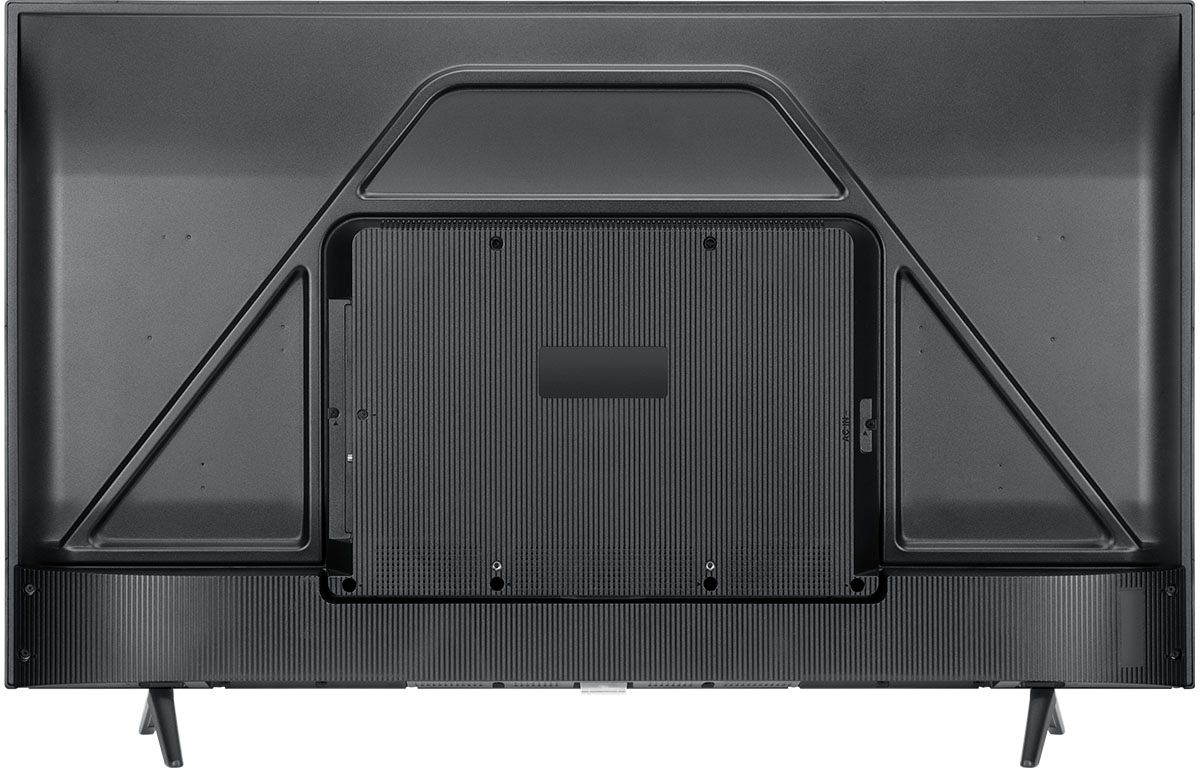
A:AnswerThis TCL Roku TV is compatible with most wall mounts that support a 300mm x 300mm VESA mounting pattern. Hope this helps! Thank you, TCL Customer Support
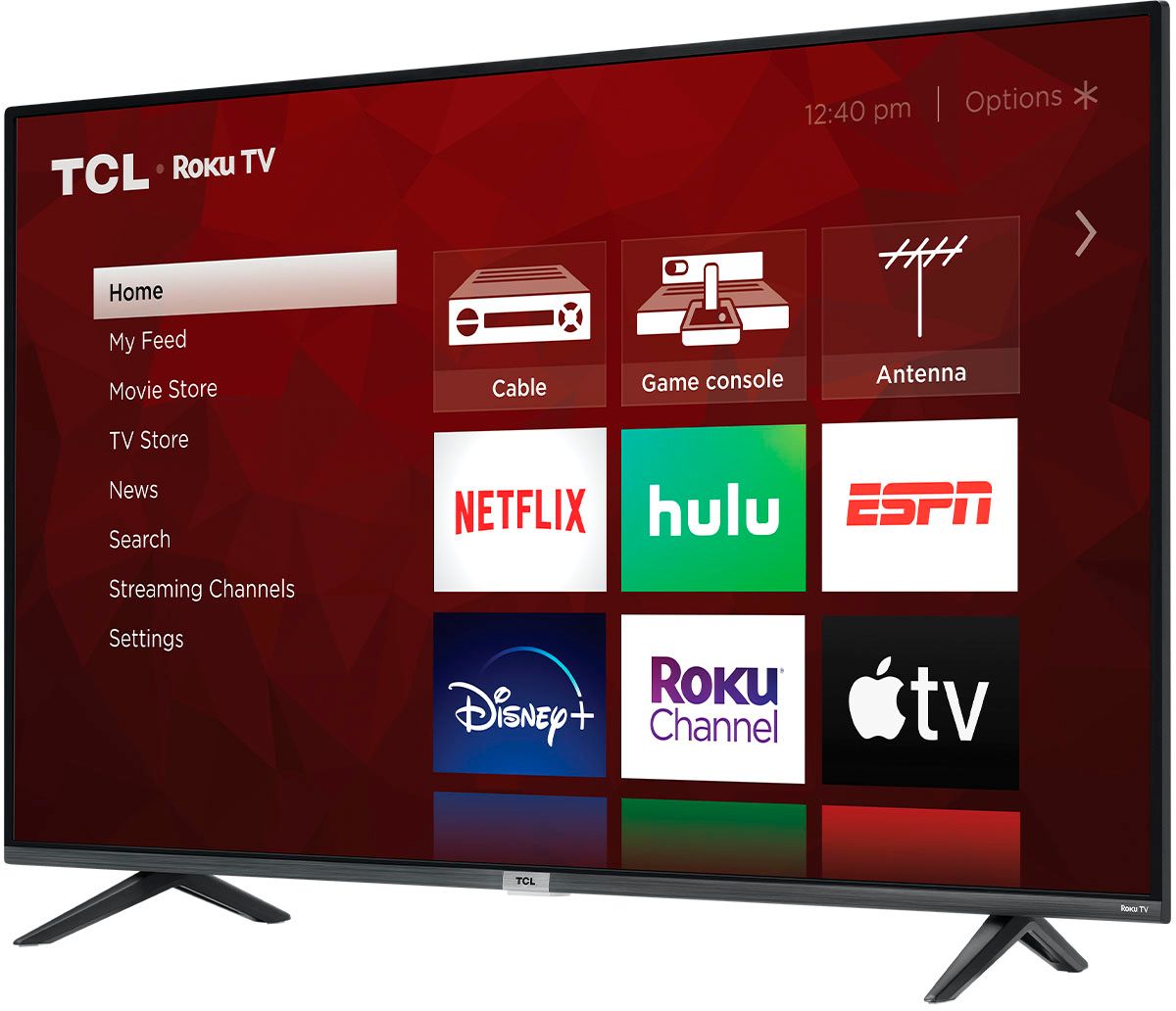
A:AnswerWhen I connected to the Roku account, all of my apps and services were updated automatically to the new tv. If I add a new streaming channel on one tv it automatically adds it to the other.
A:AnswerIn order to receive over the air channels, you will need to connect an antenna. This TCL TV has a coaxial located on the back of the TV near the other inputs. By connecting an antenna you can receive over-the-air channels. However, the reception depends on the signal strength. Hope this helps! Thank you, TCL Customer Support
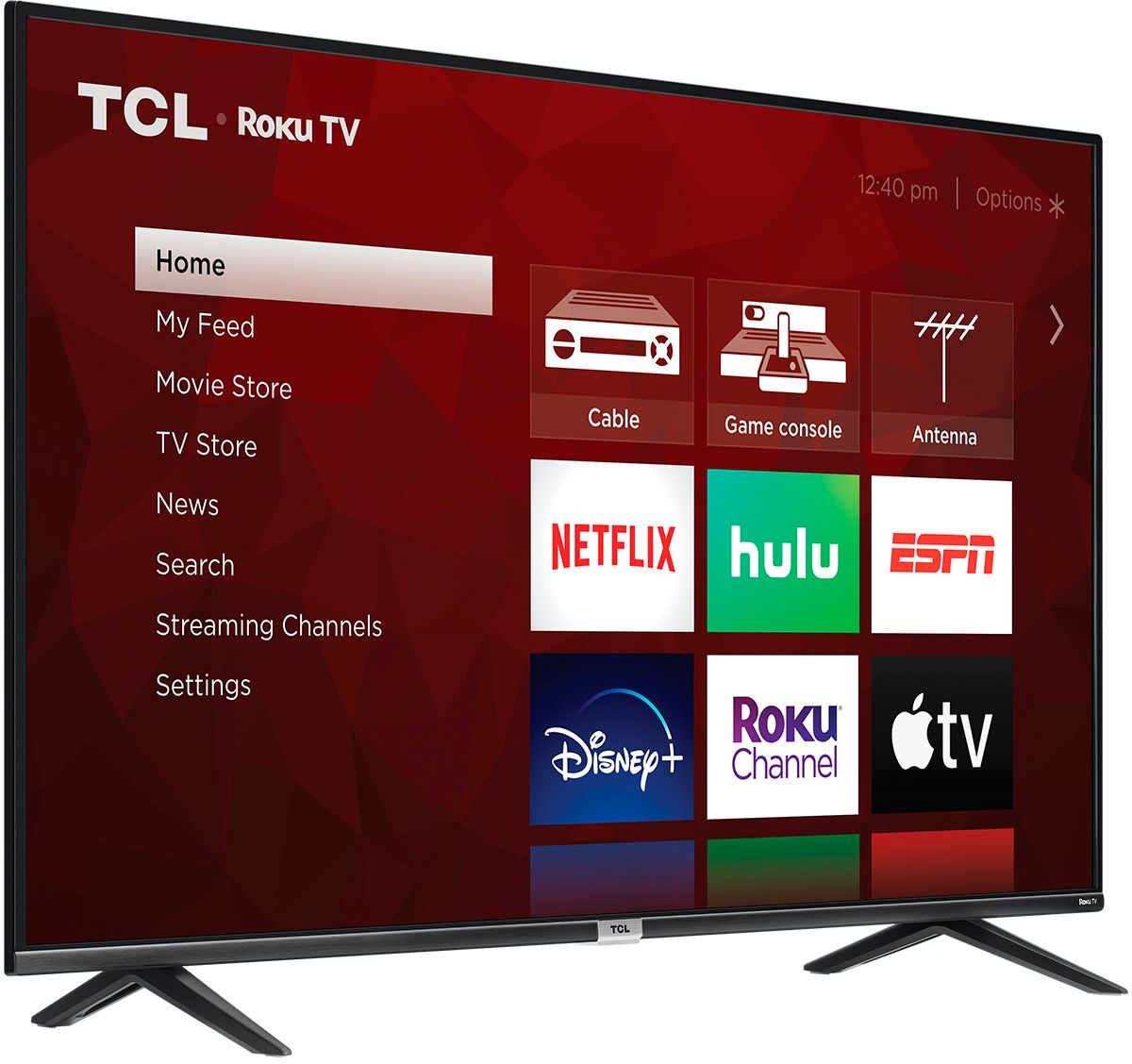
A:AnswerYes, compatible with spectrum tv cable box. It just comes in as another input from the hdmi. Can label the input and shows up like any other app icon so it’s easy to find.
A:AnswerThis TCL Roku TV is compatible with most wall mounts that support a 300mm x 300mm VESA mounting pattern. Hope this helps! Thank you, TCL Customer Support
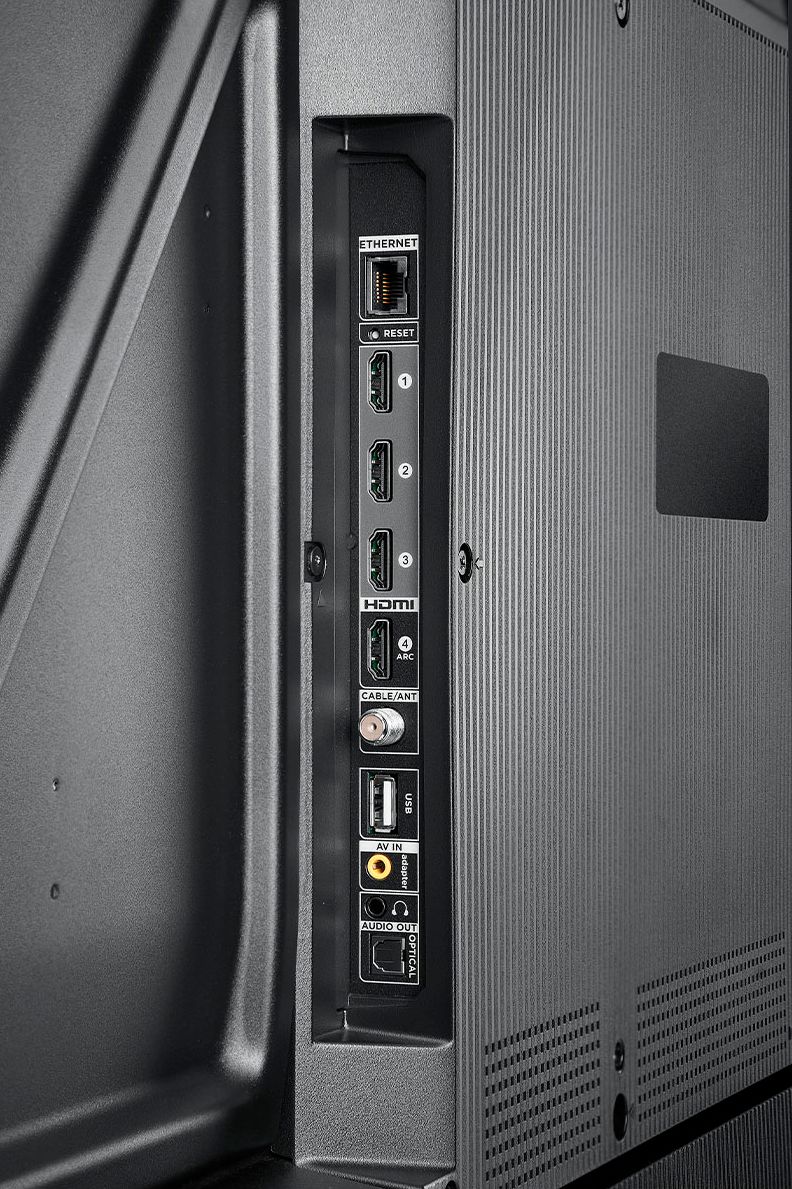
A:AnswerThis TCL TV features various inputs that can be used to connect external devices like a game console. Hope this helps! Thank you, TCL Customer Support
A:AnswerAll of our TCL Roku TVs have a Roku operating system built-in. Roku is a streaming platform that offers many features, including thousands of streaming channels (apps) and over 500,000 movies and TV episodes. Some content is free while other content is subscription-based or pay-per-view. You can go to www.Roku.com/whats-on to see what streaming channels and apps are offered through the Roku Channel Store. To search for a specific channel you would simply want to enter that information into the search section. Hope this helps! Thank you, TCL Customer Support
A:AnswerCurrently, our Roku based TVs do not support Bluetooth. You can connect to our Alto soundbars via one of the available wired connections like HDMI ARC (depending on the soundbar), Optical, or the 3.5mm headphone jack. Hope this helps! Thank you, TCL Customer Support
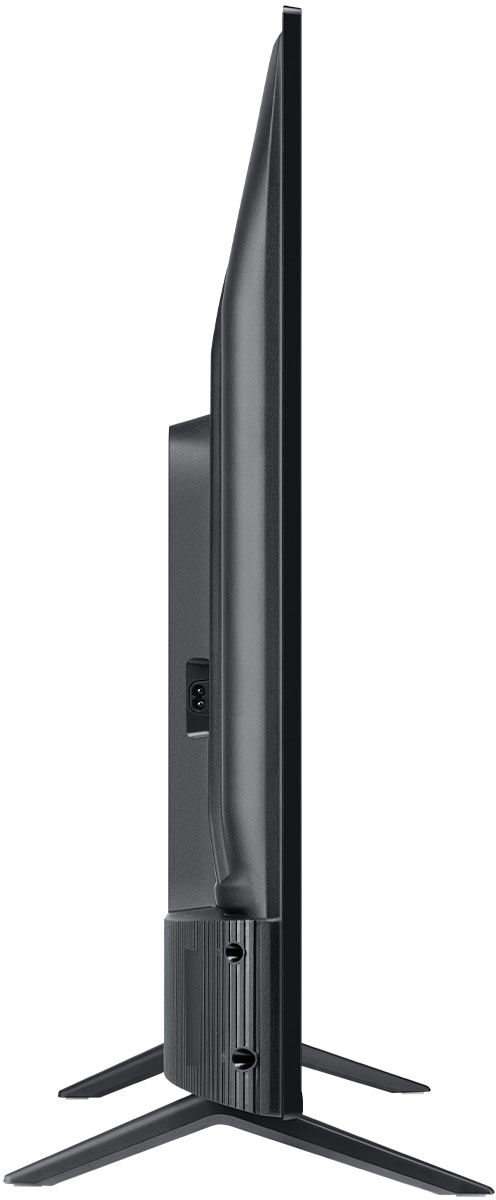
A:AnswerThe composite connection for this TCL TV is a single input located between the coaxial input and the Headphone Jack. You would need to use an adapter to connect the traditional red/white/yellow cables you are used to seeing. The adapter would need to be purchased separately. Hope this helps! Thank you, TCL Customer Support