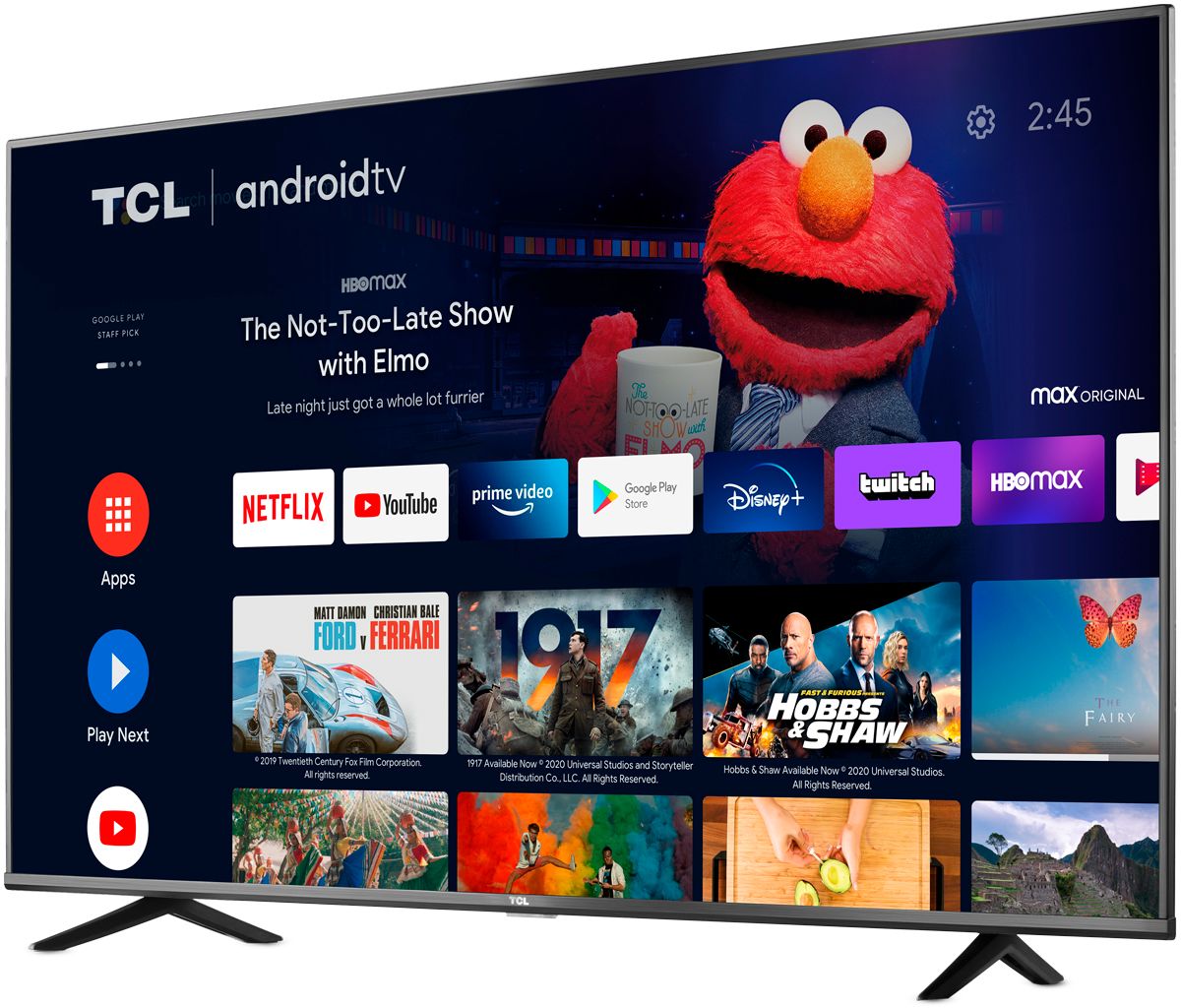
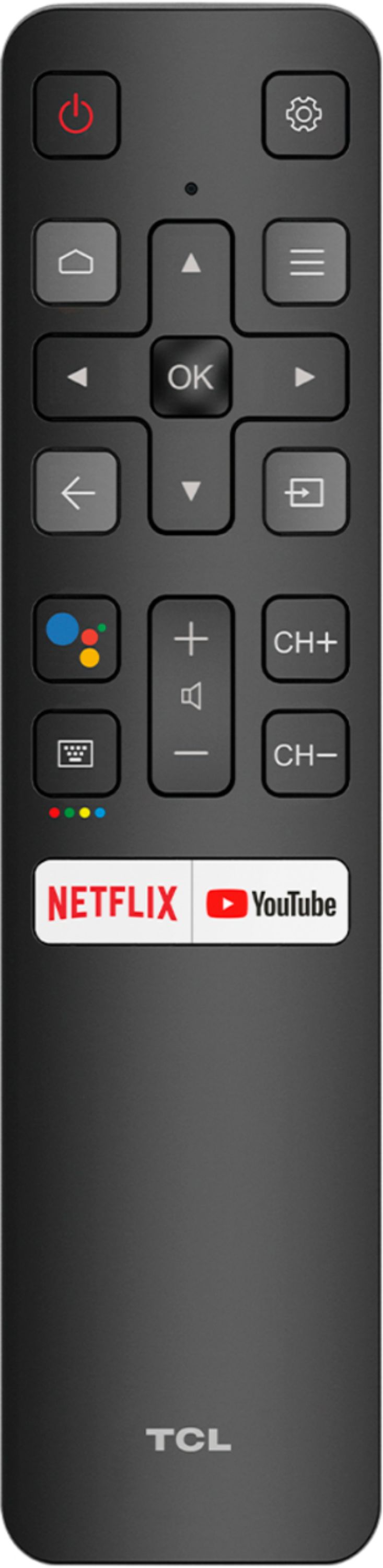
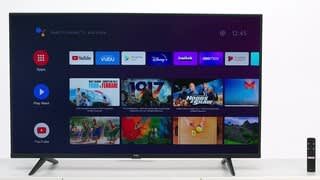
A:AnswerThis TCL Android TV does not currently support Alexa voice assistant. However,it has a built-in Google Assistant. The remote even features a Google Assistant button for easy access to voice control. Hope this helps! Thank you, TCL Customer Support
A:AnswerYes they have apps in the Google Play store for web browsing or you can side load apps its an android, there is many things you can do just do a quick Google search to find all your looking for
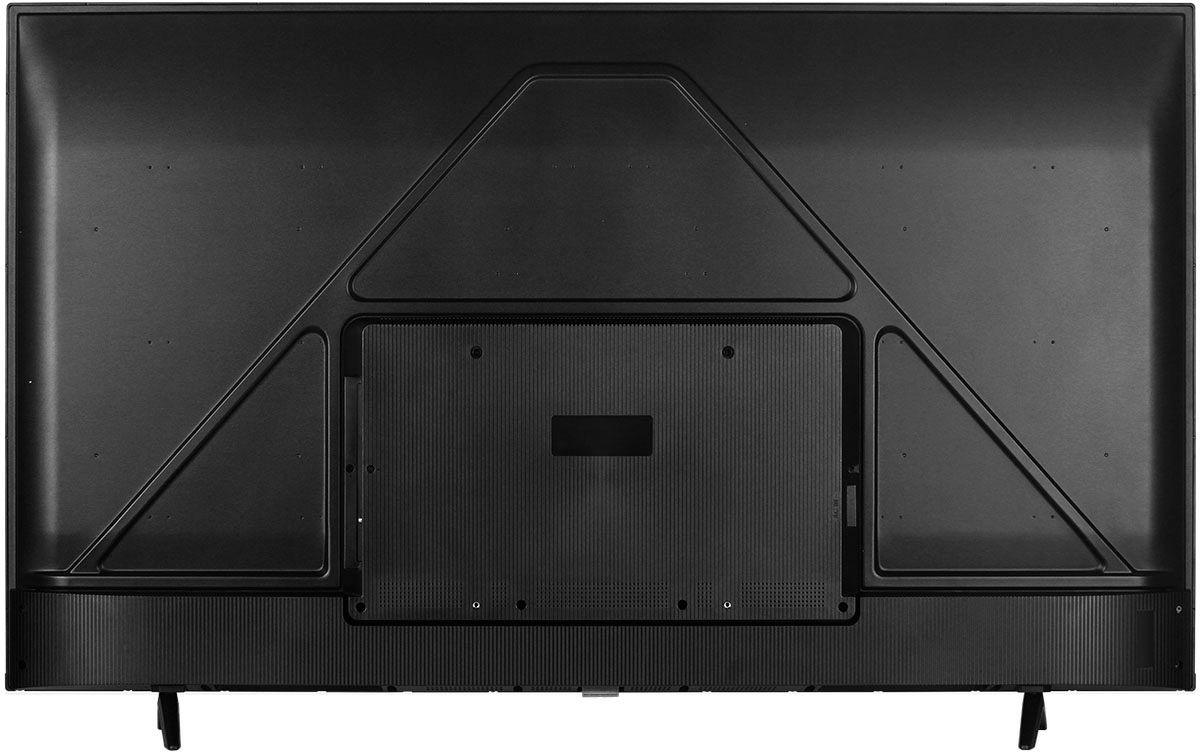
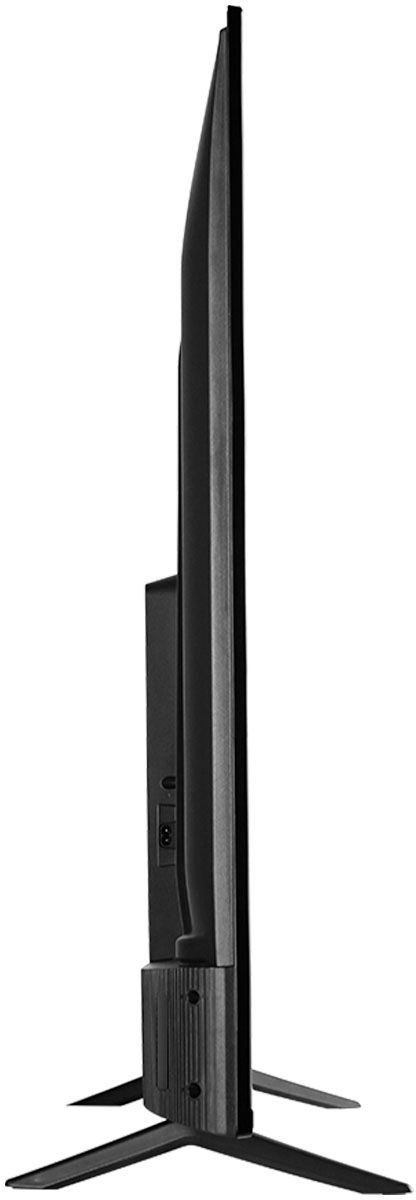
A:AnswerAbsolutely! This TCL Android TV is compatible with most wall mounts that support a 300mm x 300mm VESA mounting pattern. Hope this helps! Thank you, TCL Customer Support
A:AnswerThe Pluto TV streaming app is indeed one of the many available streaming apps on this TCL Android TV. Hope this helps! Thank you, TCL Customer Support
A:AnswerWith the combination of 4K UHD, HDR support, a dedicated gaming mode, and low input lag, this is a good option for a gaming TV. Hope this helps! Thank you, TCL Customer Support
A:AnswerThe Android TV Remote app works for this TV. The tv needs to be on and you need to select it in the app, then it will show a code on the TV and you type that code into the app. Both phone and TV need to be on same WiFi network. Hope this helps! Thank you, TCL Customer Support
A:AnswerOur TCL Android TVs do indeed support Bluetooth and can be paired with compatible audio devices that also support and pair via Bluetooth. You can also visit https://support.tcl.com/androidtv-setup-configuration/connecting-bluetooth-devices-to-my-android-tv-642 for more information. Hope this helps! Thank you, TCL Customer Support
A:AnswerThe YouTube TV streaming app is indeed one of the many available streaming apps on this TCL Android TV. Hope this helps! Thank you, TCL Customer Support