A:AnswerPossibly if you downloaded the right app, for instance if you download an internet browser app you probably could, but not from any of the standard functions of the TV.
You could cast to the TV from a phone or computer to view your email on the TV as well but what ever device you were casting from would need to be logged into your google account separately.
A:AnswerIn order for us to better assist, please reach out to us at [email protected] with your contact information and a description of what you need help with. Thank you, TCL Customer Support
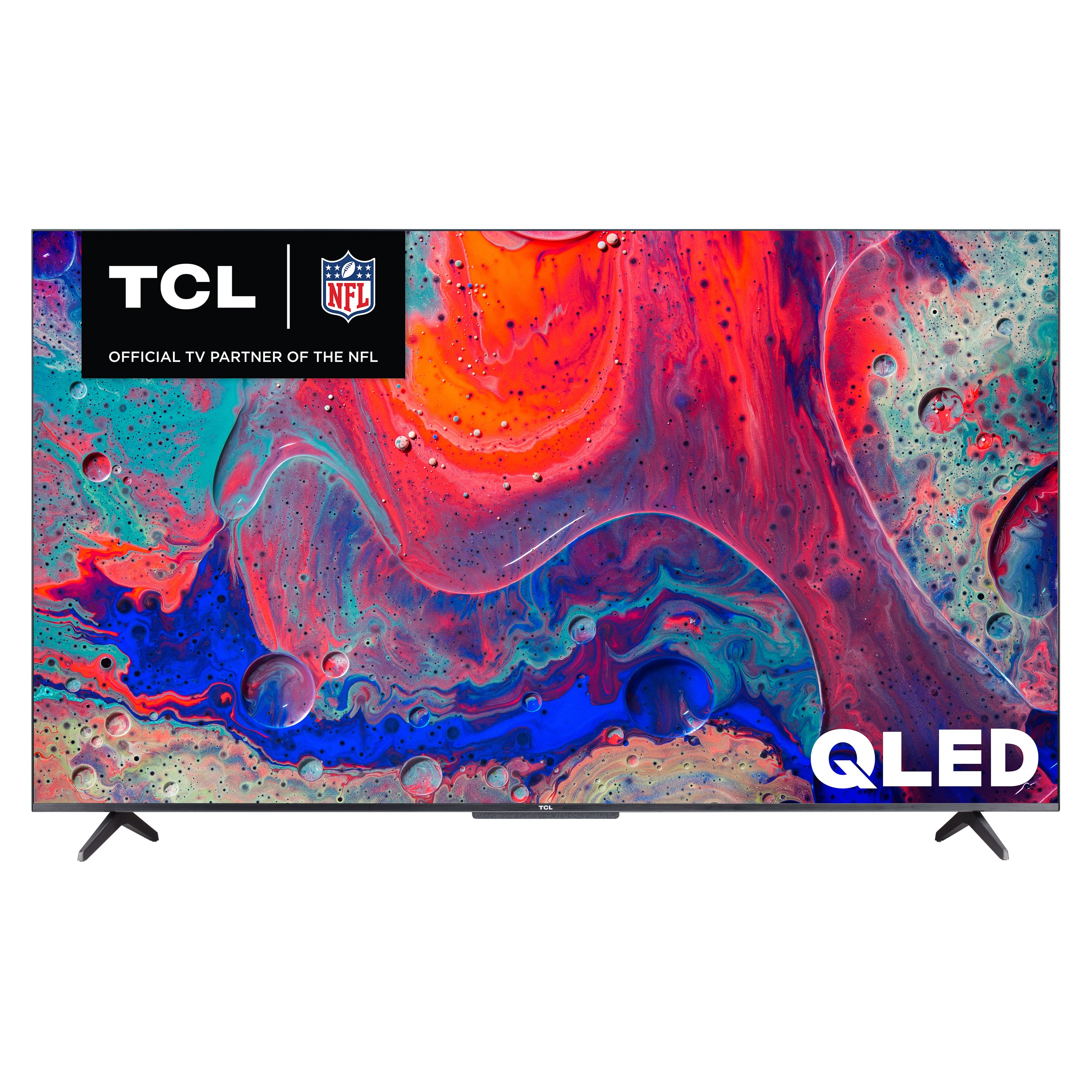
A:AnswerThis TCL TV featuring Google TV supports the following audio passthrough: Dolby Atmos, Dolby Digital Plus, and Dolby Digital. Hope this helps! Thank you, TCL Customer Support
A:Answerthe speakers on the tv are not good. they work for small rooms, but for anything like a living room. forget about it. buy a surround sound system or sound bar.
A:AnswerThe Fubo TV streaming app is indeed one of the many available streaming apps on this TCL TV featuring Google TV. Hope this helps! Thank you, TCL Customer Support
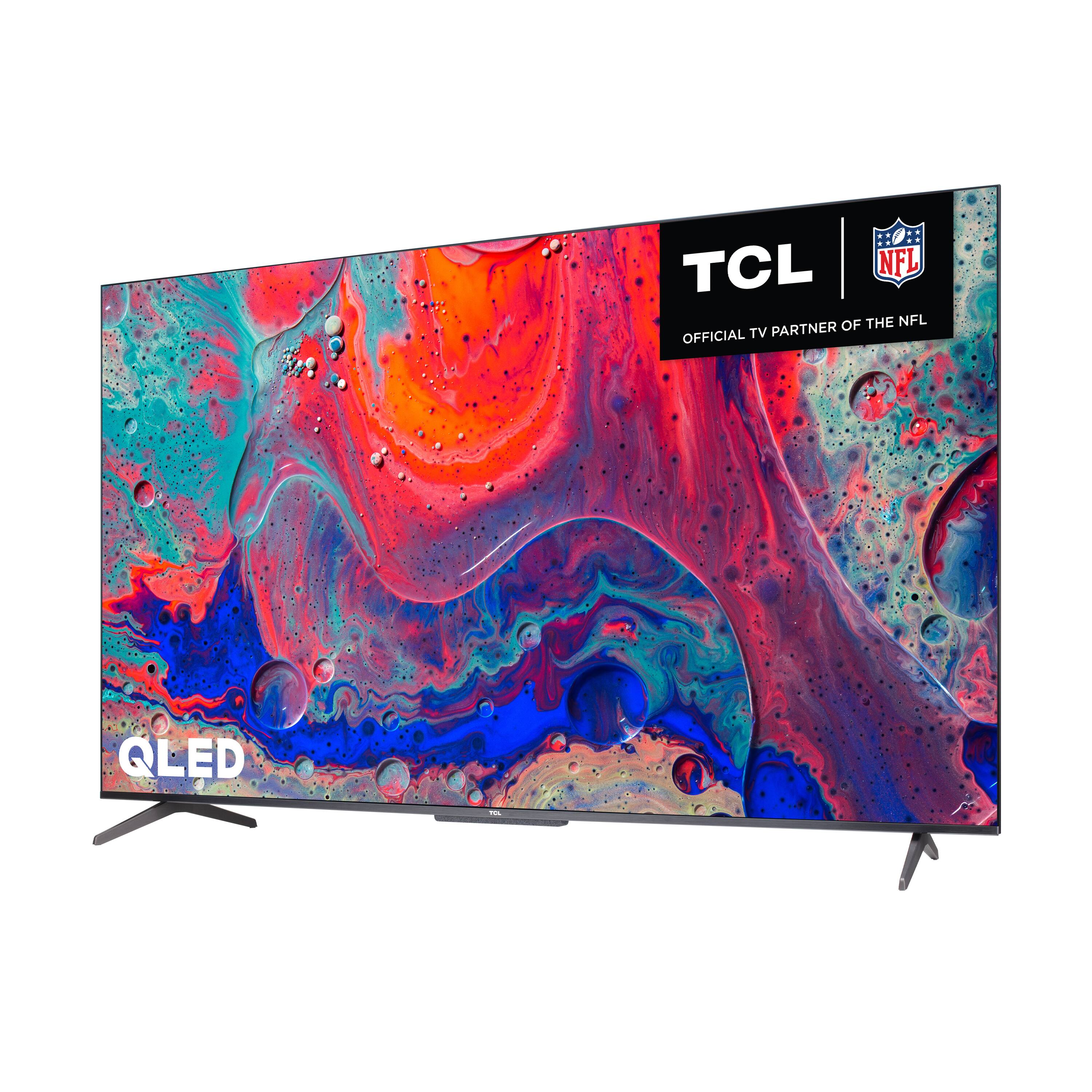
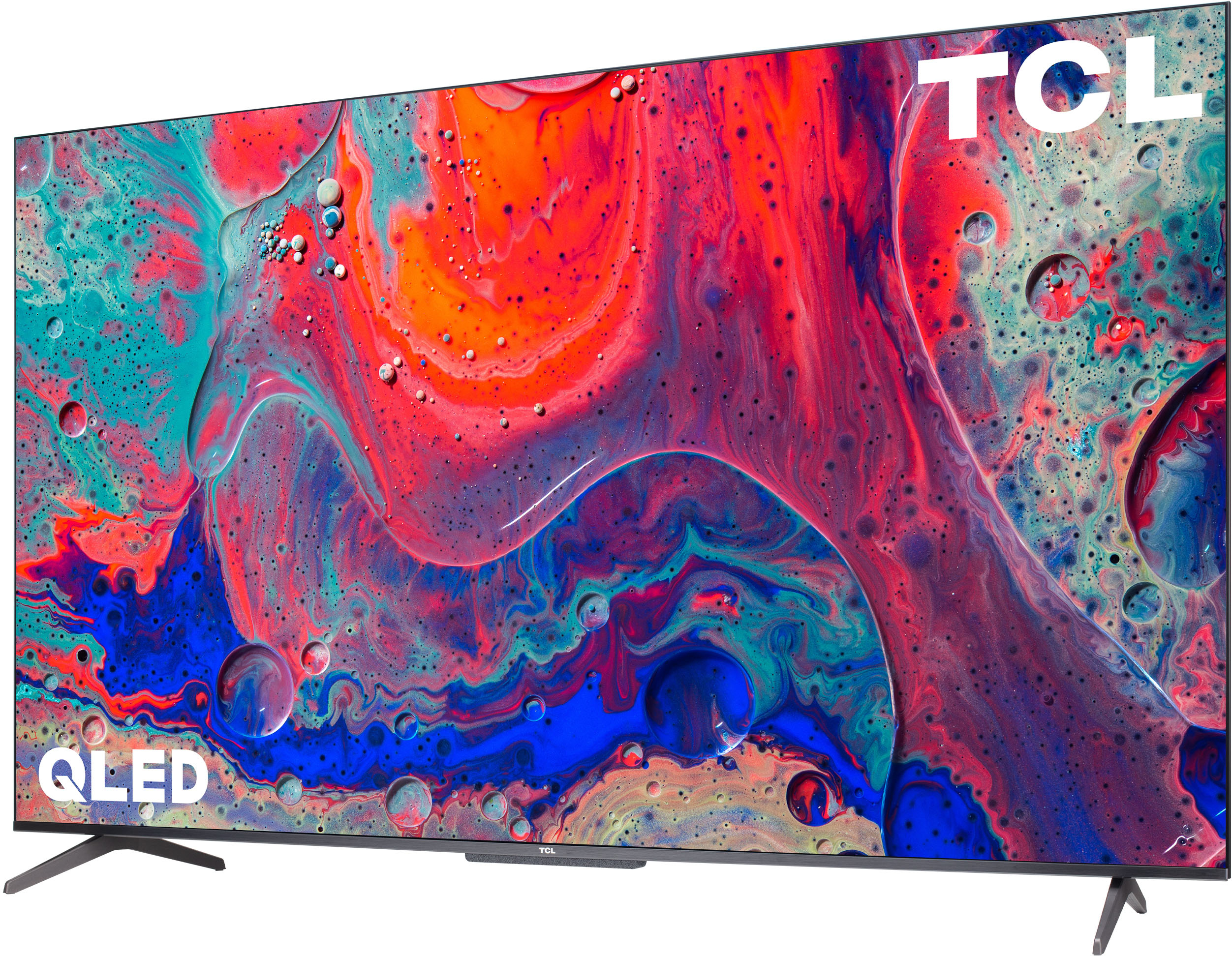
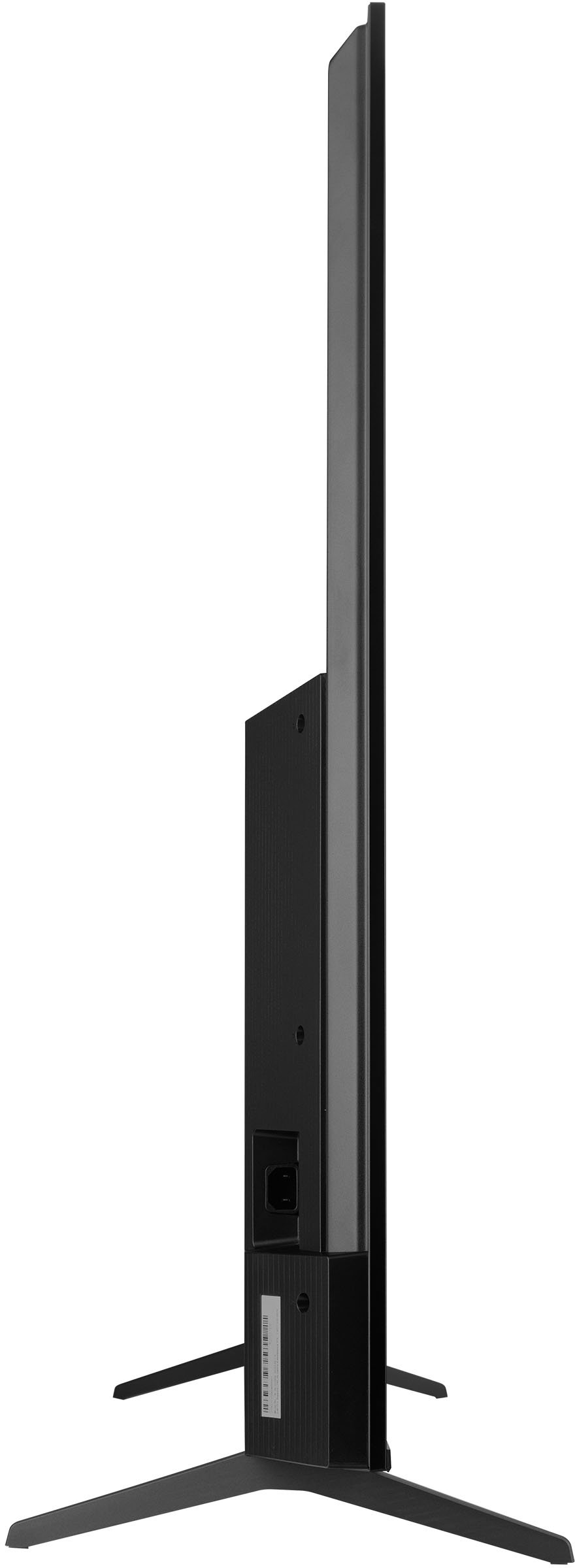
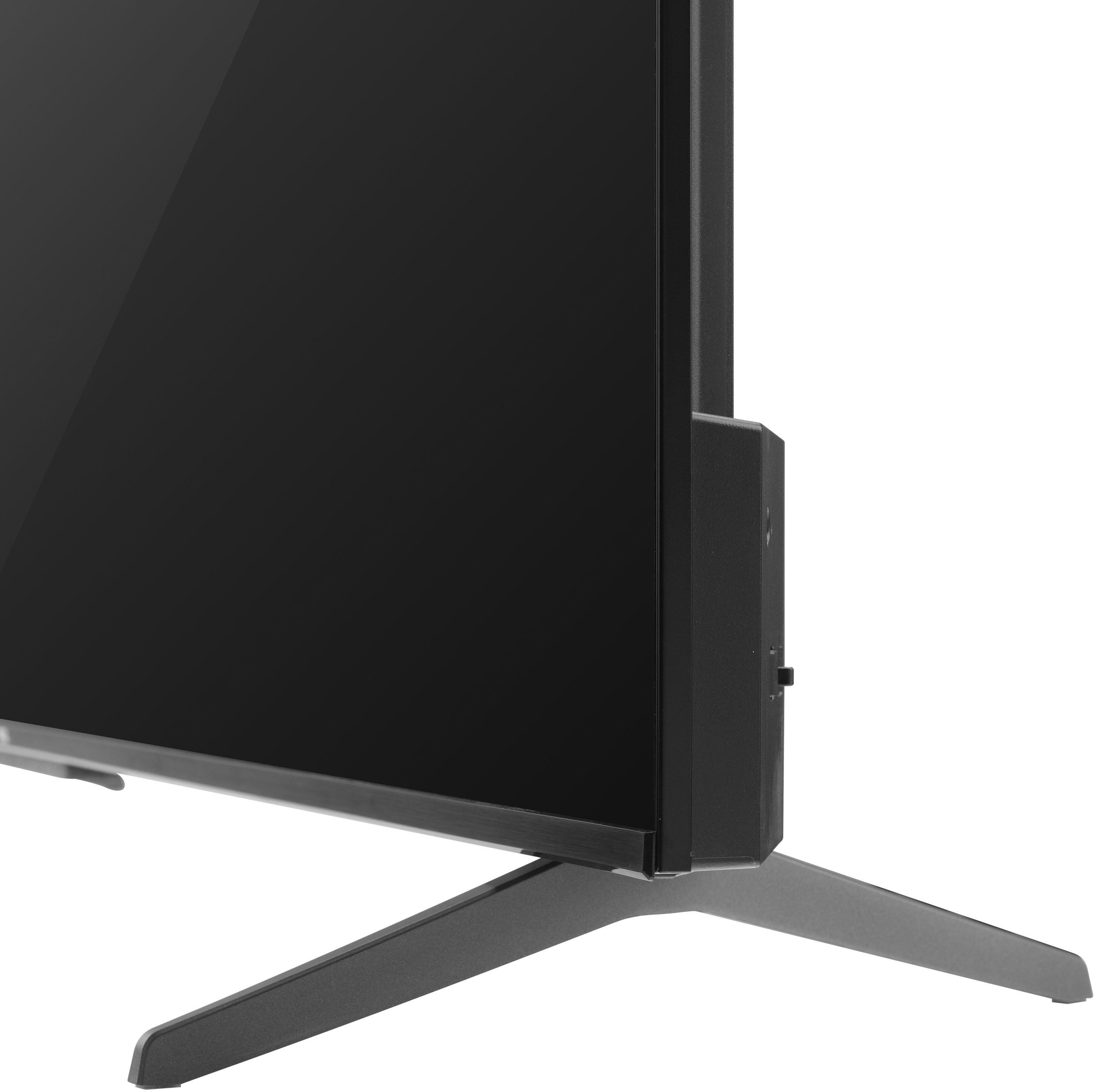
A:AnswerThis TCL TV comes with two feet with screws to secure them, a power cord, a Google TV remote with batteries, and a quick start guide. Hope this helps! Thank you, TCL Customer Support
A:AnswerYour television should update automatically, but if you would like to ensure you have the most recent software, visit go.tcl.com/gtv-swup to view step-by-step instructions on how to easily perform an update. If you need any further assistance, please reach out to us at [email protected] with your contact information and a description of what you need help with. Thank you, TCL Customer Support
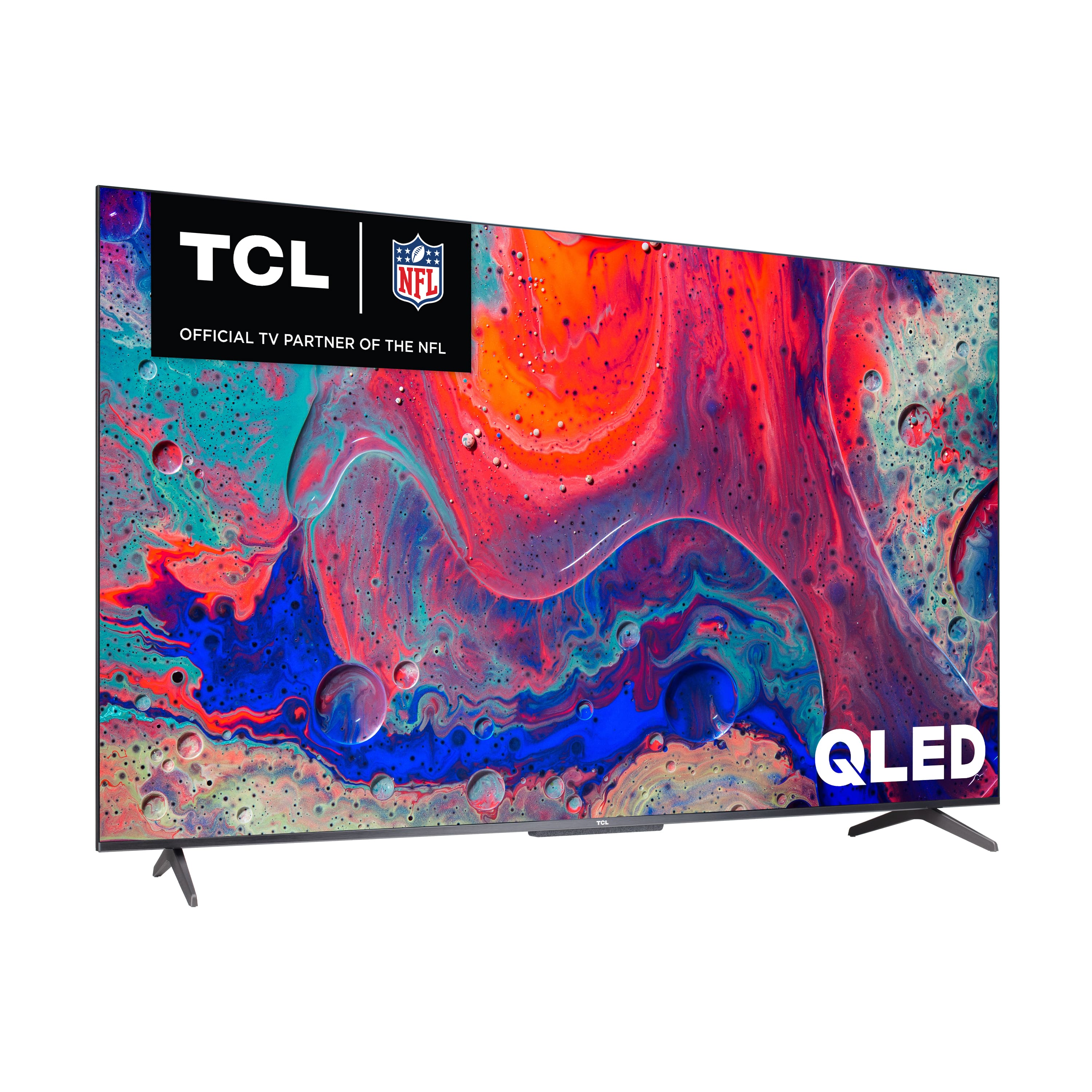
A:AnswerWhile we can not recommend a specific web browser, there are various web browsers that can be downloaded through the App Store. Hope this helps! Thank you, TCL Customer Support
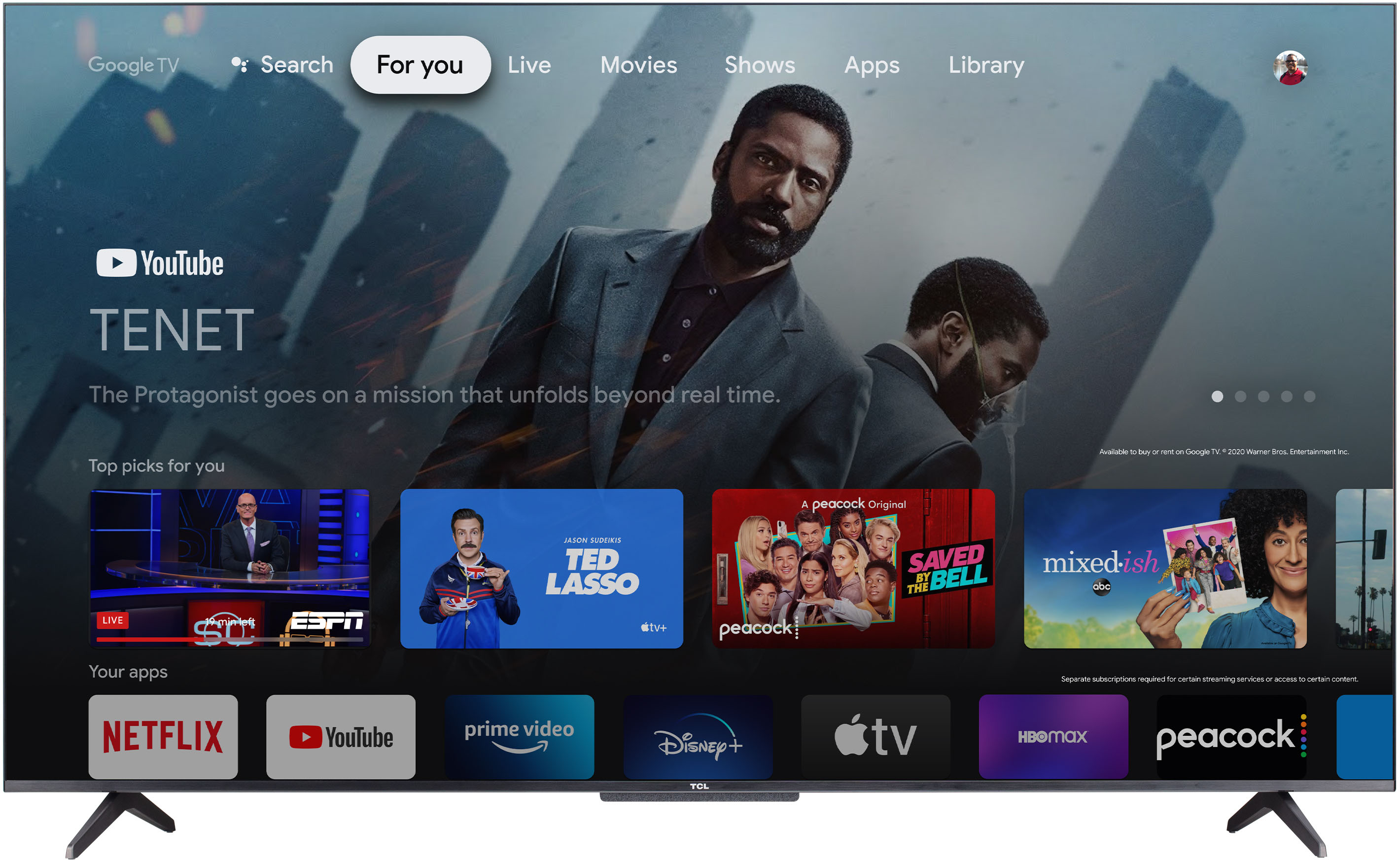
A:AnswerActually google tv is one of the only ones that will let you download Twitch and watch live streams plus many other apps, but with Roku you are limited to the apps that are compatible
A:AnswerWhile we do not have a specific settings guide, many TV review websites commonly publish their recommended settings. You should be able to find this by doing an internet search. Hope this helps! Thank you, TCL Customer Support
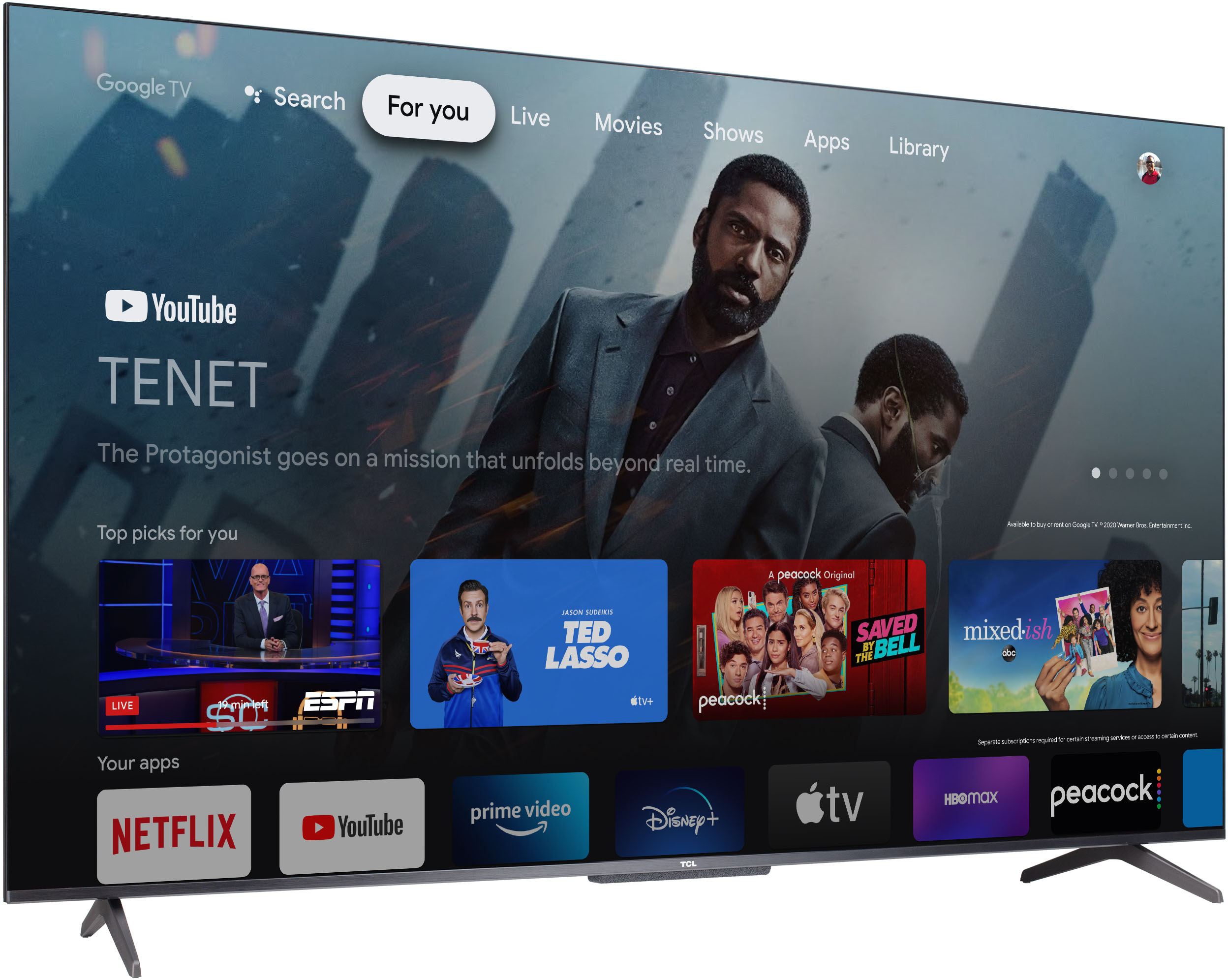
A:Answerno. in the beginning when you do get the TV there take some time to download all the programs get you signed in through Google when I bought the TV from my mother I brought it to my house so that I would get all the programs in channels that she likes to watch already download it in the system I had of time so when I brought the TV over it was ready to go I’ll share to do is either voice activating to turn it on or just turning the power button on you know when you get a TV for your mother you want it to be in trouble free
A:AnswerStock and availability vary by location and region. For inquiries concerning stock and availability, you would want to contact your local Best Buy or Best Buy Customer Support as they would be best equipped to further assist you. Hope this helps! Thank you, TCL Customer Support
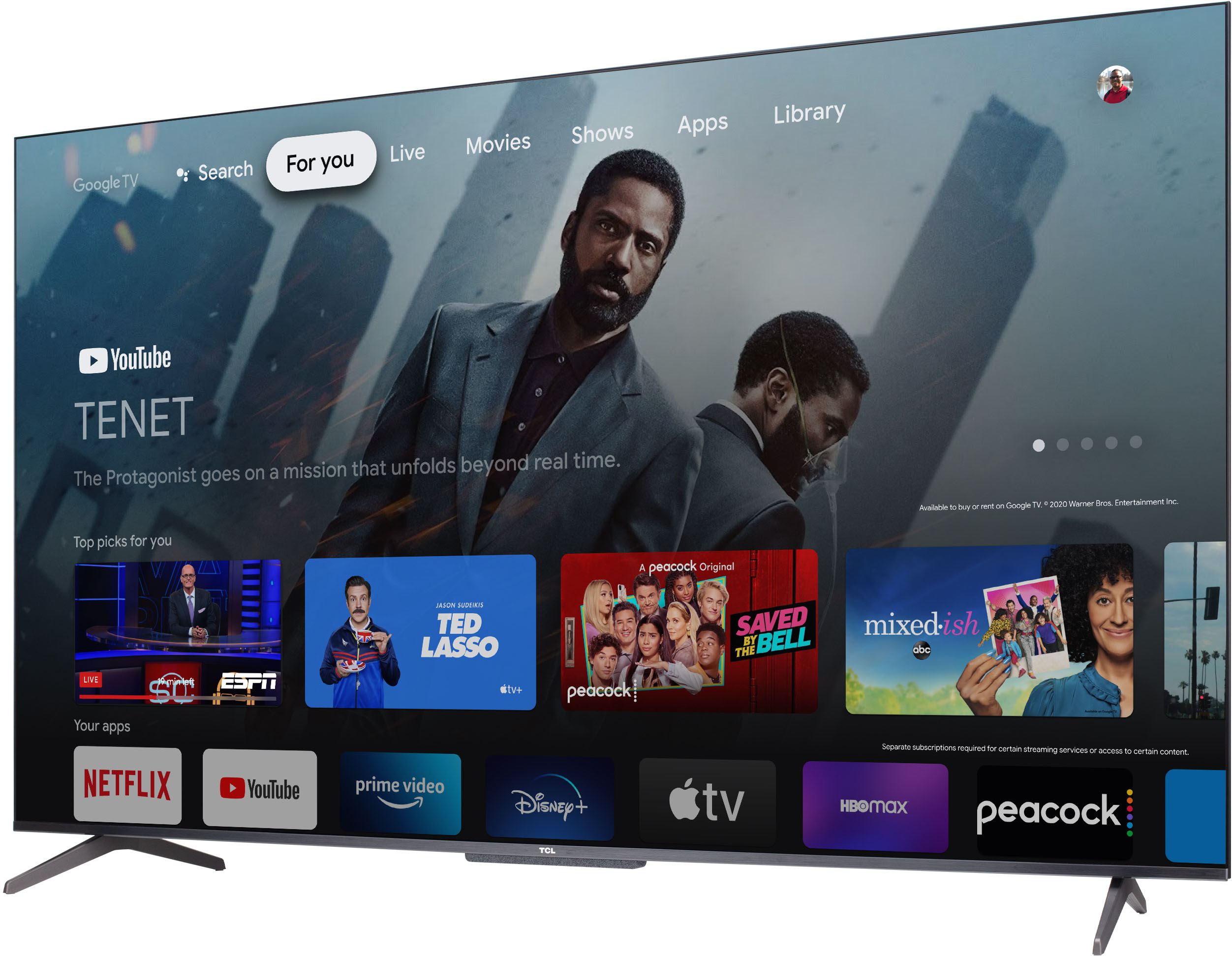
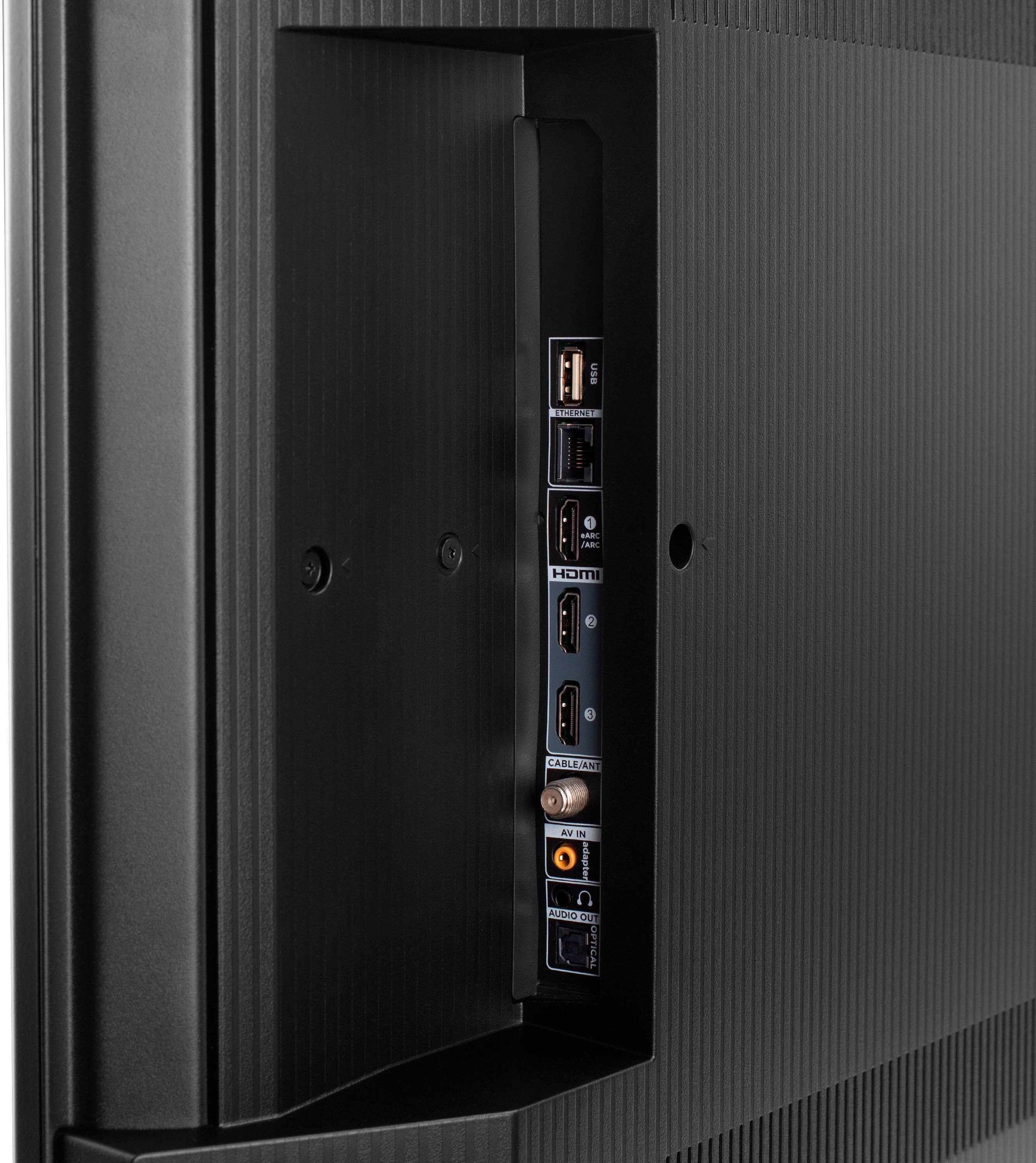
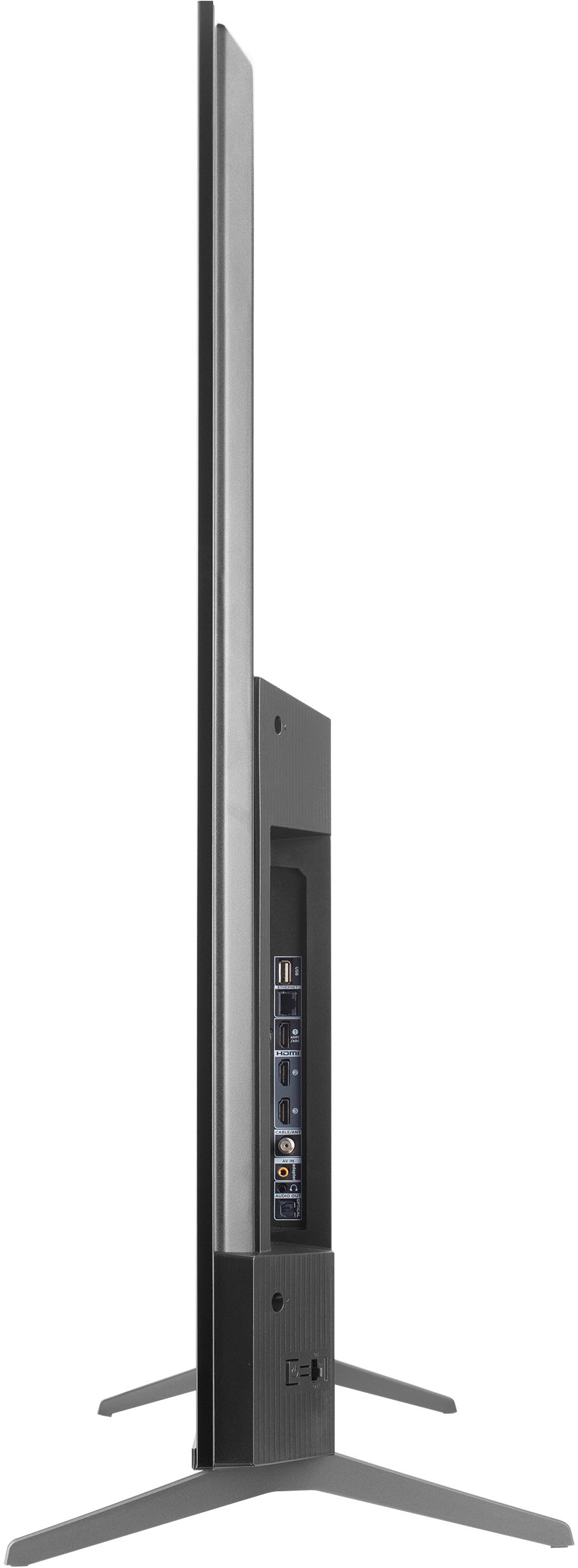
A:AnswerNo, it does not have HDMI 2.1. Only the 6 series and up have HDMI 2.1. This TV also doesn't have 120Hz refresh rate either. Not the best for gaming.