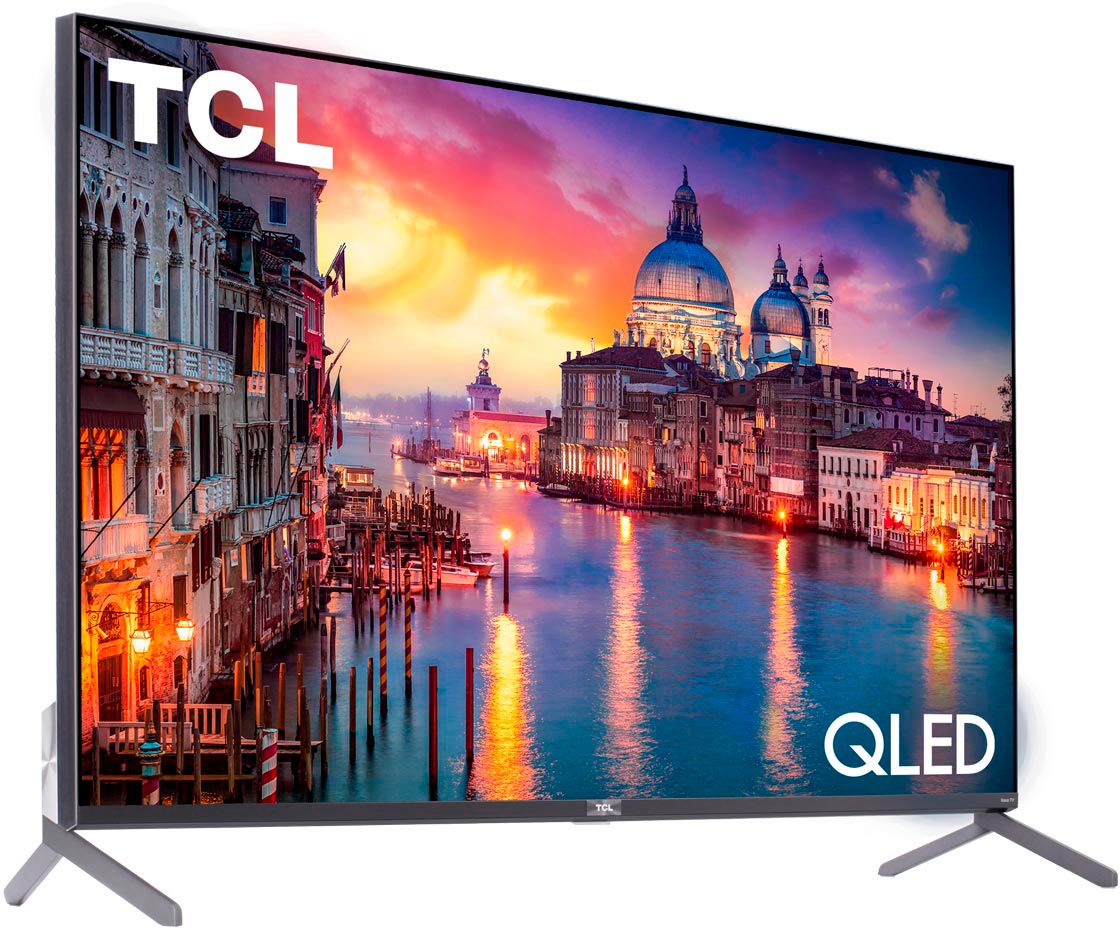
A:Answer The TV refresh rate is 60Hz. That "240 Hz natural motion" is a gimmick meant to reduce a little bit the "jerkiness" of 60Hz when the TV is displaying game content.
The 240 function, as well as noise filtering and all the other picture enhancements are achieved by means of picture processing (black frame addition, frame interpolation, etc) and will very often end up negatively affect the picture rendering accuracy.
The TV is fine and the ghosting you are seeing is normal when 240 natural motion is enabled. My advice for you is to disable it.
There is a ton of info online on how to properly "calibrate" (actually set some picture parameters to an optimal level) the TCL TV. It is easy and at the end of the day, it all lies in the way you perceive the picture - set it in a way that looks best for you.