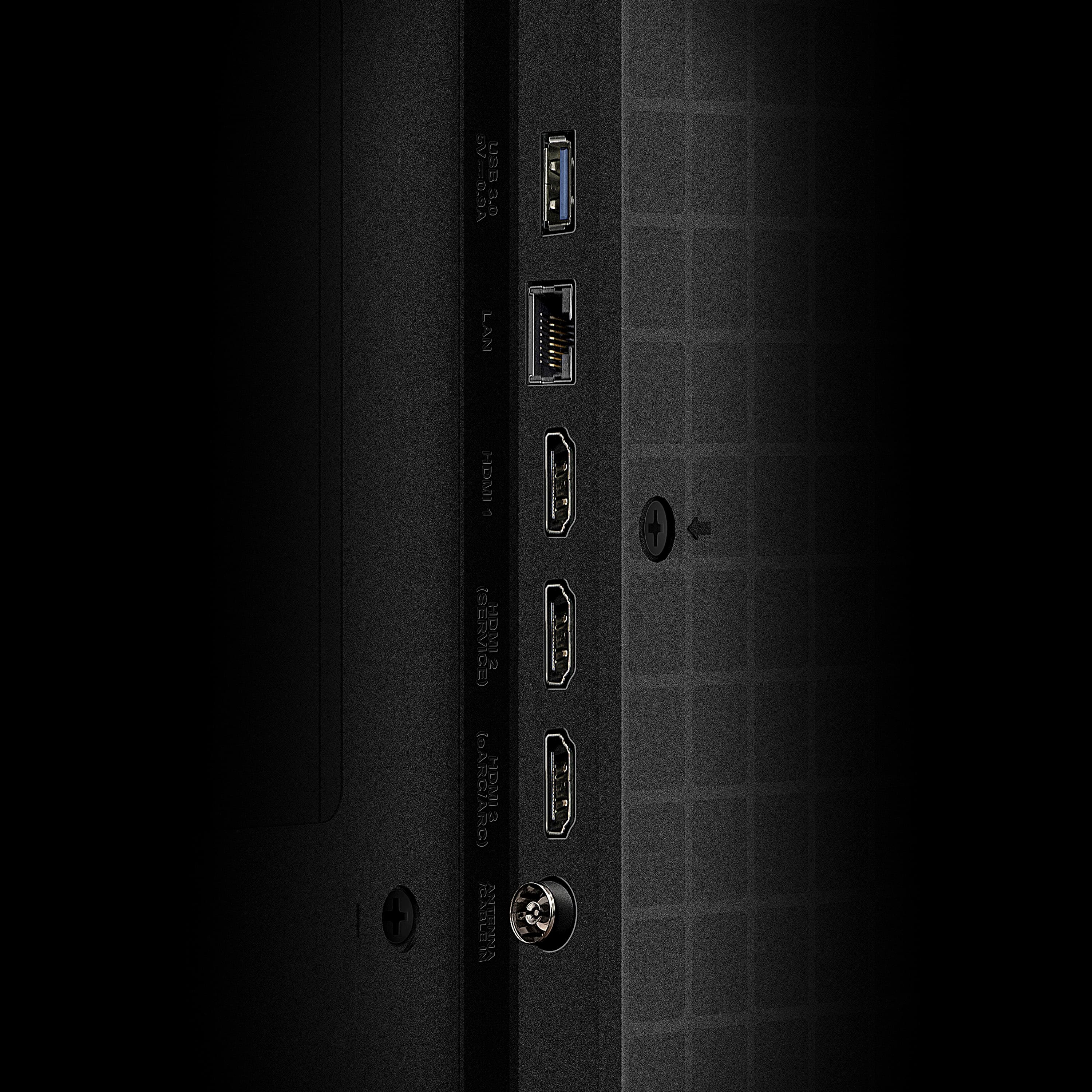
A:AnswerOur TVs are compatible with most Universal and cable remotes. Many Universal and cable box remotes can be programmed to control select functions on the TV. You can visit https://support.tcl.com/us-remote-codes for more information. If you do not see your specific remote, you would need to contact the remote's manufacturer to obtain the remote code from them. This TCL TV features various inputs that can be used to connect external devices like a cable box. Hope this helps! Thank you, TCL Customer Support
A:AnswerI was told by both the store salesperson that it is available and the Spectrum Rep. I talked to on the phone. If I had known in advance that it was NOT there, I would NOT have purchased this TV!
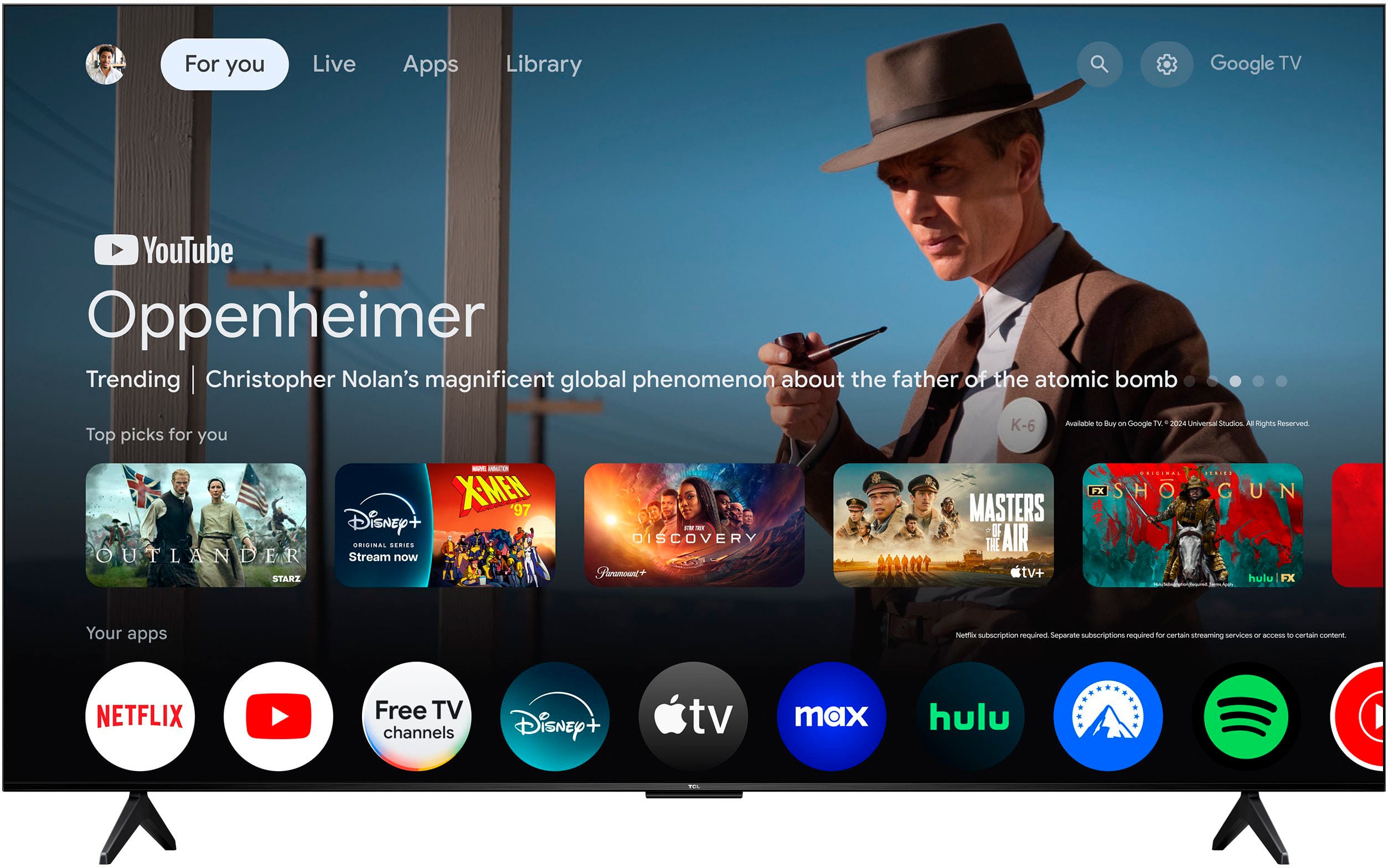
A:AnswerThis TCL TV features a Google TV operating system with access to 5,000+ apps with over 500,000 TV shows and movies available through the App Store. Hope this helps! Thank you, TCL Customer Support
A:AnswerThe Spectrum TV app is not currently an available streaming app on this TCL TV featuring Google TV. Hope this helps! Thank you, TCL Customer Support
A:AnswerThis TCL TV is compatible with most soundbars and speakers and can be connected via HDMI eARC, Optical, or Bluetooth. Hope this helps! Thank you, TCL Customer Support
A:AnswerThe 55qm5k supports Dolby Vision, but not Dolby Vision IQ, which requires an ambient light sensor that the qm6k and up have, but the qm5k series lacks.
A:AnswerThis TCL TV features various inputs that can be used to connect external devices like a cable box. Hope this helps! Thank you, TCL Customer Support
A:AnswerIn order for us to better assist, please reach out to us at tclsocial@tcl.com with your contact information and a description of what you need help with. Thank you, TCL Customer Support