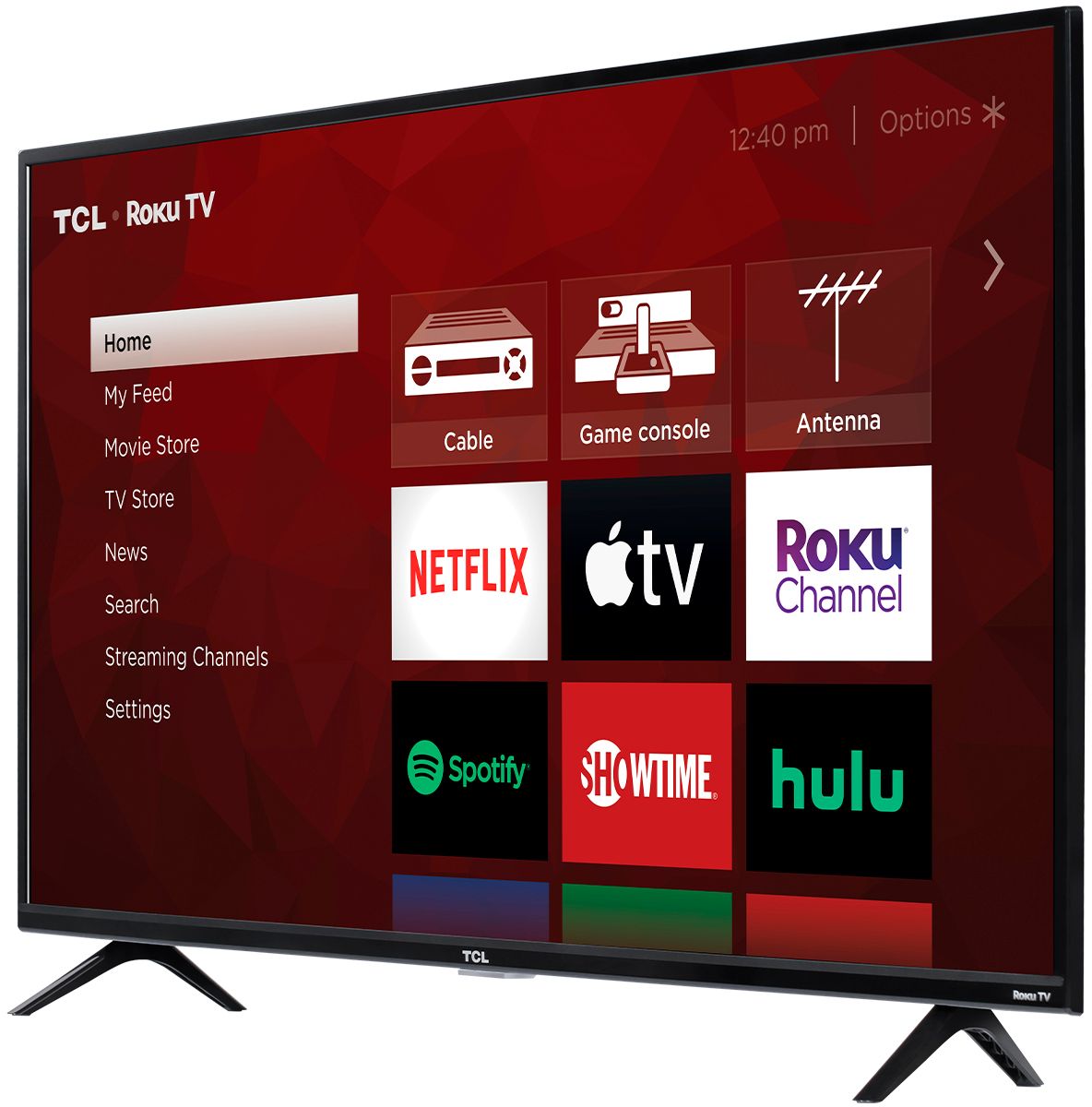
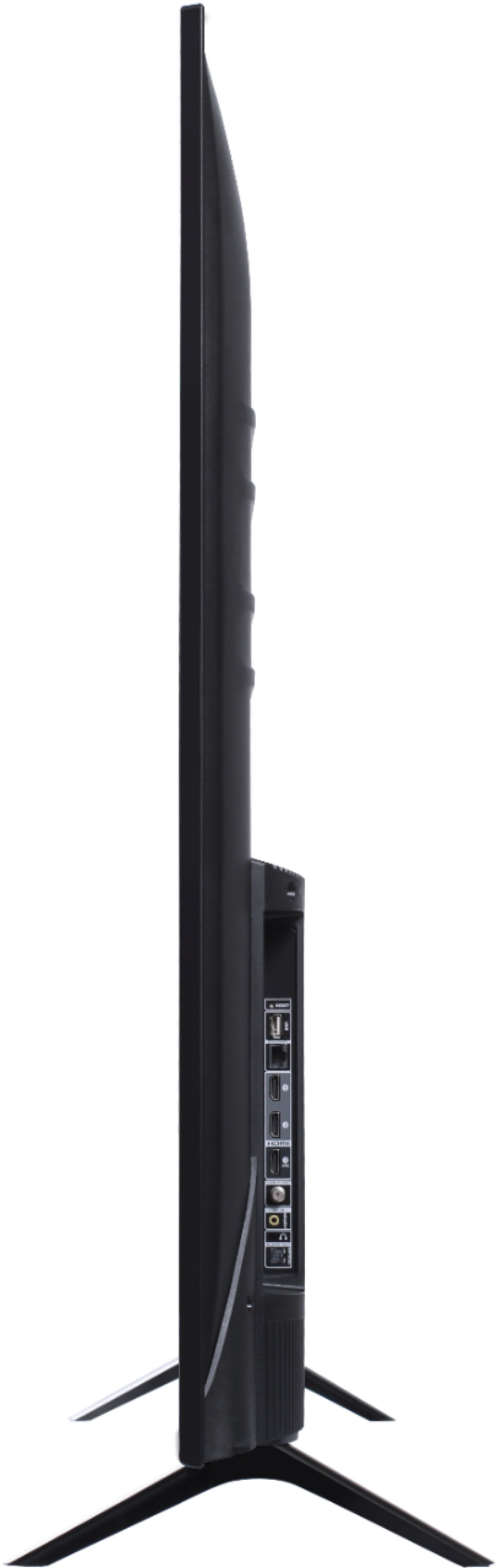
A:AnswerFor the size it's relatively light, 25-30 lbs, but the size makes it awkward to display for one person. It definitely is a 2-person job to unpack and install the TV on a cabinet. May need an extra person to help if hanging it on a mount.
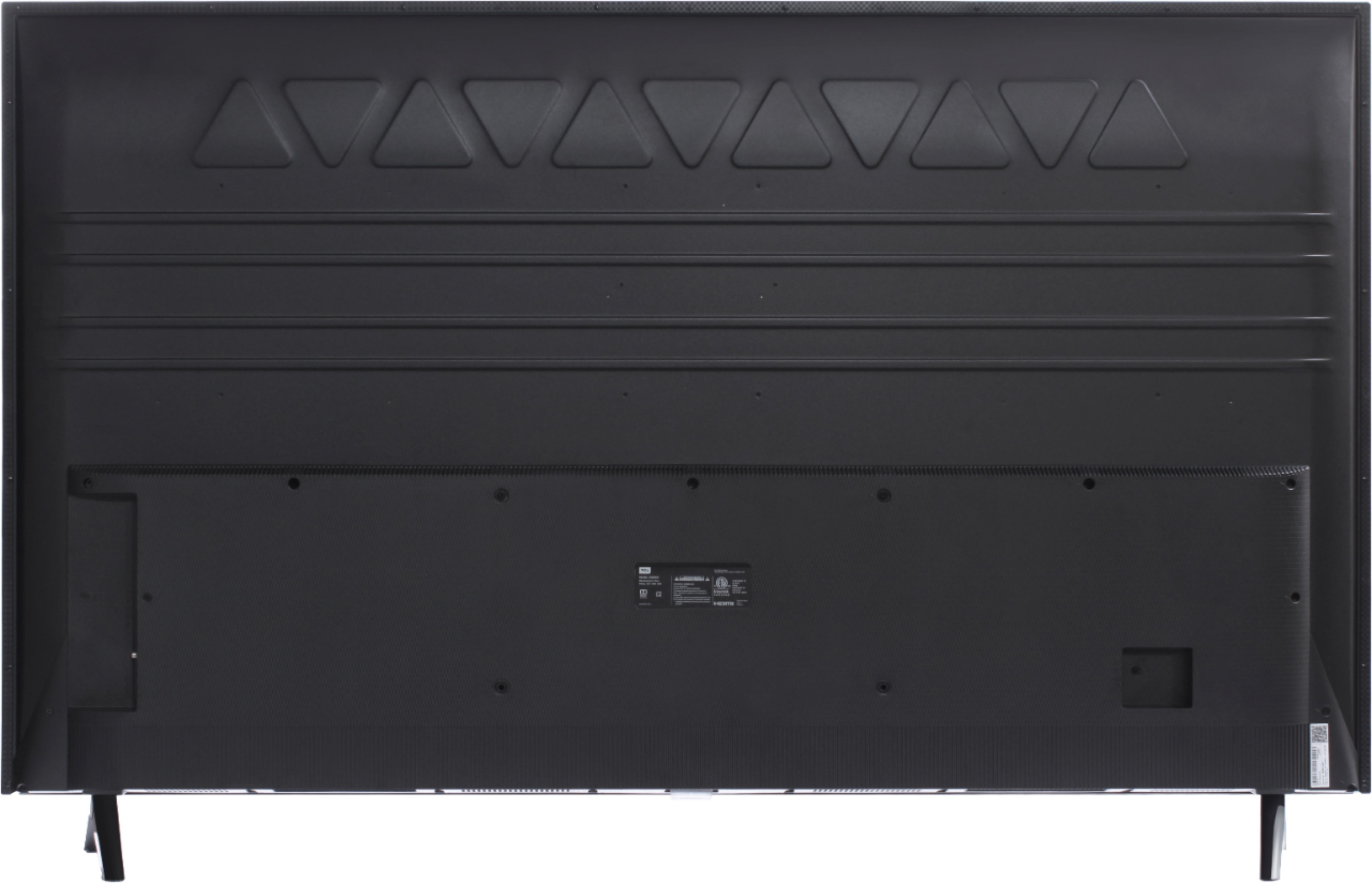
A:AnswerThis TCL Roku TV is compatible with most stands that support a 400mm x 200mm VESA mounting pattern. Hope this helps! Thank you, TCL Customer Support
A:AnswerI purchased a MW Mounts 32" - 80" Full-Motion TV Mount (Item #1029477) at Costco. While I mounted my TV on a flat wall, the installation installation instructions included details on corner mount installation. Might be worth a try.
A:AnswerAll of our TCL Roku TVs have a Roku operating system built-in. This TV is compatible with most wall mounts that support a 400mm x 200mm VESA mounting pattern. Hope this helps! Thank you, TCL Customer Support
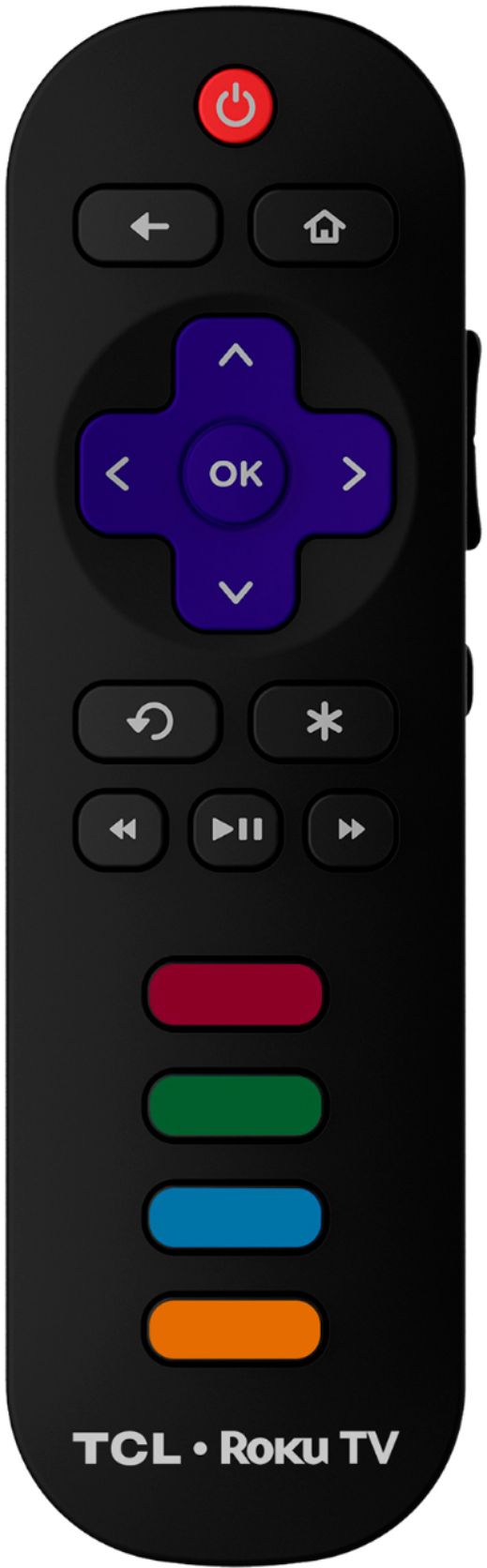
A:AnswerThe settings have to be manually adjusted. There are options available to adjust the picture settings to better fit your personal preference. You can access the Options menu on the TV by pressing the asterisk (*) button on your remote while watching content. Additionally, you can access expert picture settings by downloading the free Roku mobile app on a smartphone or tablet. The Roku mobile app works as a remote and allows you to access additional features like voice search, private listening, expert picture settings, and more. Hope this helps! Thank you, TCL Customer Support
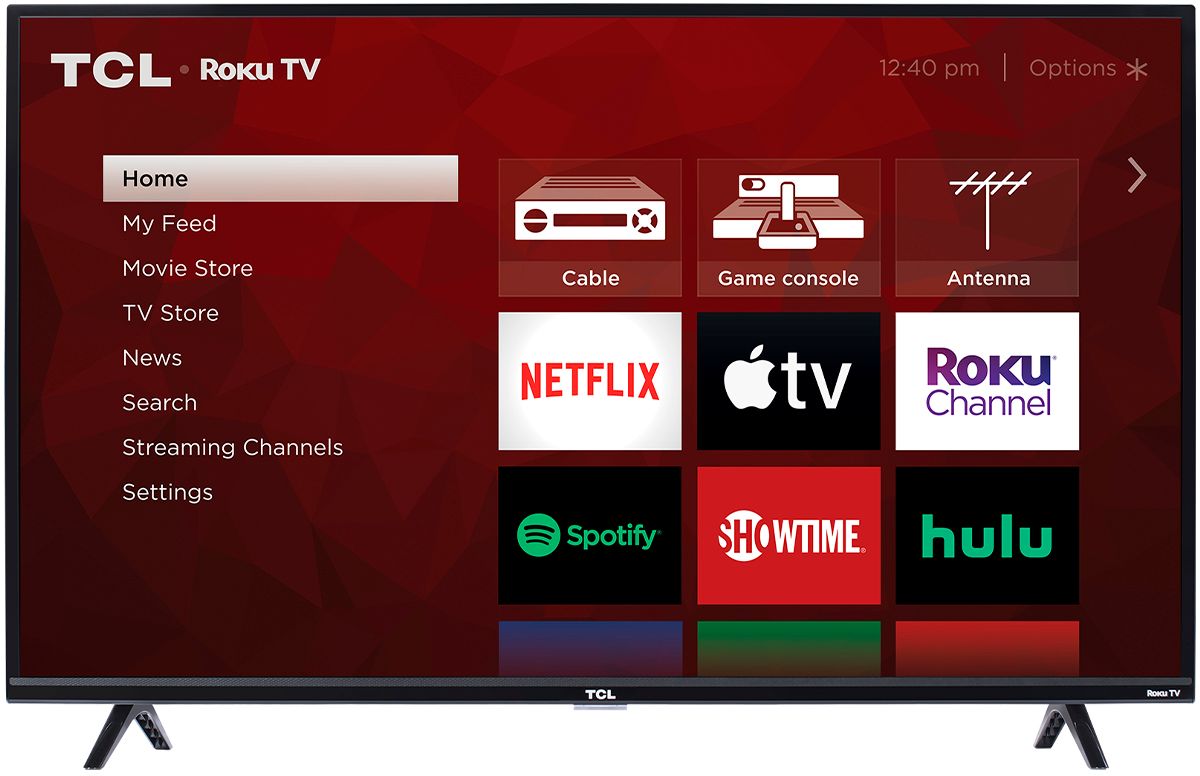
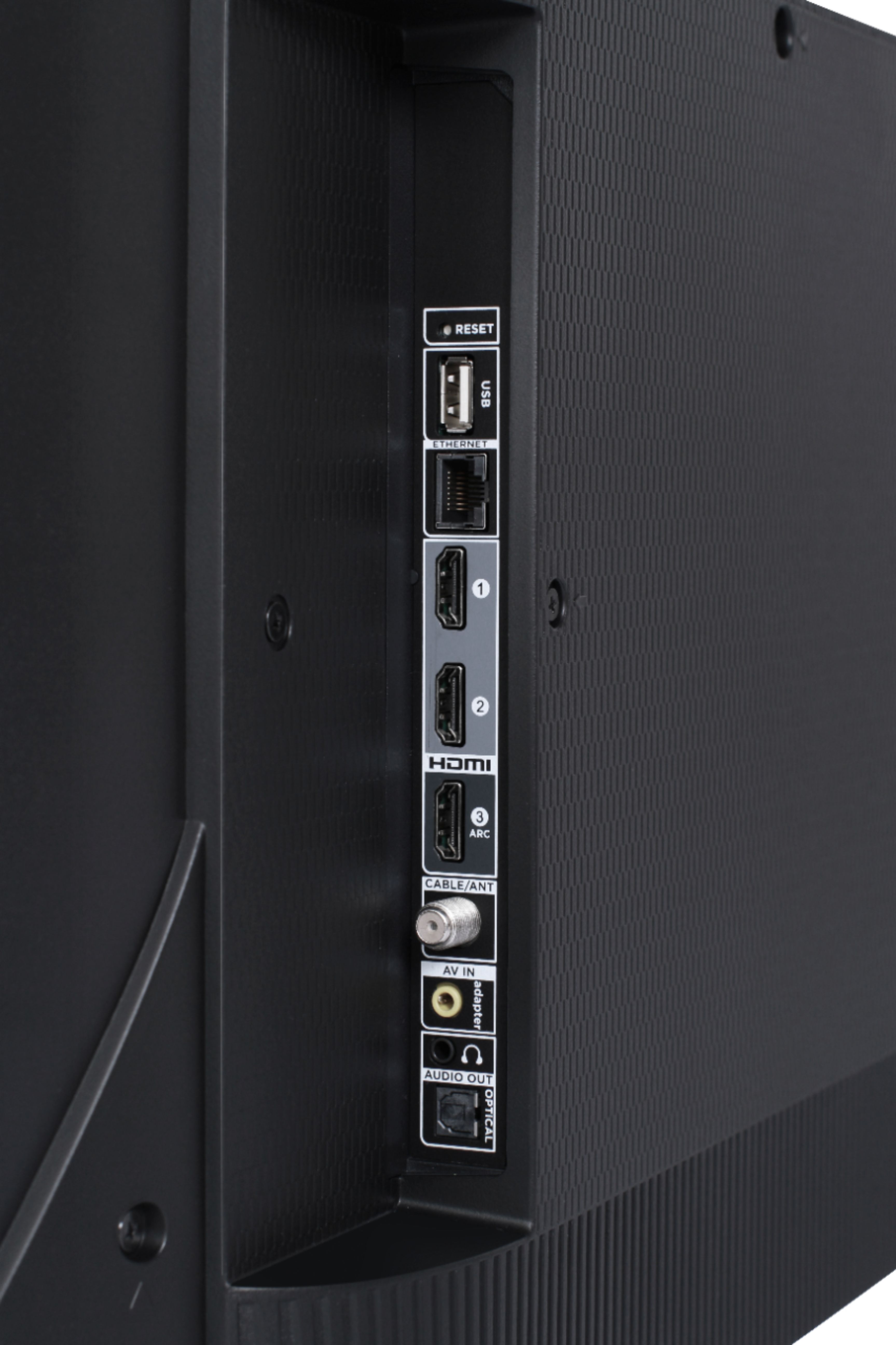
A:AnswerIn order to use the smart features of this TCL Roku TV, you would need to complete the guided setup. This includes connecting to the Internet via WiFi or Ethernet, creating a Roku account (completely free), and activating the TV (completely free). You can elect to not connect to the Internet during intial setup, or connecting through Ethernet will disable WiFi. Hope this helps! Thank you, TCL Customer Support
A:AnswerIn order for us to better assist, please reach out to us at [email protected] with your contact information and a description of what you are experiencing. Thank you, TCL Customer Support