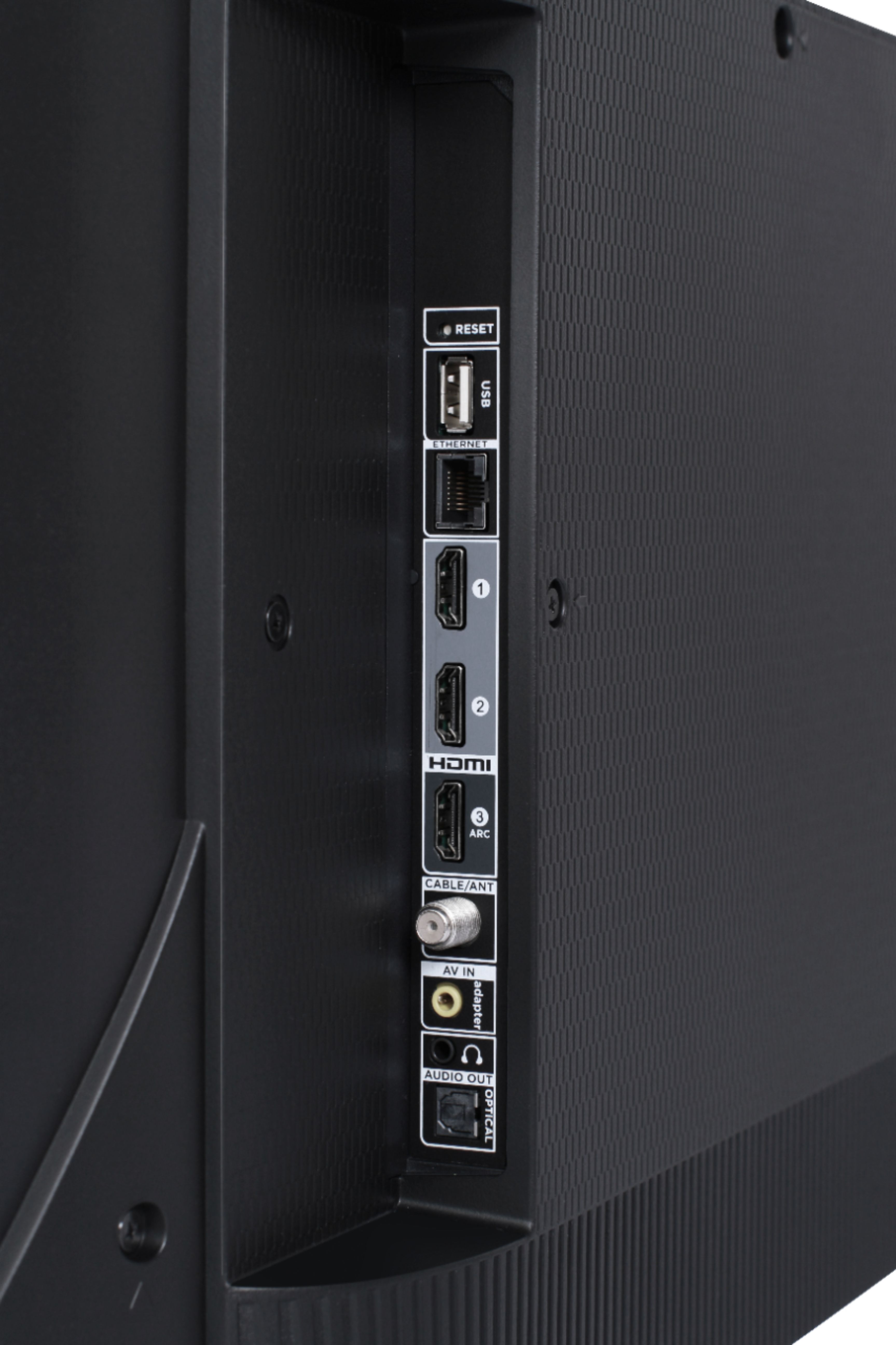
A:AnswerConnected Directv box through the provided HDMI connections on the TV. Everything works normal. You may have to select the cable box option from the Roku menu for it to display
A:AnswerThis TCL Roku TV does indeed have closed captioning settings that can be found in the Accessibility settings. This TV also has a headphone jack located on the back of the TV near the other inputs. Hope this helps! Thank you, TCL Customer Support
A:AnswerYour best solution is to buy the $50 Rocketfish wall mount. All the correct hardware comes with it. If you already have a wall mount you are trying to use, it is probably just trial and error until you find the right bolt.
A:AnswerThe best way to mount any TV is by using the proper mounting bracket. I would not try to DIY something like this, it isn't worth the risk. If you buy a bracket with the capacity to hold your size television it will come with all the hardware and instructions needed to do the job right.
A:AnswerThis TCL Roku TV is designed and engineered to be used within the US. As such, it supports 120V. Hope this helps! Thank you, TCL Customer Support
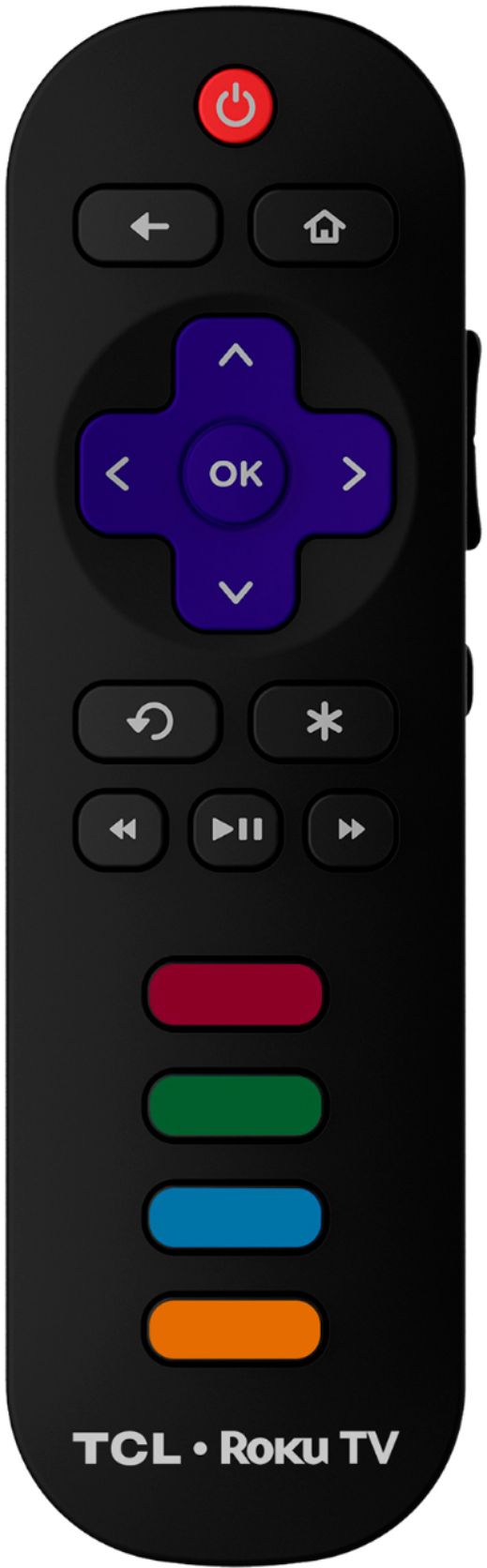
A:AnswerAll of our TCL Roku TVs are now compatible with Alexa voice assistant. You can visit https://support.tclusa.com/televisions-setup-configurations/using-amazon-alexa-to-control-your-tcl-roku-tv for more information. Hope this helps! Thank you, TCL Customer Support
A:AnswerHey Kelly. I have the same brand mount and it works great for my 55” TCL but went with the full motion Sanus mount for my 65”. The fixed is still large enough for the 65”. Hope that helps.
A:AnswerDebrac86,
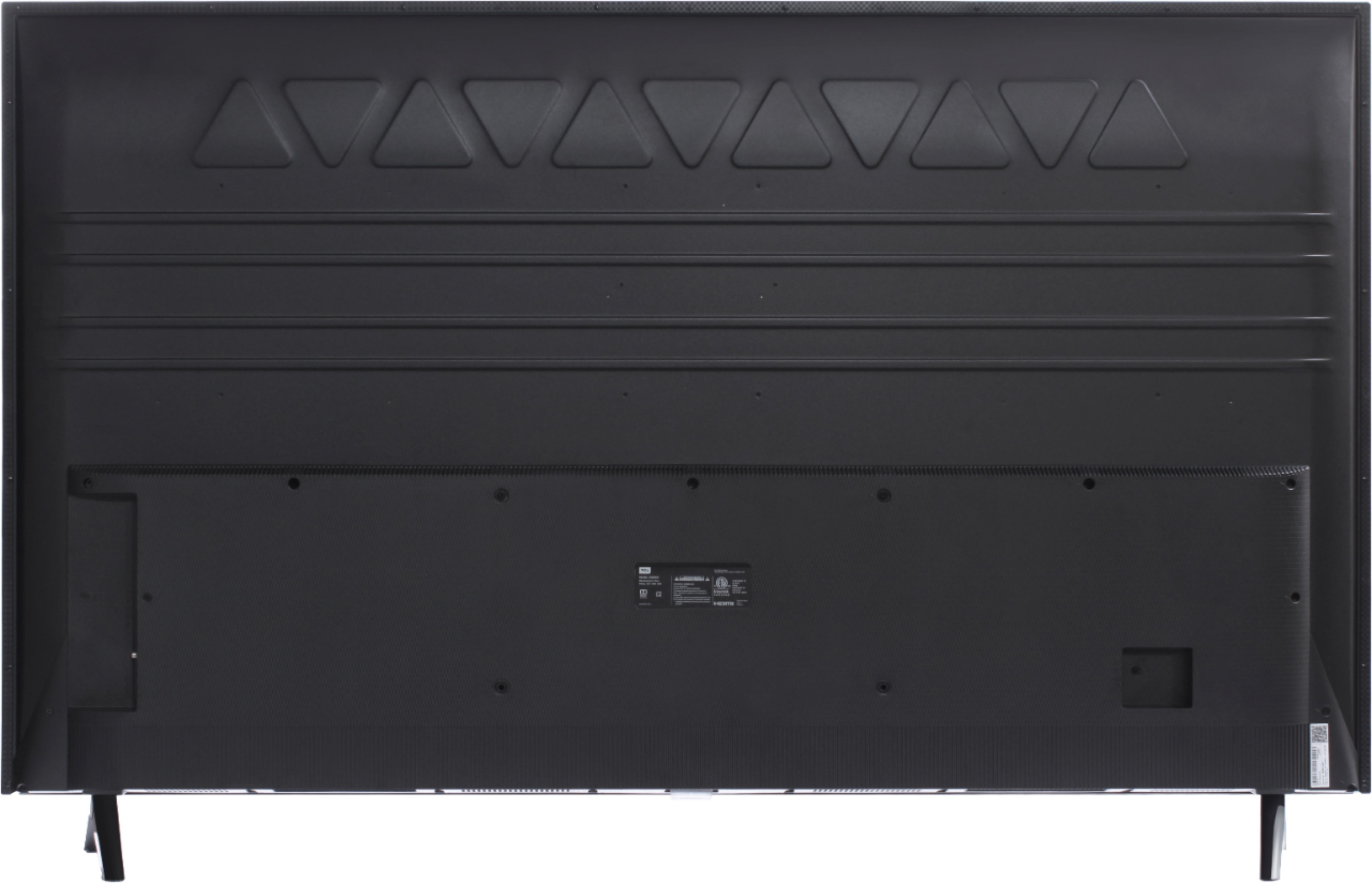
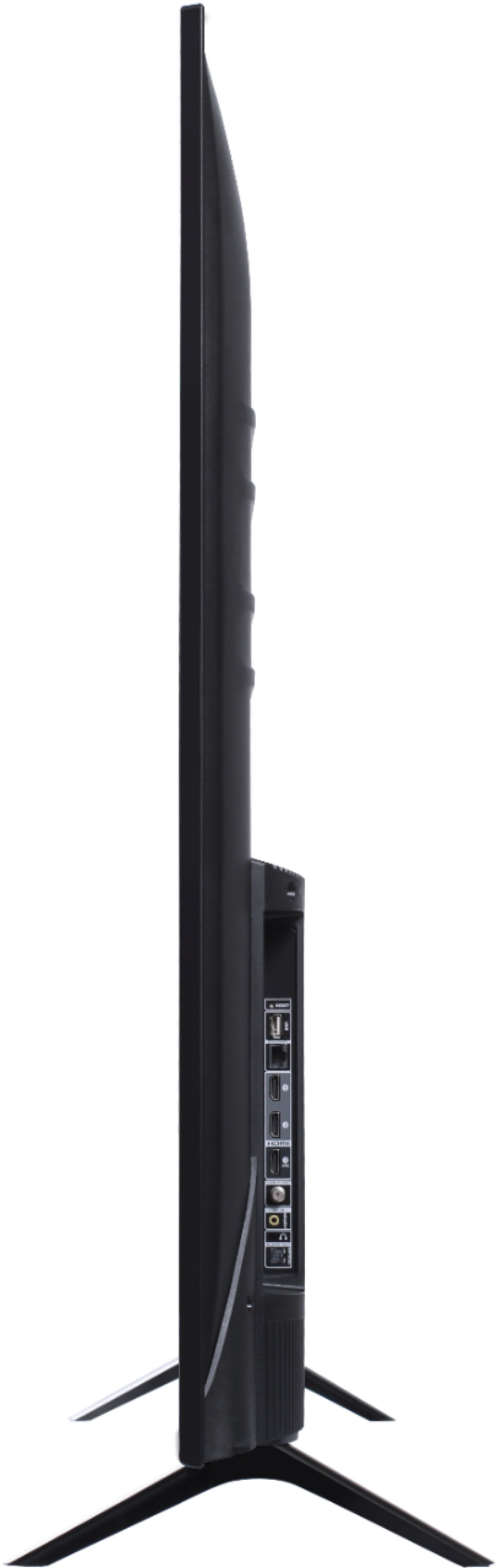
The TV ships with the two feet which make up the stand. It does not ship with a wall mount but it is VESA compatible.
-TCL Customer Support