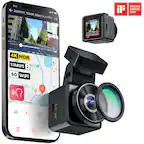
A:AnswerHello! Can you please check the permission of the application? You can go to settings > Apps > Thinwkare Dashcam Link > Enable the local network access and location. After that, please check if you will be able to connect on the Thinwkare WI-FI. You can reach out to us via email or phone at support@thinkware.com or 1 (844) 865-9273. Thank you!
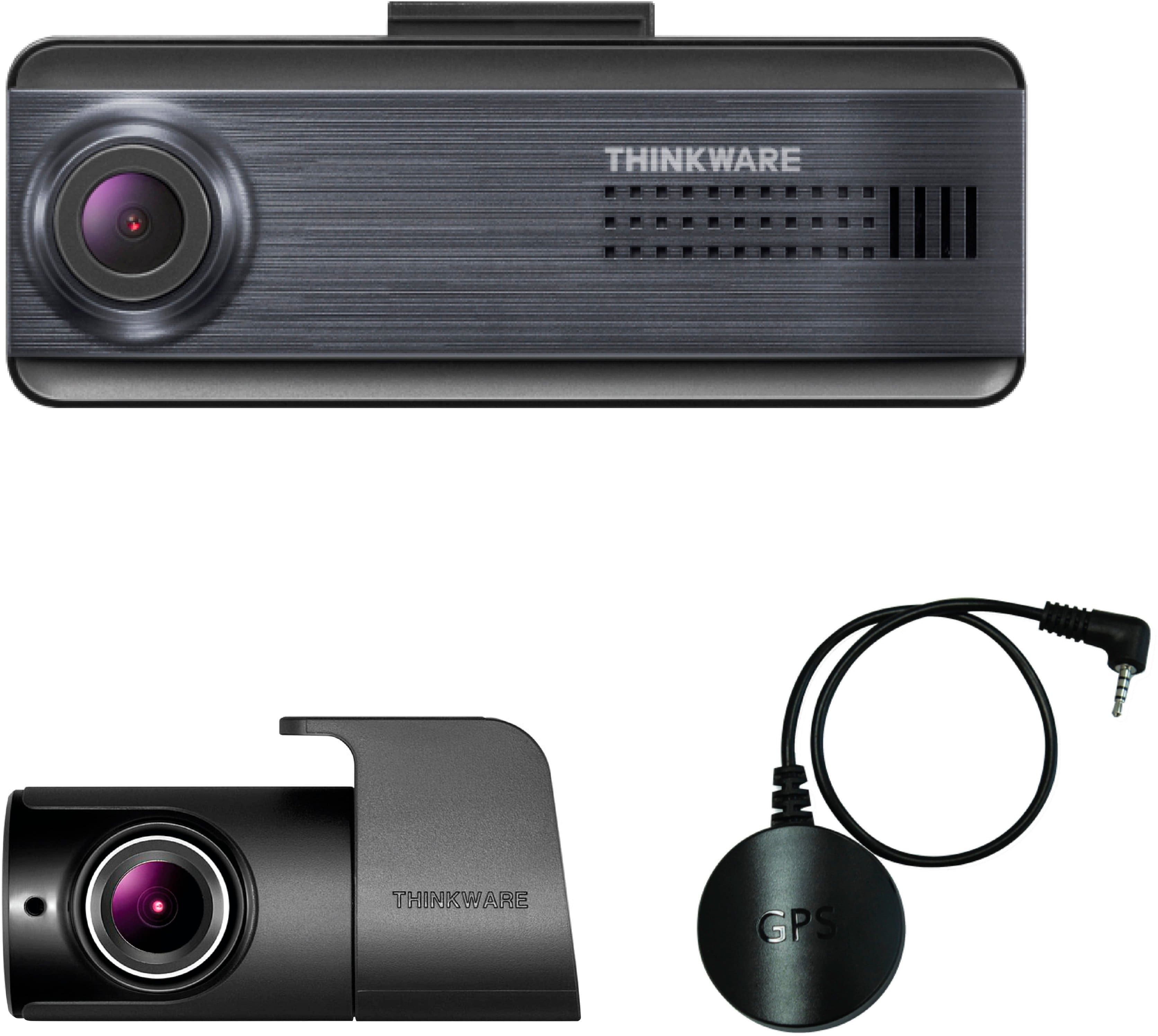
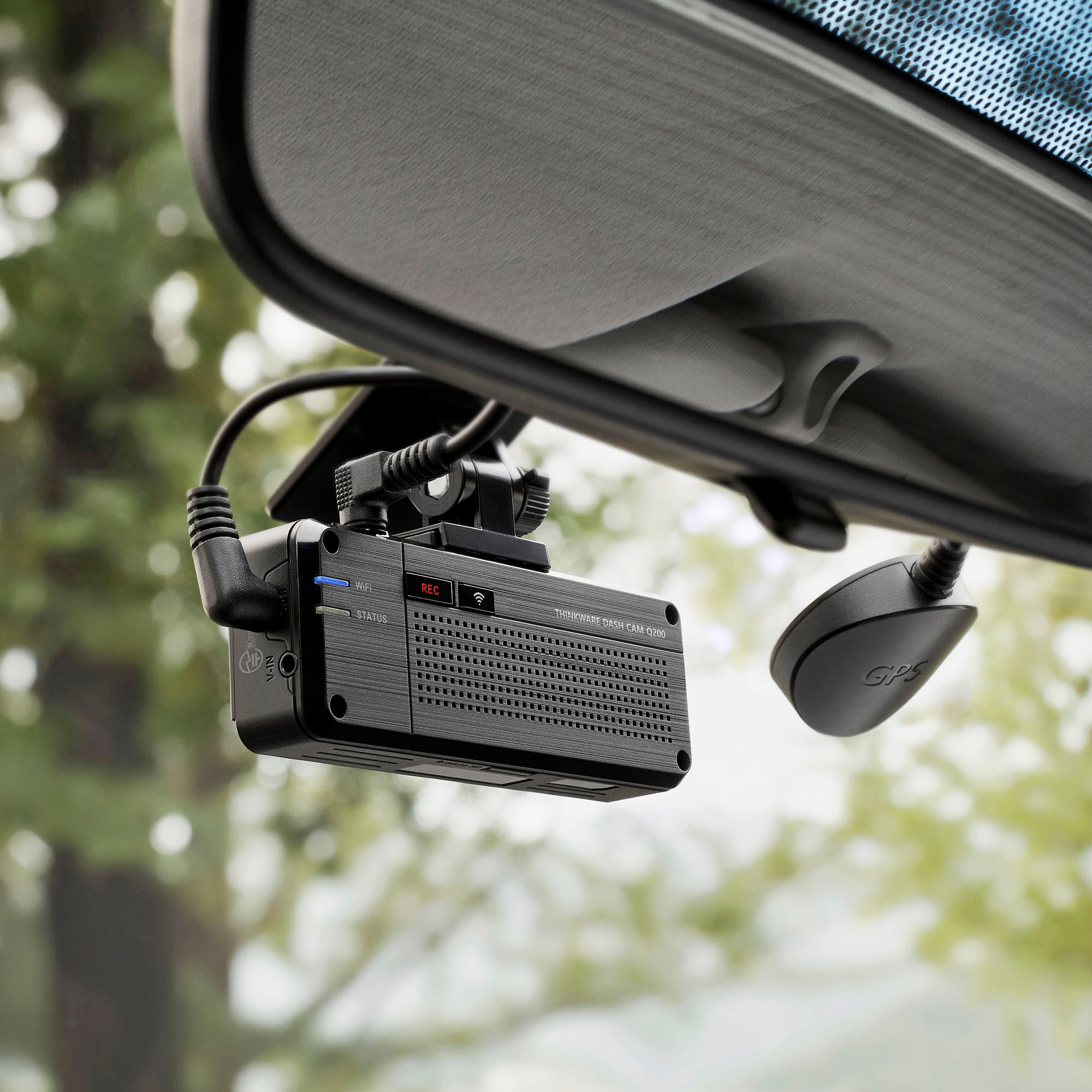
A:AnswerHello, Q200 has only a 2k front and 1080p rear camera, while Q1000 has both 2k front and rear. Apart from that Q1000 supports Thinkware Connected
A:AnswerHello! There is no fee to use the app. It is free to use so that you can connect your dash camera to view recorded video or alter the settings of the dash camera.
A:AnswerHello, yes it does. Be sure that the dash cam is powered by either a hardwiring cable or an OBD II power cable and the parking recording si enabled
A:AnswerHello! Yes, you just have to enable the speed stamp on the dashcam settings. For the Time stamp, it is automatically enabled and embedded on the recorded video.
A:AnswerHello! It is okay since there is a battery protection feature on the dash camera. You can check this link to know more information about Battery Protection: https://support.thinkware.com/hc/en-us/articles/360036477613-Battery-Protection
A:AnswerThe Q200 doesn’t have cloud storage, although there are Thinkwear models that do. They’ve even rolled out an app called Thinkwear dash cam link which is their cloud storage app…but again it’s only for their compatible devices.