Questions & Answers
- Model:
- TW-X500D
- |
- SKU:
- 5090908
Q: QuestionHow long will the video record before it starts overwriting?
Asked by SchatzeManly.
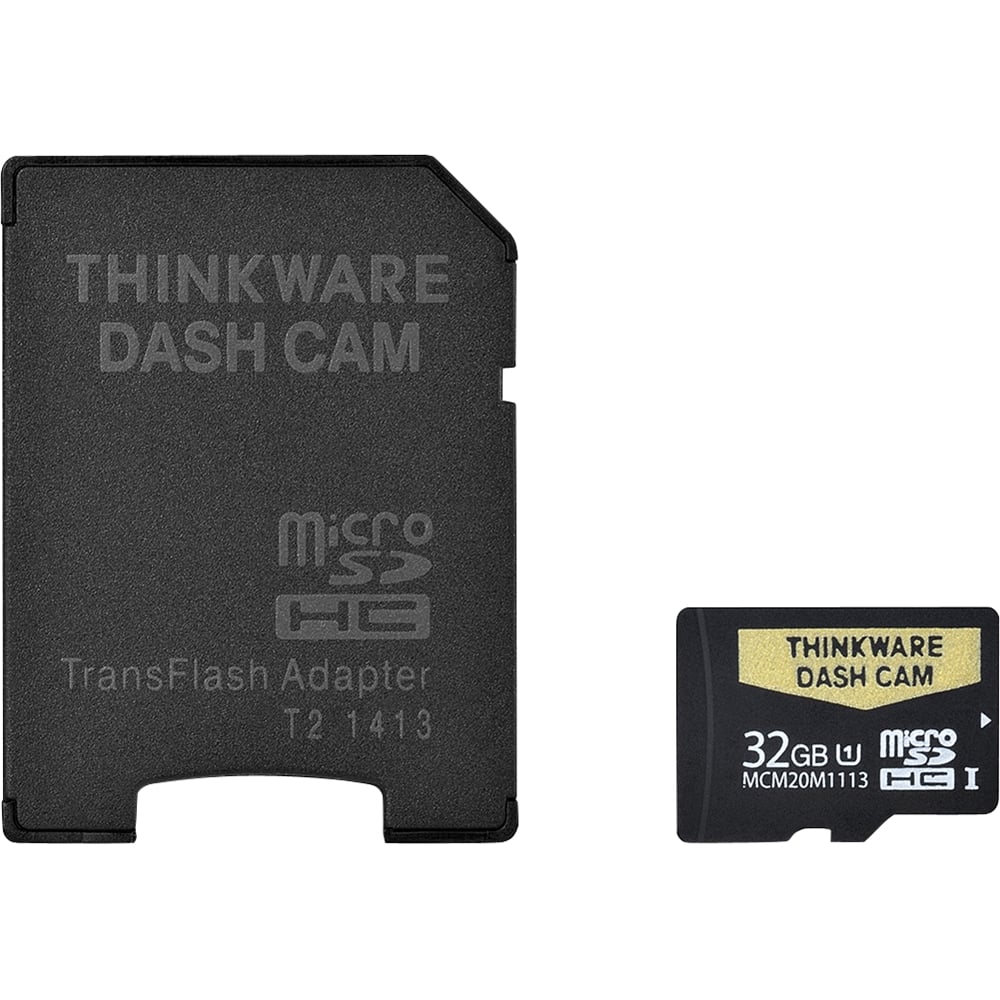
- A:Answer Mine goes about 4 hours before it starts overwriting on the 32GB card.
Answered by Graceline
Q: QuestionF770, F750 and X500 which one is the best?
Asked by GATO.
- A:Answer Hi there! While the F770 has the most amount of features, it is a matter of preference and if you have specific features you're looking for. Please contact us regarding your preferences for a dash cam so we can provide you with a tailored recommendation. We can be directly contacted by phone (1-844-865-9273) or email ([email protected]). Thinkware Customer Support
Answered by Thinkware Product Expert

Q: QuestionDoes the new version of the optional rear cam ( for F770) compatible with X500? I heard that it is compatible with F750 but not sure with X500.
Asked by Yellowlab.
- A:Answer Hi there! Although the connector for the F770 is different from the F750 and X500 rear-view camera (TWA-X500F750R), they are compatible. Please let us know if you have additional questions by contacting us directly by phone (1-844-865-9273) or email ([email protected]). Thinkware Customer Support
Answered by Thinkware Product Expert

Q: QuestionIs it good for trucks and does it have night vision
Asked by Coci.
- A:Answer Hi there. It will largely depend on the truck but the X500 is compatible with most non-commercial vehicles. While the X500 does not have a dedicated night vision mode, its sensor adjusts brightness for night time recording. Please let us know if you have additional questions by contacting us directly by phone (1-844-865-9273) or email ([email protected]). Thinkware Customer Support
Answered by Thinkware Product Expert

Q: Questioni bought this cam already and get it installed from geek squad from best buy this cam has a builtin speaker which speaks like red light camera ahead but volume is very low. is it possible that it can be connected to to my cars speakers?
Asked by creativemind363.
- A:Answer Hi there. The X500 is not compatible with non-Thinkware accessories. We recommend increasing the volume setting on the dash cam instead by going to the main menu -> "Settings" -> "System Settings". Please let us know if you have additional questions! We can be contacted by phone (1-844-865-9273) or email ([email protected]). Thinkware Customer Support
Answered by Thinkware Product Expert

Q: Questiondo I need any extra cables to install the rear camera or does it come with the this kit?
Asked by foxhvac.
- A:Answer comes with it
Answered by onesharpvette80
Q: QuestionQ1: How It Works can you explain (Prevents battery drain during Parking.) Q2: Think ware team told me on call that they never had a complain that dashcam has been stolen from a car is it true?
Asked by creativemind363.
- A:Answer Hi there, Thank you for contacting Thinkware. Q1: For parking mode, the dash cam has two security features that prevent car battery drainage. Firstly, users can set the "Time Setting for Stop Recording" on the dash cam in parking mode. Secondly, the dash cam has a battery voltage setting for stop recording. Depending on the set voltage, if the vehicle drops below that threshold, the dash cam will automatically turn itself off. Q2: For the North American market, we have not received such inquiries. However, this does not mean that our dash cam users are not susceptible to a stolen dash cam. Please take caution with all of your belongings. Kind regards, Thinkware Customer Support
Answered by Thinkware Product Expert

Q: QuestionWill this camera record side views l have coworkers keying and scratching my car and several other cars at work.
Asked by Becky.
- A:Answer Hi Becky. The X500 can be installed accordingly to record vandalism from the side of your vehicle. For the purpose of catching vandals, we strongly recommend users to hardwire their dash cam to allow the dash cam to continue recording when parked. We hope this helps! Please let us know if you have additional questions. We can be contacted by phone (1-844-865-9273) or email ([email protected]). Thinkware Customer Support
Answered by Thinkware Product Expert

Q: QuestionDo you guys have vehicle recording cameras that comes in 2 camera one for the front and the other for the back?
Asked by Anonymous.
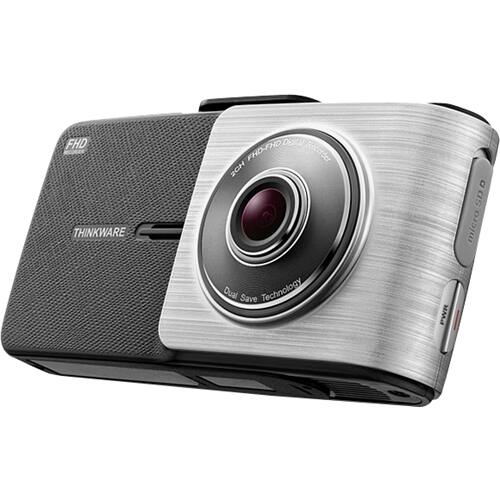
- A:Answer Hi there, Thank you for contacting Thinkware. Yes, we do provide vehicle recording cameras that support front and rear surveillance. Currently, we have 3 different models that support a rear camera: F770, F750 and X500. All three of these models are compatible with the same rear camera which is the TWA-X500F750R. Users will also receive a connecting cable with the purchase of the rear camera that connects to the main dash cam unit. Kind regards, Thinkware Customer Support
Answered by Thinkware Product Expert

Q: QuestionDo you sale the X550 with night vision? I really liked the reviews on the X550 and would like to buy one
Asked by Jess.
- A:Answer It works pretty well at night by using the ambient light around. It doesn't have night vision as you would think, but I believe it uses infrared lighting to capture nighttime shots.
Answered by Graceline
Q: QuestionIn reference to the earlier question about cable lengths; can the cables be extended by either splicing in additional wire or plugging them together, like a daisy chain? I have a 31' RV I want to use these in.
Asked by 2kGeorgieBoy.
- A:Answer Hi there, Thank you for contacting Thinkware. Unfortunately, we do not have an extension cable for our cables at the moment nor do we recommend splicing the existing cable. The only cable that is compatible with the our products are the ones included with the purchase of Thinkware products. While you could try using a third party cable, we cannot guarantee that it will adequately work with our product for we have not tested any third party cables. In regards to splicing the existing cable, we cannot recommend or confirm that this method will work either. Please keep in mind that any use of third party cables or modifications to Thinkware products will void the warranty on your dash cam and accessories. With the being said, we have forwarded your inquiry to our tech team for consideration when designing future models that will support cable extensions. We sincerely apologize for any convenience this has caused. Please let us know if you have any further questions. Kind regards, Thinkware Customer Support
Answered by Thinkware Product Expert

Q: QuestionI am impressed with the X500 dash cam, especially with the rear camera. I want to mount it in my 32' motorhome, can I get cords long enough to reach about 40' ?
Asked by bobby.
- A:Answer Hi Bobby. The length of the 12V power cable is 13 feet while the length of the rear-view connector cable is 24 feet. Unfortunately, these cables are only available in one length. Please let us know directly by phone (1-844-865-9273) or email ([email protected]) if you have additional questions. Thinkware Customer Support
Answered by Thinkware Product Expert

Q: QuestionCan it automatically turn to the rear camera on the monitor whenever I switch my gear to the reverse to back my car?
Asked by Simon.
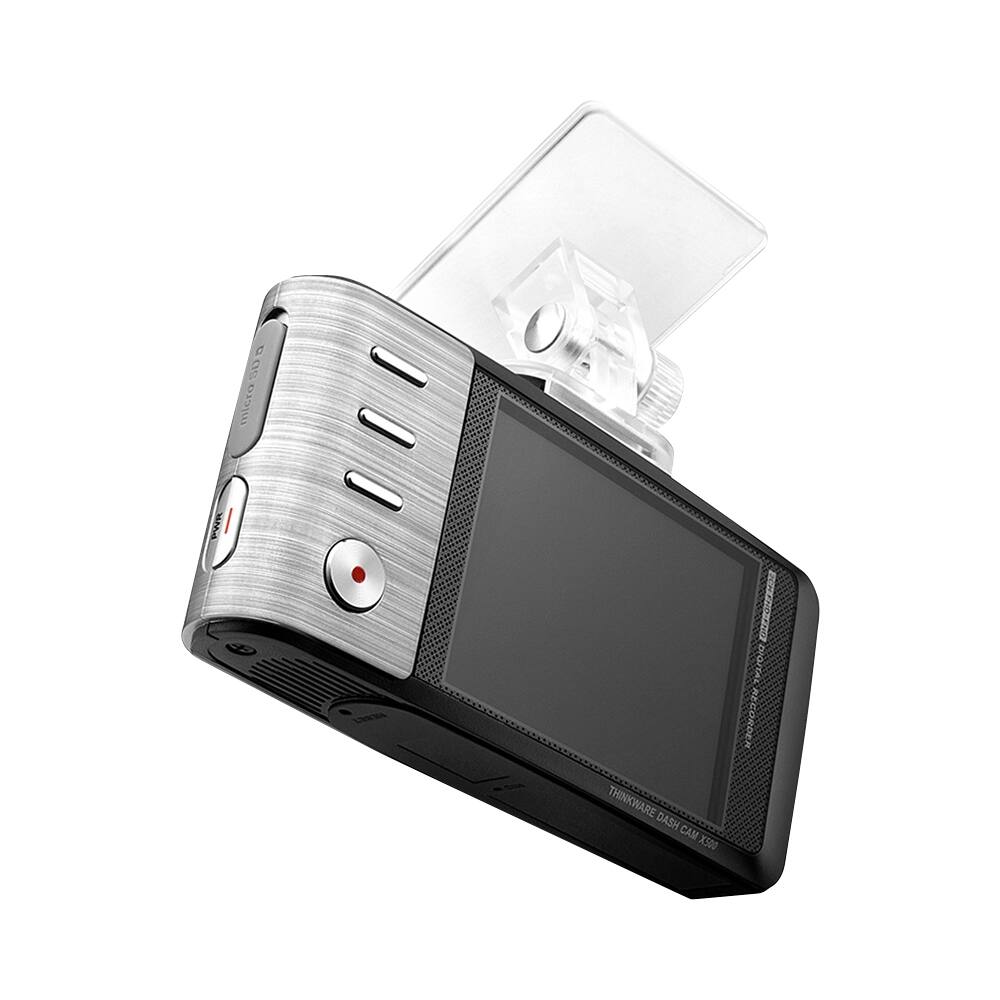
- A:Answer Hi Simon. The rear-view camera was designed primarily to record footage from the rear perspective of your vehicle. The rear-view camera perspective can be seen on the top right corner of the monitor once a rear-view camera is connected to the X500 but users will need to manually enlarge the rear-view perspective on the monitor. We hope this helps! Please let us know if you have additional questions by phone (1-844-865-9273) or email ([email protected]). Thinkware Customer Support
Answered by Thinkware Product Expert

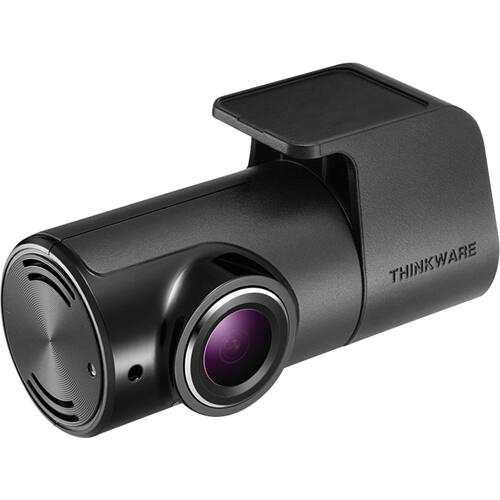
Q: QuestionDo you have a picture of the Rearview camera? Curious as to how big it is and how it is affixed to the vehicle so that it is secure and not easily stolen/removed.
Asked by Anonymous.
- A:Answer Hey there! Here is a picture of the X500 rear-view camera from its listing on Best Buy: http://bit.ly/1QHu1z. The listing has its size specifiications at 1.38 inches (height) x 2.63 inches (width) x 0.88 inches (depth). We hope this helps! Please contact us directly by phone (1-844-865-9273) or email ([email protected]) if you have any other questions. Thinkware Customer Support
Answered by Thinkware Product Expert

Q: Questioncan i use it as a reverse sight camera to back up and then as a dash cam when i am on the road?
Asked by me.
- A:Answer Hi there! While you can use the rear-view camera as a back up camera, please be advised it was not designed to be back up camera. The rear-view camera video on the front camera's display is reversed to provide a flipped perspective when reviewing the actual rear-view camera footage on the PC Viewer software. We hope this helps! Please contact us directly by phone (1-844-865-9273) or email ([email protected]) if you have any other questions. Thinkware Customer Support

Answered by Thinkware Product Expert

Most-viewed items
- $329.99$329.99The price was $469.99
- $149.00$149.00The price was $399.00
- $159.99$159.99The price was $179.99
- $1,149.00$1,149.00The price was $1,299.00
- $449.99$449.99The price was $649.99