A:AnswerHello !
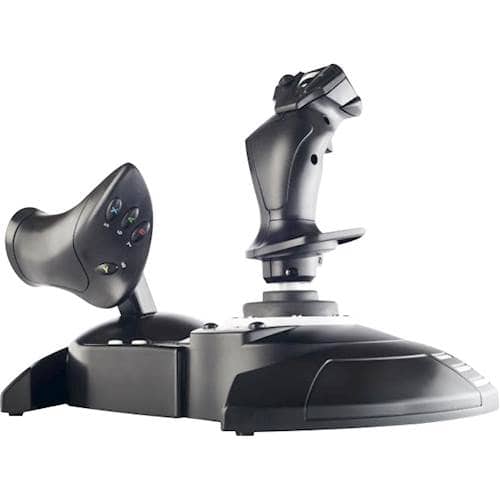
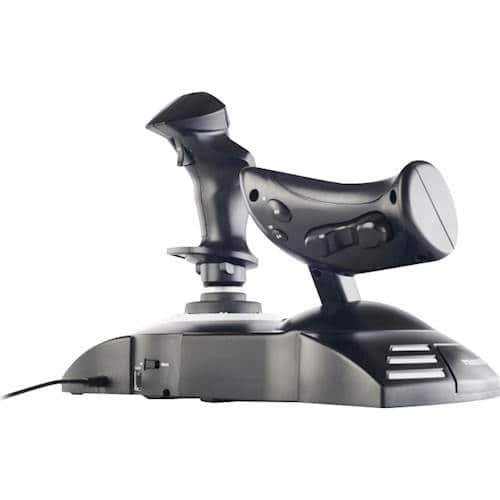
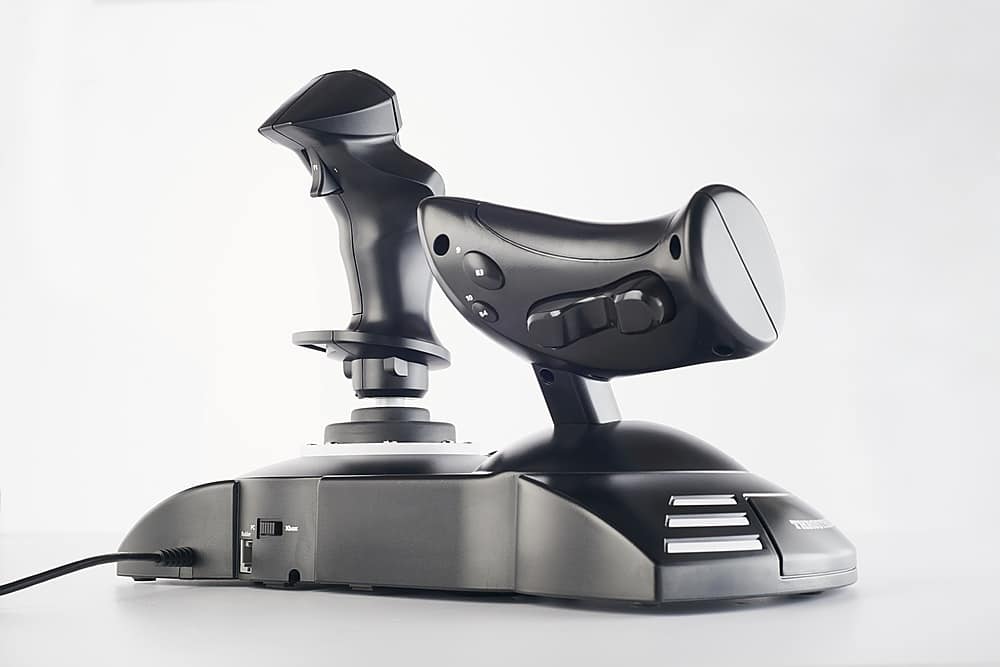
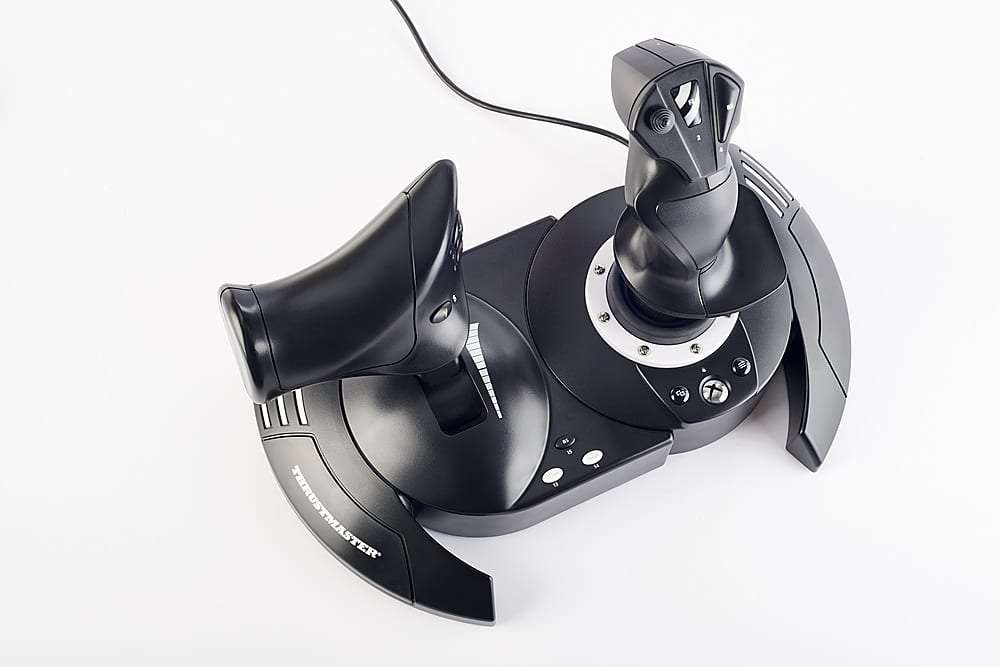
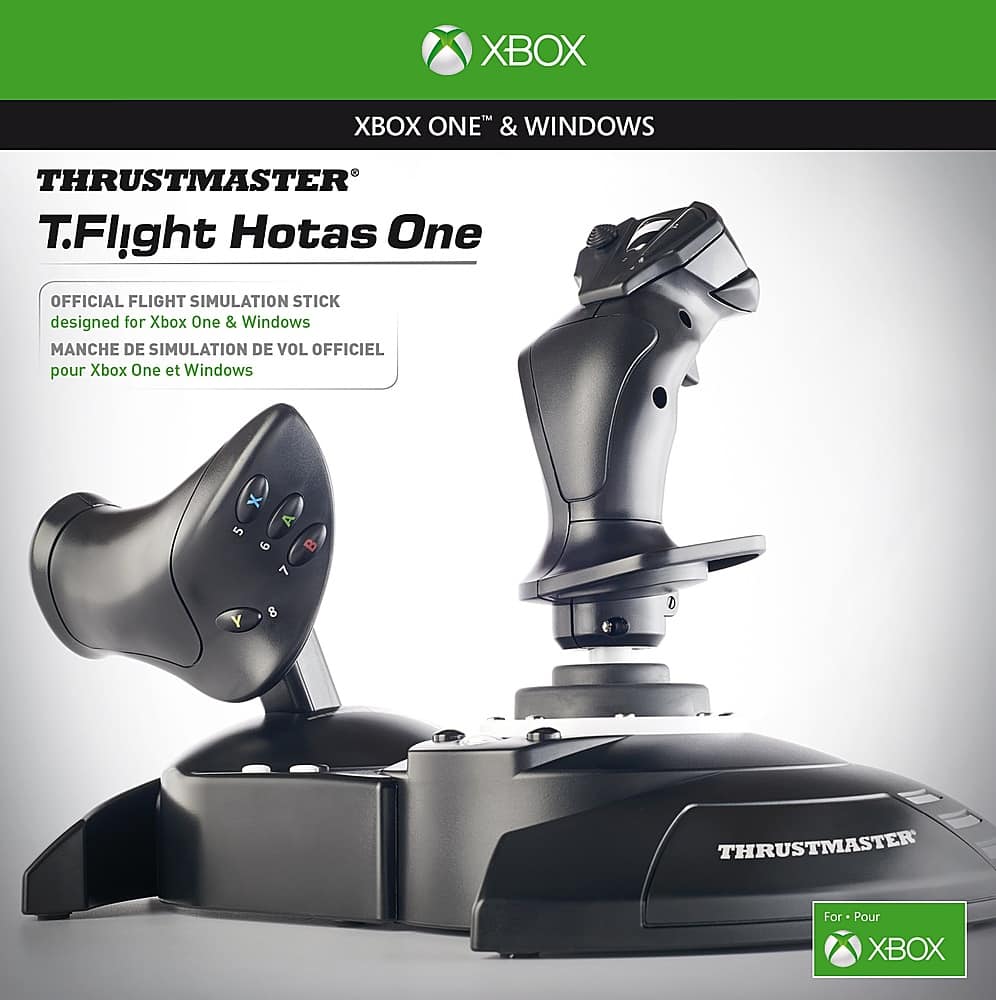
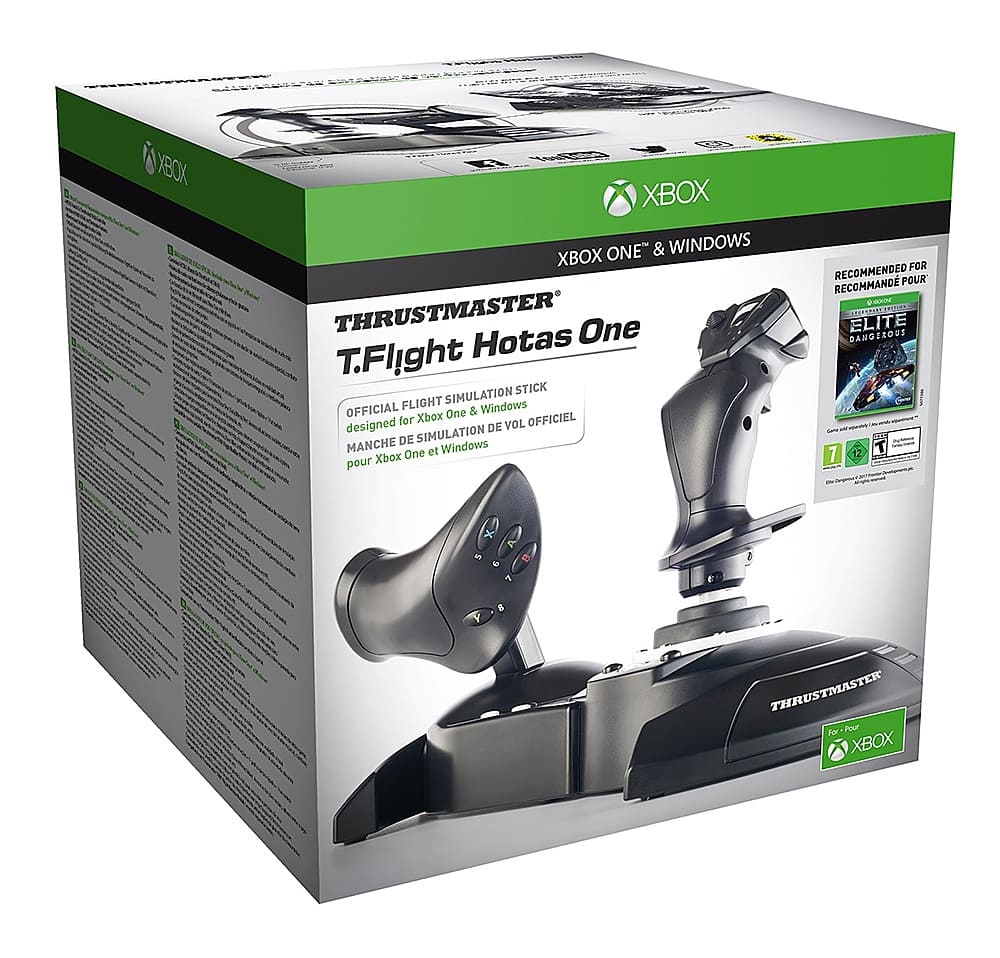
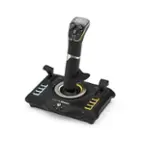
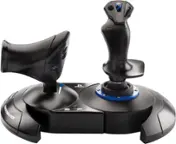
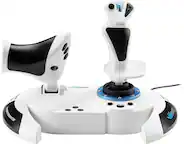
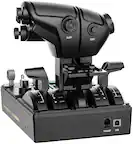
The T.Flight Hotas One is not compatible with the Playstation 5. For this console, we recommend the T.Flight Hotas 4.
For further information, please contact our technical support team on our support site.
Best regards,
Robin from the Thrustmaster team
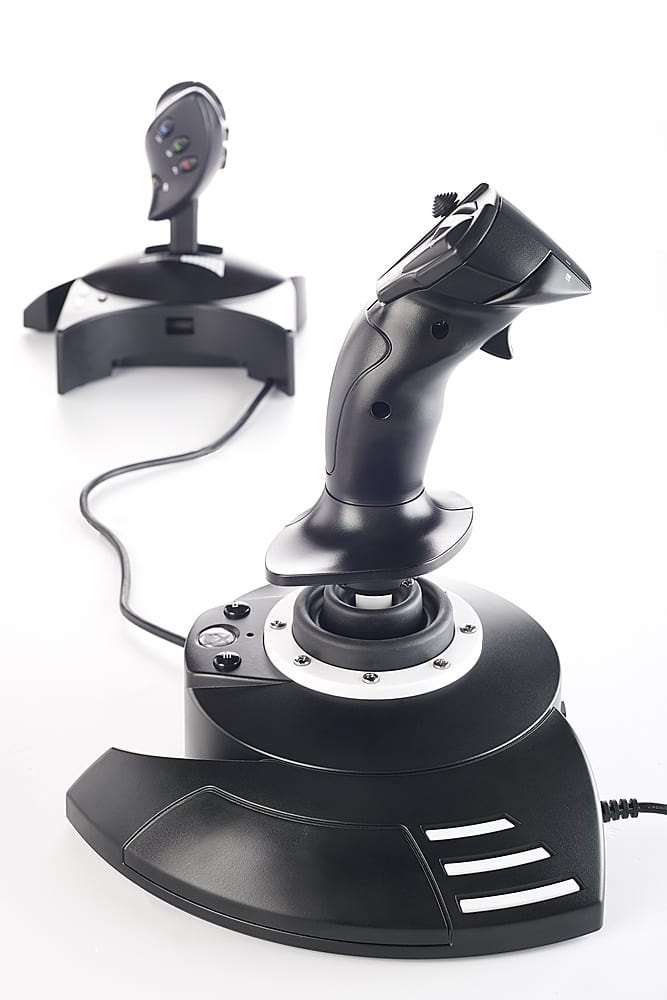
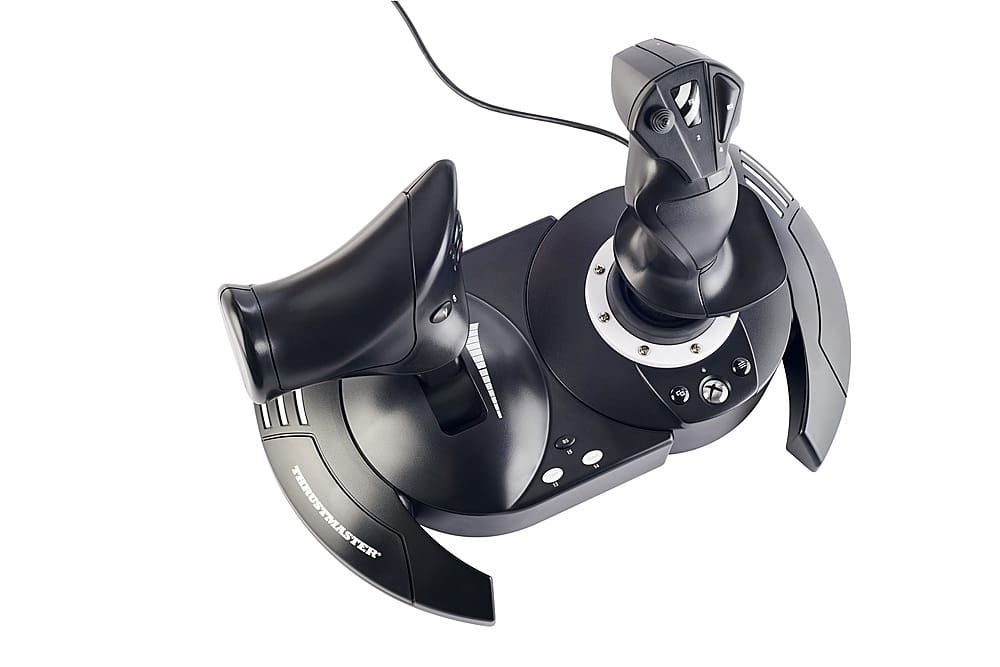
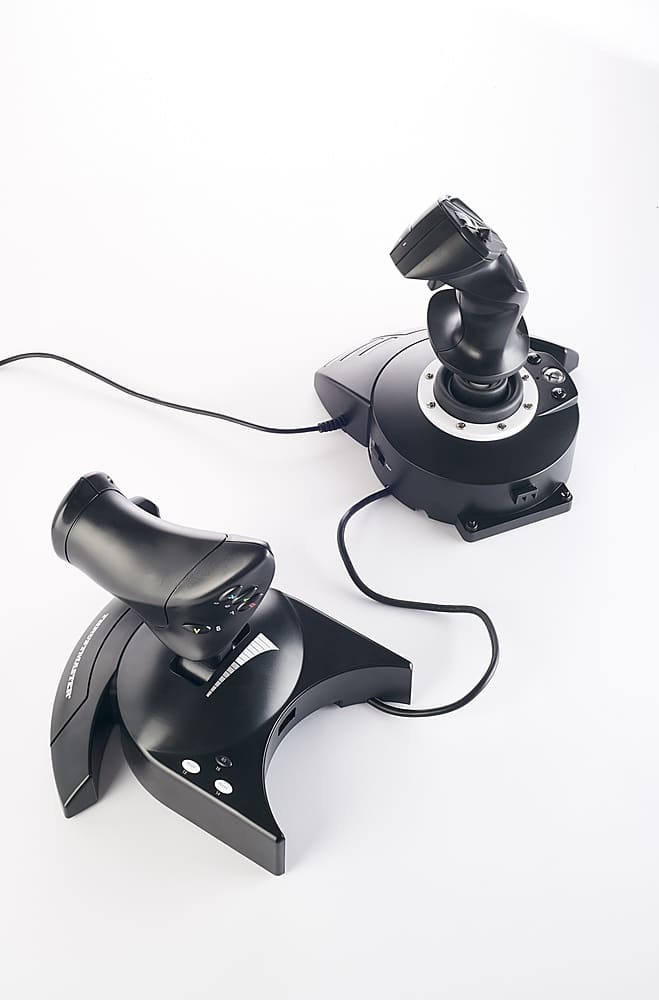
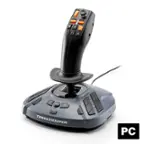
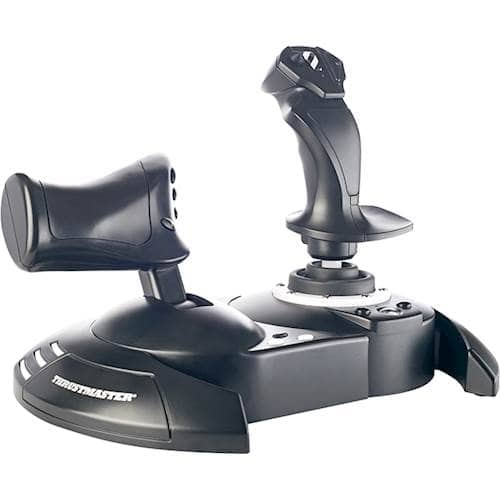
A:AnswerHello, the T.Flight Hotas One Joystick is only compatible with Xbox One and Xbox Series S/X consoles, and with Windows 10 and Windows 11 computers. We do not guarantee Mac compatibility. If you have any questions about your product, please don't hesitate to contact our technical support team. We'll be happy to help ! Sébastien from the Technical Support team.
A:AnswerIf your computer didn't come with any front USB ports, do you by chance have any spare ones on the back side. Because a USB connection is what my Thrustmaster came with
A:AnswerYes, I am using a wireless keyboard and mouse combo with my Xbox X, mainly playing Microsoft Flight Simulator.
It makes it much easier to navigate through the game.
Just plugged in the USB receiver and it was identified and worked. No drivers to install in my case.
A:AnswerHello! there is no way to make it wireless. It only works by connecting it directly to the console. I have an xbox series X and it works perfect. the cable is a bit short. but i use a 6 foot usb extension and i can play from my couch.
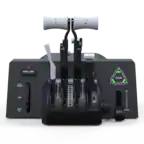
A:AnswerCould not get the throttle control to function correctly. More buttons would be nice. P51 was difficult to fly training pattern to land do to lack of control. Works better on jet models. Purchased to use with DCS
A:AnswerYes. There is a possibility that it may take someone more mature (teen or adult) to configure, but that may not be necessary.
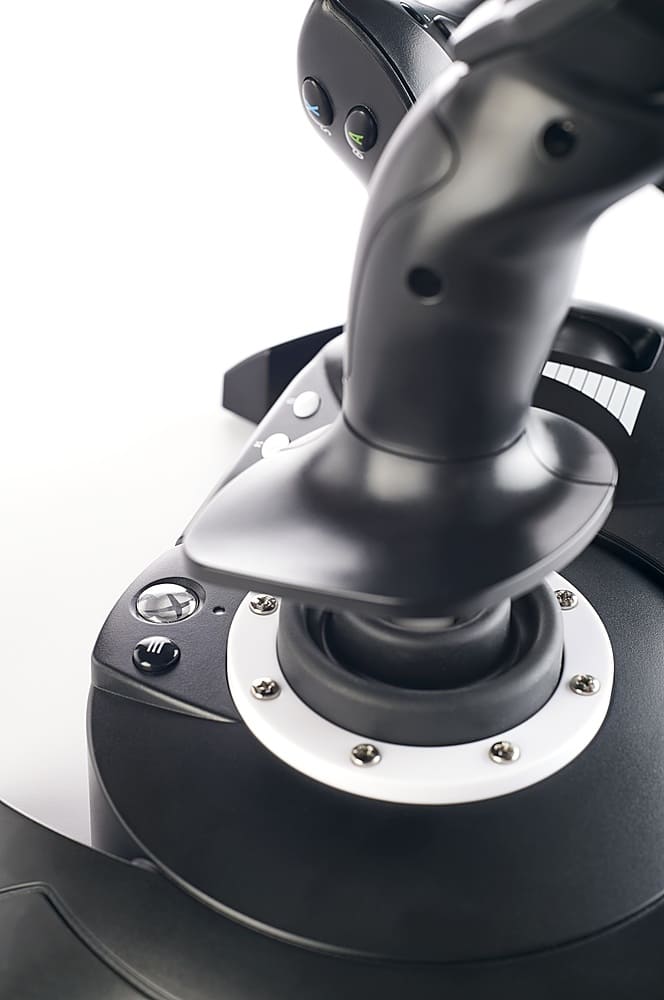
The controls are well labelled, and most games can recognize the device connected, so it should be relatively easy.
You can reconfigure which control does what action fairly easily.