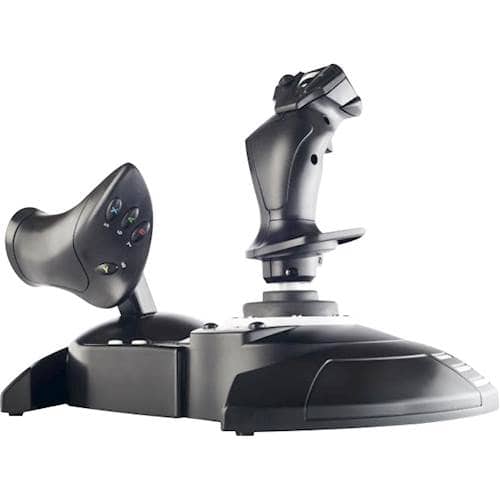
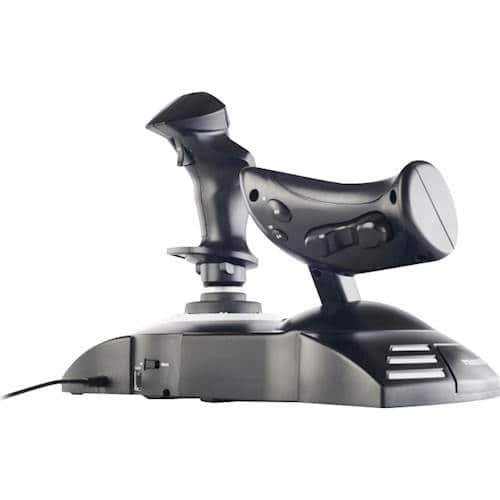
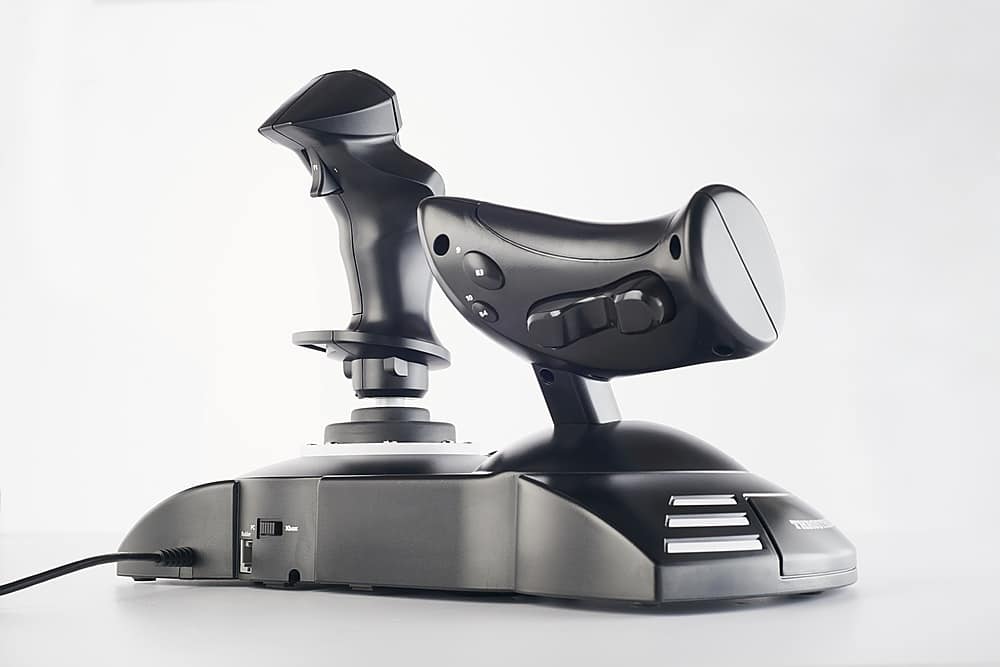
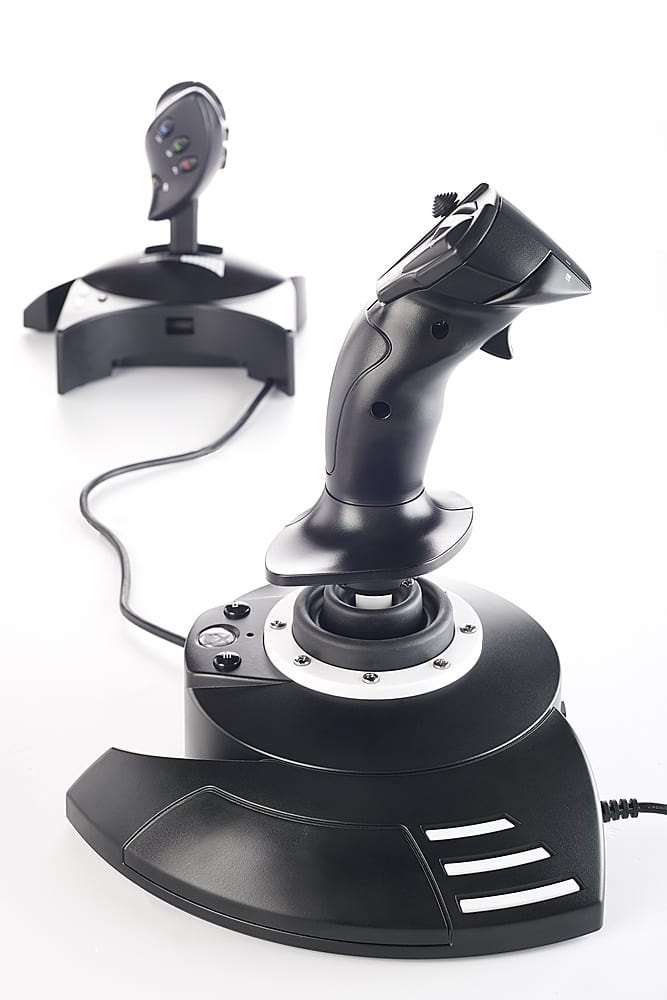
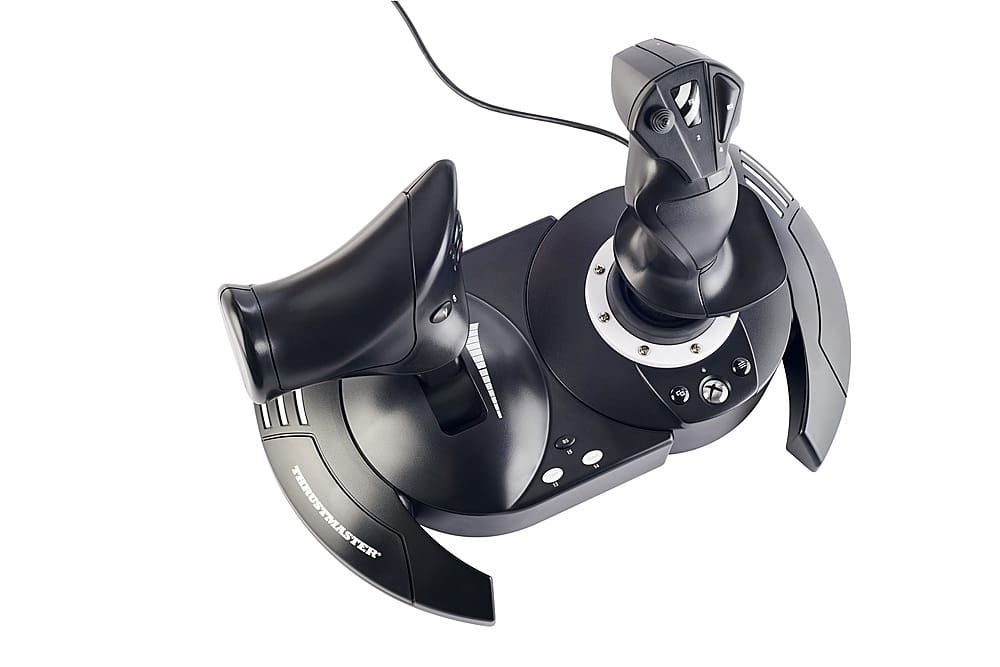
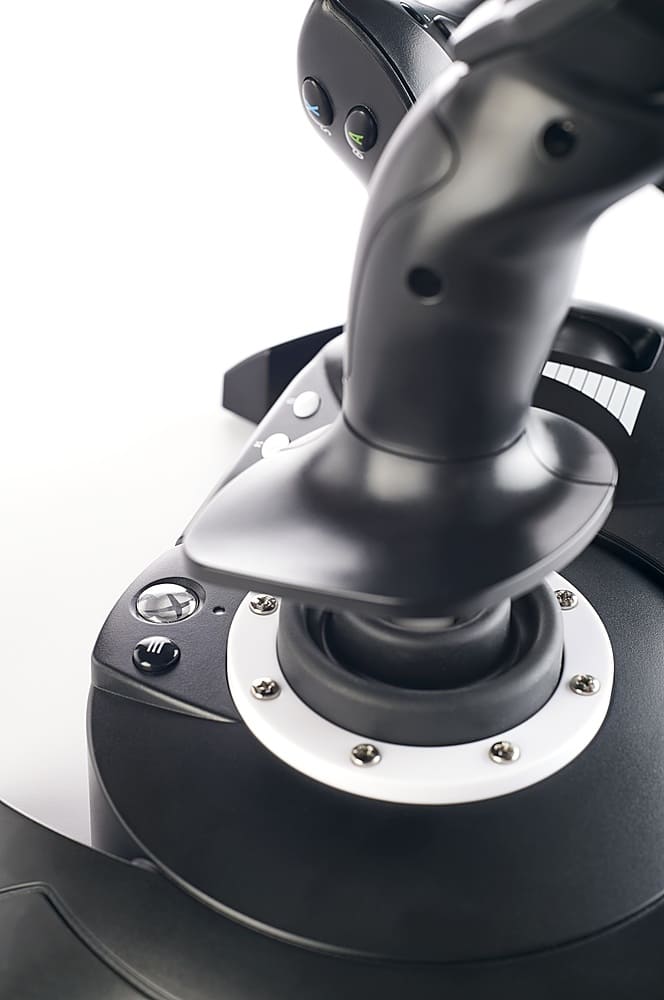
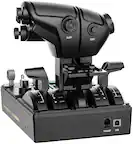
A:AnswerCheck to make sure the selector switch is set correctly for the application. IE, connected to PC or XBox? Switch is on the front side of the unit.
A:AnswerDid you try plugging it in through the usb port on the back? I don’t know really what ports are available on the back of it, only because I have an Xbox series S, I also use Microsoft Flight Simulator. Have you tried search it online, because I don’t think I can help you with that. It is supposed to work with Microsoft Flight Simulator, but I don’t know if you need to plug it into a specific usb port. You might need to return it if you can’t get it to work.
A:AnswerYes. I have war thunder and play it a bunch. I play in arcade mode so I use the mouse and keyboard. A joystick is almost required if you fly the realistic or simulator settings
A:AnswerI'm not sure about DCS (it should work in theory), but it definitely works for War Thunder. War thunder will ask you whether you want to switch from mouse + keyboard to HOTAS, and it will then use the setup wizard to bind basic controls, however i would recommend to change the controls for War thunder as a lot of the buttons are assigned to camera controls.
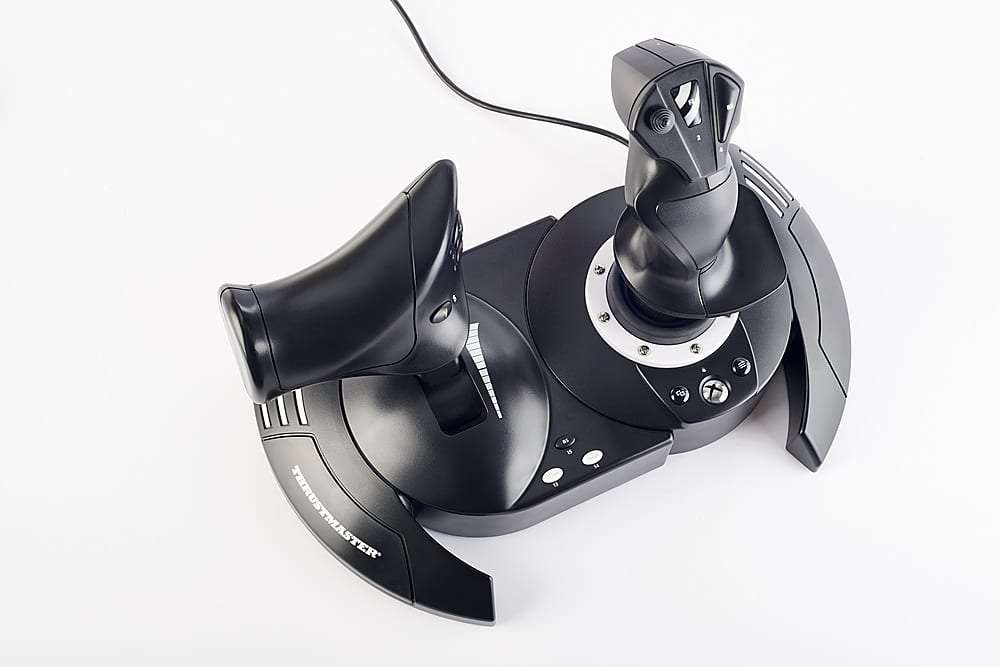
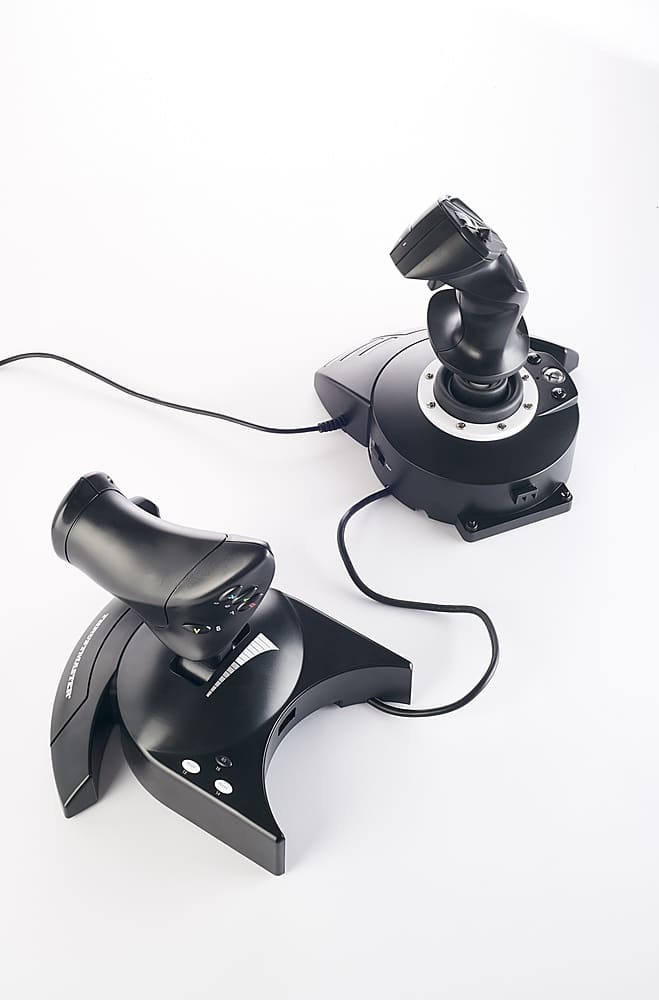
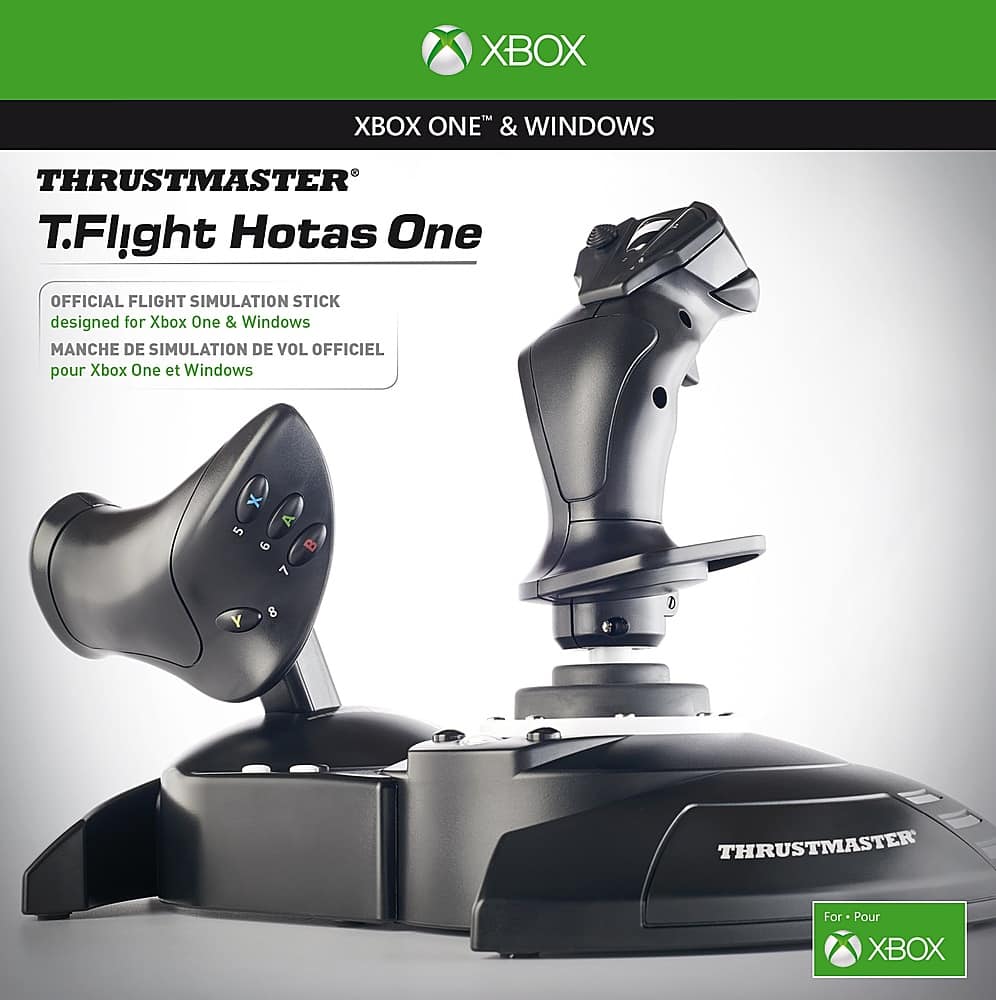
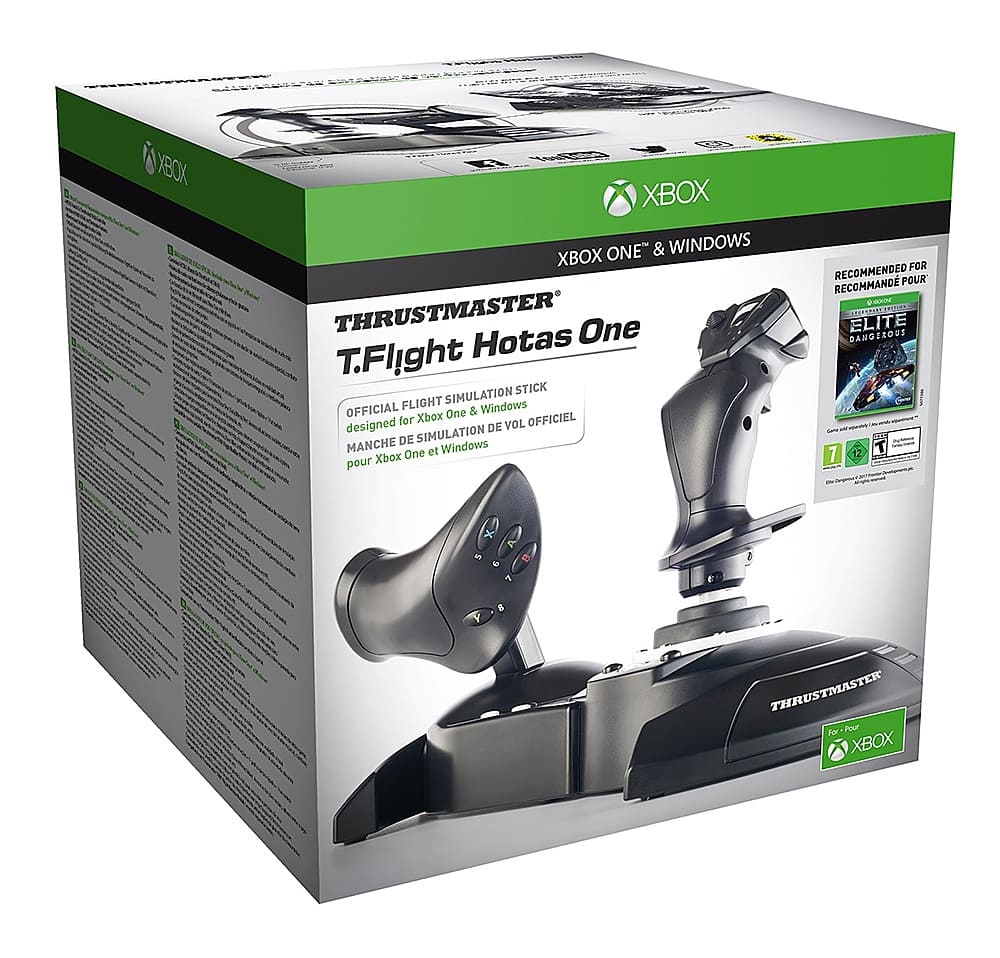
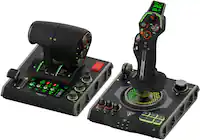
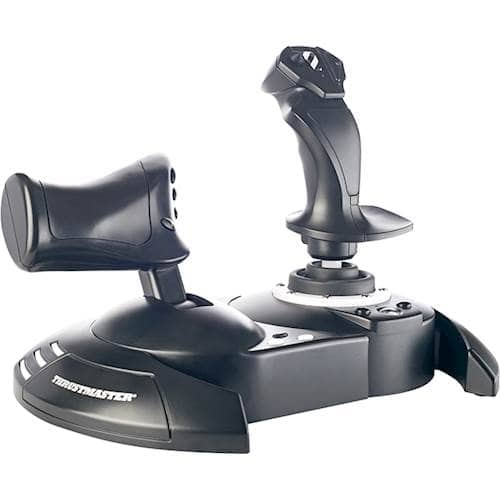
A:AnswerThey do come apart but the cable connecting to two may or may not be long enough to set up on either side of your lap top, depending on how wide it is
A:AnswerJust started using it. It takes some getting used to. If you fly like I do, with a controller, leaning forward and back, twisting the controller, you will have the same beginning troubles with the flight sticks.
I separated them and put one on each leg, it was easier than trying to control them together. Plans are to build the arm brackets for my gaming chair and add them to it.
A:AnswerI believe it is one year. I can’t say I’m sure about that though. Although of course they offer you an extended warranty with geek squad. Which I would not get.