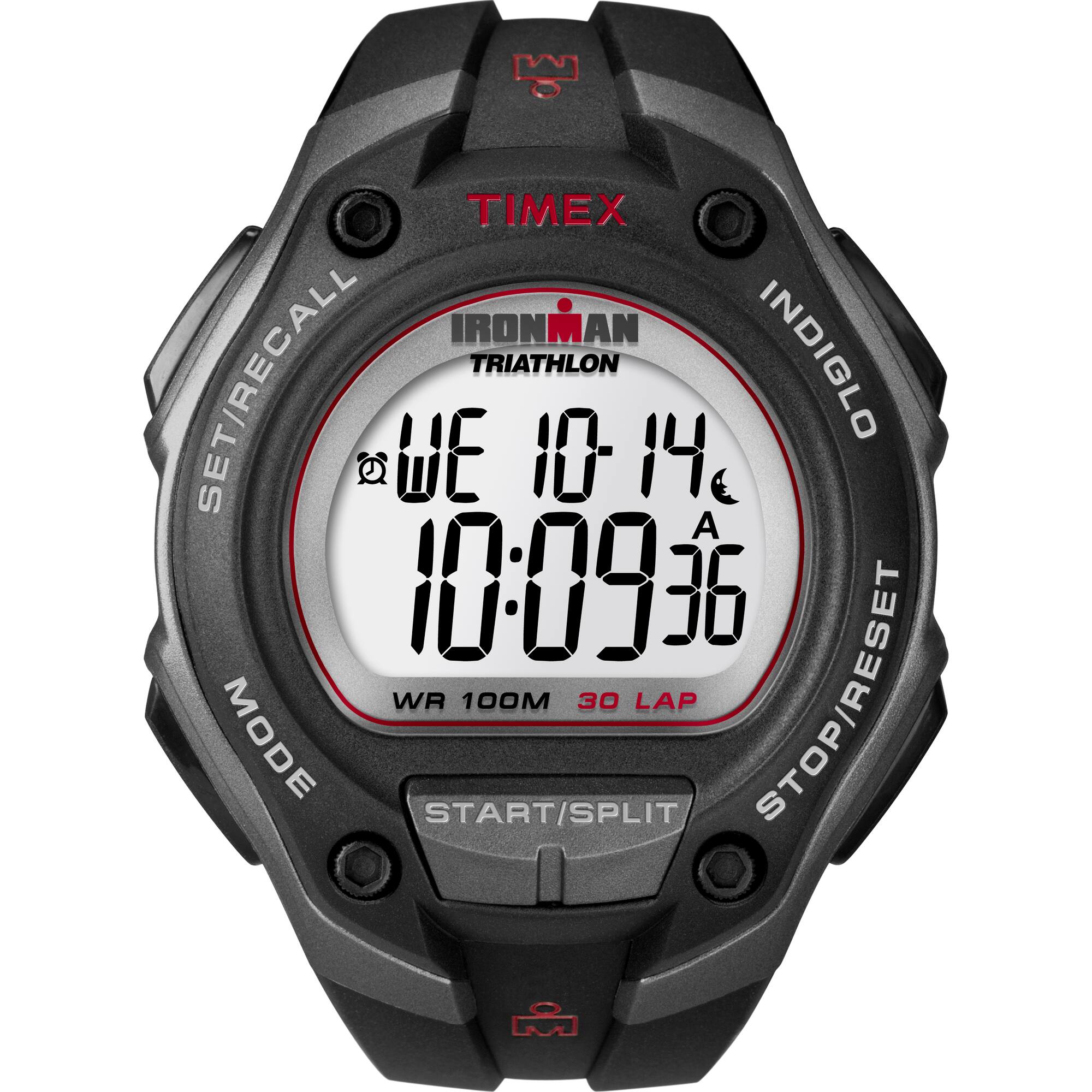
A:Answer Use the following instructions to change the date of the watch.
1)With time and date showing, press and hold SET·RECALL.
2) Current time zone (1, 2, or 3) flashes. Press + or – to select time zone to set, if desired.
3) Press NEXT. Hour flashes. Press + or – to change hour (including AM/PM); hold button to scan values
4) Press NEXT. Minutes flash. Press + or – to change minutes
5) Press NEXT. Seconds flash. Press + or – to set seconds to zero.
6) Press NEXT. Month flashes. Press + or – to change month.
7) Press NEXT. Day flashes. Press + or – to change day.
8) Press NEXT. Year flashes. Press + or – to change year.
9) Press NEXT to set options. Press + or – to change value and then press NEXT to go to next option.
Press DONE at any step to exit and save settings. Available options are 12- or 24-hour time format,
MM-DD or DD.MM date format, hourly chime beep for button presses, mode customization set (Select
“HIDE” for unwanted modes – they are removed from mode sequence).