A:AnswerHey there.
You can use this in a truck but you cant enter dimensions of the vehicle so it may take you down small roads/under low bridges etc. I would recommend looking at our TRUCKER devices.
I hope this helps,
Reiss @ TomTom
A:AnswerHey there,
This device isn't really for use in large vehicles as you can not enter vehicle dimensions so it may take you down narrow roads/low bridges. I would suggest looking at the TRUCKER devices.
I hope this helps,
Reiss @ TomTom
A:AnswerHi there! You would only be able to reverse the route on the TomTom MyDrive app. Unfortunately, our navigation devices do not support this feature. Cheers, Chelsea at TomTom
A:AnswerThis model does not have a reverse route feature on it, that I am aware of. What is even more frustrating is that this model does not have a "cancel route" feature.
A:AnswerHi Farwa, rerouting to avoid traffic requires a data connection so that the device can receive info about that traffic situation. If you are in an area with no signal at all then regrettably the unit will not know about any traffic events in that area, so will not be able to avoid them.
Sorry.
Patrick @ TomTom
A:AnswerHey there! Your saved places will be listed alphabetically. If you have any further questions, don't hesitate to ask us! Cheers, Chelsea at TomTom
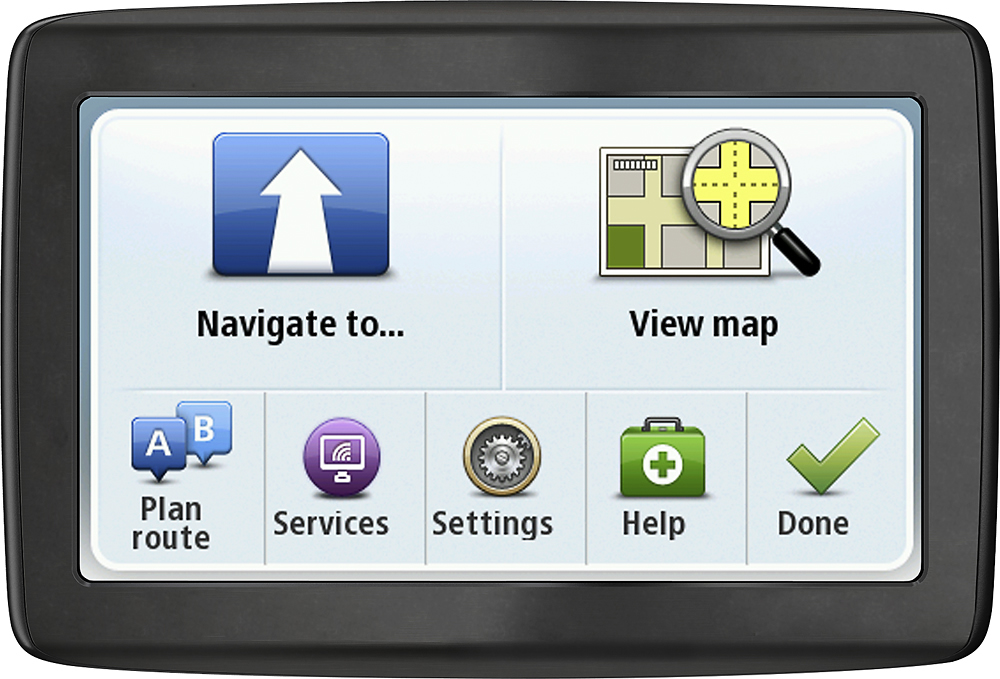
A:AnswerHello there, Beth. I’d be more than happy to help explain what our emergency service locator does. On your main menu you will find an option for ‘Help’, this splits into a number of different options such as ‘Phone for help’, ‘Drive to help’ and ‘Where am I’ .The ‘Where I am feature, for example, will let you know your exact coordinates, which you can use to let your breakdown services or emergency services know exactly where to find you. If you’d like to know a bit more about this feature go to following link and proceed to page 61: http://download.tomtom.com/open/manuals/non-LIVE/refman/TomTom-US-non-LIVE-RG-en-us.pdf . If you have any other questions at all, please feel free to give me a shout. Cheers.
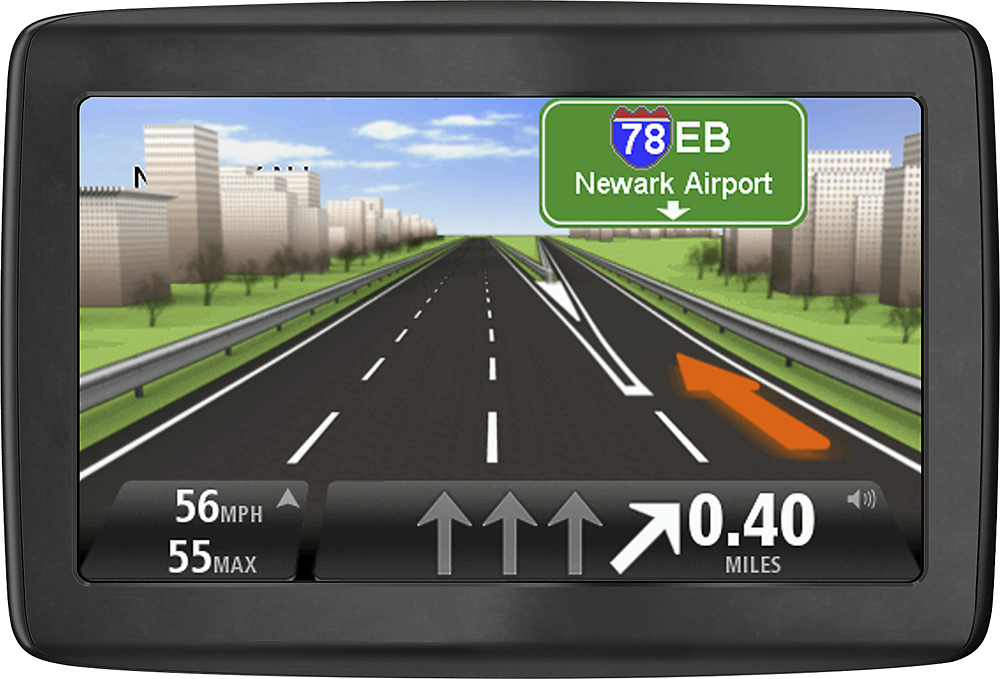
A:AnswerHello Jadi, we are saddened to see that you are having issues with the sound output of your Via 1415m. The speaker on these models is the perforated area on the back of the device, if the windscreen mount is sitting particularly close to the back of the device casing it can restrict the sound output. Try repositioning the mount.
If the sound is still very low, contact TomTom Customer Care via the channels in this link: http://bit.ly/1rg3i3z
A:AnswerHey! This TomTom comes with USA, Canada & Mexico maps and lifetime updates. But you can always purchase extra maps for Middle East and South America and download them as they are compatible. Please give us a shout if you have further questions. -Sophia @ TomTom
A:AnswerHi! The box includes a car charger and the cable for you to charge. You can use any USB convertor to charge from a wall socket. This TomTom also is updated through the computer through MyDrive Connect. Please do not hesitate to contact us if you have any further questions, we'll be happy to help.877-757-7137
Monday - Friday: 9:00 a.m. to 8:00 p.m. EST
Saturday: 10:00 a.m. to 6:00 p.m. EST Cheers!
-Sophia @ TomTom
A:AnswerHello Saraphen, yes, you can add traffic camera data to this device so that it can warn you when you approach the location of a known fixed camera site. We offer a dedicated service for this very purpose.