A:AnswerIt does traffic as long as you purchase the separate power cable. The power cable with traffic data receiver is not included. I used one I had from my older TomTom.
A:AnswerHi there, yes the model does include mapping of Canada. This is confirmed on the product page :- http://bit.ly/2n9xXAx
I hope this helps! Cheers, Becky@TomTom
A:AnswerHi there,
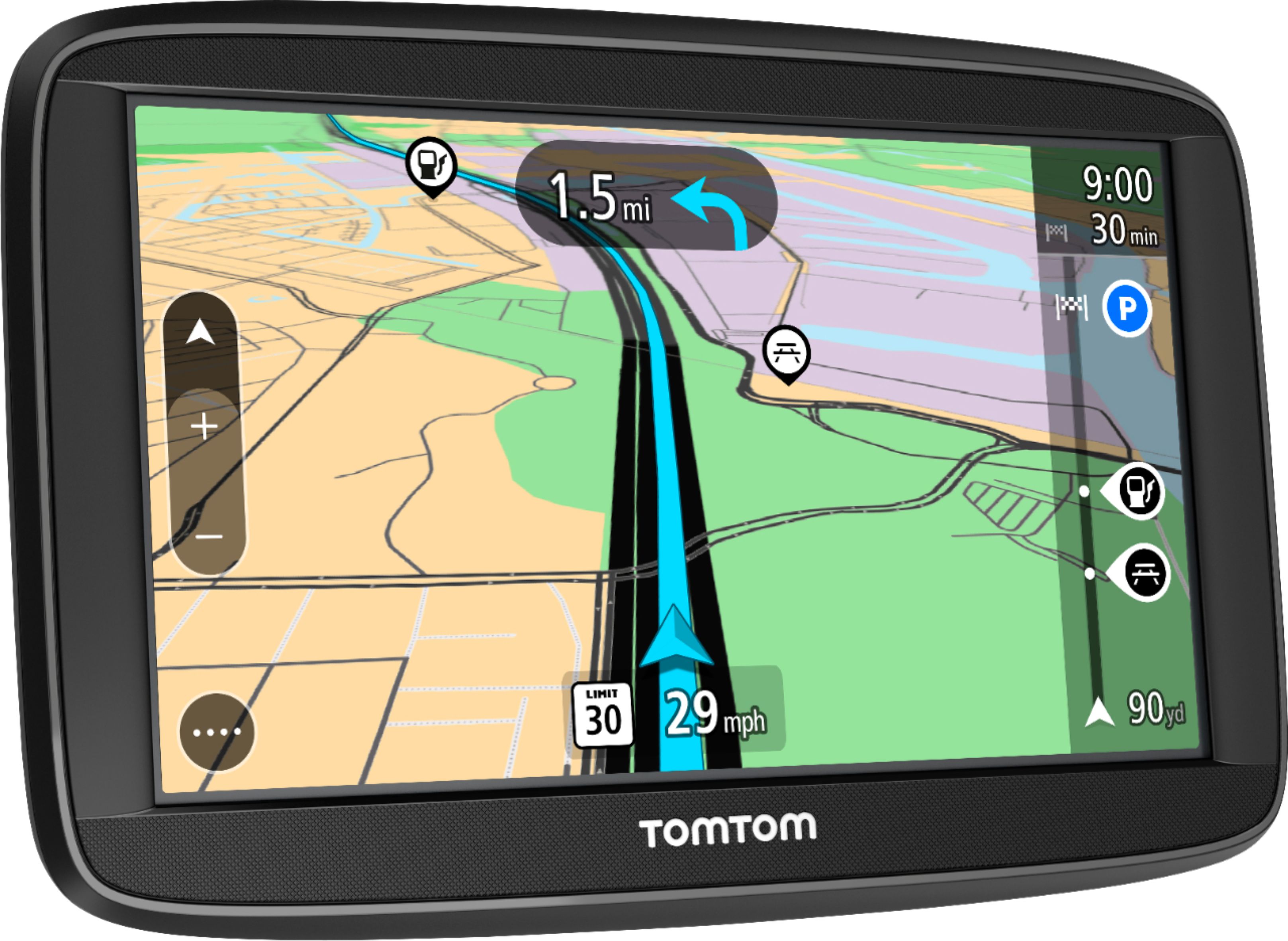
Yes indeed, this comes with a Windscreen Mount, Cigarette Lighter Adapter and USB cable, as well as the device.
Happy driving!
- Cameron at TomTom
A:AnswerHi there, thanks for your question. No, the Via 1525 does not have the voice control feature.With the GO Series though this is possible ;) I hope this helps :) Safe Travels! Cheers, Becky@TomTom
A:AnswerHey there, memory cards aren't needed for this device, they are just an option if you would like to add more space to the device!
- Cameron at TomTom
A:AnswerHey there,
Yes, if you go into the current route, it will give you the options to avoid, or to find an alternate route.
I hope this helps,
Reiss @ TomTom
A:AnswerHi Mousie, you don't need a phone for this device to connect to Traffic.
Please note that the Traffic information on this device is via an RDS-TMC receiver that is included in the box; it's not Live Traffic like some of our other devices.
This means that the updates are not as accurate or timely, however as a result the device costs less. I hope that helps!
- Cameron at TomTom
A:AnswerYou have to connect it to your computer and will take a couple of hours, depending on your connection.
You need to buy a Micro-SD in order to update the maps.
I purchased it 1 or 2 months ago, updated the maps, and 50% of the time it did not have the destinations.
At the end, I used my phone to get to my destinations.
If you have some extra cash, get something better.
A:AnswerYes, it comes with a couple voices. After connecting to their MyDrive software you can purchase additional voices including famous actors. However, we have discovered when you move away from the default voice, it loses the ability to speak the actual street names.
A:AnswerI have 2 of these and am thoroughly pleased. It sounds as if you may need to update your maps. I also suggest contacting TomTom for assistance. I would buy the same thing agasin.
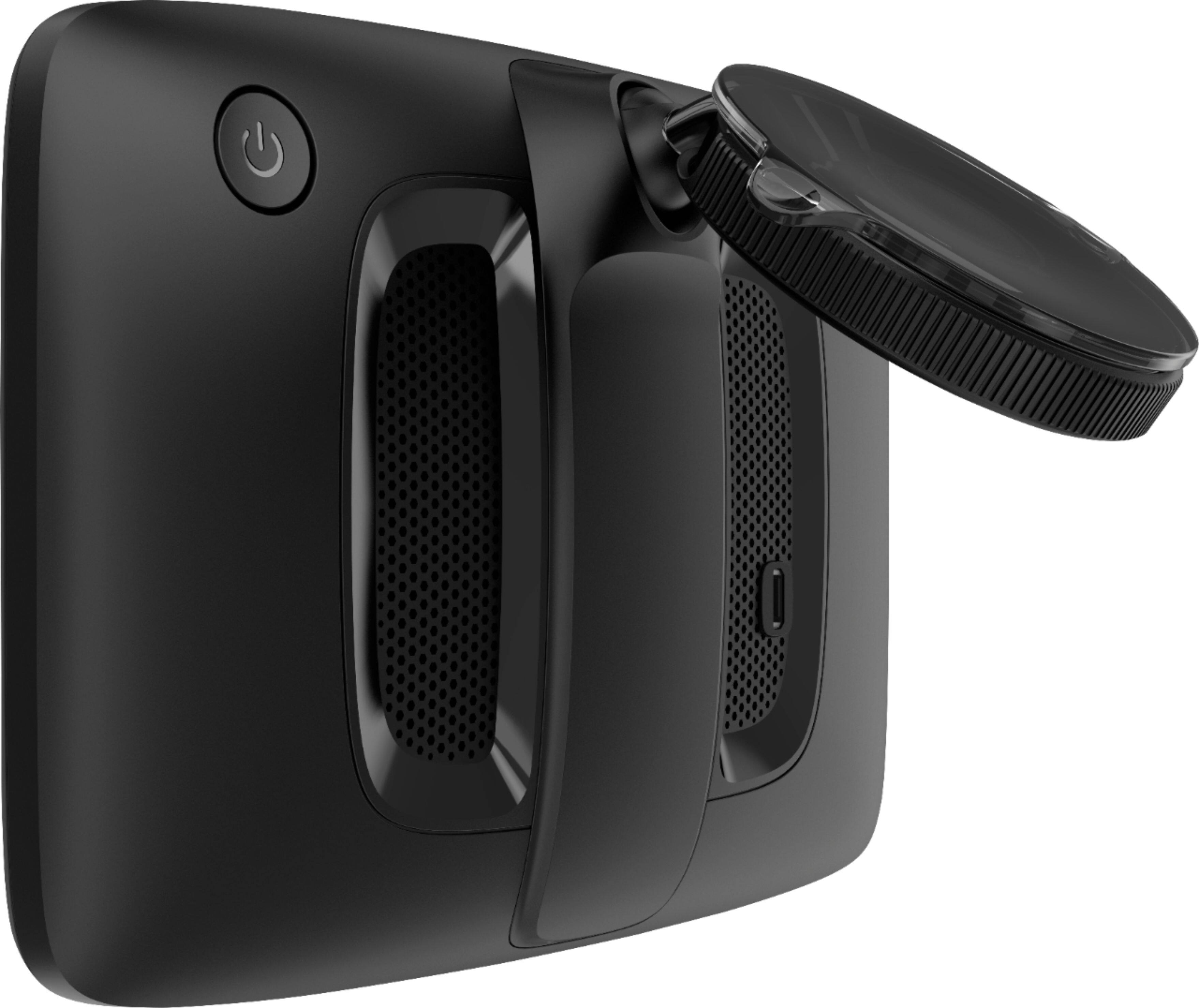
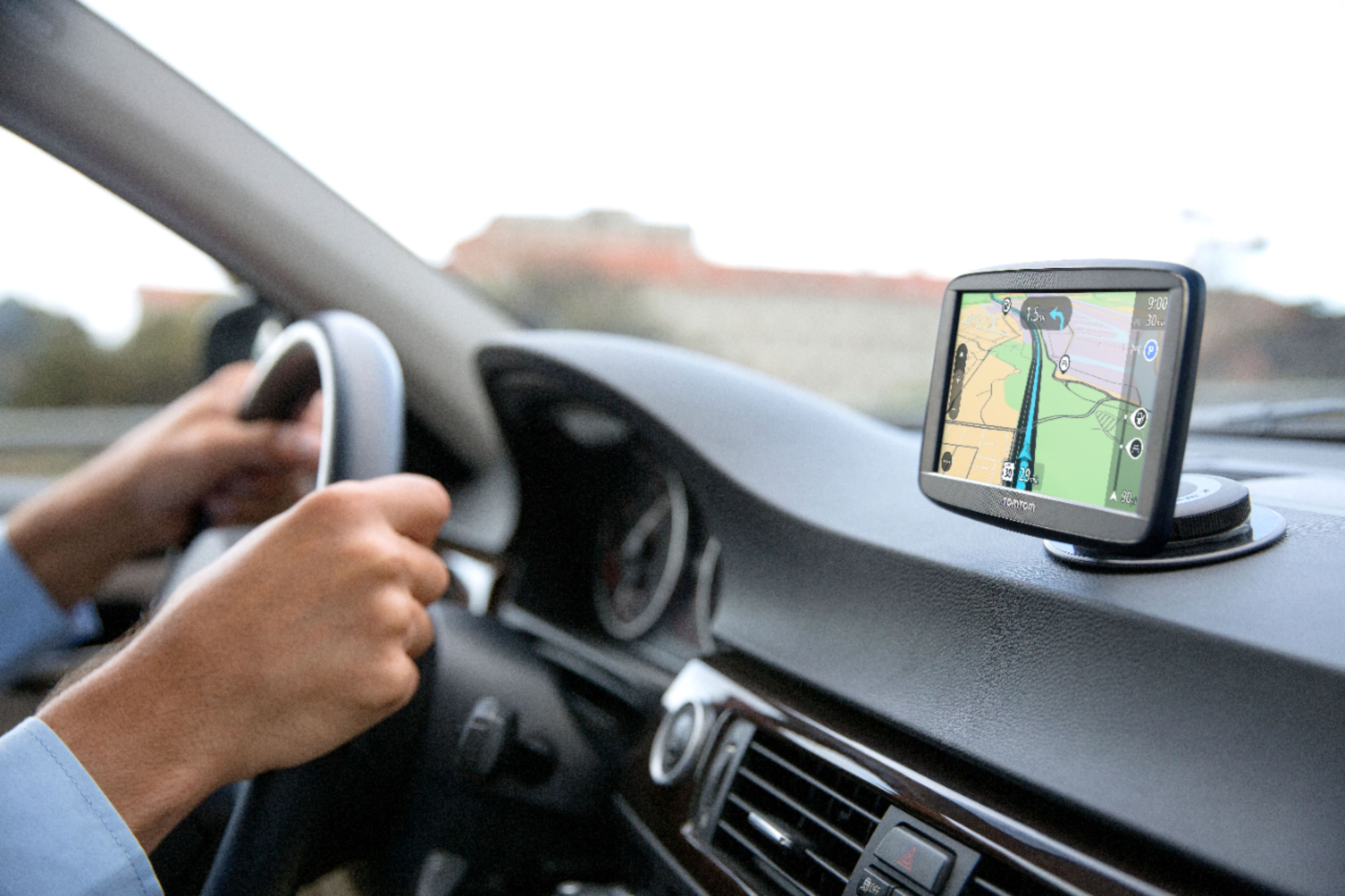
A:Answerthe unit comes with a cable. one end plugs into the unit, the other end is a USB connector. you can plug the USB connector into a USB port on a computer or other power device to charge it. There is also a cigarette lighter plug that you can plug the USB plug into so that you can charge/power while using it in your car. It can mount on the inside of the windshield by holding the base against the windshield and rotating the base which causes a suction cup to hold it to the windshield. There is also a small round base that can be stuck to the dashboard and the unit can be attached to it the same way that you attach it to the windshield.