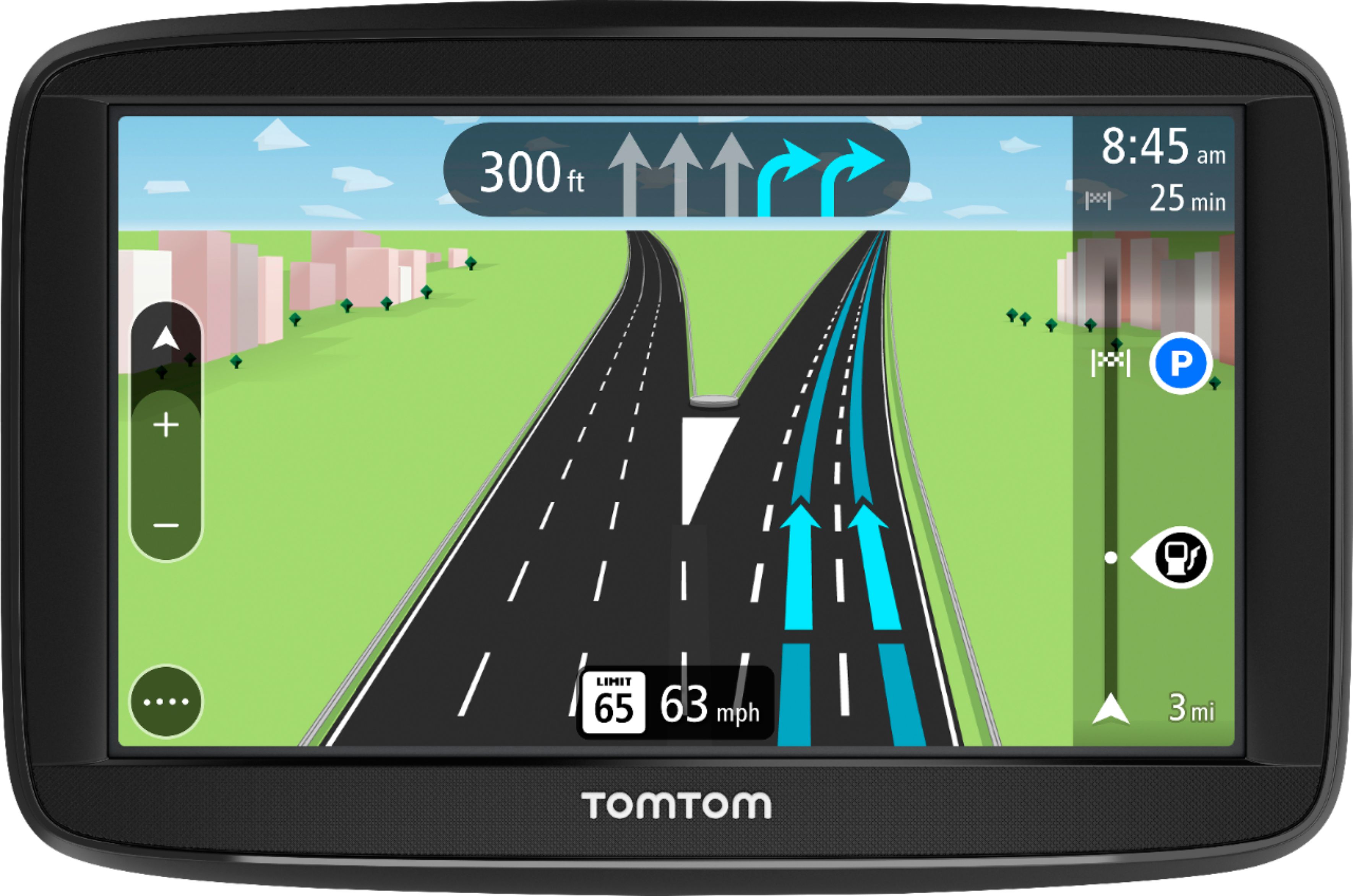
A:AnswerI don't know if mine gets traffic info or not because I haven't tried to use that but it does give excellent directions and doesn't need smartphone. I'm also not sure if you can verbally tell it where to navigate to or not, I just type in the address I want to navigate to. This is the second tom tom I have owned and I really like it.
A:AnswerIt very easy. You have to download My Tom Tom to download the updates(hook Tom Tom to a usb on a computer), but as for using the unit, it's very easy.
A:AnswerHey Isabel,
Thanks for taking the time post this question. The traffic will work in a very similar way. You may find slight differences due to the change in the devices layout.
I hope this helps,
Reiss @ TomTom
A:AnswerHey there,
Thanks for posting this question. You can indeed upload GPX files onto this device. I have added some steps below to show how to do this -
http://download.tomtom.com/open/manuals/VIA_53/html/en-gb/ImportingatrackGPXfile-MyDrive-CONNECTEDandNOTCONNECTED.htm
I hope this helps,
Reiss @ TomTom
A:AnswerFrom what I know you have to purchase extra Mabz if you’re going out of the US,,, or purchase the GPS that’s preloaded with the maps that you want.
A:AnswerI’ve noticed that for example I was going 3 miles down the road and the gps told me 3 miles then I was going to make a right so it’s pretty good at giving you a heads up before The turn is coming, also the voice feature does a pretty good job at letting you know .