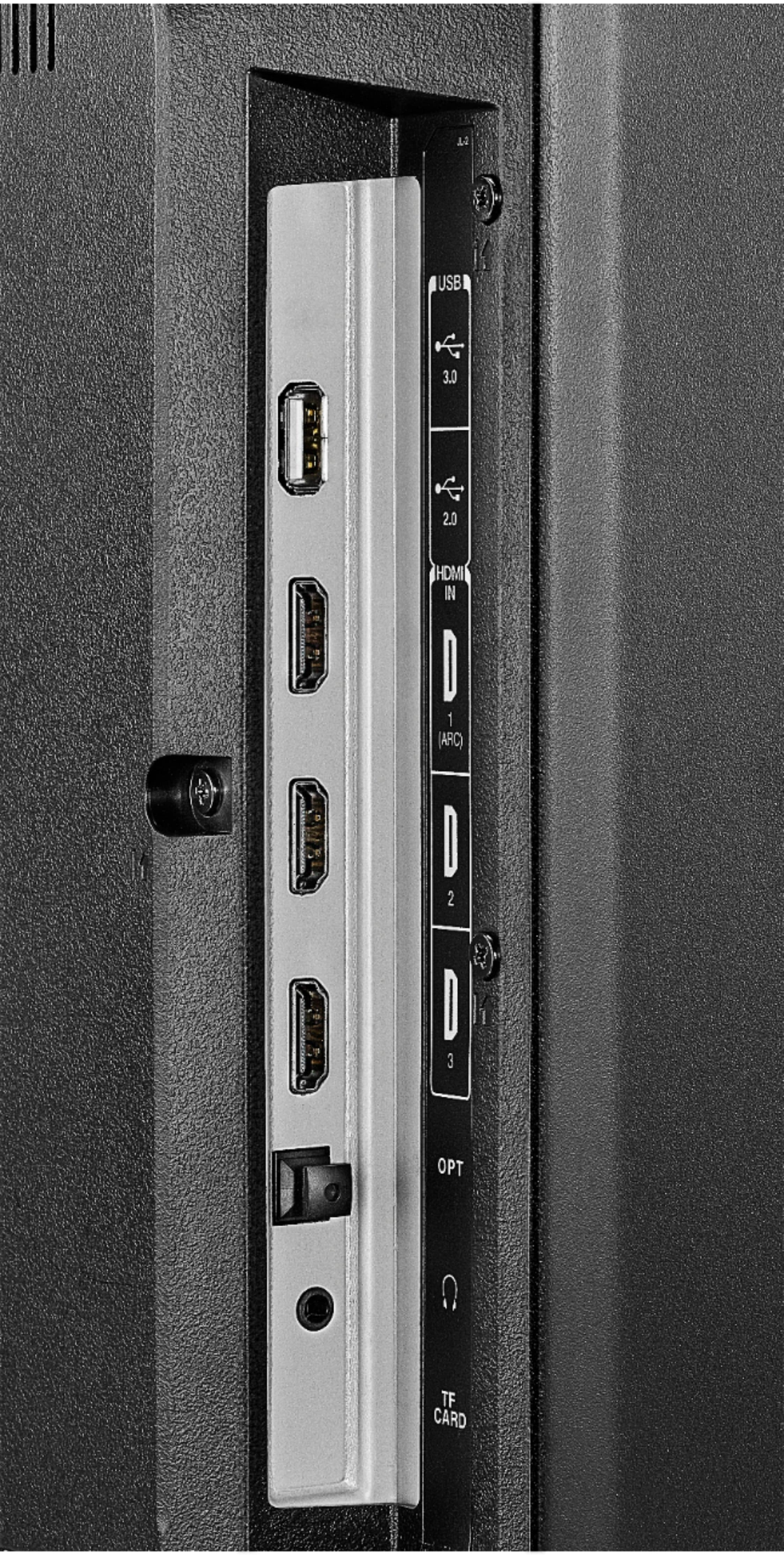
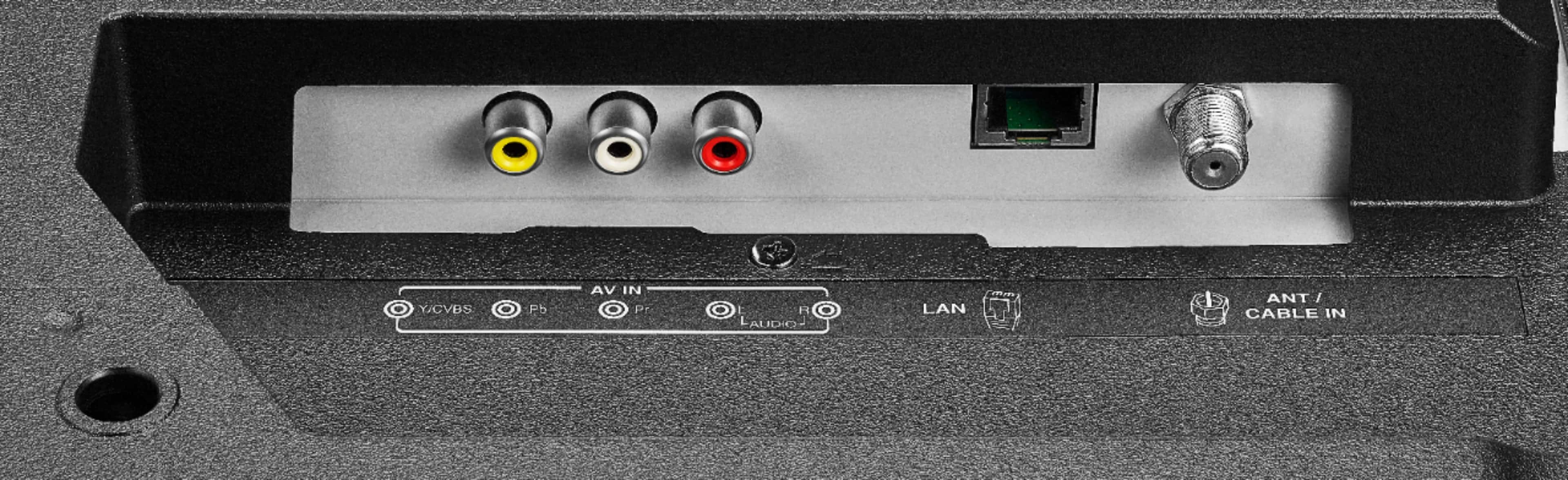
A:AnswerTHEY WON'T!!! YOU HAVE TO KEEP THEM SEPERATE; USING THE 3 IMPUTS OFFERED, AND KEEP THE FIRE STICK REMOTE WHEN USING THE IMPUTS-NAVIGATION INPUT OUTLETS ON HOMEPAGE, AND SETTINGS!!!
A:AnswerTry this, long press the home button for 3 seconds to launch the Quick Access menu, select Display settings to adjust the Picture Size and Aspect Ratio.
David M. - Toshiba Support
A:AnswerYou'll need to change the input. For example, mine is on HDMI 1, so after I turn on my tv or finish watching netflix, I choose the icon that says HDMI 1. That is usually in the recently used.
A:AnswerTo report a device lost or stolen, please contact Amazon Customer Service.
For more information, please visit:
https://www.amazon.com/gp/help/customer/display.html?nodeId=201755180
David M. - Toshiba Support
A:AnswerTo get help pairing your Fire TV Edition remote, please visit:
https://www.amazon.com/gp/help/customer/display.html?nodeId=GEARX33JWH4K6WHJ
For personalized assistance, please call 1 (855) 527-2411 available from 8 am to 9 pm CT everyday.
David M. - Toshiba Support
A:AnswerThis TV does not support expandable storage.
You can delete apps you don't use to free some storage.
If you need personalized assistance, for Toshiba product support please call 1 (855) 527-2411 available from 8 am to 9 pm CT everyday.
David M. - Toshiba Support