A:AnswerTo pair a Bluetooth device, go Home > Settings > Controllers & Bluetooth Devices.
For more information, please visit:
https://www.amazon.com/gp/help/customer/display.html?nodeId=GSBSBL44Y4QM59FV
David M. - Toshiba Support
A:AnswerWhile watching a video, press and hold the Home button for 3 seconds to launch the Quick Access menu, select Display settings to adjust the Picture Size and Aspect Ratio. For product support please call 1 (855) 527-2411 available from 8 am to 9 pm CT everyday.
David M. - Toshiba Support
A:AnswerTry to use the Power On feature. Go Home > Settings > Display & Sounds > Power On and select Last Input.
To watch Fire TV Edition TV Help Videos, please visit:
https://www.amazon.com/gp/help/customer/display.html?nodeId=202162190
David M. - Toshiba Support
A:AnswerYes, the Fire TV Edition television features built-in Wi-Fi 802.11 a/b/g/n/ac; 2x2 MIMO, supports 2.4 GHz and 5.0 GHz dual band.
David M. - Toshiba Support
A:AnswerYou can connect an HD Antenna to watch free over-the-air broadcasts from your local channels. For more information about antennas, please visit: https://www.fcc.gov/consumers/guides/antennas-and-digital-television
David M. - Toshiba Support
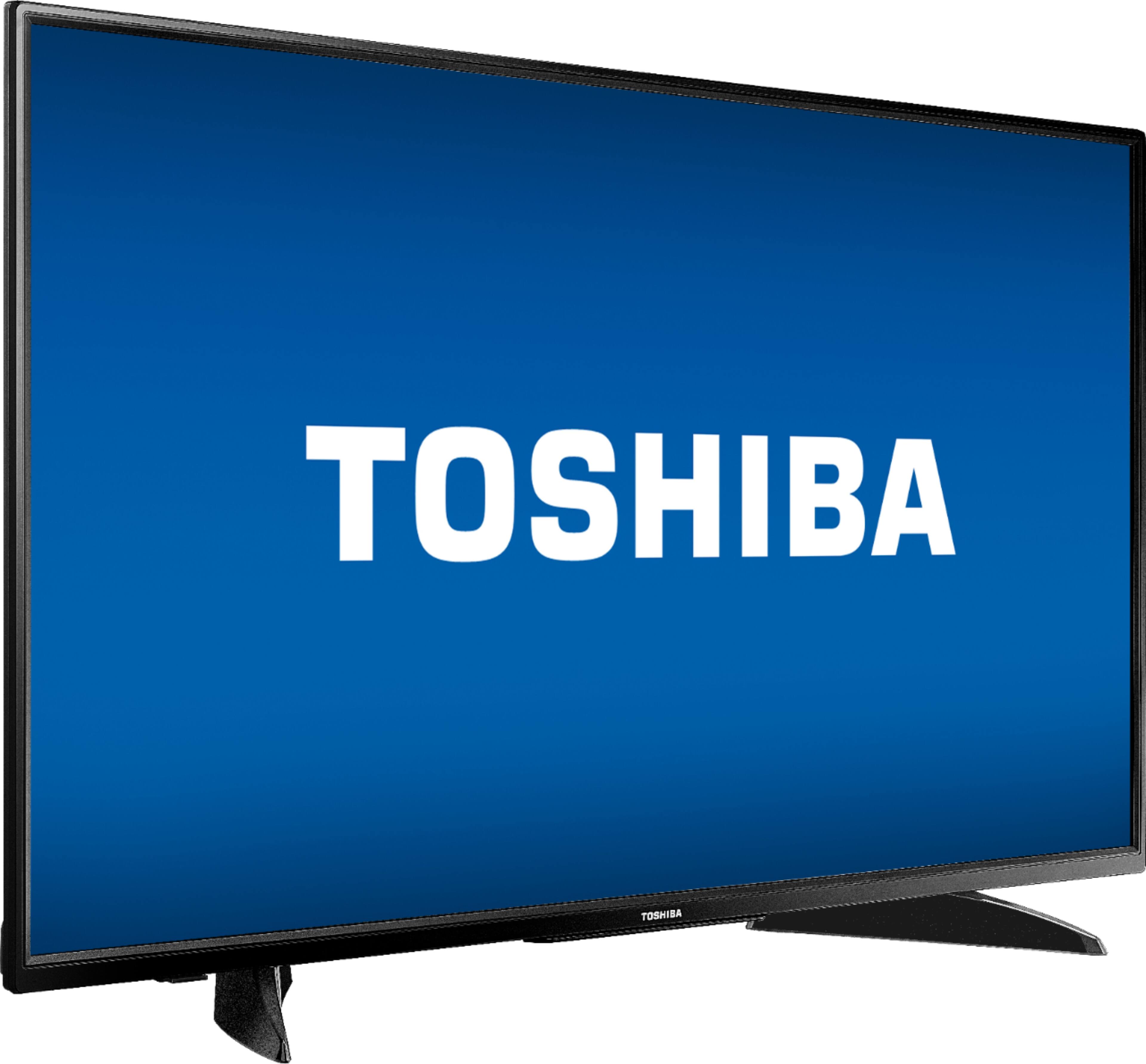
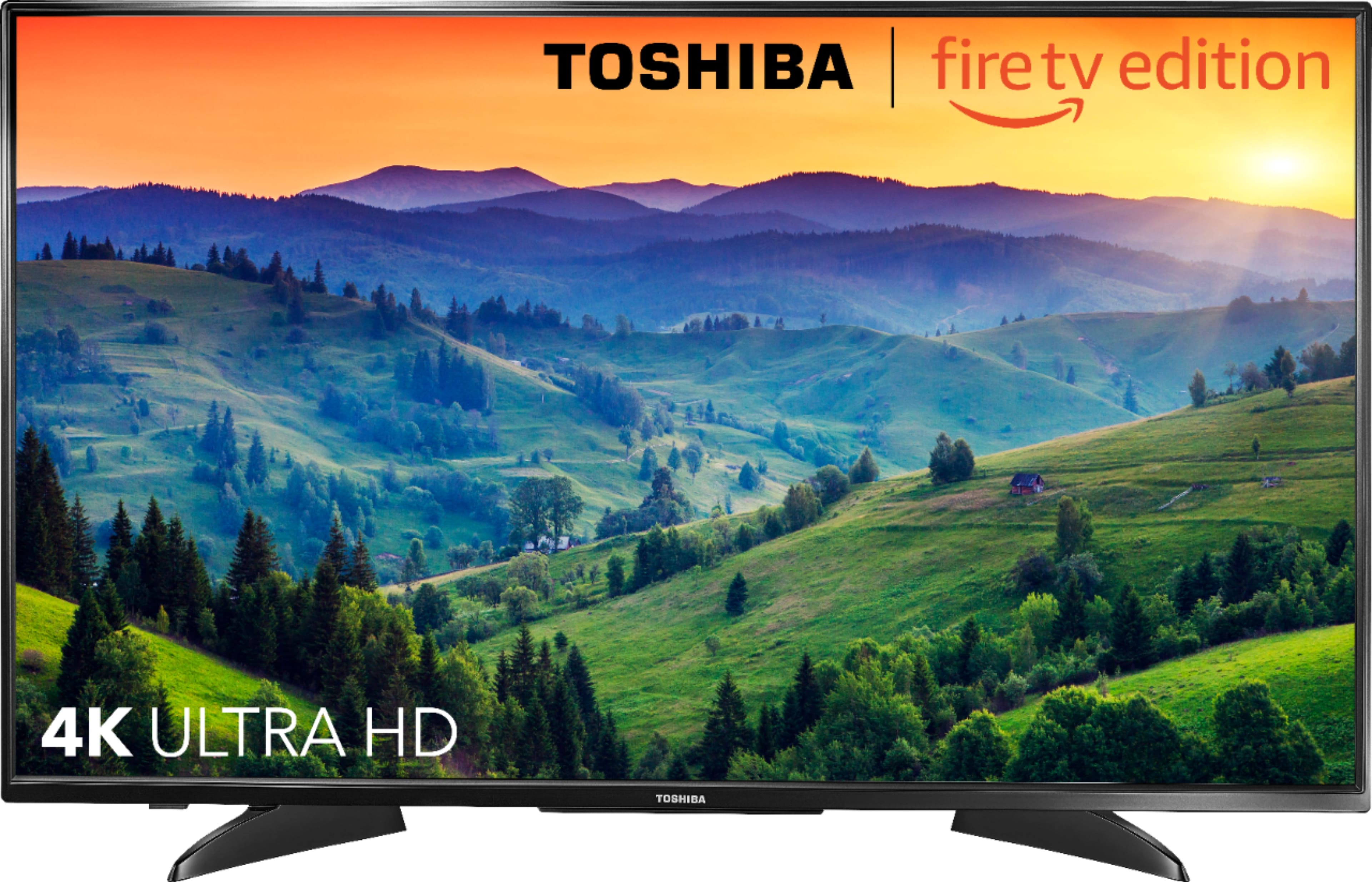
A:AnswerFor more information about the TV, please visit:
https://tvna.compal-toshiba.com/us/en/models/43lf621u19/
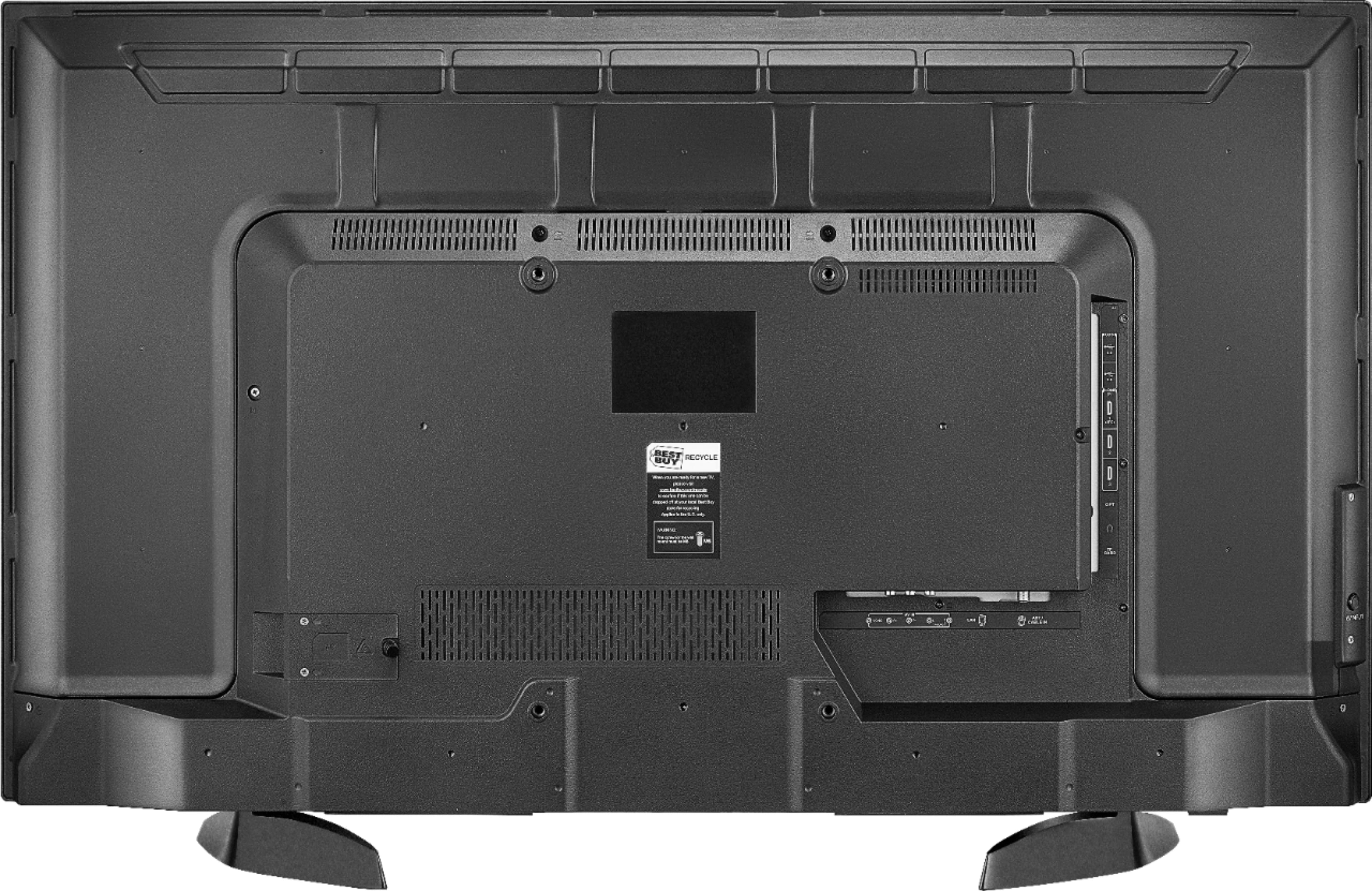
The VESA mounting pattern is 200 × 300 – M6 x 25 mm type screws (4 pcs)
You can a attach a VESA compliant Universal Stand.
David M. - Toshiba Support
A:AnswerThe Fire TV Edition television features a Sleep Timer. Go to Home > Settings > Sleep Timer ; or you can press and hold the Home Button on the Voice Remote for 3 seconds to launch the Quick Access Menu, select Sleep Timer. This function turns off the TV in: 5 , 10 , 15 , 30 , 60, 90, 120, 150, 180 and 240 minutes. After you select the desired time, select again Sleep timer and there should be an OFF option to turn off the Sleep Timer.
David M. - Toshiba Support
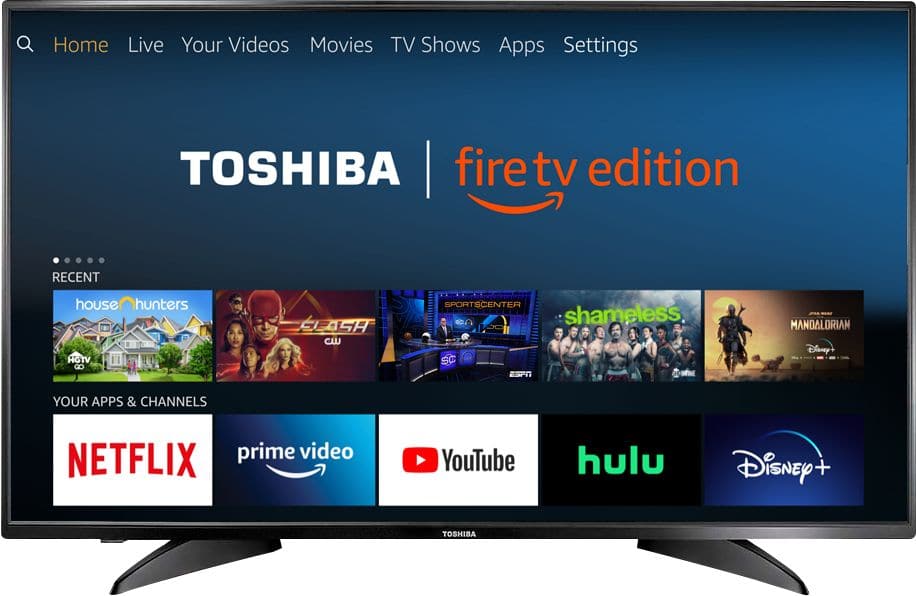
A:AnswerTo search for available apps to download on your Fire TV Edition television, please visit: amazon.com > Menu - Shop By Category > Fire TV > Fire TV Apps & Channels > Refine by Device Type select Fire TV Edition TV and search.
David M. - Toshiba Support

A:AnswerThe Fire TV Edition television does not support Screen Mirroring.
You can connect an adapter or streaming device that supports it using HDMI.
David M. - Toshiba Support

A:AnswerAn Internet Connection is required to stream content, Netflix recommends an internet speed of 25 Mbps. Also, Netflix requires you to pay a monthly subscription fee to watch TV Shows and Movies.
For more information please visit: https://www.netflix.com/
David M. - Toshiba Support

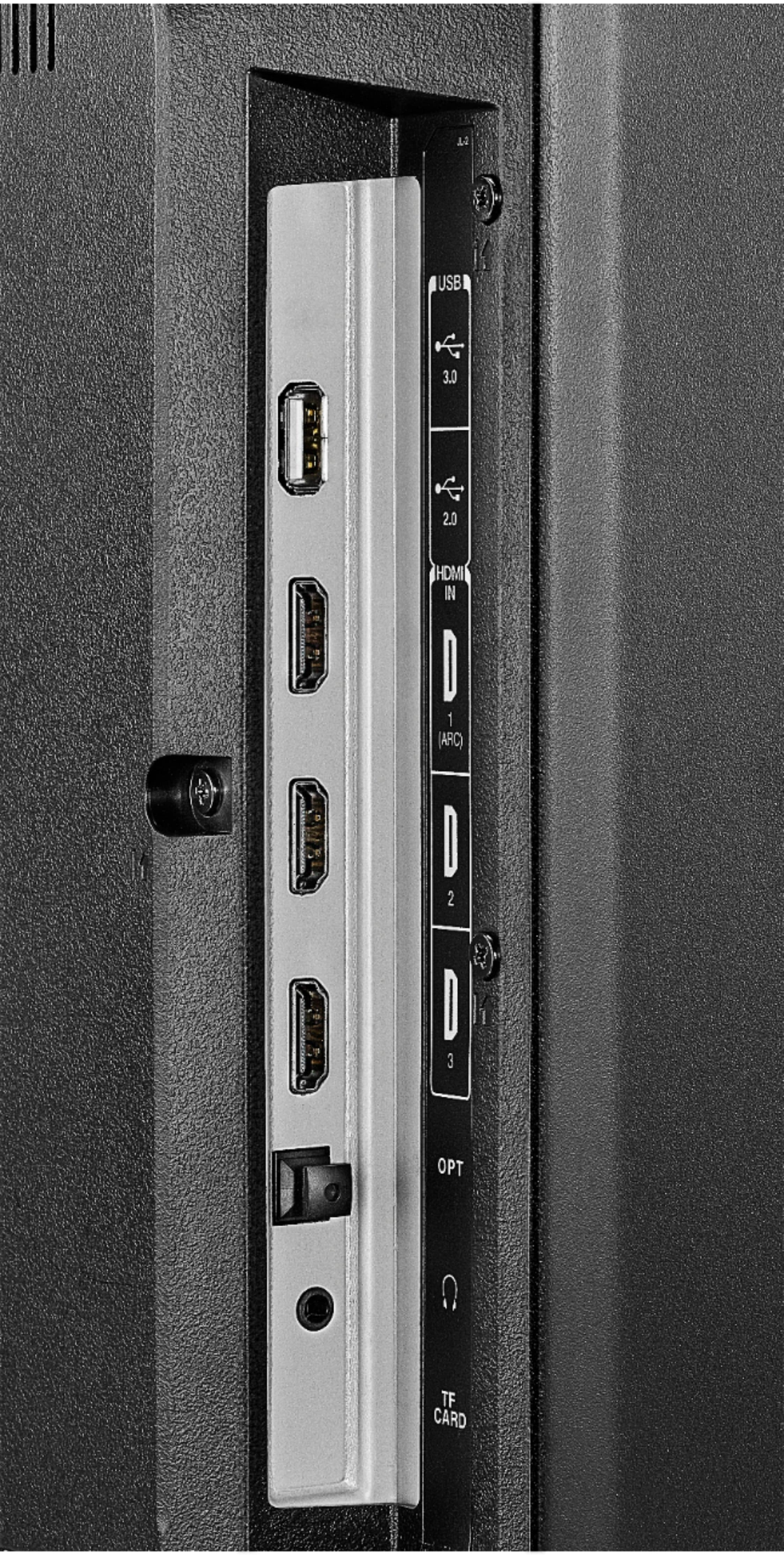
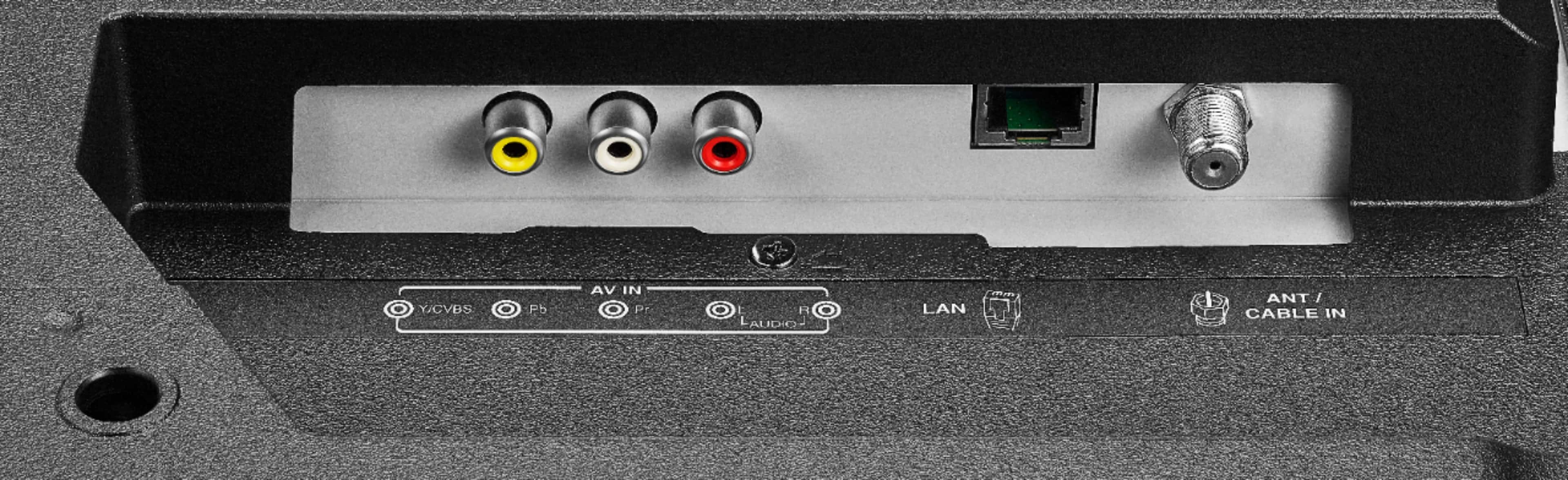
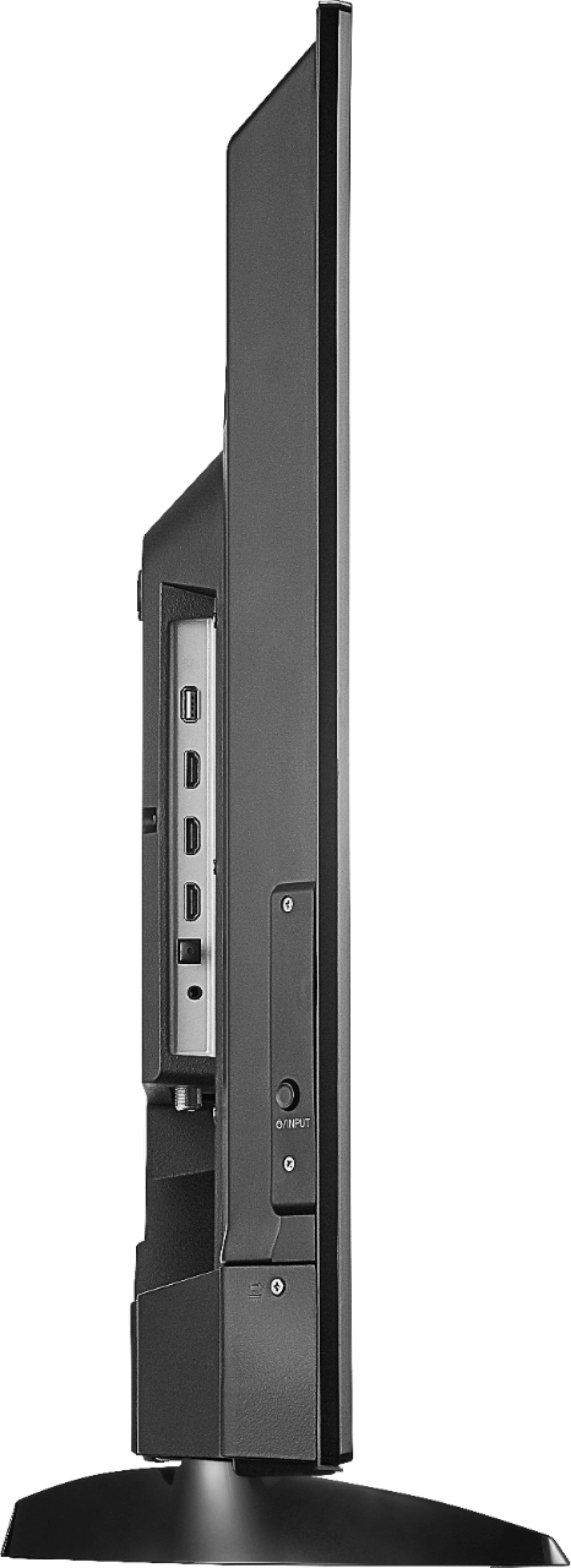
A:AnswerConnect your Cable / Satellite Box to the Fire TV Edition television using HDMI.
Connect your Antenna to the Fire TV Edition television using COAX.
David M. - Toshiba Support

A:AnswerFor the Toshiba | Fire TV Edition television Model: 43LF621U19
The VESA mounting pattern is 200 × 300 – M6 x 25 mm type screws (4 pcs)
You can a attach a VESA compliant mount to the TV.
David M. - Toshiba Support

A:AnswerConnect your antenna to the Fire TV Edition television to watch free over-the-air broadcasts from your local channels.
David M. - Toshiba Support