A:AnswerHi,
It seems that you need personalized assistance from us, please call 1 (855) 527-2411 available from 8 am to 9 pm CT everyday.
Alan O. - Toshiba Support
A:AnswerHi,
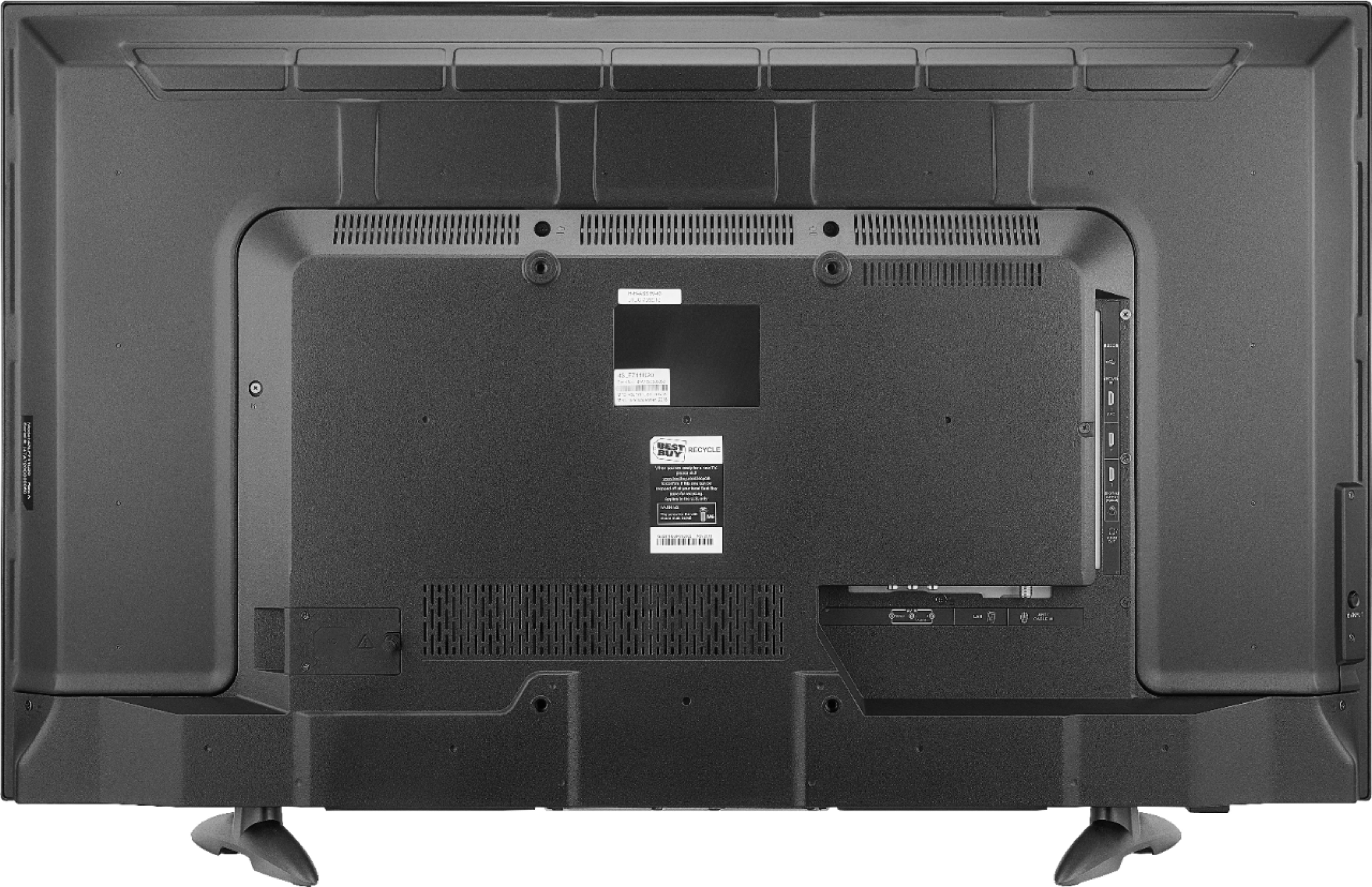
Try connecting your Cable Box to the television using an HDMI cord. If you need more assistance, please call 1 (855) 527-2411 available from 8 am to 9 pm CT everyday.
Alan O. - Toshiba Support
A:AnswerHi,
It has a processor MStar T12, a CPU ARM Cortex-A53 CPU up to 1.4GHz. Supports 32-bit apps, and a GPU Mali-T820-MP2.
Alan O. - Toshiba Support
A:AnswerHi,
It seems that you need personalized assistance from us, please call 1 (855) 527-2411 available from 8 am to 9 pm CT everyday.
Alan O. - Toshiba Support
A:AnswerHi,
Yes, this TV has a 1 Year Warranty, for more information, please visit http://tvna.compal-toshiba.com/us/en/models/43lf621u19/
Alan O. - Toshiba Support
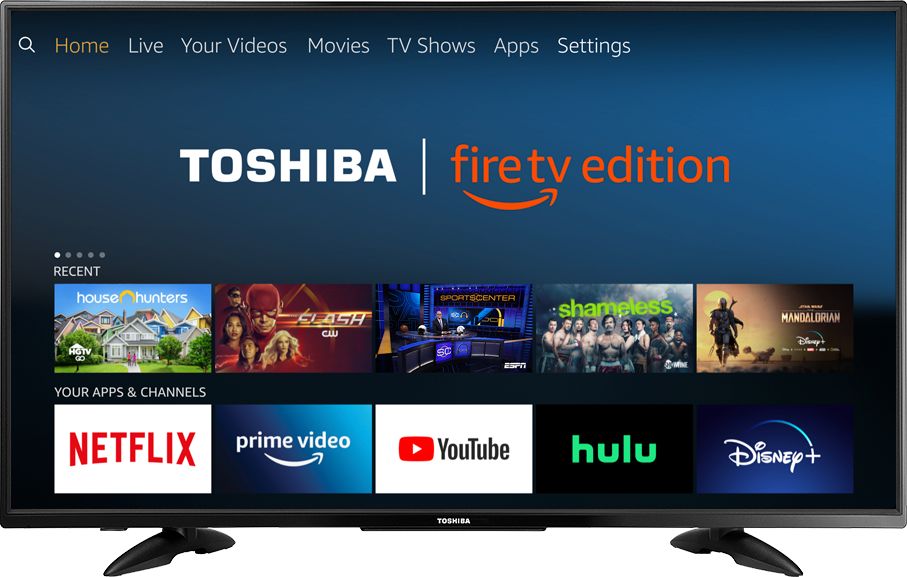
A:AnswerTry the Power On feature, go Home > Settings > Display & Sounds > Power On and select Last Input.
Use the included remote to control your TV.
Use the Genie remote to control DirecTV.
David M. - Toshiba Support
A:AnswerThe Fire TV Edition television does not include an Echo in the box.
For online -Included Free- offers, please visit bestbuy.com and add the item to your cart to see what is included with your purchase.
David M. - Toshiba Support
A:AnswerThe Fire TV Edition television features TruVolume, press and hold for 3 seconds the Home button to launch the Quick Access menu, then go to: Sound and select Advanced Settings.
David M. - Toshiba Support