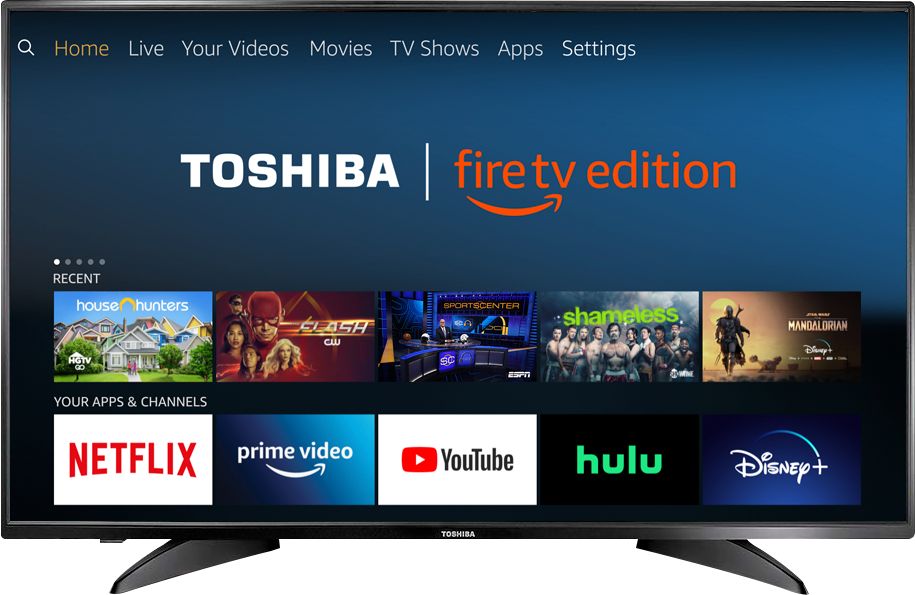
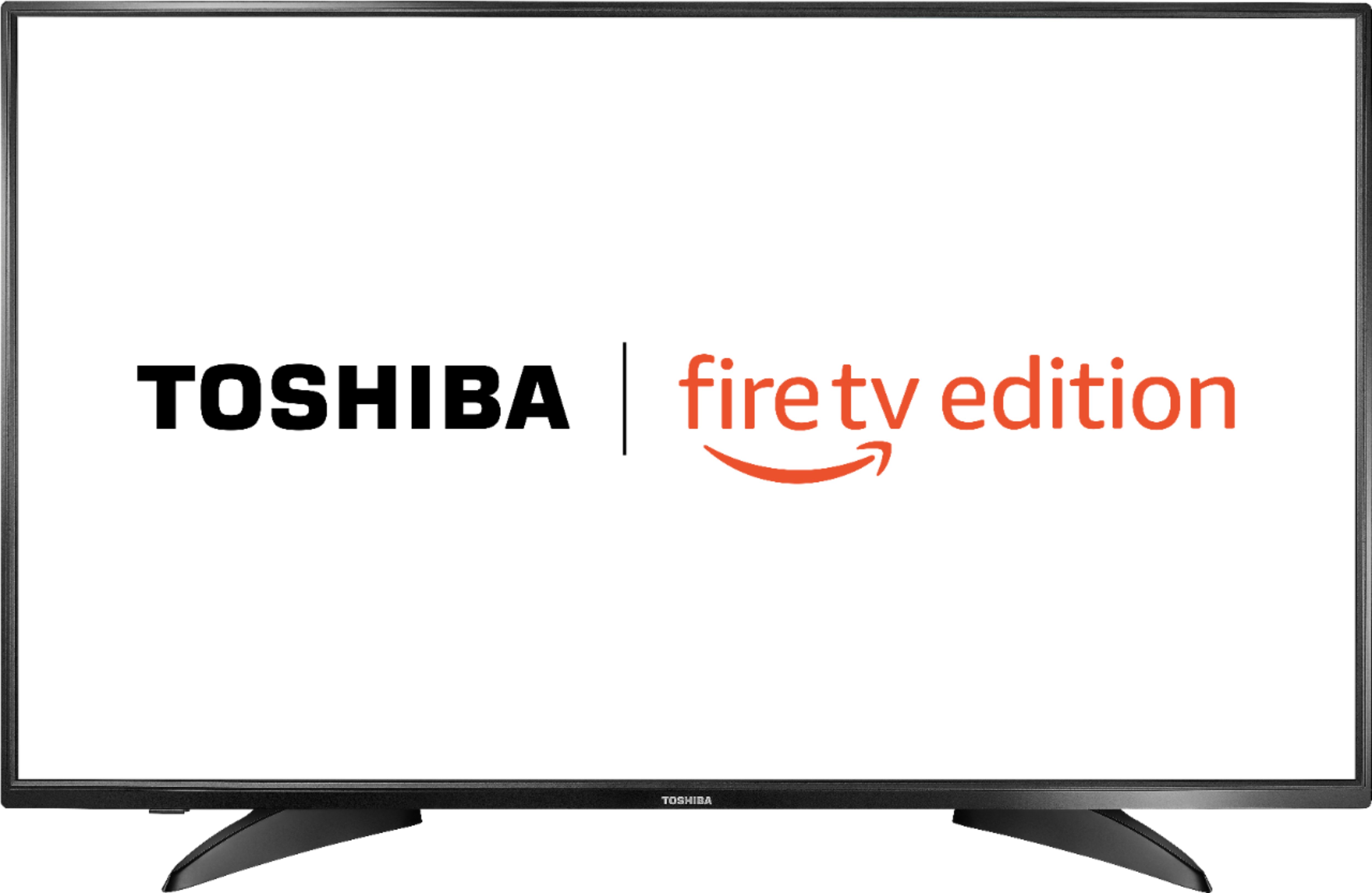
A:AnswerThe YouTube TV app is now available for the Fire TV Edition experience.
For more information, please visit https://tv.youtube.com/welcome/
David M. - Toshiba Support
A:AnswerNo you will not need your fire stick anything you can download to firestick you can download to this tv . I have beetv mobdro and redbox on mine
A:Answeryes it will, hooking a ruko to your hdmi port is like using your dvd player on your tv. Just select the same hdmi port you plug in to watch with your remote.
A:AnswerThe YouTube TV app is now available for the Fire TV Edition experience.
For more information, please visit https://tv.youtube.com/welcome/
David M. - Toshiba Support
A:AnswerWhen you setup the tv you probably had the tv sync to the remote. I did the same thing and had the same issue. Unsync the remote and everytime you turn it on it will be on the last input you were on.
A:AnswerTry to use the Power On feature. Go Home > Settings > Display & Sounds > Power On and select Last Input.
Use the included Voice Remote to control your Fire TV Edition television.
Also you can download the Amazon Fire TV app on your Smartphone to control your Fire TV Edition television.
David M. - Toshiba Support
A:AnswerI don't know if anyone else has found this, but I certainly haven't. Searching the web just returns this same sort of answer. Go to options that don't exist.
I'm looking for it because my Toshiba TV shuts down completely if the screen is static for any length of time.
Bigly annoying.