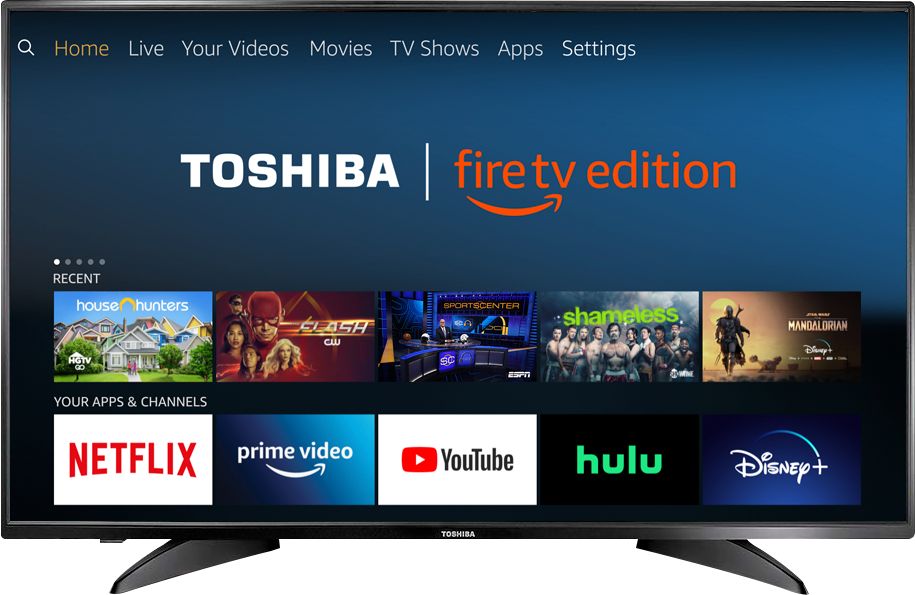
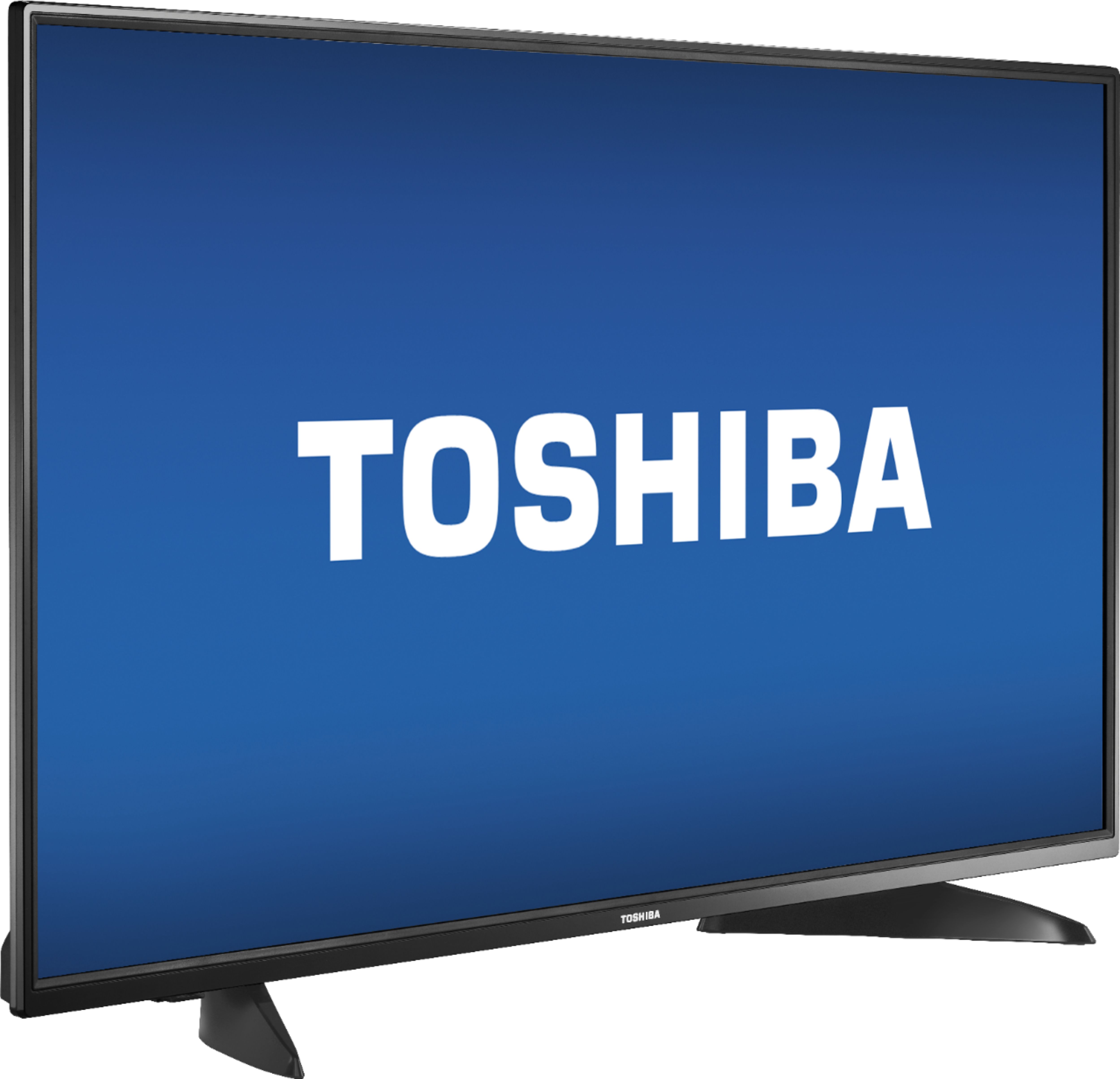
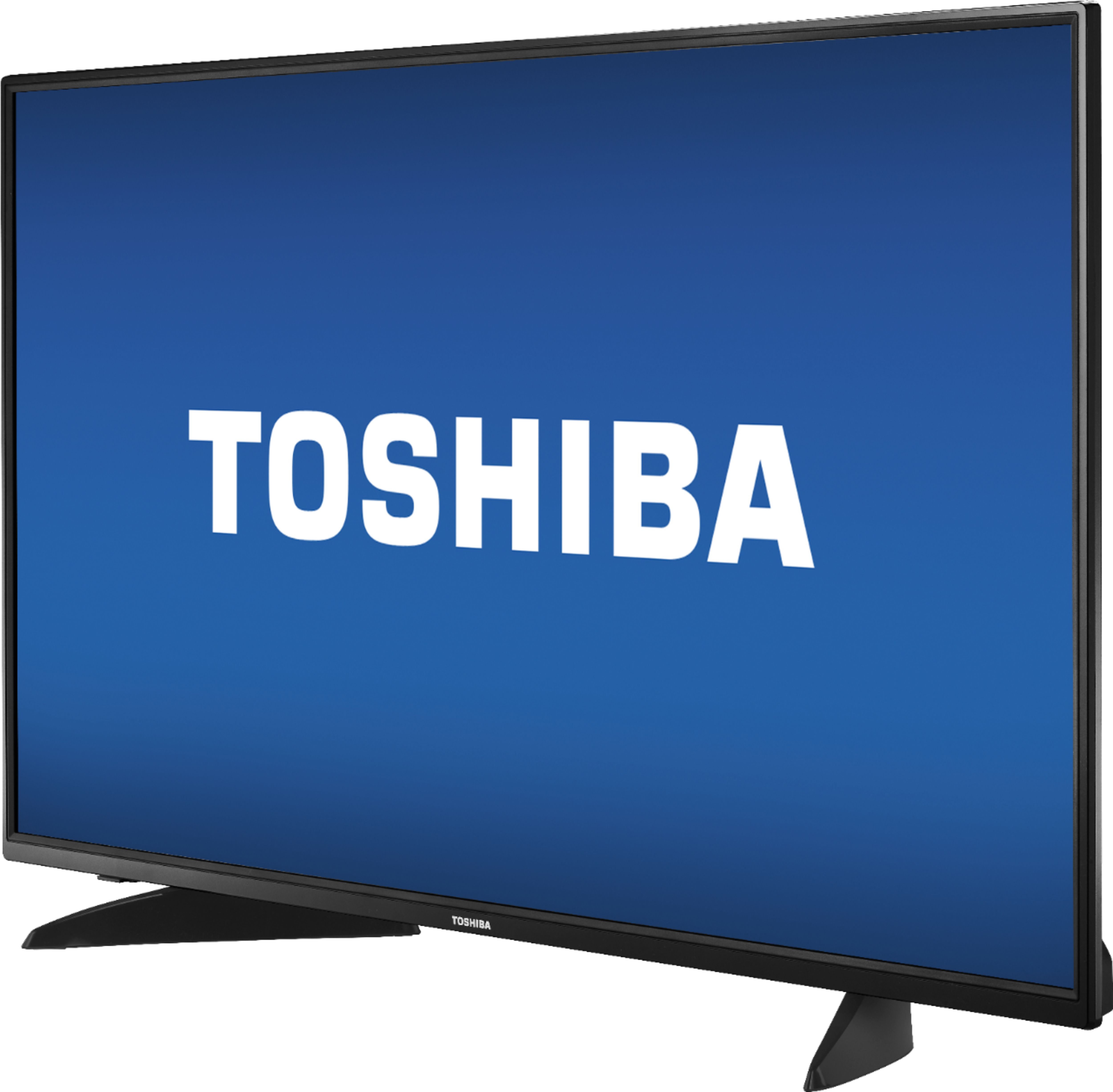
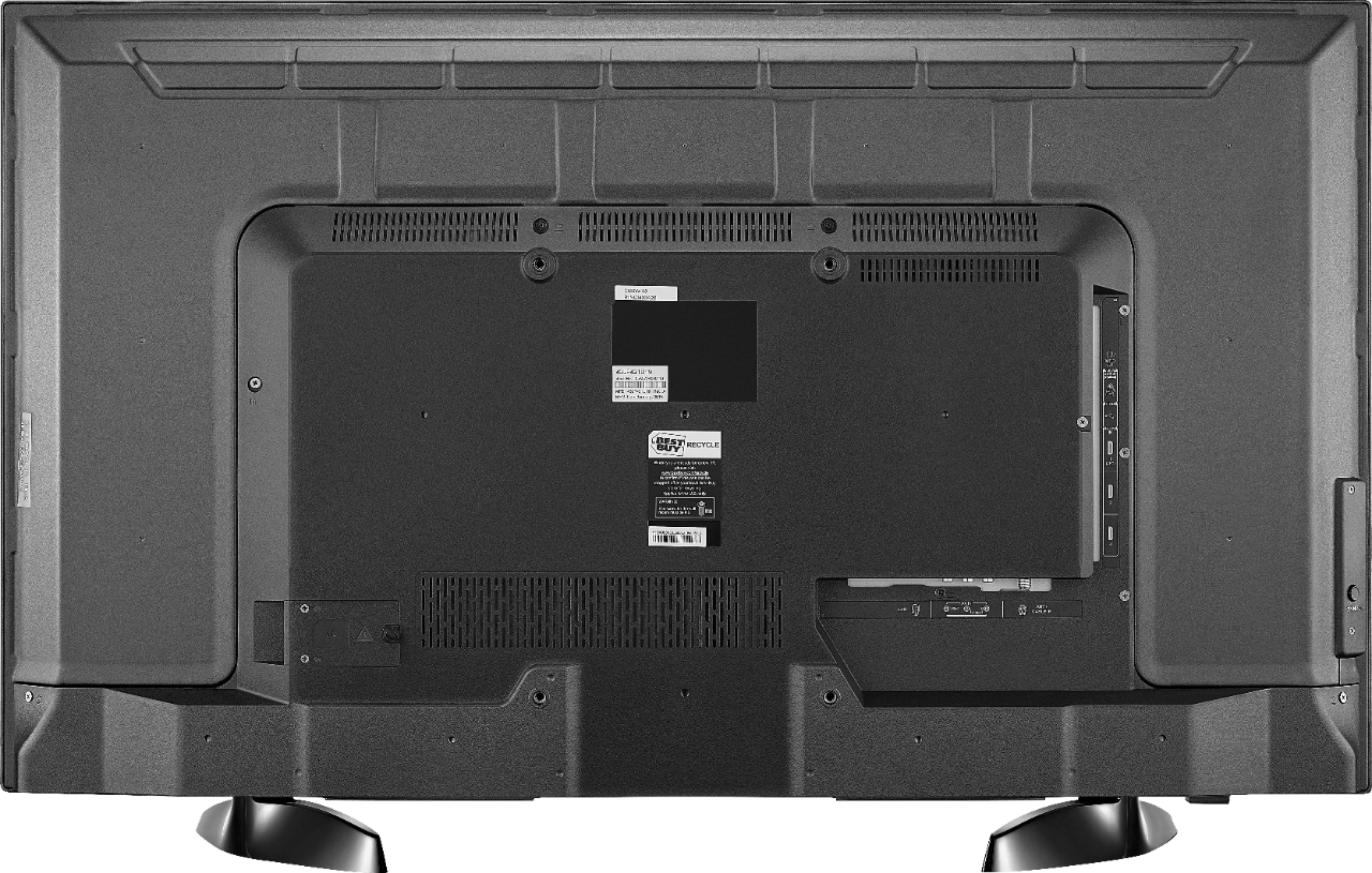
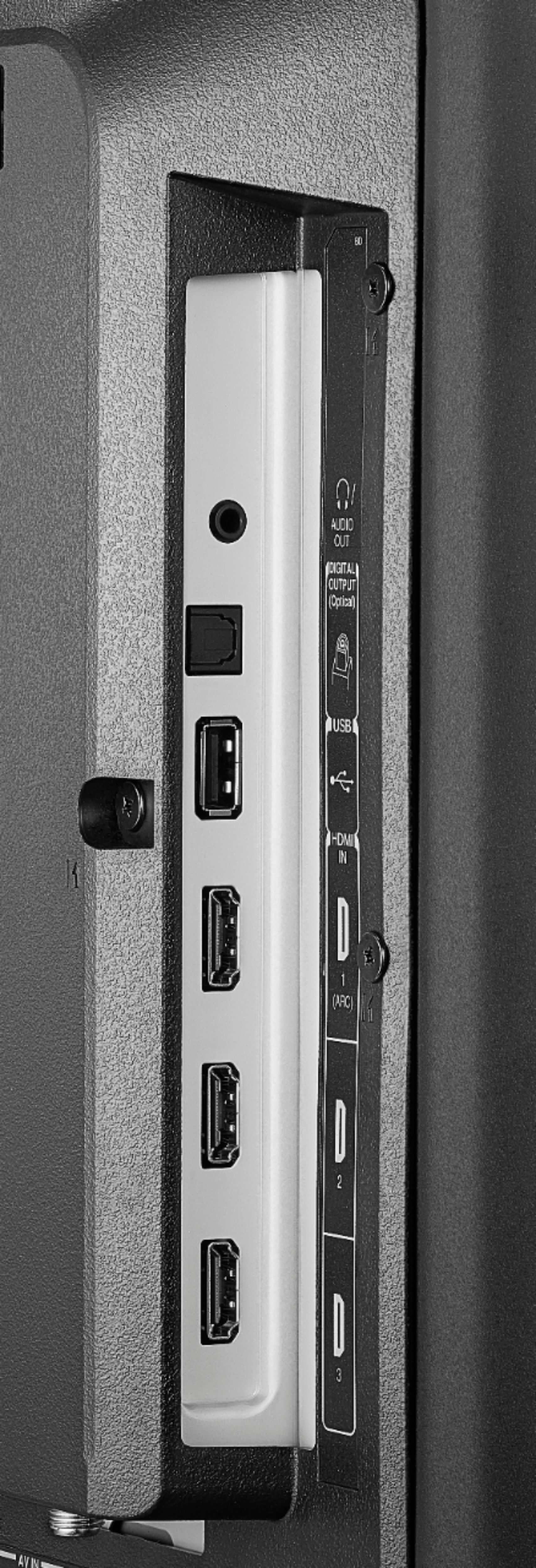
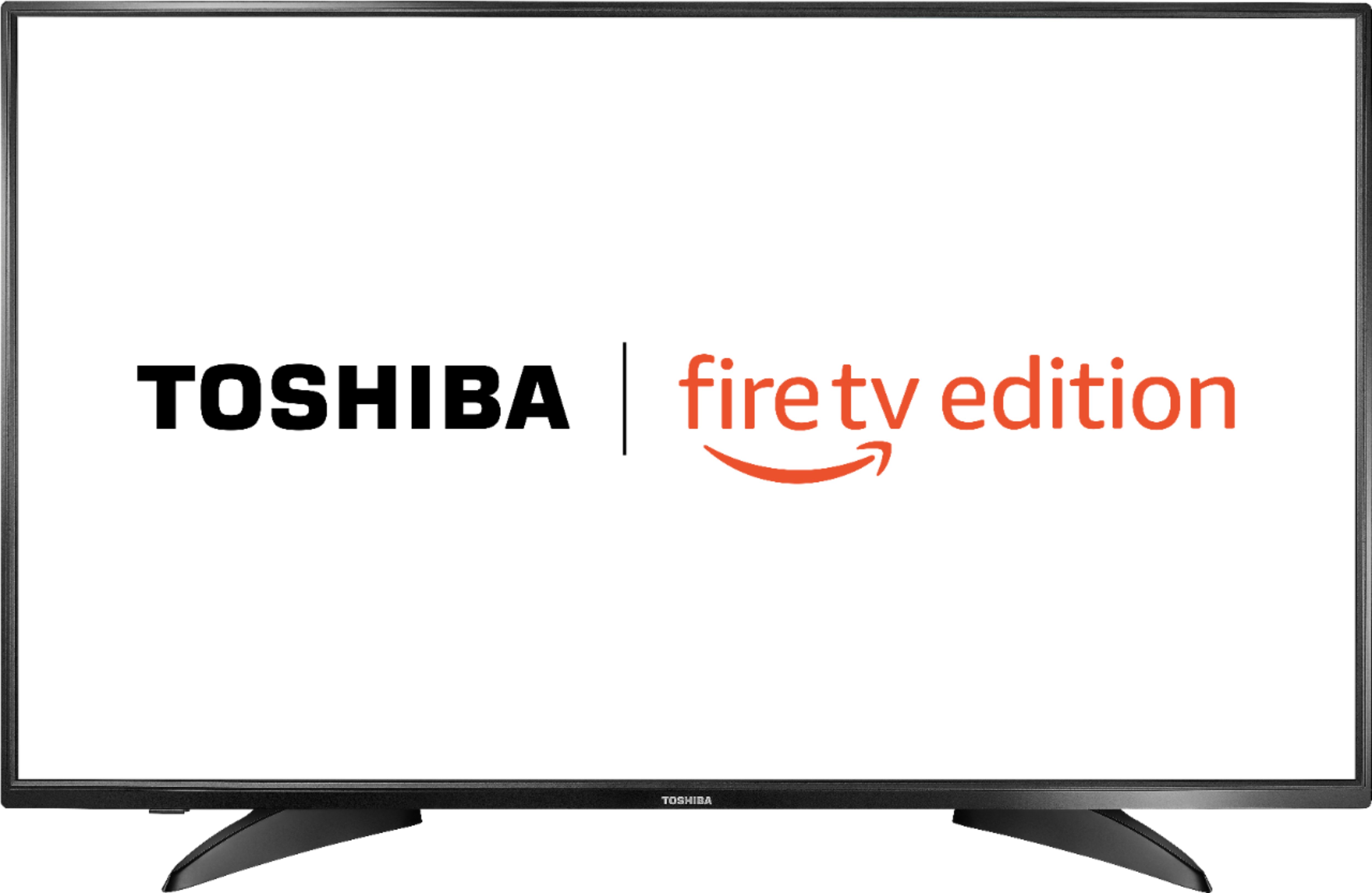
A:AnswerThe Fire TV Edition television only supports one audio device at anytime.
If you connect headphones, the TV speakers will automatically turn off.
David M. - Toshiba Support
A:AnswerUnfortunately the Xfinity Stream app is not available for the Fire TV Edition experience.
You can connect your Cable Box or supported device to the TV using HDMI.
To search for available apps to download on your Fire TV Edition television, please visit: amazon.com > Menu - Shop By Category > Fire TV > Fire TV Apps & Channels > Refine by Device Type select Fire TV Edition TV and search.
David M. - Insignia Support
A:AnswerPlease visit bestbuy.com and add the item to your cart to see what is included with your purchase.
When you add a TV to your cart it should give you the option to purchase additional Professional Services, for example Installation (Connect and Setup).
David M. - Toshiba Support
A:AnswerPress and hold the Home button for 3 seconds to launch the Quick Access menu, select Display settings to adjust the Picture Size and Aspect Ratio.
David M. - Toshiba Support
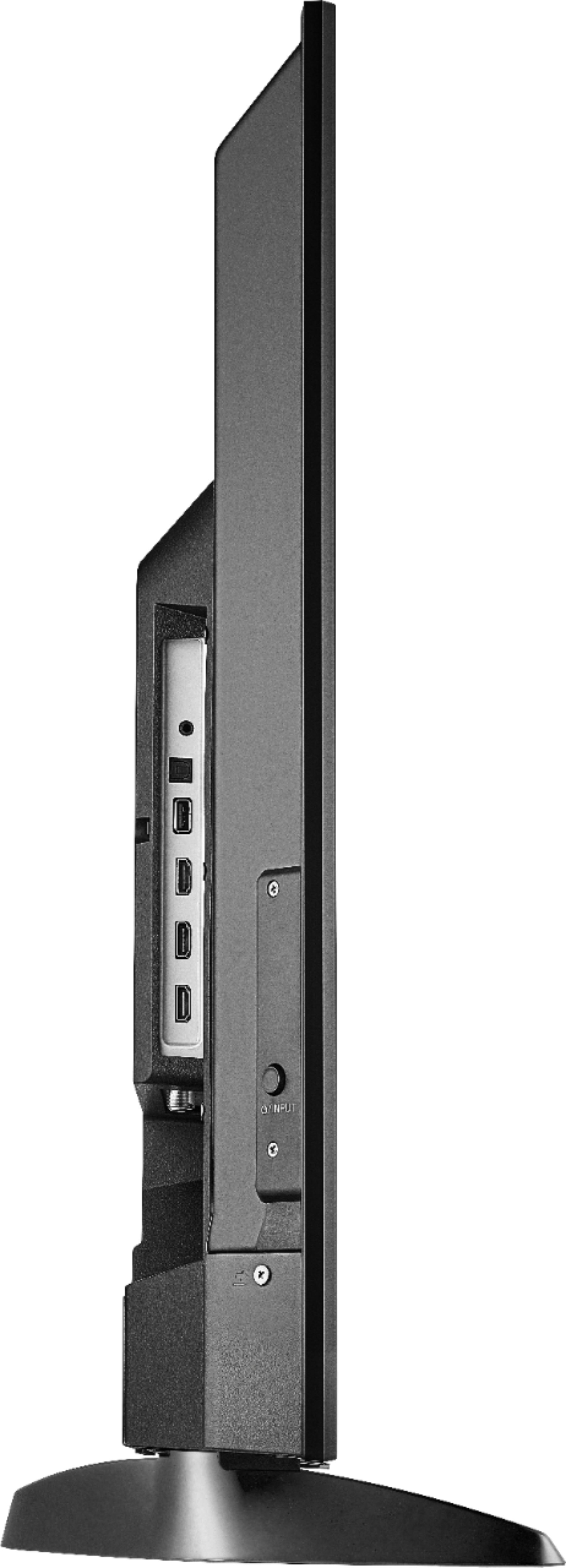
A:AnswerThe dimensions with stand (HxWxD): 23.9 × 38.1 × 9.1 inches
The stand width at the widest part (footprint): 28 inches
David M. - Toshiba Support
A:AnswerThis TV has the Fire OS 6
The replacement remote for the Fire TV Edition television is available at Best Buy;
Model: NS-RCFNA-19
Also, you can download the Amazon Fire TV app on your Smartphone to control your Fire TV Edition television.
David M. - Toshiba Support