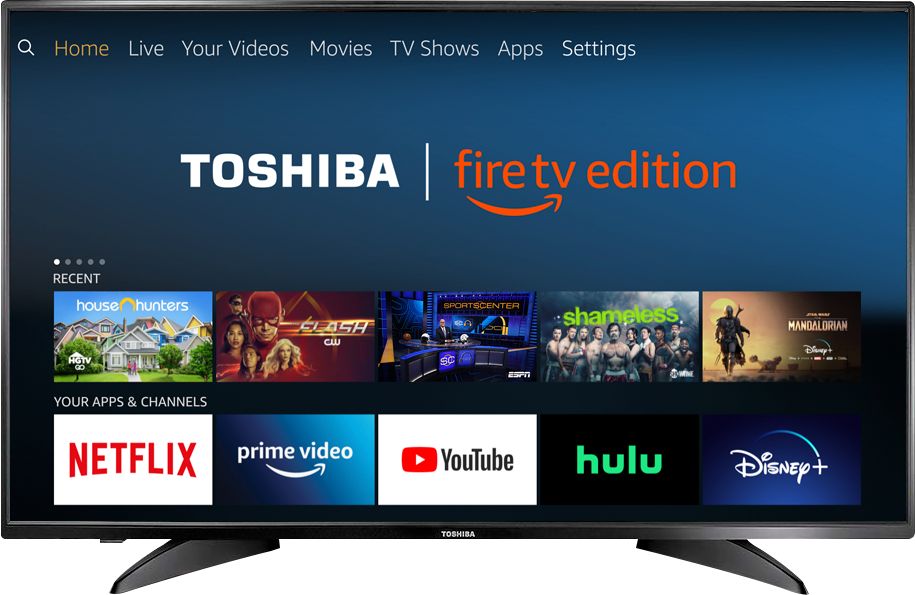
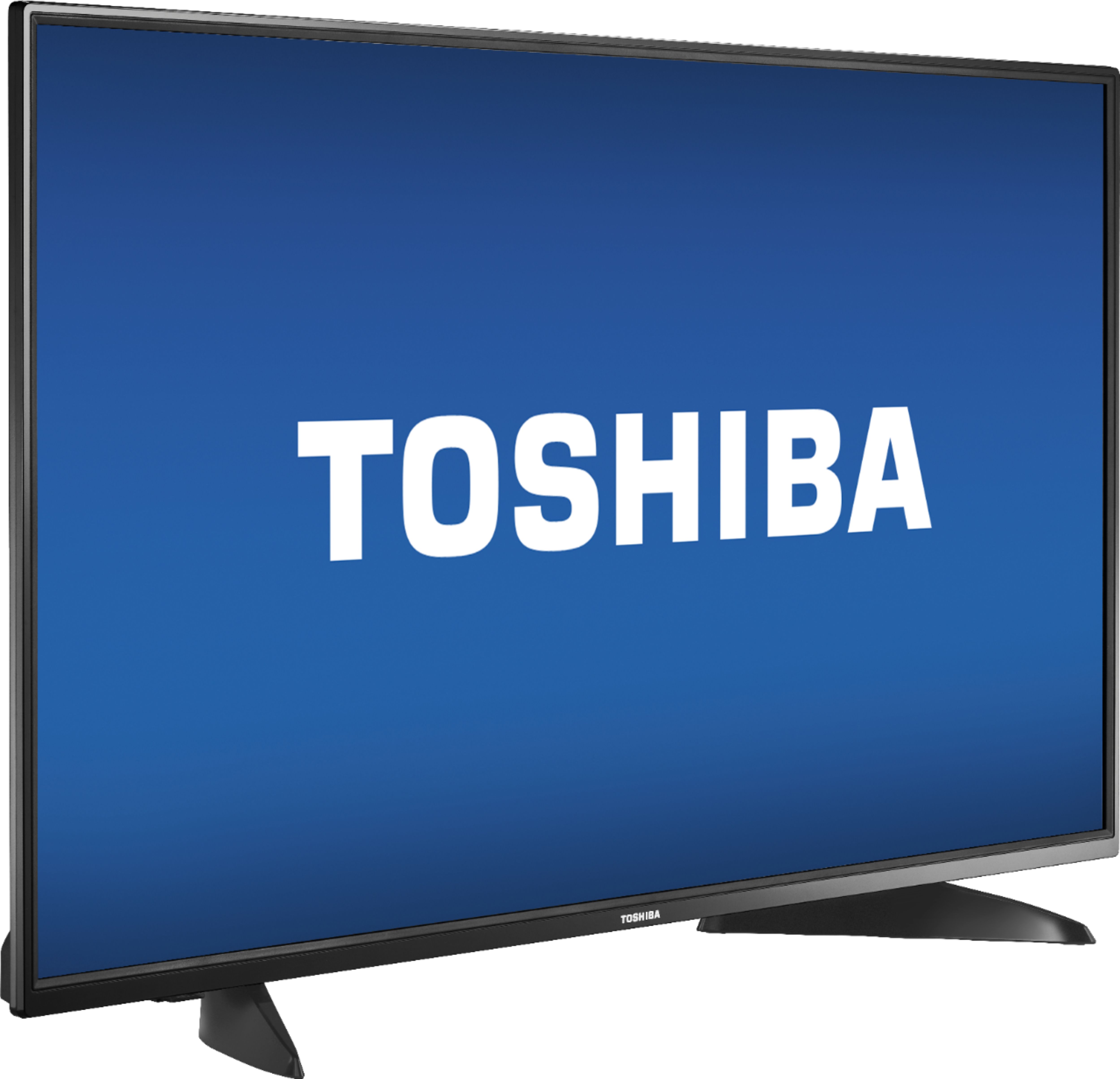
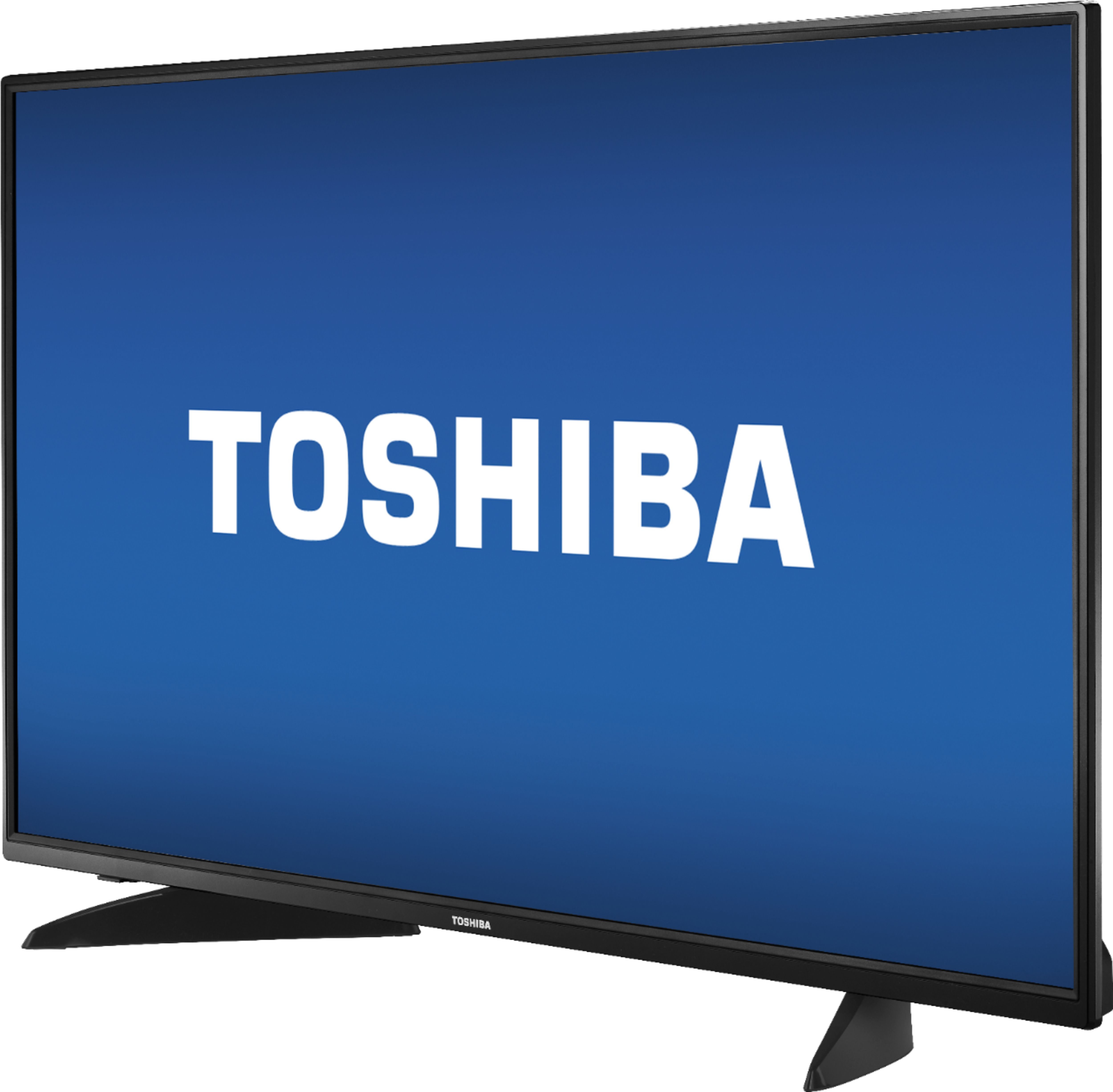
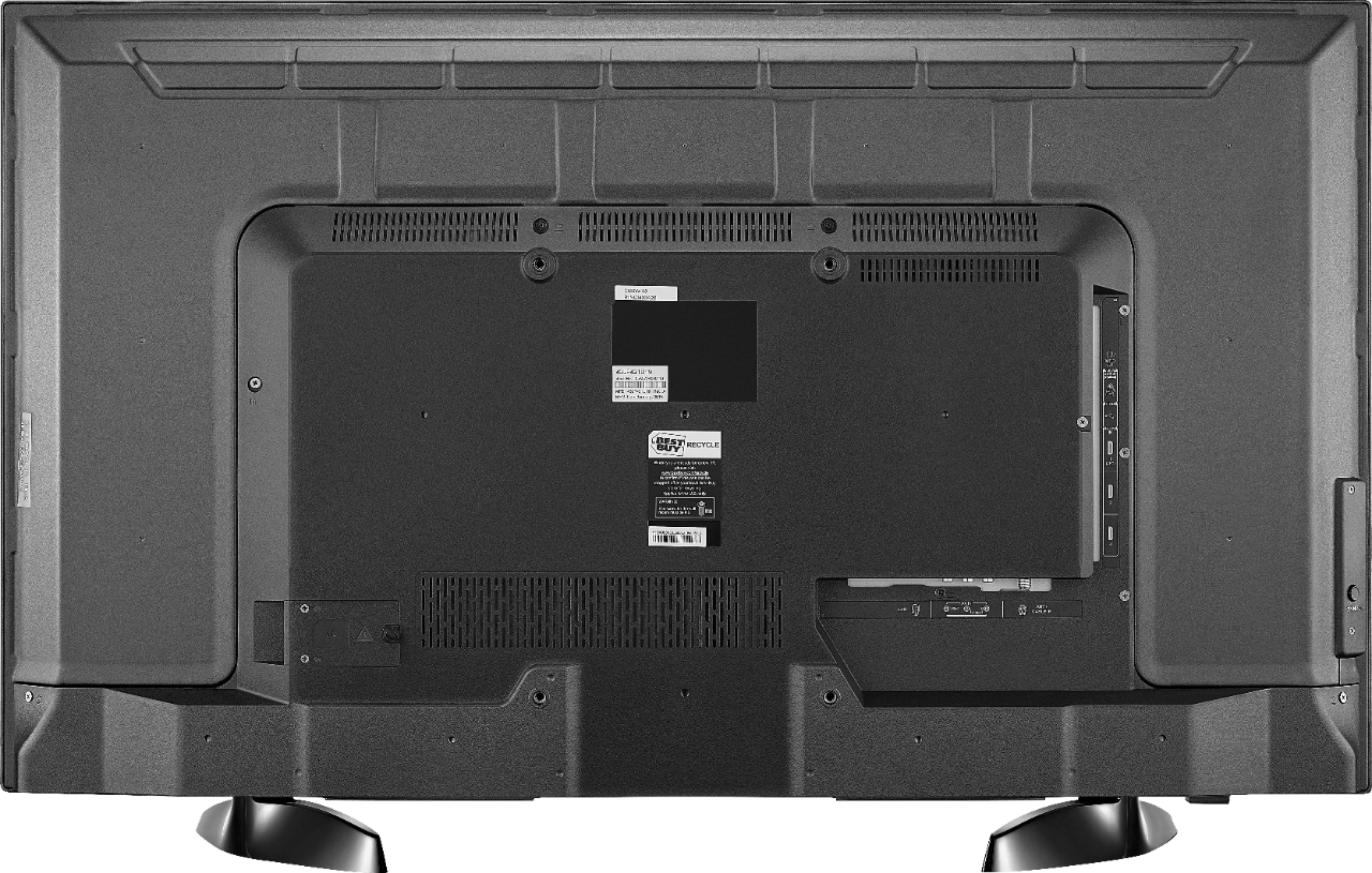
A:AnswerThe Fire TV Edition television features Data Monitoring, using the included remote go
Home > Settings > Preferences > Data Monitoring
David M. - Toshiba Support
A:AnswerYes, the Fire TV Edition television has a 1 year warranty.
For more information, please visit:
https://tvna.compal-toshiba.com/us/en/models/43lf421u19/
David M. - Toshiba Support
A:AnswerThe Fire TV Edition television does not support screen mirroring. You can connect an adapter or streaming device that supports it using HDMI.
David M. - Toshiba Support
A:AnswerAlexa is only activated by pressing the Mic button on the included Voice Remote.
Just use the other buttons on the remote to control the TV.
David M. - Toshiba Support
A:AnswerFor best video quality connect your Cable Box to the Fire TV Edition television using HDMI.
For Toshiba product support please call 1 (855) 527-2411 available from 8 am to 9 pm CT everyday.
David M. - Toshiba Support
A:AnswerOnce you turn it on get set up to your cable box use your model number from your cable guide then use your Toshiba remote turn it on press on the Mic that's lit up and start talking to Alexa tell her what move you want to watch or ask her anything if she knows it she will tell you,.. Connie Jo