A:AnswerU can make any tv a smart tv, all u have tondo is get any type of streaming device, such as a smart DVD player, google chrome, Roku stic, etc, such as life. Smart to are a little easier cause it's built in but setting a wifi DVD player is not that hard. I have 4 tvs in my house and only one is smart, it's a lot better of an option than paying for a smart tv. There's a lot of other parameters I would base my tv buying choices on.
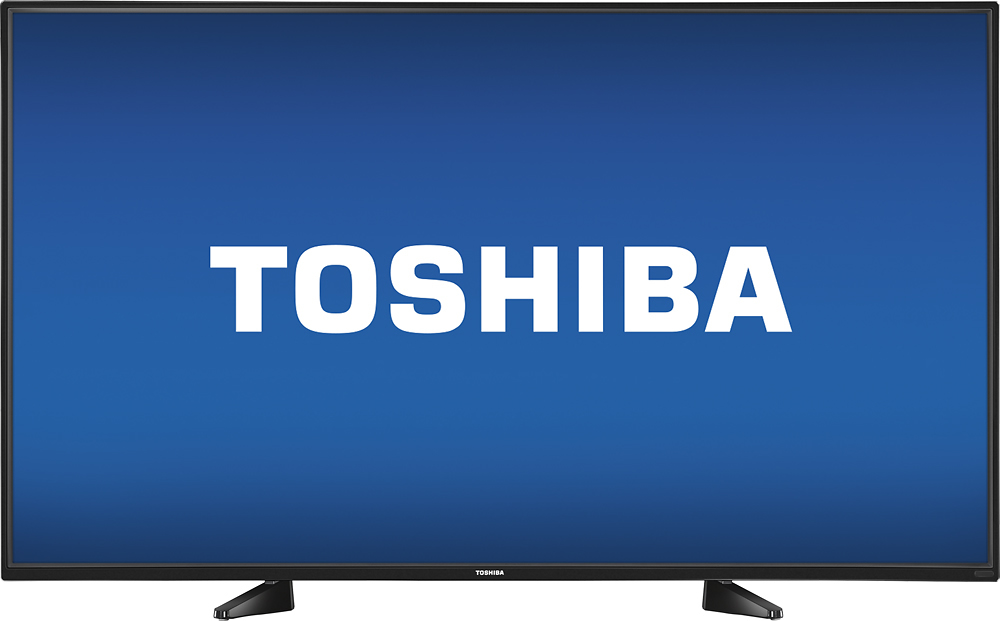
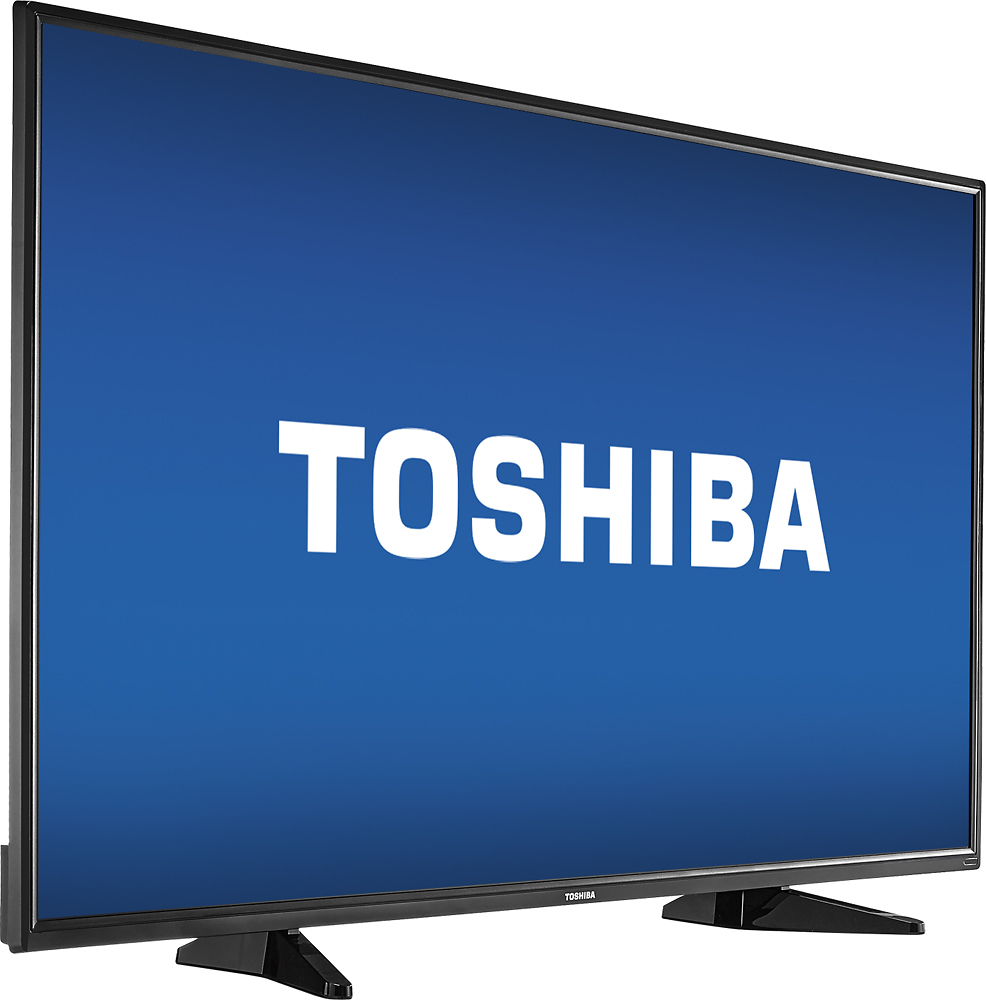
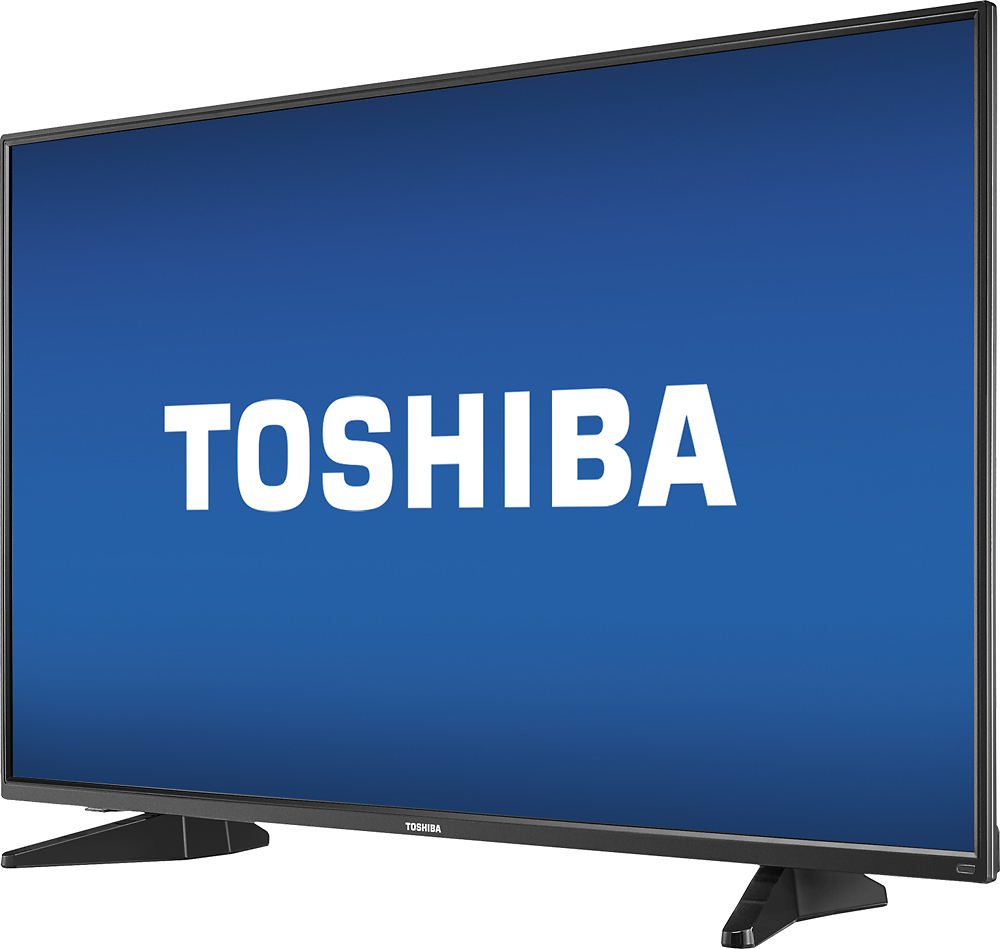
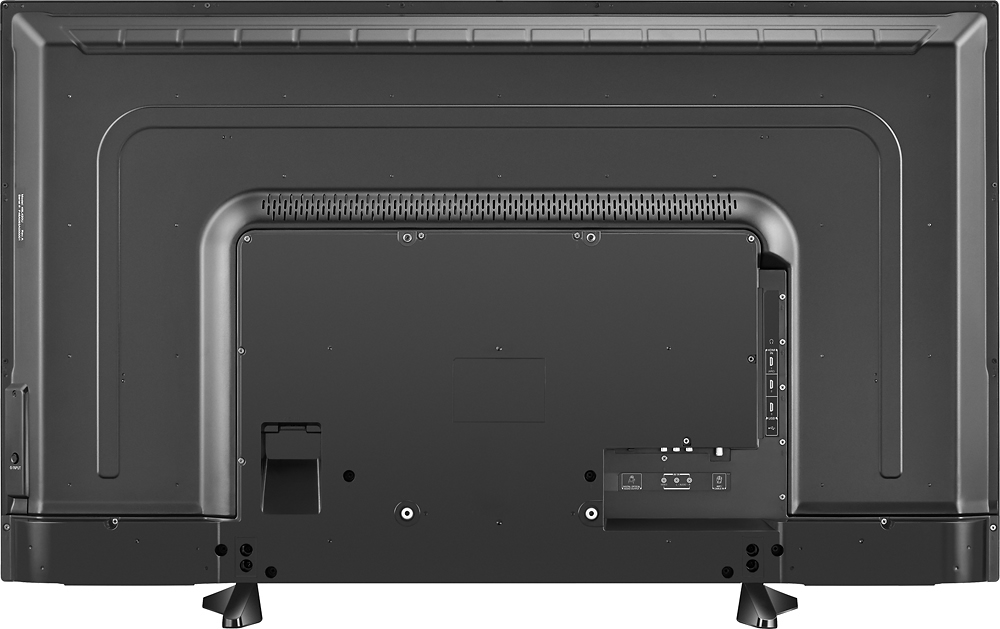
A:AnswerShort answer - Yes with the right wall mount. The Toshiba 49" has a VESA 200X300 wall mount pattern (rare) - Check out the VESA Pattern your mount will support. 200x200 and 300x300 will not necessarily support 200x300. Eyeball the specifications and call the mounts makers tech support number before buying the mount - do your homework
DETAILS
Yes, but with some potential difficulty. I bought it (49" Toshiba LED) and a Kanto PS300 Full Motion Wall Mount. I got the TV (open box/geek squad certified) and the mount and I am trying to see how things line up when I discovered they don't! For some ungodly reason, Toshiba opted to go with the rarer 200x300 Vesa pattern rather than 300x300 or 400x400, and my super solid heavy duty mount was not compatible. I called Kanto and spoke with tech support. I was told that 200x300 wasn't supported. I asked if I could make it work, and the guy looked up Vesa wall mount adapters, and came up with Arrowmounts AM-201D Vesa 400 x 200 (looks like a mask). The adapter plate had the 200x300 holes and would mate to the Kanto PS300. To my amazement, tech support guy says, what's your address I'll ship you one...whaaaaaaat?. He said, I got you. Part got to me in a week and mated right up using the screws and bolts that came with the adapter for mating and the shorter M6 screw from the mount to the TV. The mount (mounted in concrete w/ lag shields) held my weight (250 lbs) .. super strong and heavy duty. --Long story short-- Check the Vesa pattern the mount supports and make sure it supports 200x300 OR be prepared to get an adapter plate. Try finding a PDF for both TV and Mount and try figuring out if mount is compatible. I'd rather get a heavy duty mount and adapt it than get a weaker mount that happened to support 200x300. Thank You to Jason at Kanto, due to your high quality product and your taking care of your customer (me!), you have created a loyal customer, and I couldn't recommend you more! TV and mount worked out beautifully in the end.
A:AnswerI don't know if there is a "number". But I will tell you is that I currently have a 40-inch LCD Toshiba that I purchased 11 years ago. No problems with the TV and the picture is great.
A:AnswerMy grandsons and I had a really hard time figuring this out too. We finally laid it facedown on the bed and I turned the feet every which way when all of a sudden it clicked, slid into place easily and the screws fit perfectly. This is one for an old grandma.
A:AnswerYou can't play movies from a hard drive directly on this TV. However, you can play video from a computer that has an HDMI port on this TV. (If you own a laptop computer that's less than 5 years old, it probably has an HDMI port.) If you connect that computer to your TV set with an HDMI cable, and then plug the hard drive into one of the computer's USB ports, then you can use the computer to play video from the hard drive on the TV.
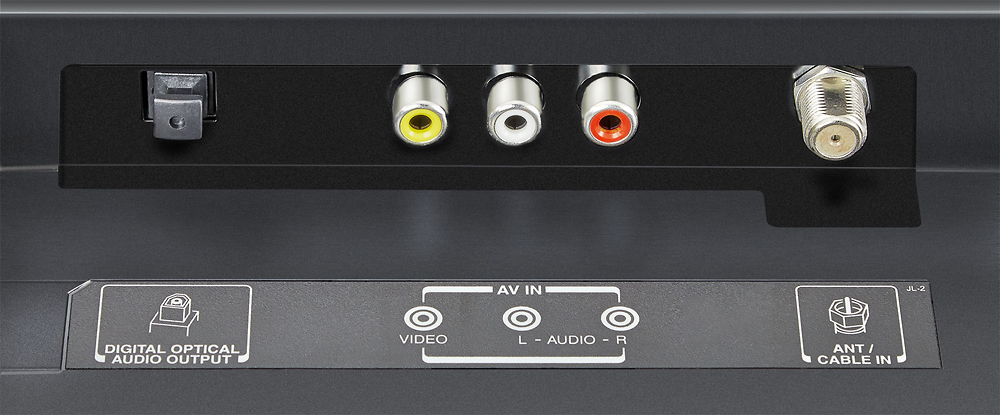
A:AnswerYes. The antenna connects to the coaxial port on the back of the TV set.
Best Buy sells many HDTV antennas, and I don't have a specific recommendation for that.
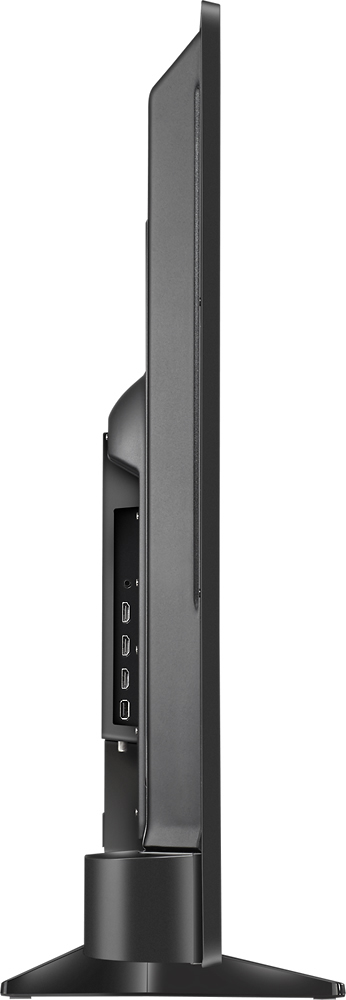
A:AnswerThe one I received August 2017 has a headphone jack, it's awesome because when you plug something in, it gives you a choice of output volume to be controlled by the tv or by the device your pluggin in. Very flexible! 1 USB port.
A:Answer47in x 6in x 25in I ordered my online to be shipped & Surprisingly it was double-boxed, so the outer box supplied by bestbuy adds about an inch to the dimensions of the product box