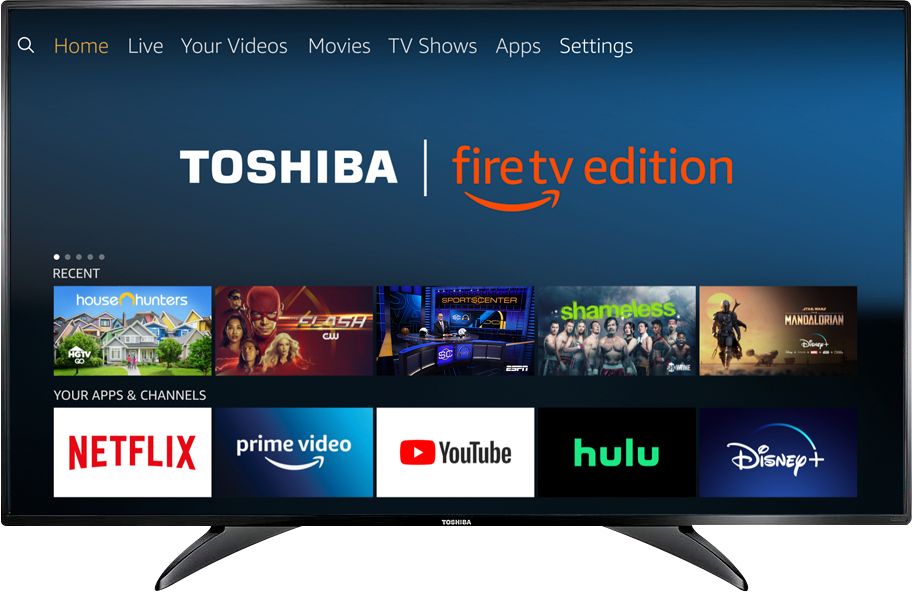
A:AnswerThe Fire TV Edition television does not support Screen Mirroring (Miracast).
You can try to use a Microsoft Wireless Display Adapter.
David M. - Toshiba Support
A:AnswerI had the same problem and found a setting that lets me return to the last option used, cable TV for me
It's somewhere in the settings but not very clear. It helps a little but does not eliminate all of that stuff when you first turn the TV on. My biggest concern is I can't easily get to the sleep timer without going through four steps
A:AnswerUse your remote above your enter button there are 3 buttons from the left to the right there is a return button and in the center there is a home button an finally there is a button Witch has 3 lines on it but first click on and highlight the one that you want to remove just click on it and a icon will pop up with options just scroll down to where it says remove from cloud and then just click enter and then enter again to Verify to remove it from cloud !!!
A:AnswerYou are going to have to purchase a Roku stick from Wal-Mart or your favorite store, and then you will have access to the Roku app! Plug it into your HDMI
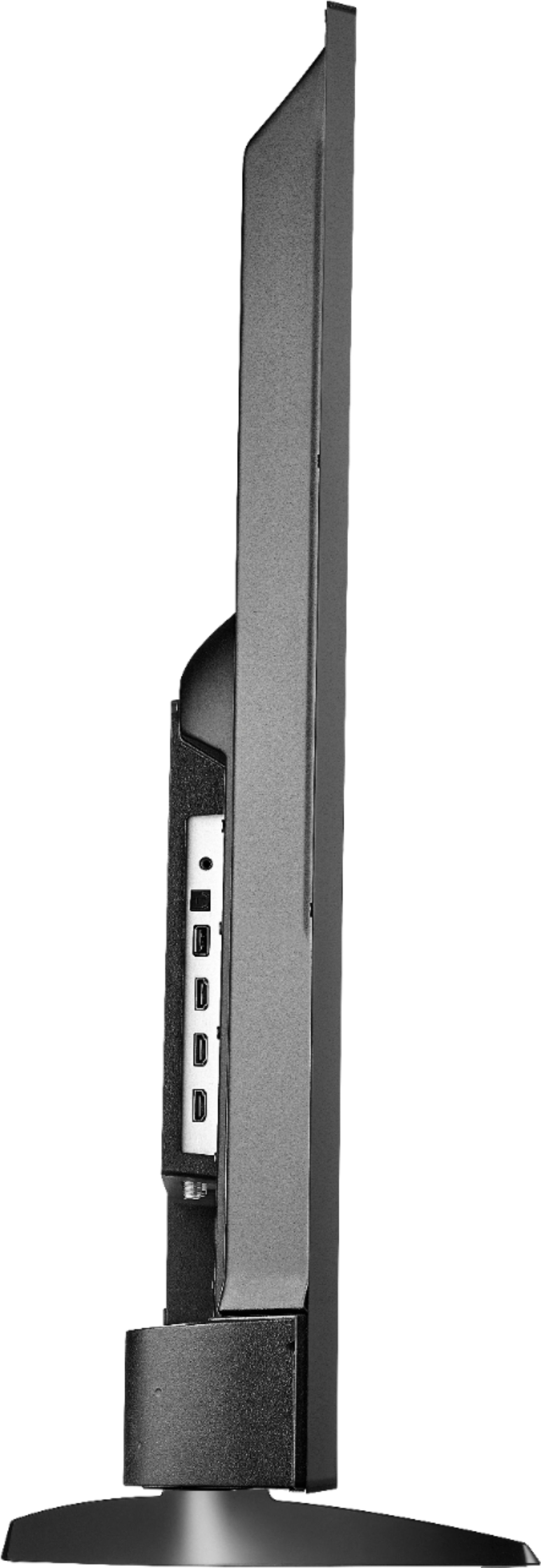
A:AnswerIt can be mounted on a wall. I used a wall mount from Best Buy which allowed a range of distances between mounting bolts. It was quick and easy after I found the studs.