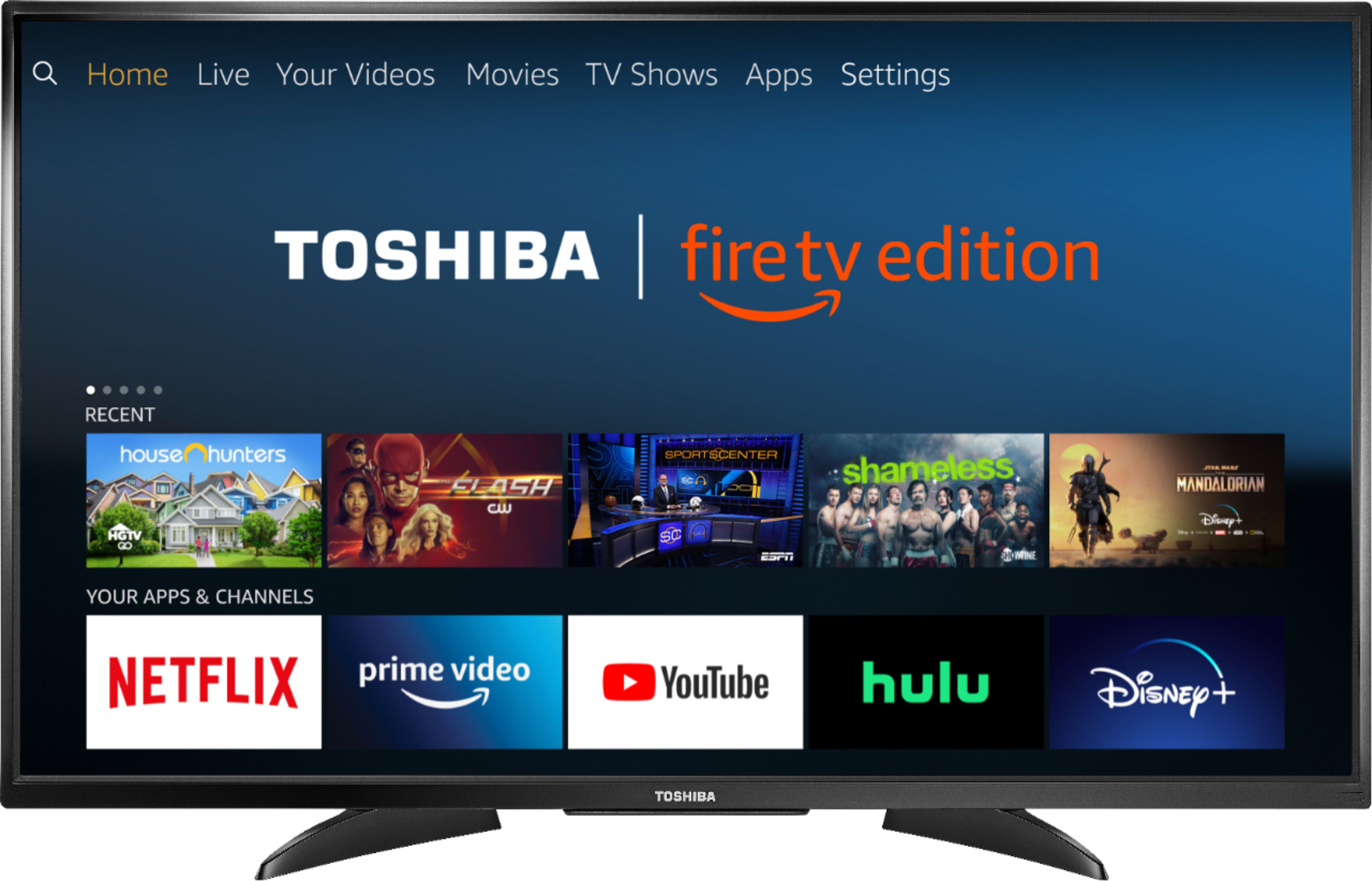
A:AnswerIt works overseas. You can even have satellite options Directv,Dish and also Netflix with subscription. I have a son that has one. He leaves overseas.
A:AnswerThe replacement remote for this TV is available at Best Buy Model: NS-RCFNA-19.
Also you can download the Amazon Fire TV app on your smartphone to control your Fire TV Edition television via Wi-Fi.
David M. - Toshiba Support
A:AnswerGo to settings and select display and sounds. Go to power on selection. Change your power on to 'last input' instead of home screen. The manual can be downloaded and printed from here:
http://tvna.compal-toshiba.com/us/wp-content/uploads/sites/2/2018/07/20181203022143_toshiba_firetvedition_web_18-0644_v3_en_final_lr.pdf
A:AnswerTry to press and hold the Home button for 3 seconds to launch the Quick Access menu, select Display settings to adjust the Picture Size and Aspect Ratio.
David M. - Toshiba Support
A:AnswerThe Fire TV Edition television features built-in Wi-Fi so you can connect it to a wireless network. The TV requires a strong stable high-speed internet connection to stream content.
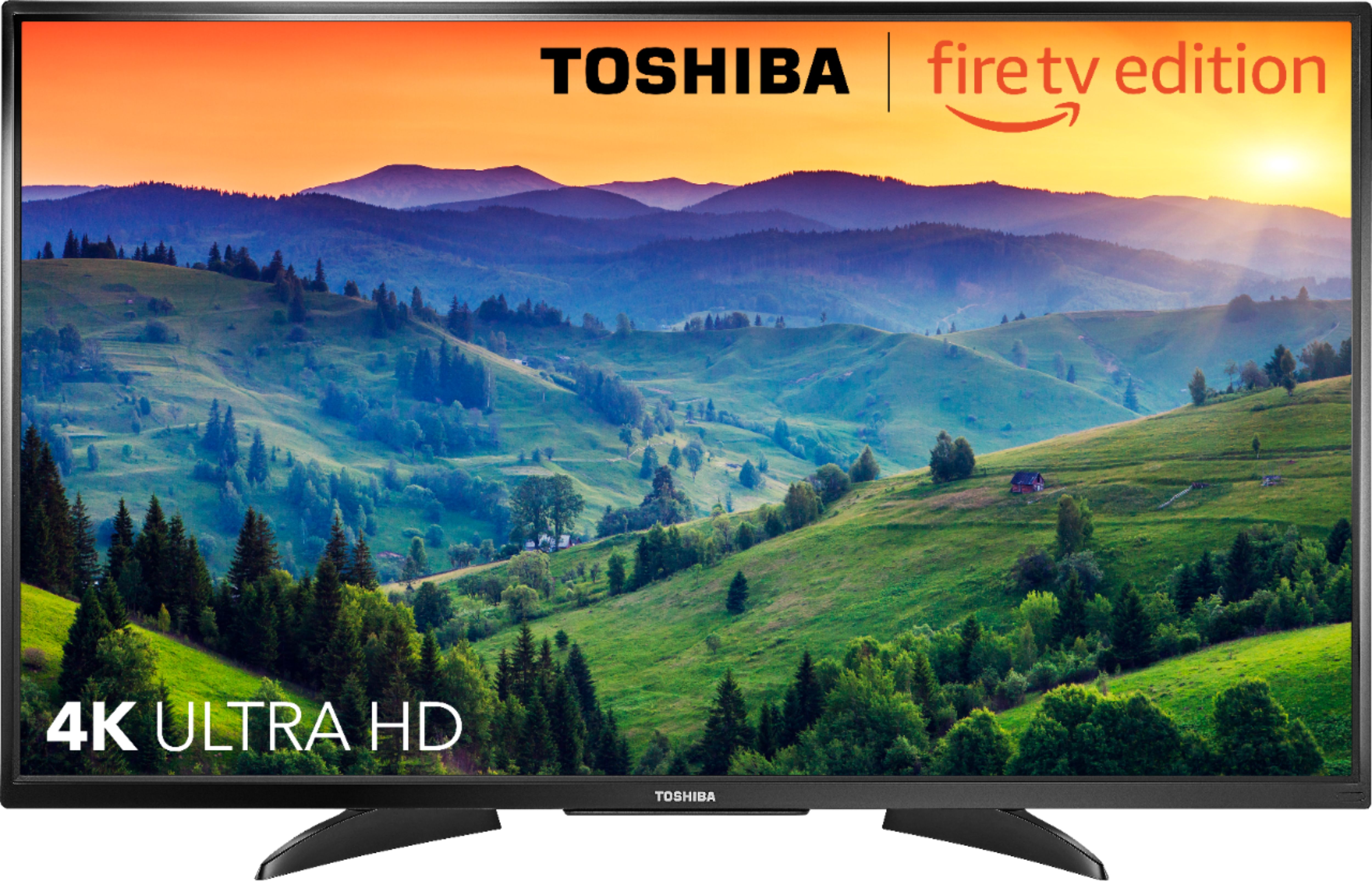
For example Netflix recommends an internet speed of 25 Mbps for 4K content.
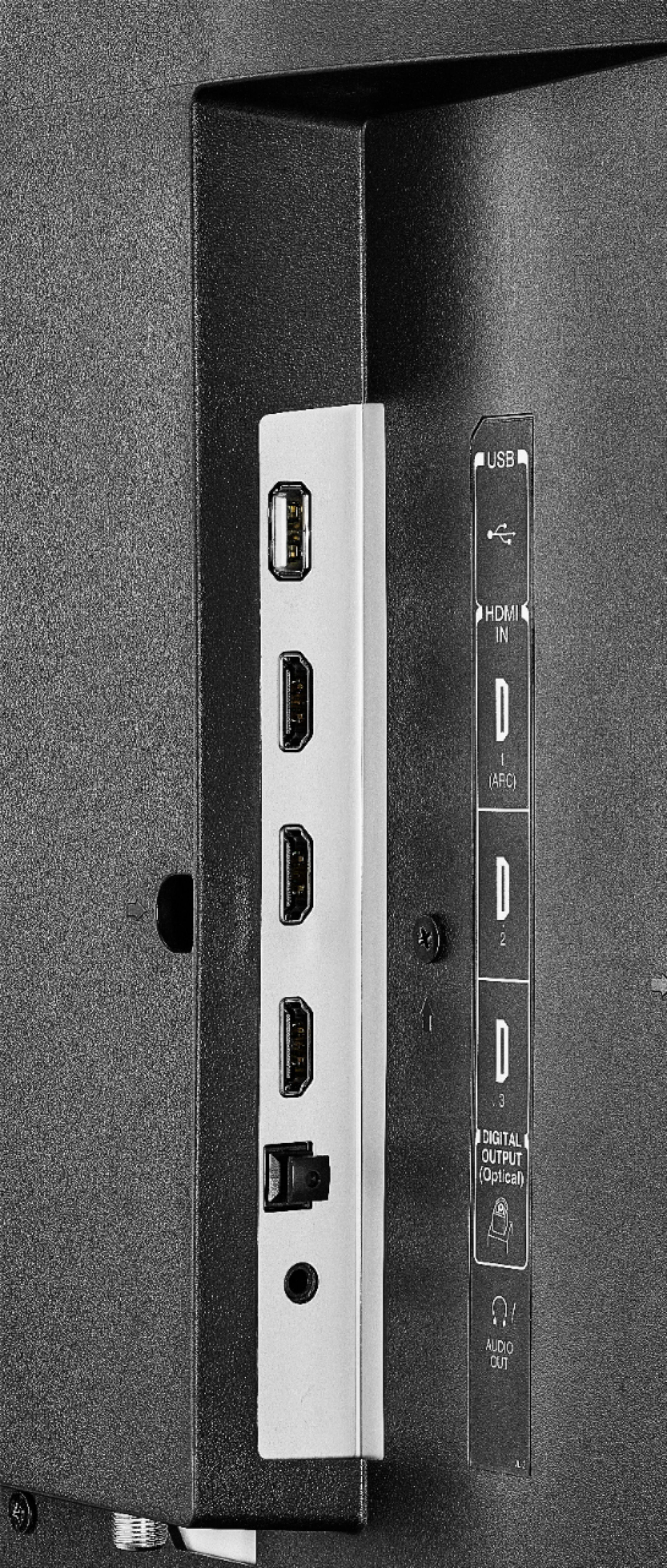
You can connect an Antenna to watch free over-the-air broadcasts from your local channels.
David M. - Toshiba Support