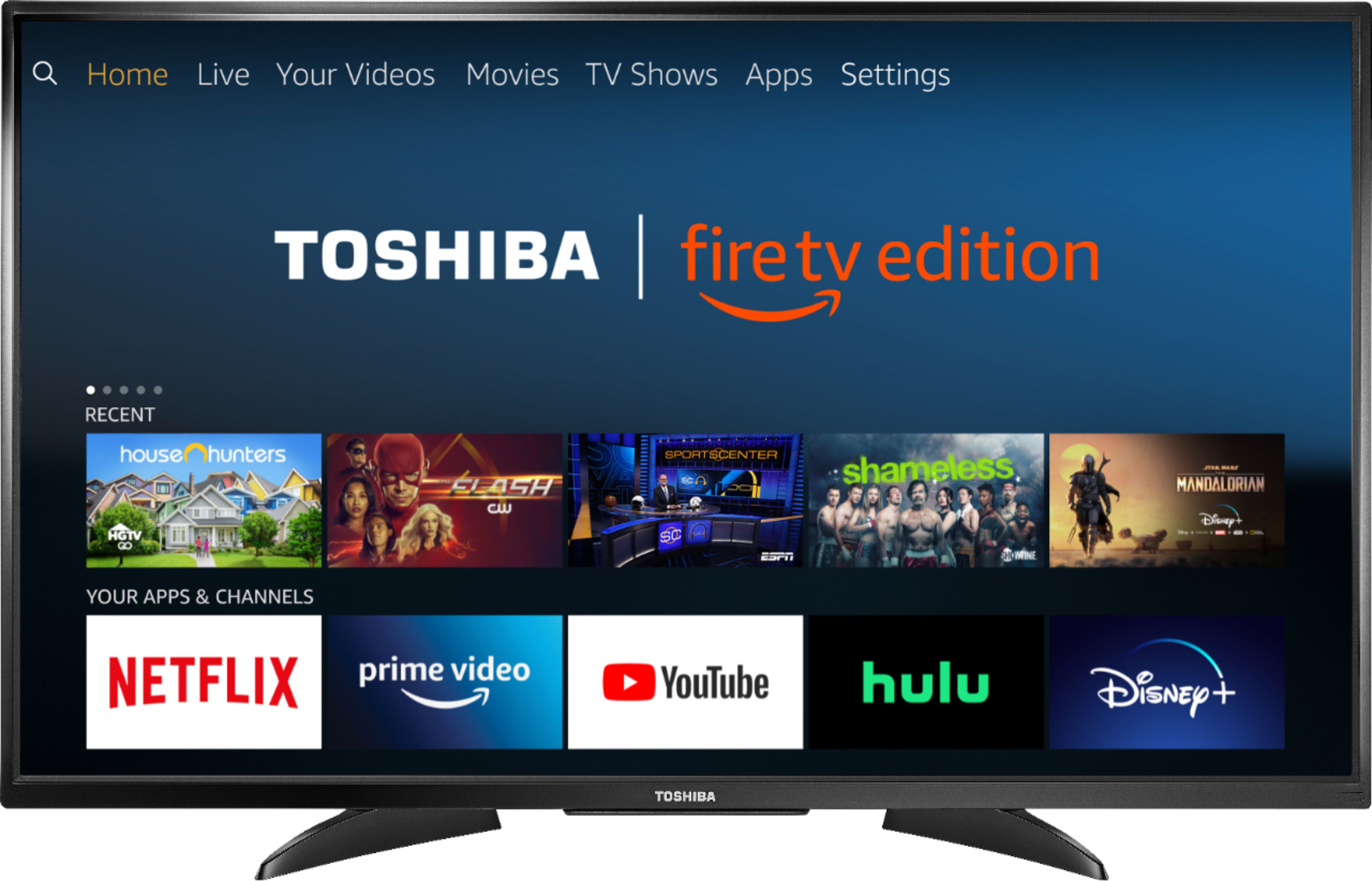
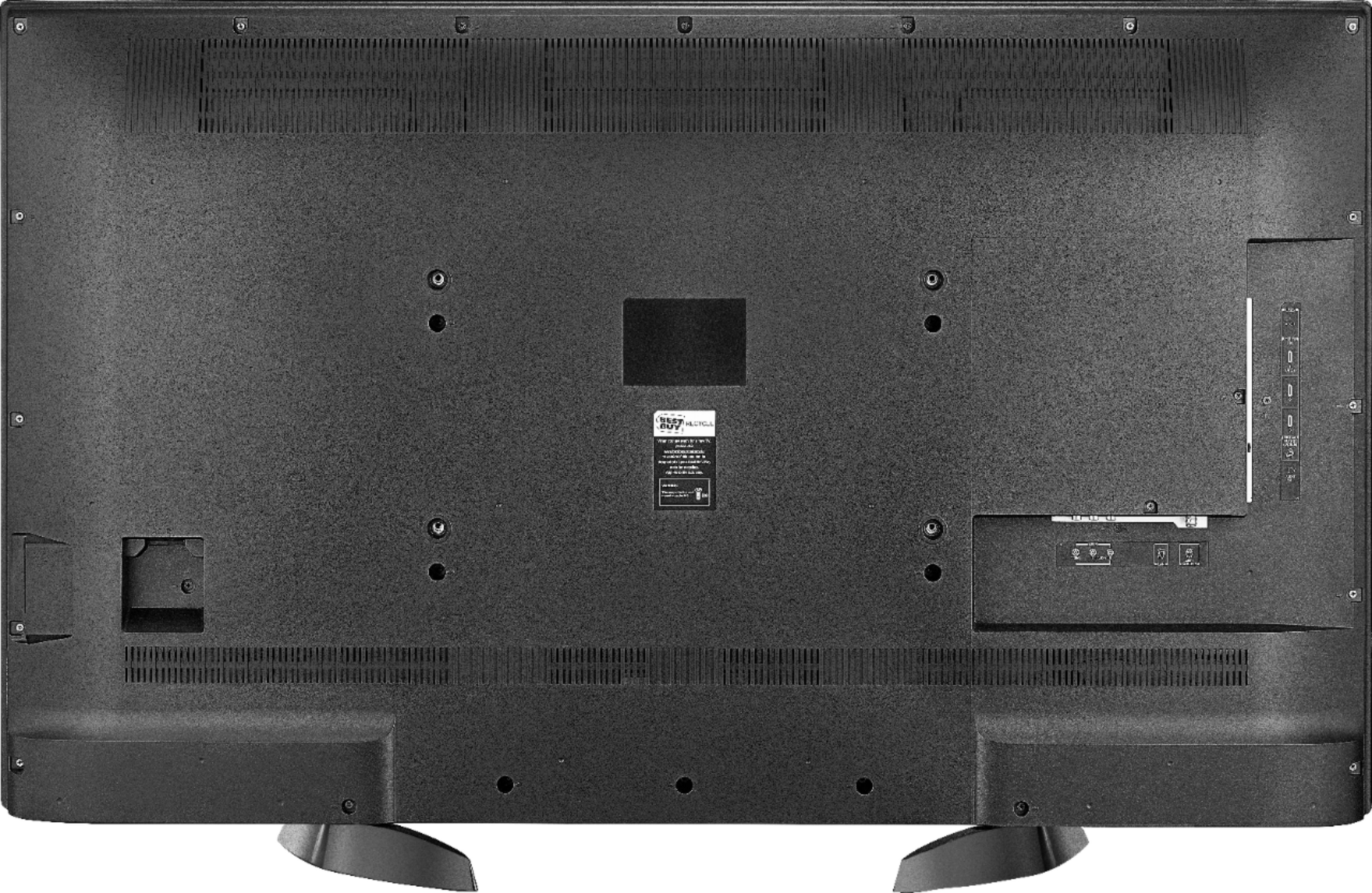
A:AnswerYes, you certainly can. It was very easy to program. Just go through the programming input on your TV and it automatically updates your controller.
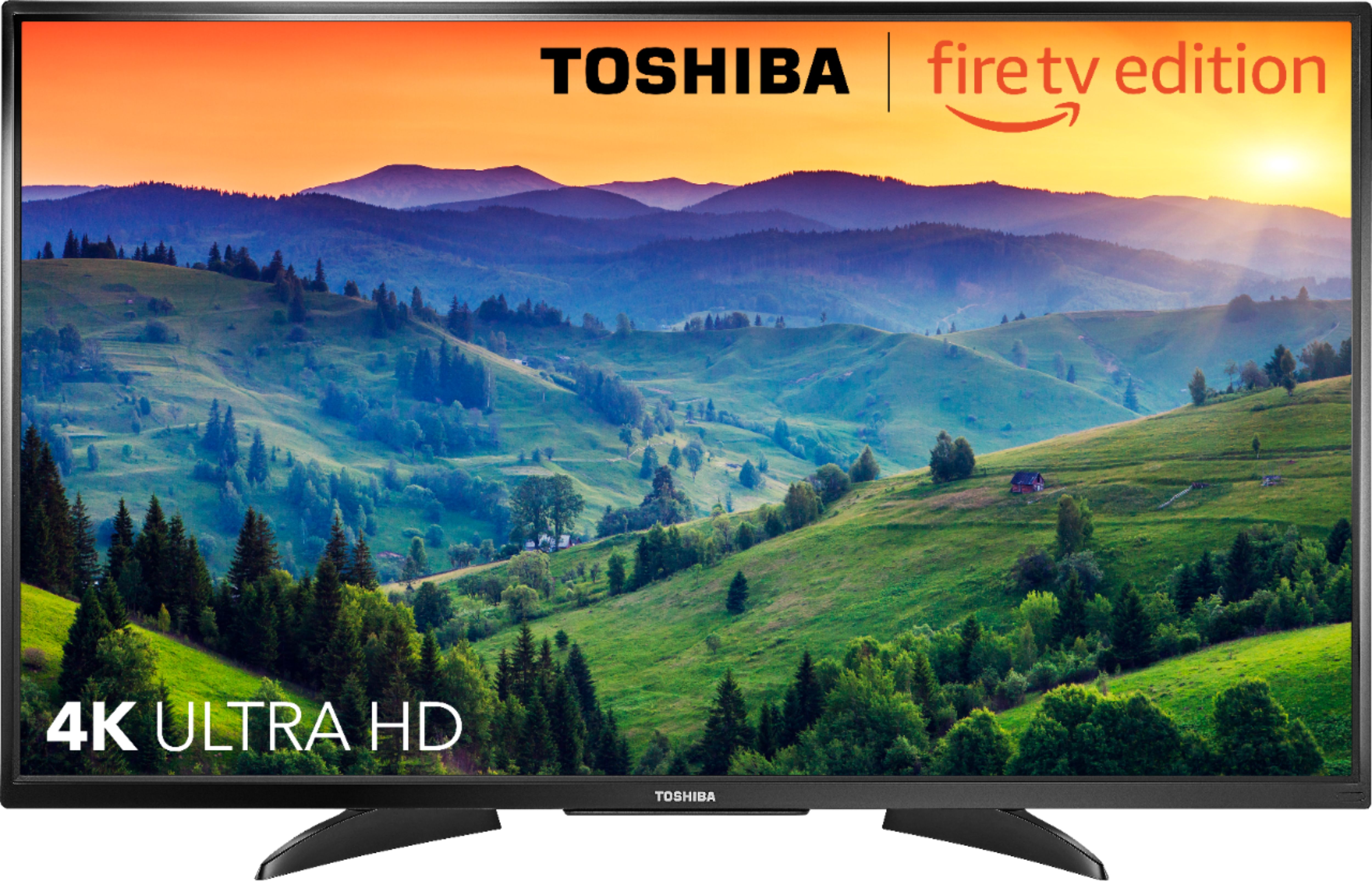
A:AnswerI bought the PS4 with Spiderman game bundle on Black Friday. I like the quality. The picture looks clear and clean because it's still high definition. I'm satisfied with the quality.
A:AnswerTHE SOUND ON OURS IS GREAT NICE RANGE OF VOLUME'S WE PLAY IT ON LOW WHEN MY HUSBAND ISN'T IN THE ROOM BUT HE IS HARD OF HEARING AND TURNS IT UP REALLY LOUD. VERY CLEAR TONE ON THE SPEACH. THIS IS A GREAT TV.
A:AnswerTry going to remote setting and re-Pair it to the tv.... choose add remote.. it then tells You what to do. I purchased a spare remote and paired it and they both work fine. Hope this helps
A:AnswerPlease refer to the online user manual which you can find at WWW.Toshiba.com. Once on the site you will need to enter your TV model number to access the manual.The manual is in the form of a downloadable PDF.
A:AnswerTry to press and hold the Home button for 3 seconds to launch the Quick Access menu, select Picture to adjust the picture settings.
David M. - Toshiba Support