A:AnswerHi Toshiba customer! This TV supports Bluetooth connectivity. If you have any further questions, feel free to give us a call at 1-888-407-0396 or send us an email at [email protected]. Thanks Again, Toshiba Support Team
A:AnswerHi David! Under Buying Options, you should be able to find one with Installation option. If you have any further questions, feel free to give us a call at 1-888-407-0396 or send us an email at [email protected]. Thanks Again, Toshiba Support Team
A:AnswerHello Toshiba Customer! When the TV is connected to a Bluetooth audio device, it will only output audio through the device. If you have any further questions, feel free to give us a call at 1-888-407-0396 or send us an email at [email protected]. Thanks Again, Toshiba Support Team
A:AnswerHi Jansu, thank you for your interest in the Toshiba 50C350KU. Go to Settings from the home screen on your Toshiba remote. Scroll until you find Preferences. Click Preferences, then you'll see your Privacy Settings. If you have any further questions or concerns please give us a call at 1-888-407-0396 or email us at [email protected]. Thanks again, Toshiba Support Team.
A:AnswerHi lawman, thank you for your interest in the Toshiba 50C350KU. The storage capacity for the TV is 16 Gb ROM. If you have any further questions or concerns, please give us a call at 1-888-935-8880 or email us at [email protected]. Thanks again, Harley with the Hisense Support Team.
A:AnswerHi Manny, thank you for your interest in the Hisense 50C350KU. Please reach out directly to our support team at 1-888-407-0396 or email us at [email protected], so we can assist with your query. Thanks again, Toshiba Support Team.
A:AnswerHi JoeChicago, thank you for your interest in the 50C350KU. Yes the software is already built-in. If you have any further questions or concerns, please give us a call at 1-888-407-0396 or email us at [email protected]. Thanks again, Toshiba Support Team.
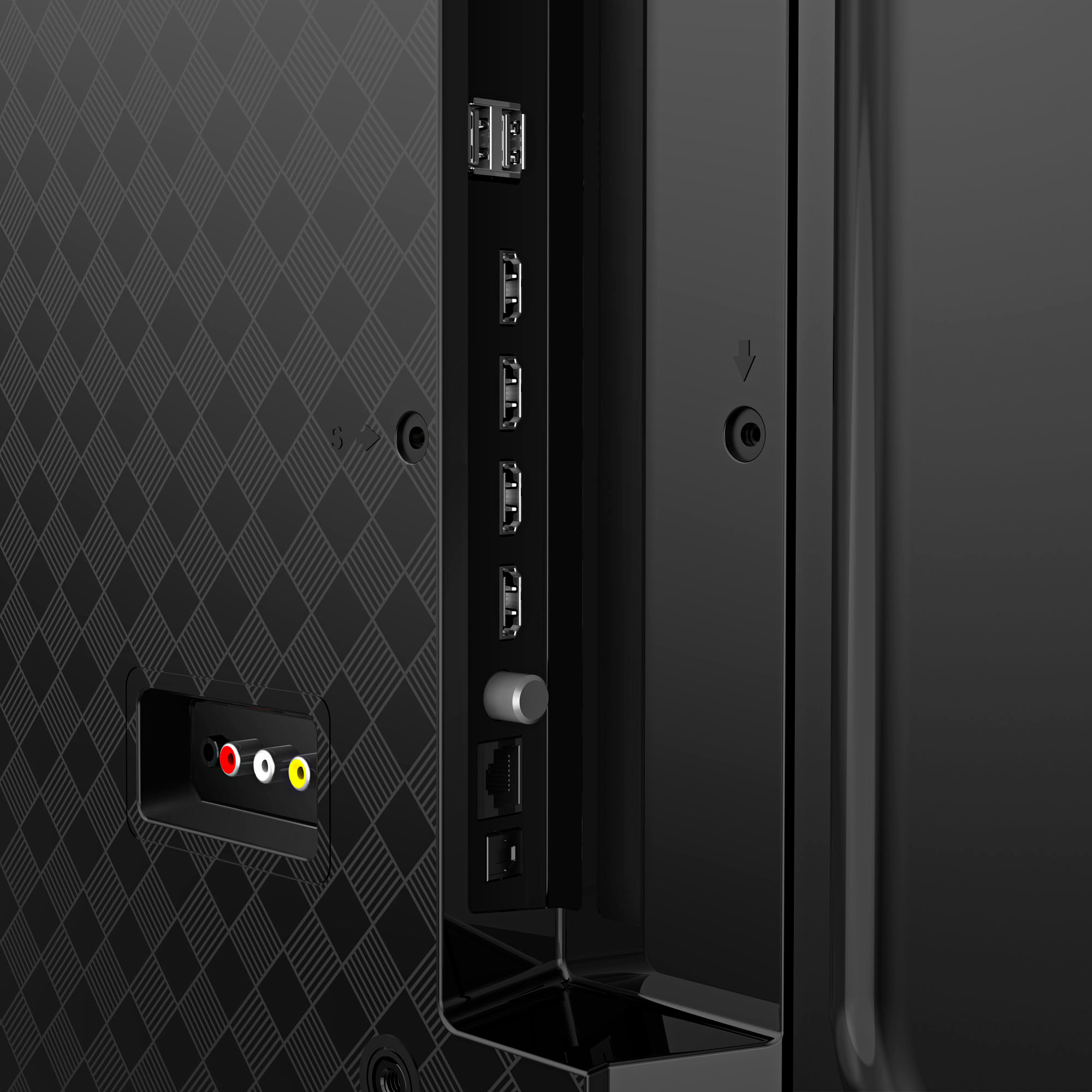
A:AnswerThe TV controls the volume and mute in the headphone jack but not in the digital audio output. I used the headphone jack and a 3.5mm connector to male RCA connectors cable to connect my Bose Solo10 audio system. This works great. My older Bose doesn't have an HDMI input.
A:AnswerHello Rick, thank you for your interest in the Toshiba 50C350KU. Unfortunately, there is no way to choose between multiple caption tracks in the default media player. However, you able to download a different media player from the Fire TV App Store. If you have any further questions or concerns, please give us a call at 1-888-407-0396 or email us at [email protected]. Thanks again, Harley with the Toshiba Support Team.
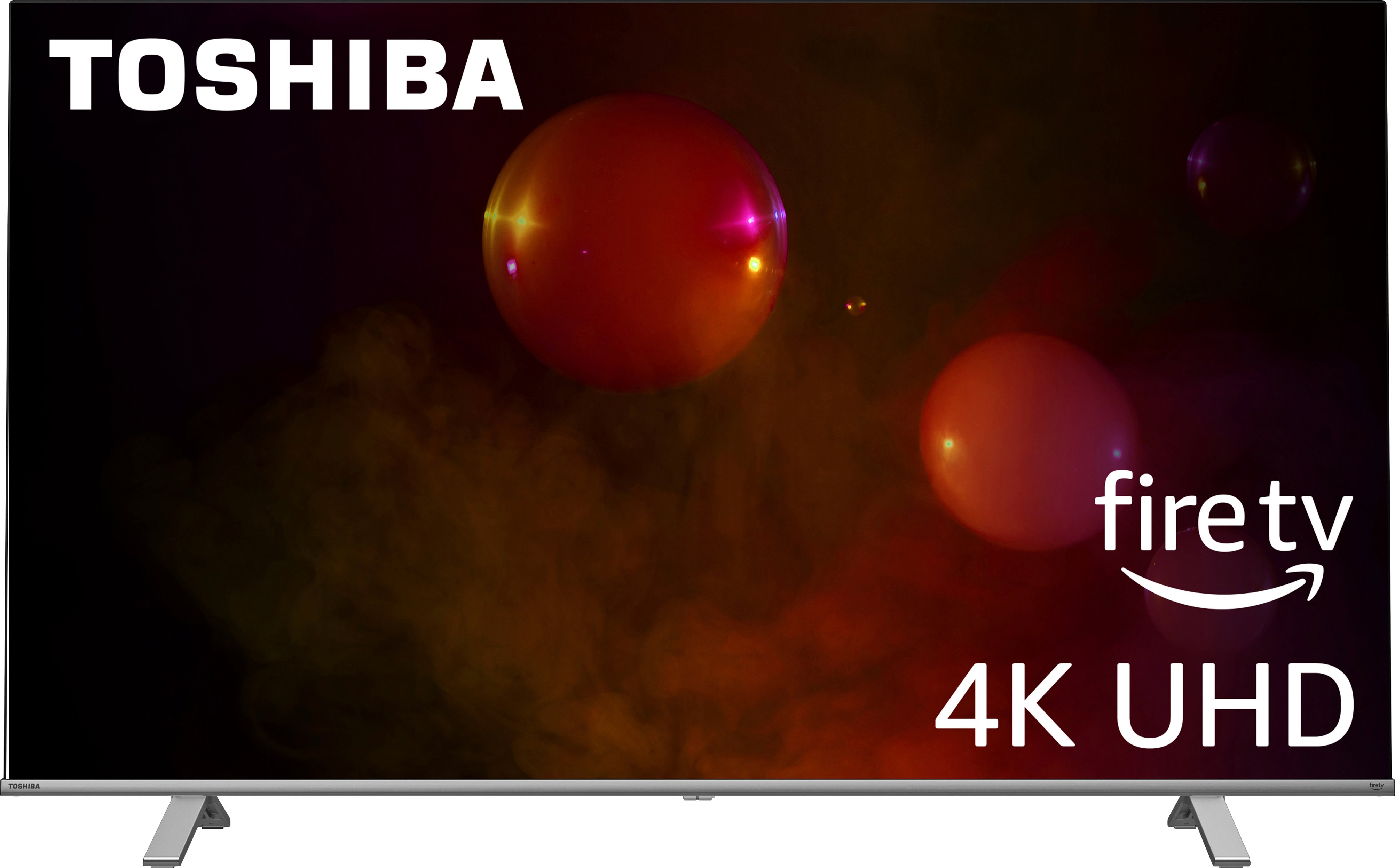
A:AnswerHello Jules, thank you for your interest in the Toshiba 50C350KU and for taking the time to provide us with feedback. We're sorry to hear that your unit has a dark line on the screen. Please contact BestBuy to file a shipping claim. I'm confident that our partner at BestBuy will take care of you. Thanks again, Harley with the Toshiba Support Team.
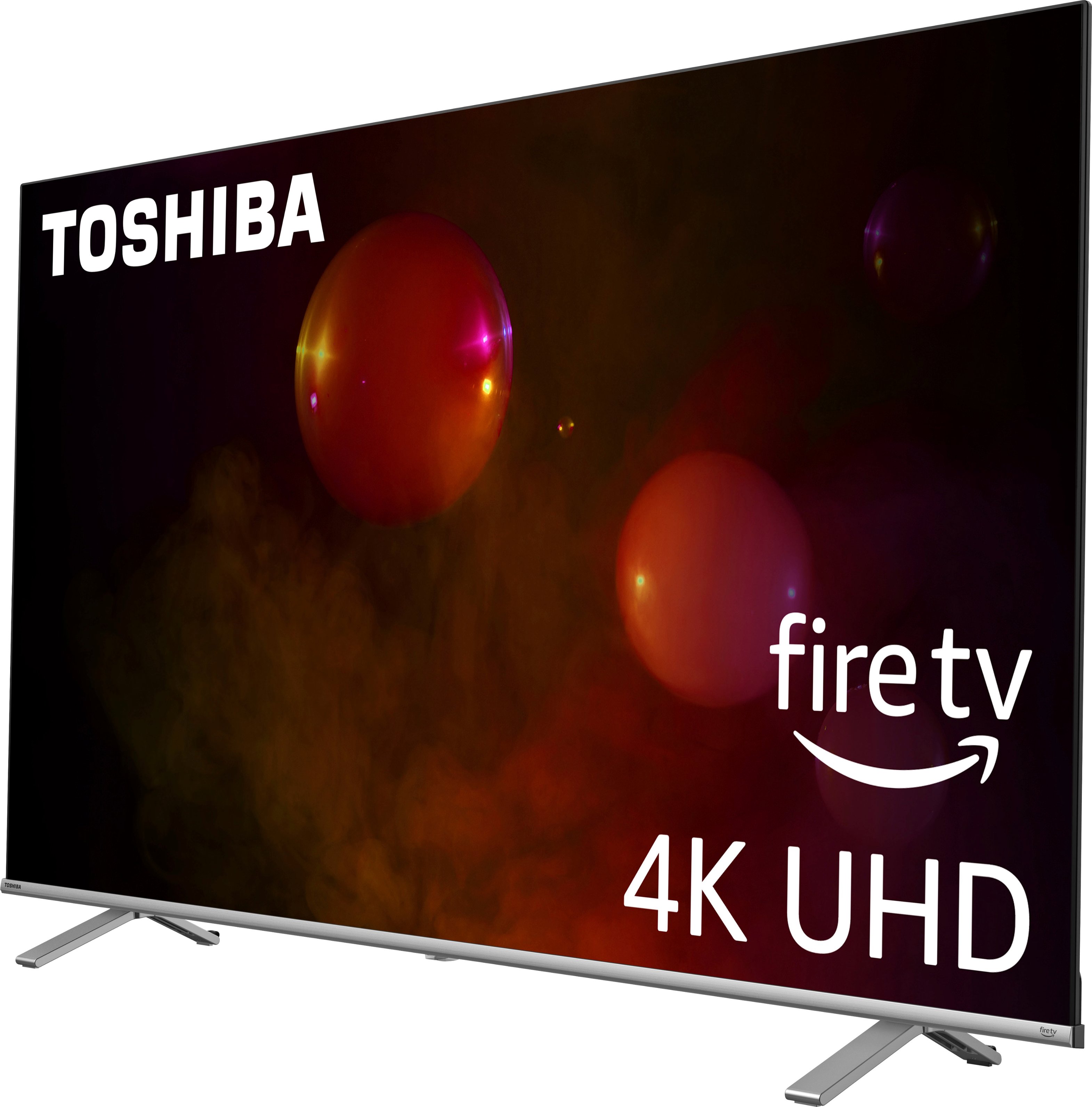
A:AnswerHi Toshiba Customer, thank you for your interest in the Toshiba 50C350KU. Yes, this model does have the closed caption feature. If you have any further questions or concerns, please give us a call at 1-888-407-0396 or email us at [email protected] again, Toshiba Support Team.
A:AnswerHi Toshiba customer! Apple TV app is not available on Fire TV app store. However, you can connect an Apple TV device (purchased separately) to this TV through HDMI. If you have any further questions, feel free to give us a call at 1-888-407-0396 or send us an email at [email protected]. Thanks Again, Toshiba Support Team
A:AnswerHello Lucy, thank you for your interest in the Toshiba 50C350KU. To adjust the picture size please press the Settings (gear wheel) button on your remote > Display > Picture Size. If you have any further questions or concerns, please give us a call at 1-888-407-0396 or email us at [email protected]. Thanks again, Toshiba Support Team.