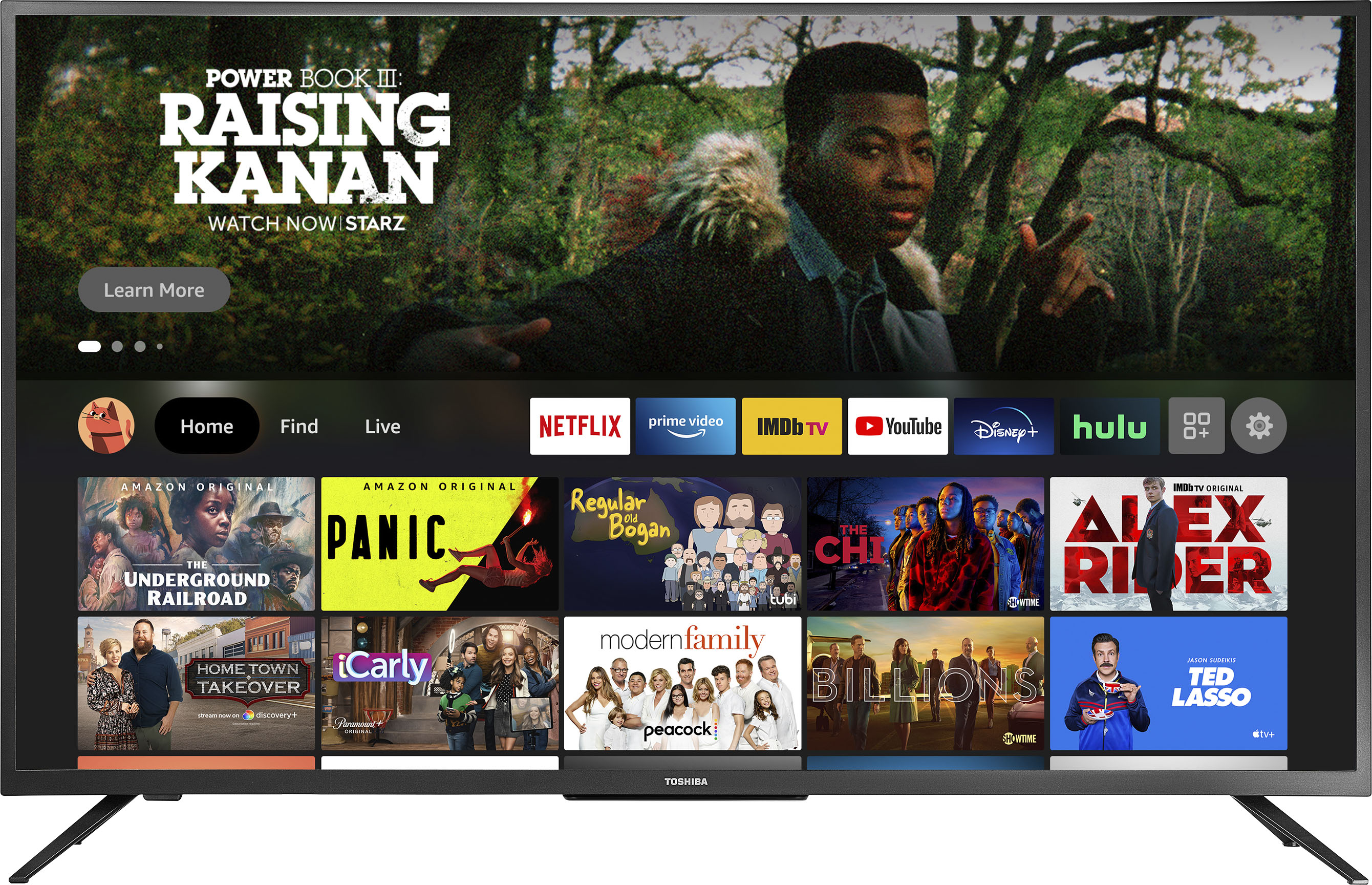
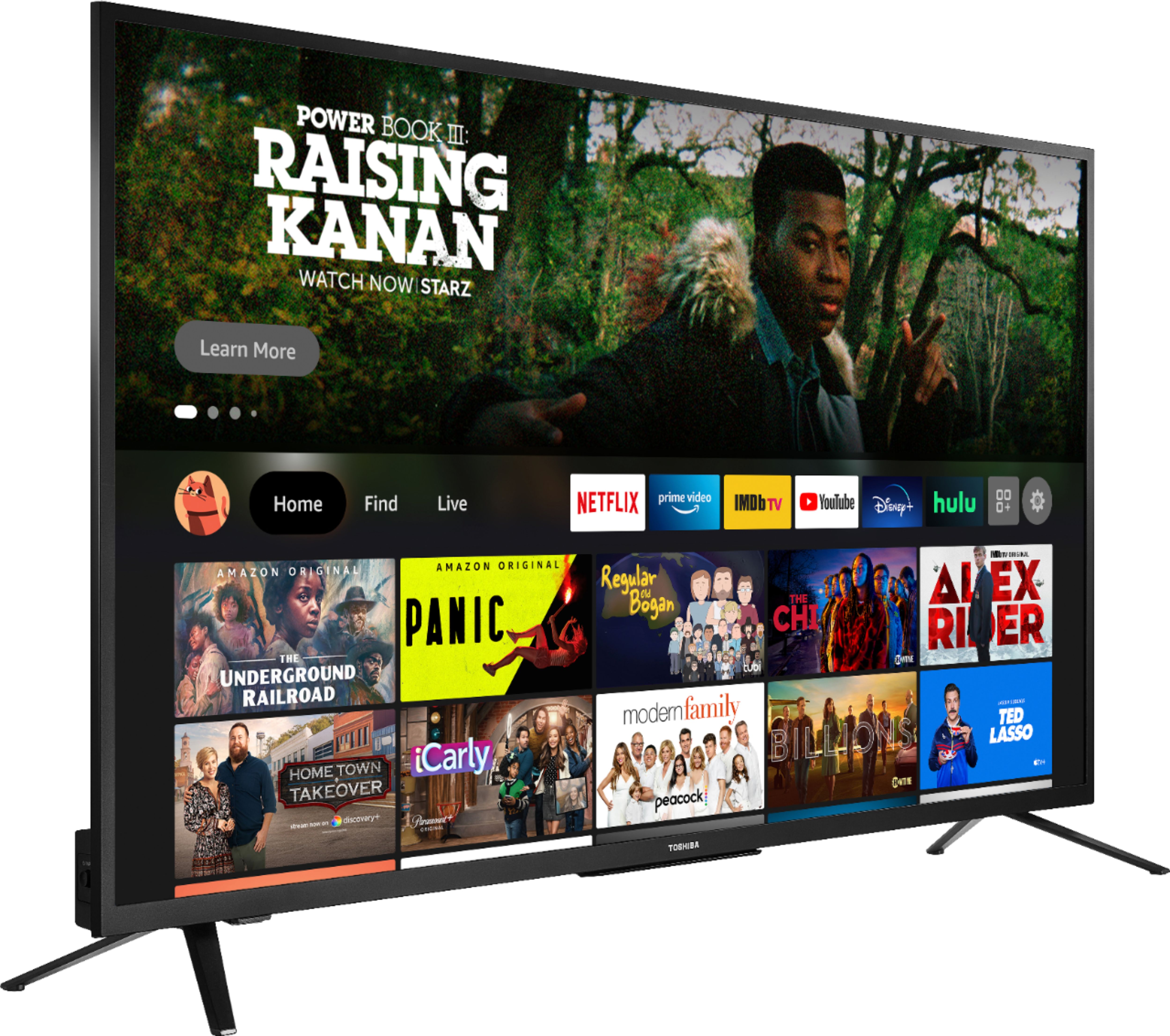
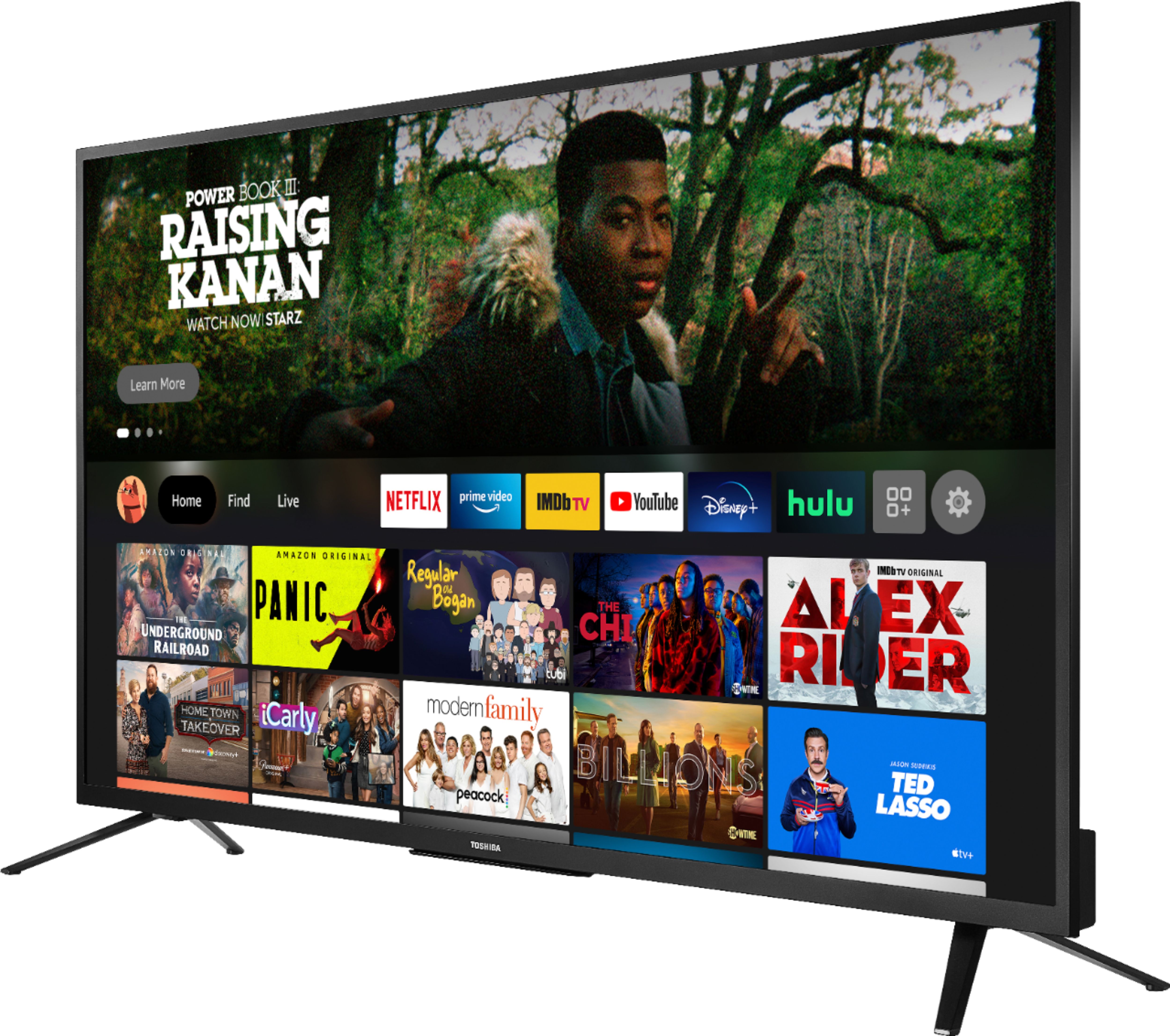
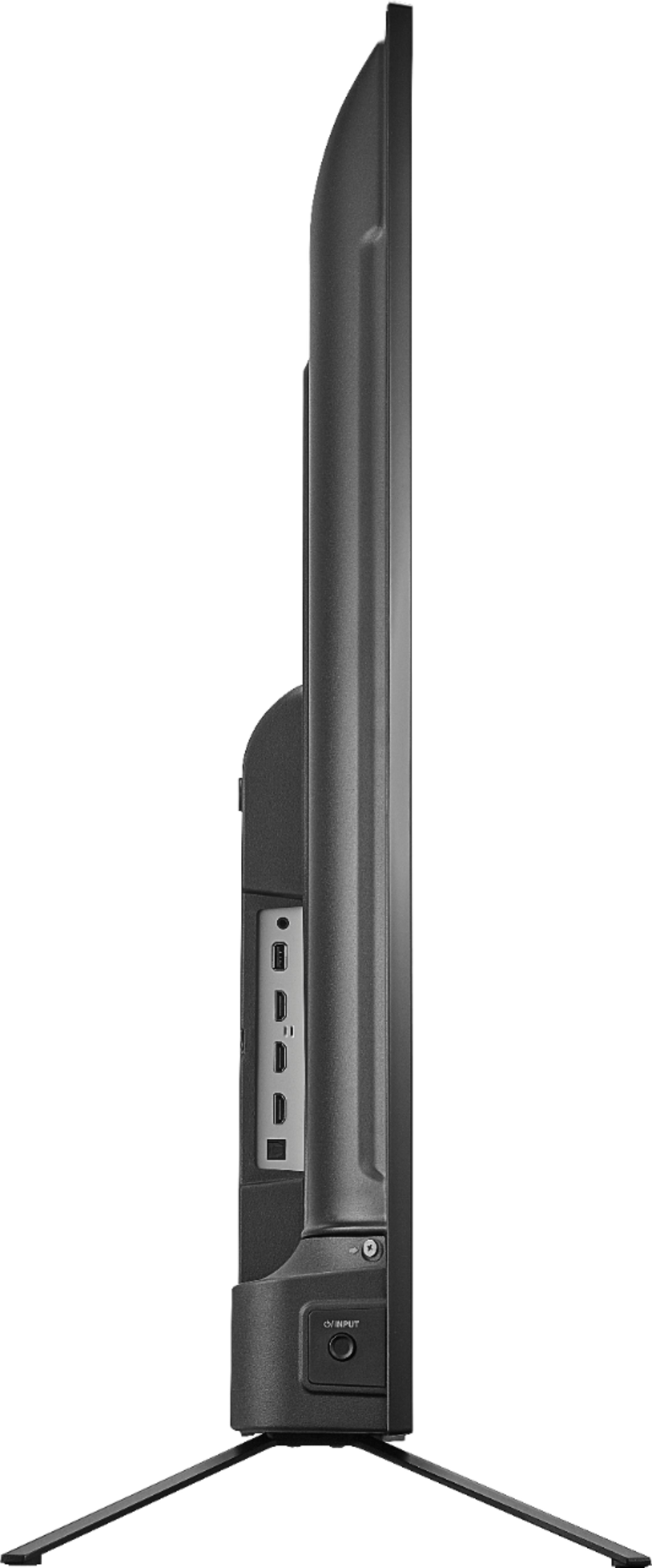
A:AnswerYou can purchase the replacement TV Stand Kit - Part Number 78V10100010 from https://partstore.encompass.com/item/12581011/Insignia/78V10100010/
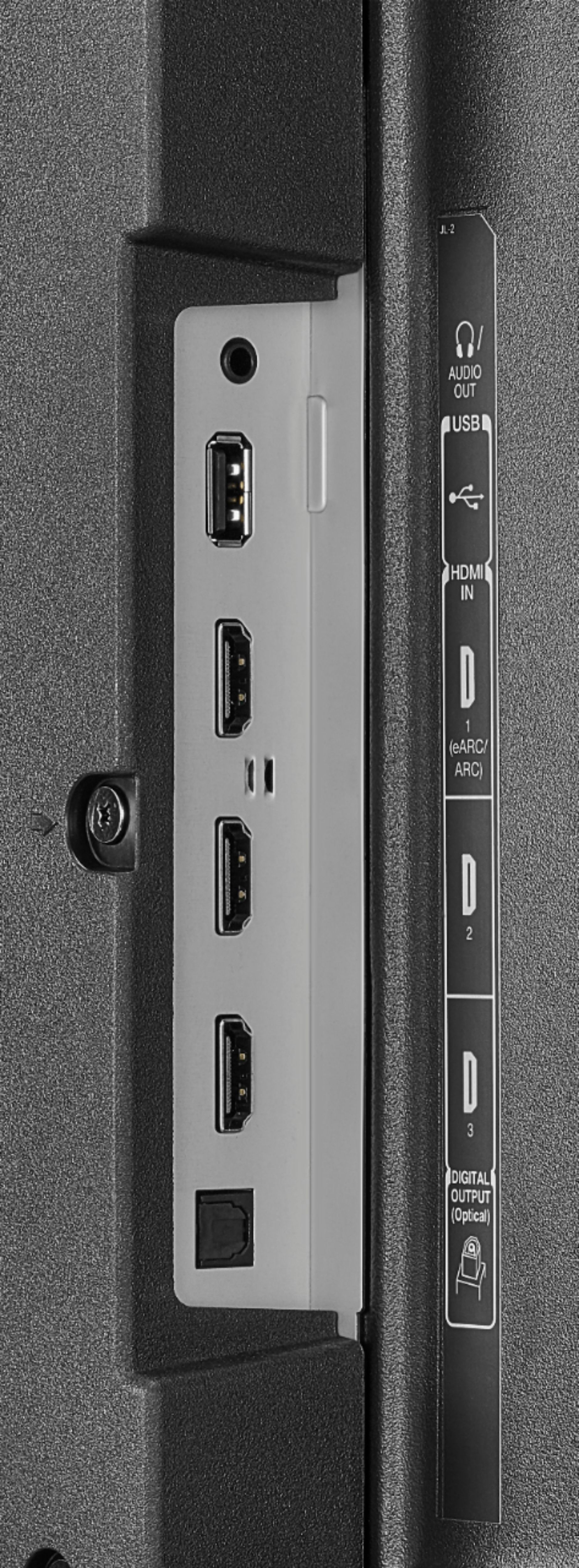
A:AnswerIf you are using the Digital Optical Cable, go Home > Settings > Display and Sounds > Audio Output > Turn TV Speakers OFF and Select Digital Audio Format PCM. For product support, please call 1-855-527-2411 available everyday from 8am - 9pm CT.
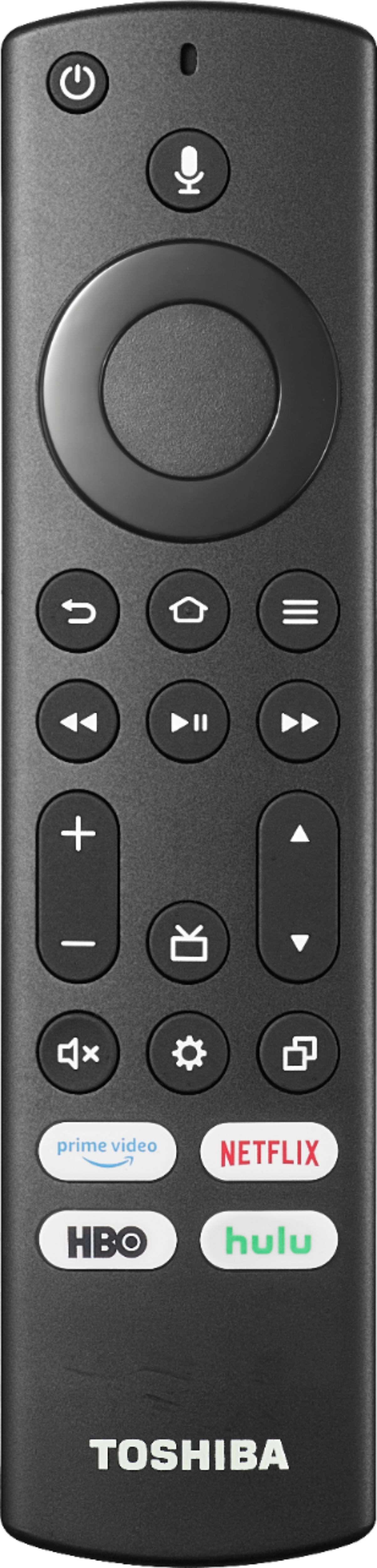
A:AnswerYes this model has a sleep timer, to activate the Sleep Timer long press the Home button and select Sleep Timer; this function turns off the TV in: 5 , 10 , 15 , 30 , 60, 90, 120, 150, 180 and 240 minutes.
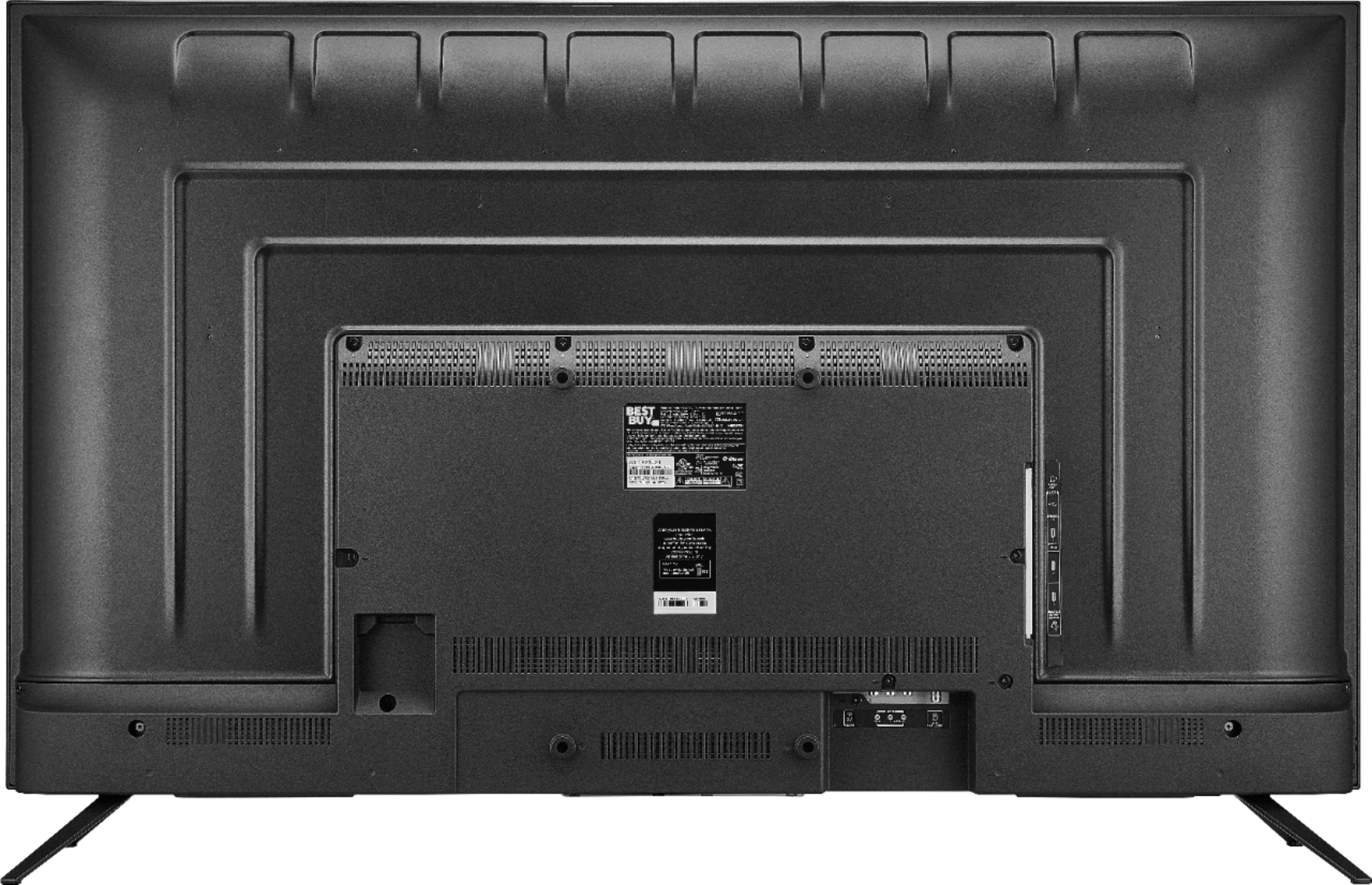
A:AnswerYou can connect any blue-tooth enabled device to this receiver. Additionally, there is a headphone jack and audio can be connected through any of the three HDMI ports.