A:AnswerI have the same issue and called Toshiba support. I was told by them that this model does NOT have the backlit keyboard feature. If it did, you could turn it on by pressing the FN key and the Z key, and the Z key would have a small rising sun icon on it. I feel your pain and am very disappointed at not having that feature as well.
A:AnswerIf you hold down the CTL + ALT buttons then press an arrow button the screen will rotate in the direction of the arrow you selected. to return it to normal hold down the CTL + ALT buttons then press the up arrow.
A:AnswerI have the same issue. I turned mine off by going to Mouse advanced settings, then ThinkPad tab, click on Advanced Settings again there, then multitouch gestures. You can unclick the zoom there.
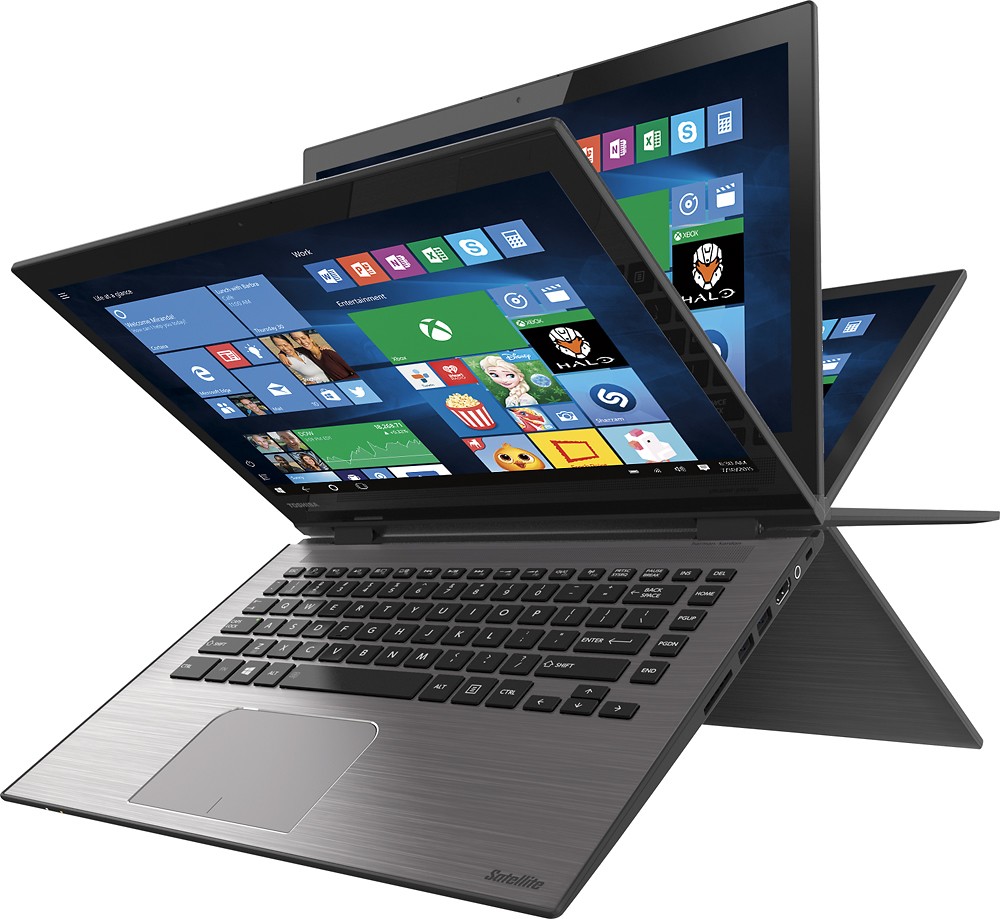
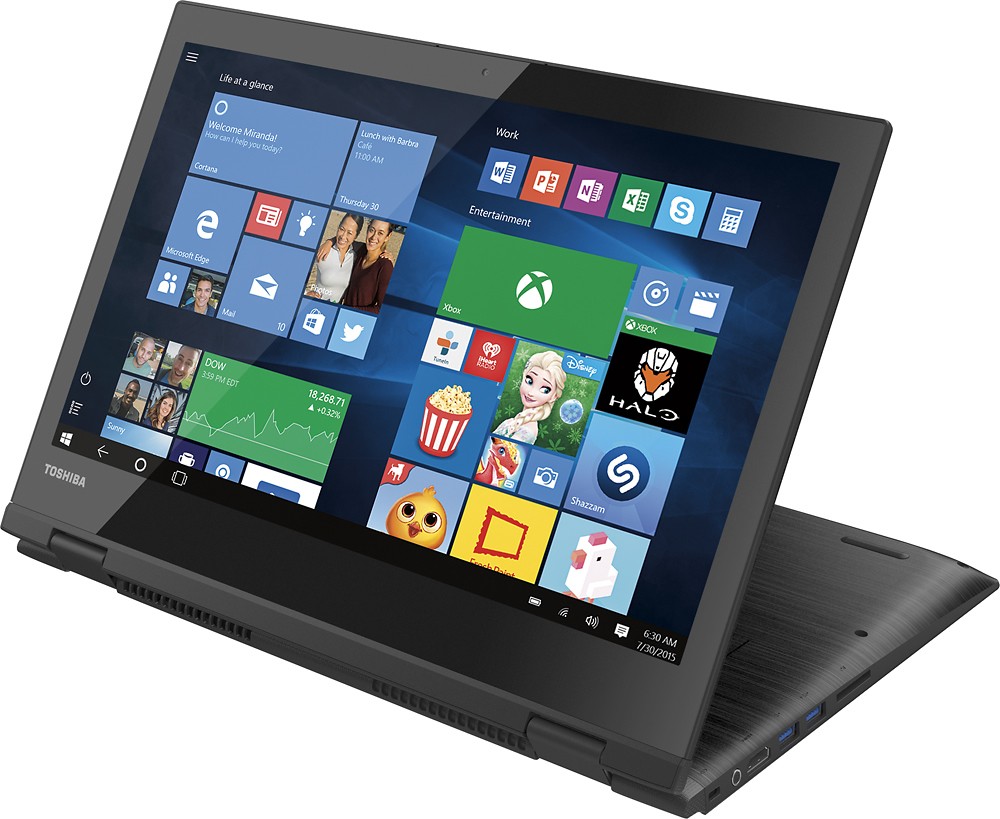
A:AnswerYes it works great on this machine. When you flip the keyboard behind the screen it will ask you if you want to go to tablet mode. And then you have a George is 14 inch tablet to play candy crush, pinball, or whatever game you like.
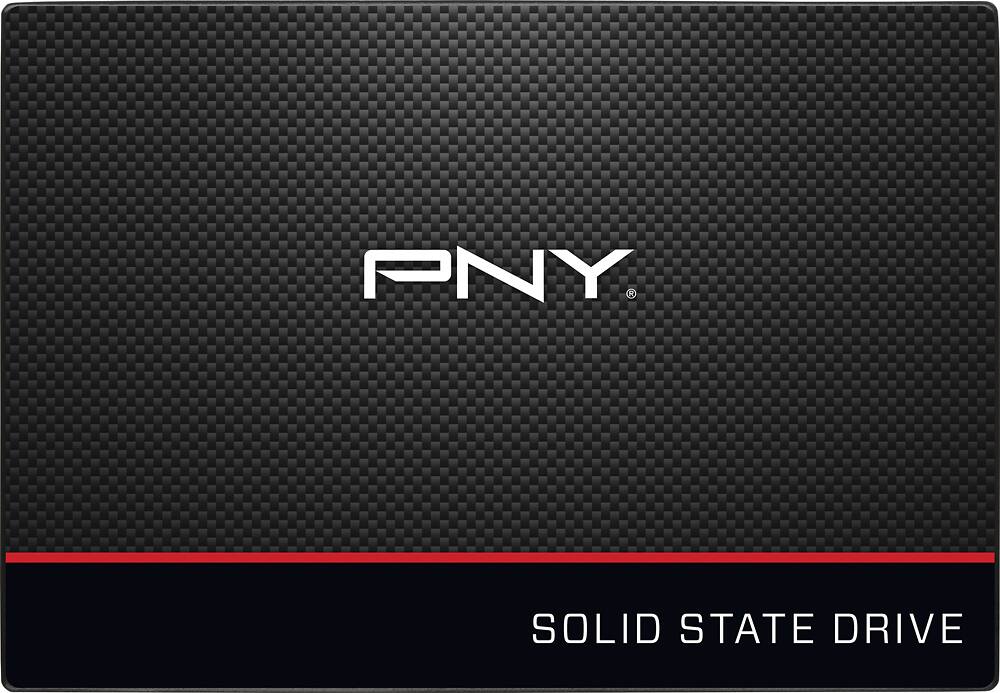
A:AnswerThanks for your question, Bob. Yes, you can replace the hard drive with a SSD. However, make sure your SSD has the same connector as the laptop (SATA) and the SSD will physically fit in the laptop.
A:AnswerAs soon as I installed windows 10 I had problems. I have 3 other computers that haven't had any problems with the upgrade, but I had to return this laptop because the wifi driver stopped working after the upgrade.
A:AnswerThanks for your question, Kathy. Sorry to hear that you are having issues with the touchscreen on your Toshiba laptop. There isn't a way to manually turn off the touchscreen but it could be a corrupt driver issue. Please call Toshiba tech support at (800) 457-7777 and they will troubleshoot the problem.
A:AnswerI feel like if you upgraded the internal storage (the Hard Drive) to a solid state drive, you would be able to photo edit. the spinning disk hard drive is a significant limiting factor for speed.