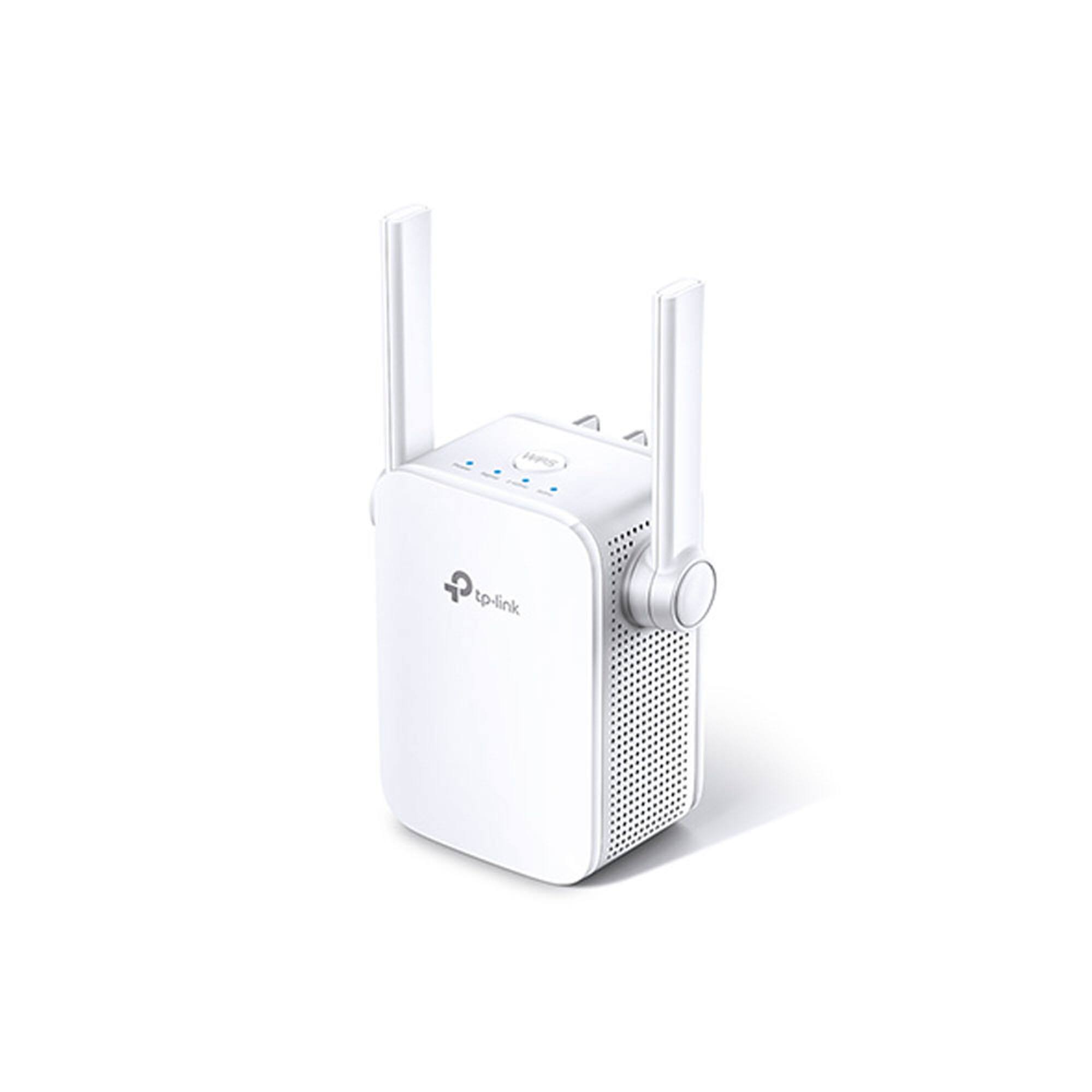
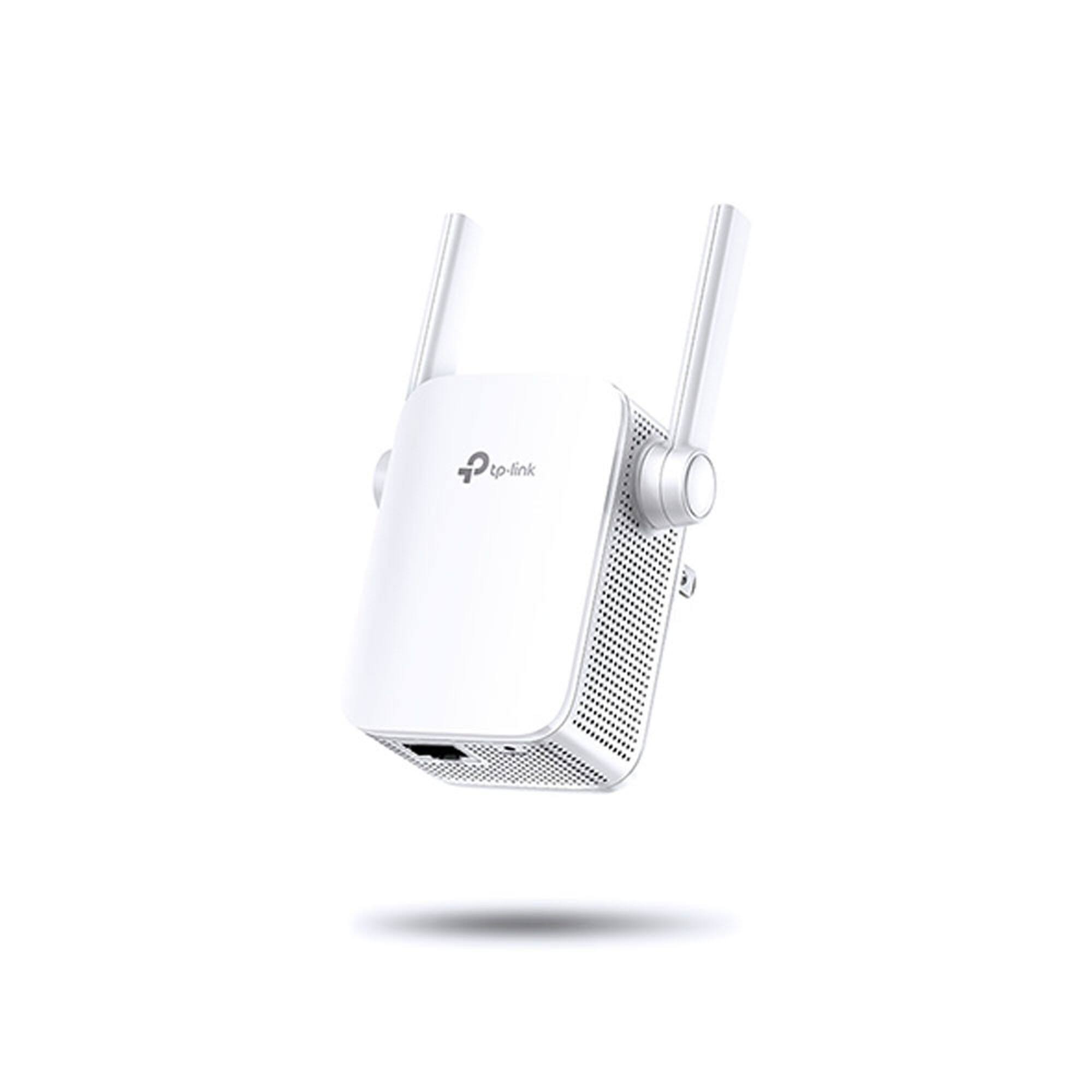
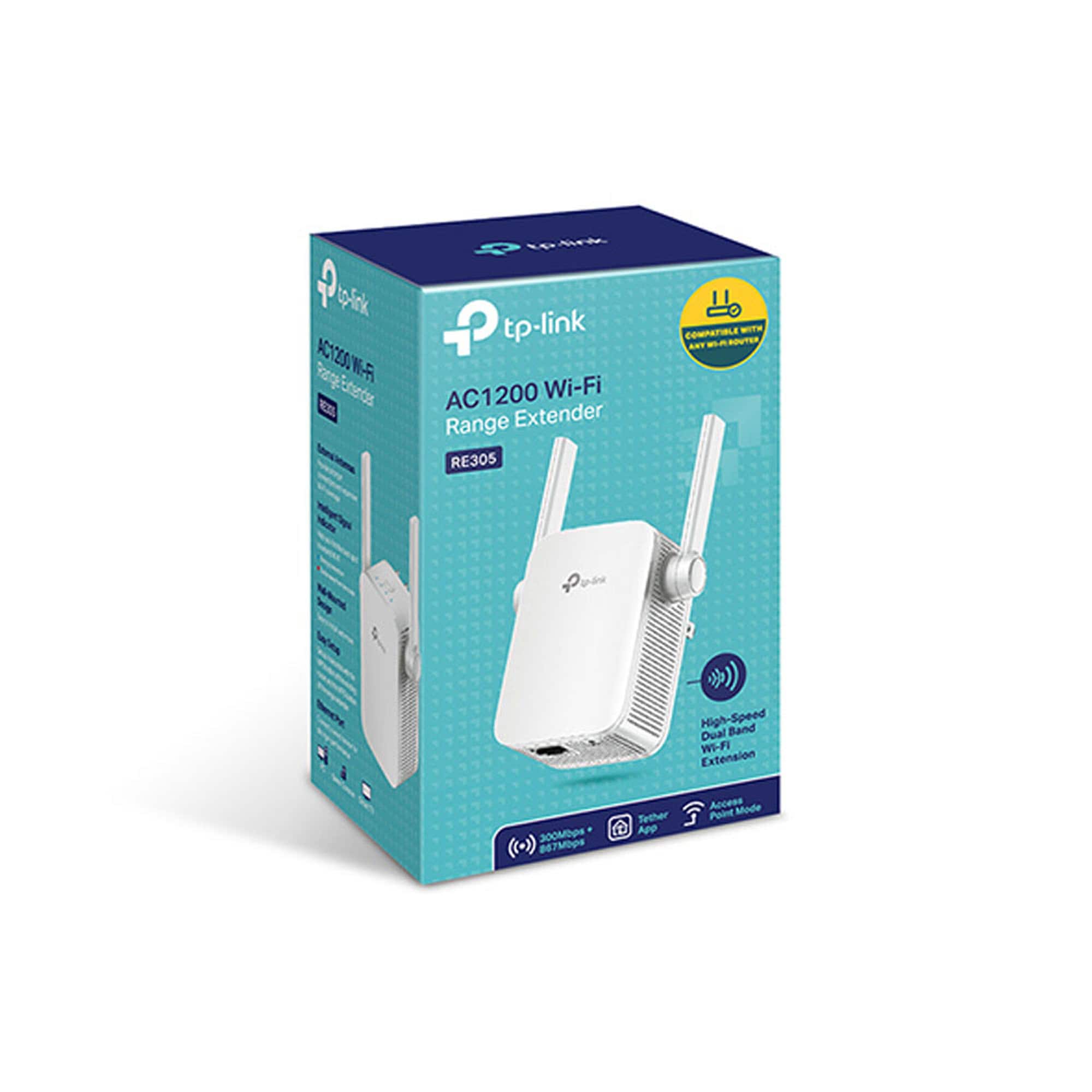
A:AnswerYes, our WiFi extenders are universally compatible with WiFi routers. Please note that gateways provided by ISPs will generally have their WPS buttons disabled by default, so we recommend using one of the other convenient setup methods for the extender, such as the TP-Link Tether app on your smartphone, or its web browser setup method.
Regards,
TP-Link Support
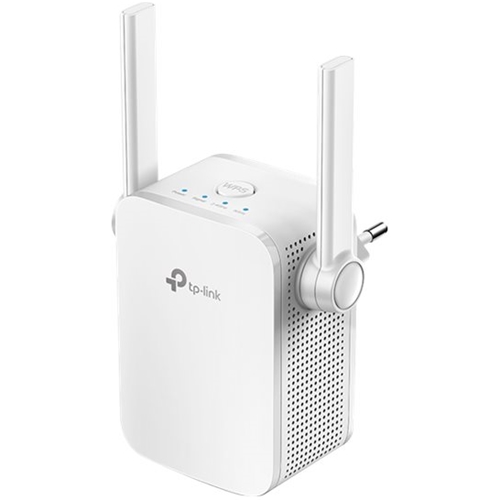
A:AnswerThe TP-Link - AC1200 RE305 does support OneMesh despite: (a) not being listed on the OneMesh compatible devices list (https://www.tp-link.com/us/onemesh/product-list/); (b) TP-Link failing to mention it on the product overview and Specifications (https://www.tp-link.com/us/home-networking/range-extender/re305/#specifications); and Best Buy failing to list it.
If you have the TP-Link - AC1200 (Model RE305) already set up on your network, it doesn't automatically get added as a OneMesh device. You must login to the router, ensure you have installed OneMesh capable firmware to the router (i.e. navigate to advanced > system > firmware). Then, navigate to Advanced>OneMesh and add the Model RE305. You may have to refresh a few times before the OneMesh firmware capable router can see the Model RE305.
It would be great if TP-Link and Best Buy would update as applicable. Hope this helps!
A:AnswerOur WiFi extenders are designed to help increase your WiFi network's coverage area; they are universally compatible with WiFi routers and WiFi devices.
Regards,
TP-Link Support