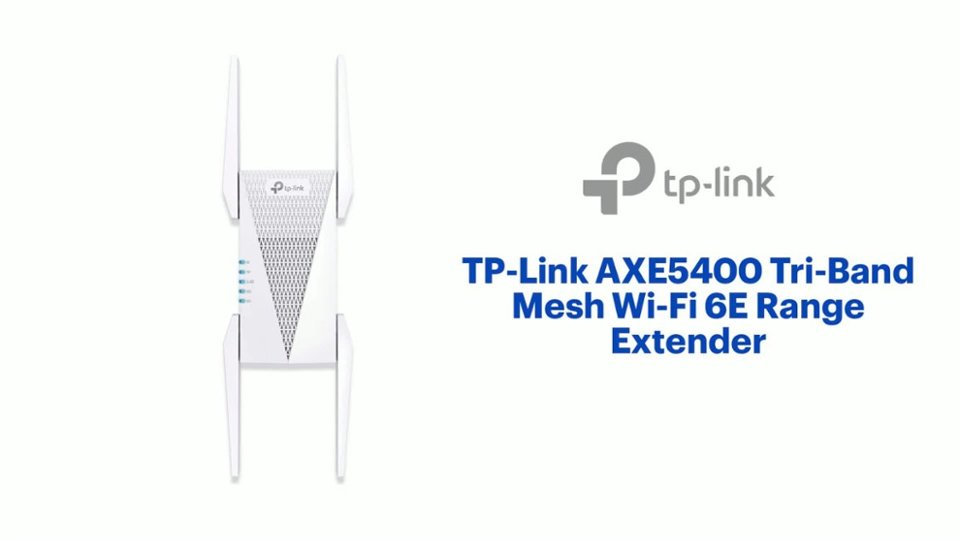
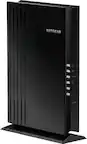
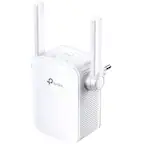
A:AnswerYes it can act as a WiFi bridge, it will pickup your existing connection and broadcast it as a new SSID for you to connect your wireless devices. The ethernet port will also work to connect your PC.
A:AnswerWi-Fi coverage varies from one home to another based on factors including, but not limited to, placement of the extender, obstructions (e.g., walls) between the extender and connected devices, the density of the home's construction materials, which Wi-Fi band your devices are connecting to, and Wi-Fi interference from external sources.
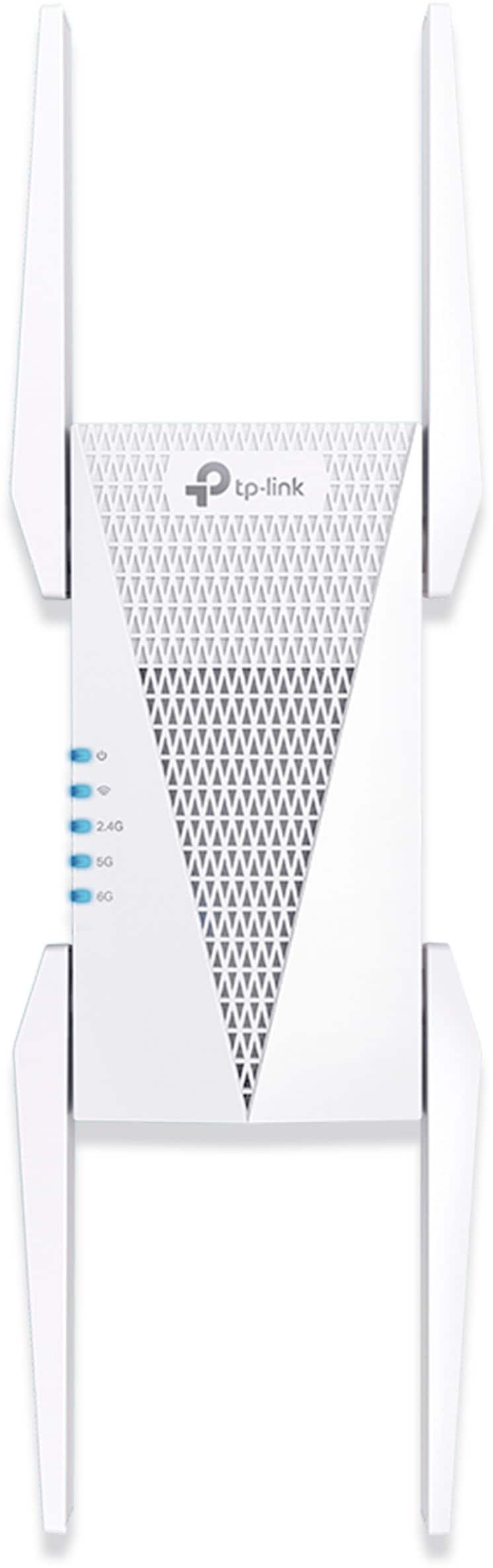
A:AnswerTechnically yes, but I've found that it doesn't give enough of a boost to make any significant boost. But that's been my experience with it so far. Most of my devices would rather still connect through the router. (And I'd assume TP-Link mesh software would push them to the extender when the signal is little to none.)
A:AnswerWi-Fi coverage will depend on numerous variables, including, but not limited to:
- Existing coverage provided by your router
- Placement of the extender
- Physical obstructions (e.g. walls, etc.) between the extender, the router, and your devices
- Distance between the extender and your devices
- Which Wi-Fi band you are connecting to (2.4GHz, 5GHz, 6GHz)