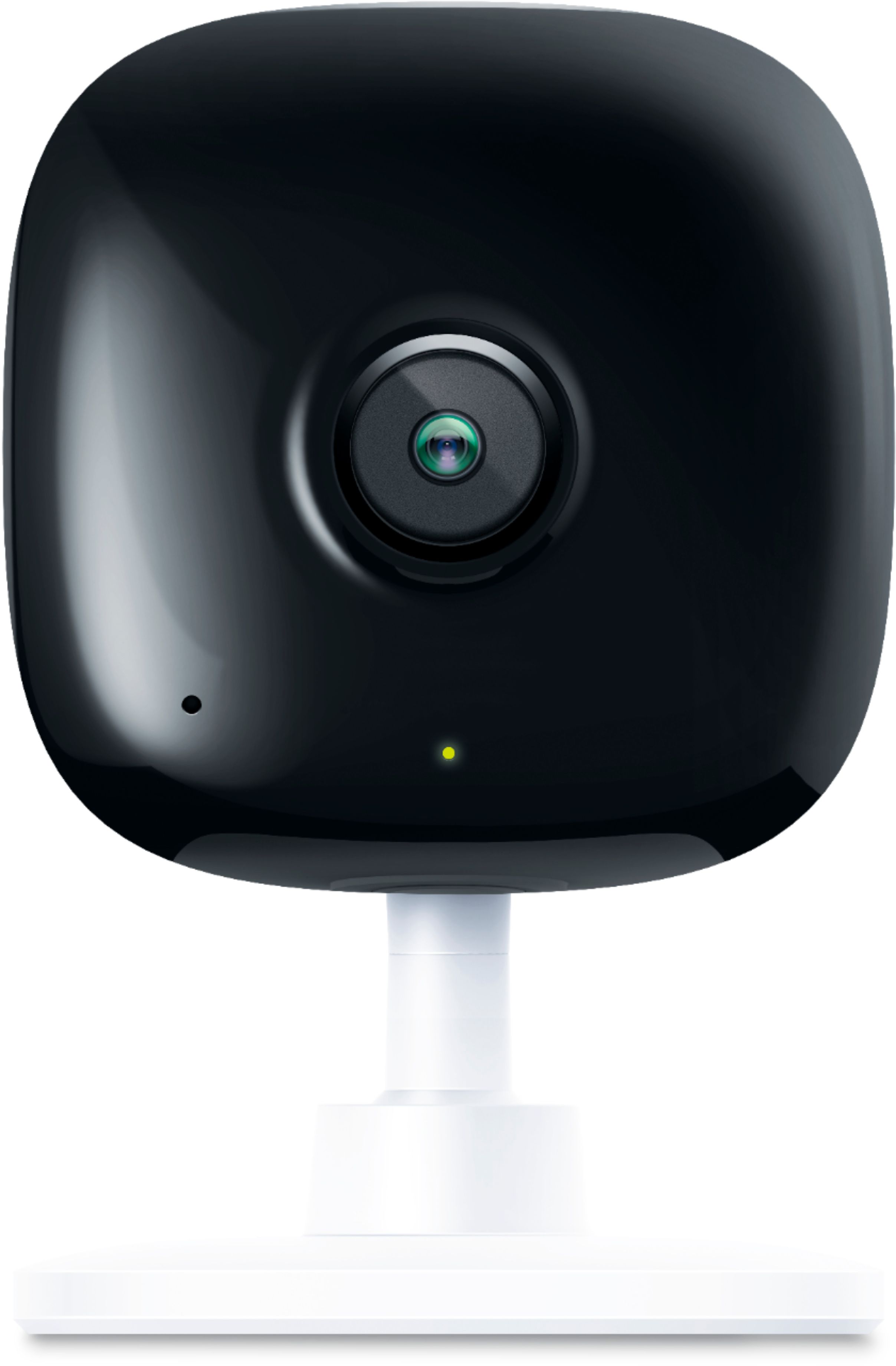
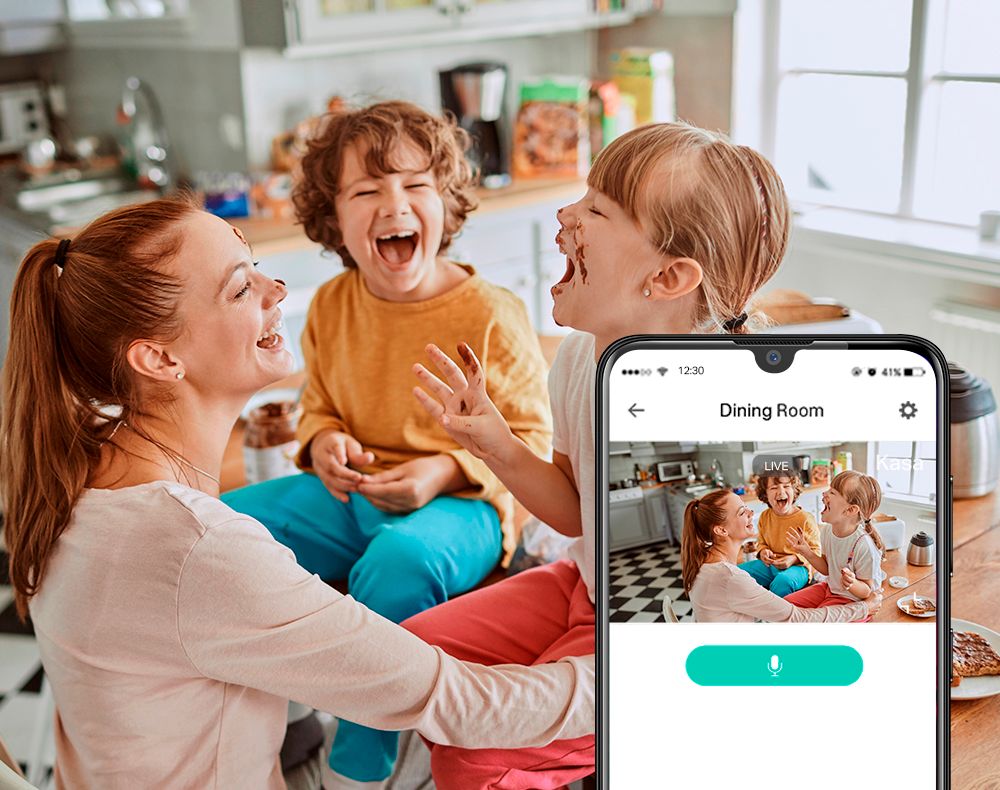
A:AnswerIf it uses any cellular data it is minimal. Upon initial setup you pair the camera to your phone so that your WiFi sees the device, you use the App to connect the device to your WiFi. Every time the camera detects movement it records the video keeps it on your phone and also uploads to a TP-Link Server. If you do not pay for storage service, it deletes in 24 hours. So the upload is occurring through your WiFi and not your mobile phone. I also do not believe that the notifications are using much data at all. I have a max of 10 GB on my plan and my monthly usage averages between 2 & 3 GB and this includes receiving about 100 e-mail a day.
A:AnswerThe physical reset button on the camera is to reset the camera's configuration settings (i.e. network settings, activity zones, schedule, etc.), not to delete the stored video/clips on the Micro SD Card. Video clips must be deleted via the app or via a computer with the Micro SD Card inserted into a compatible reader/slot on the computer.
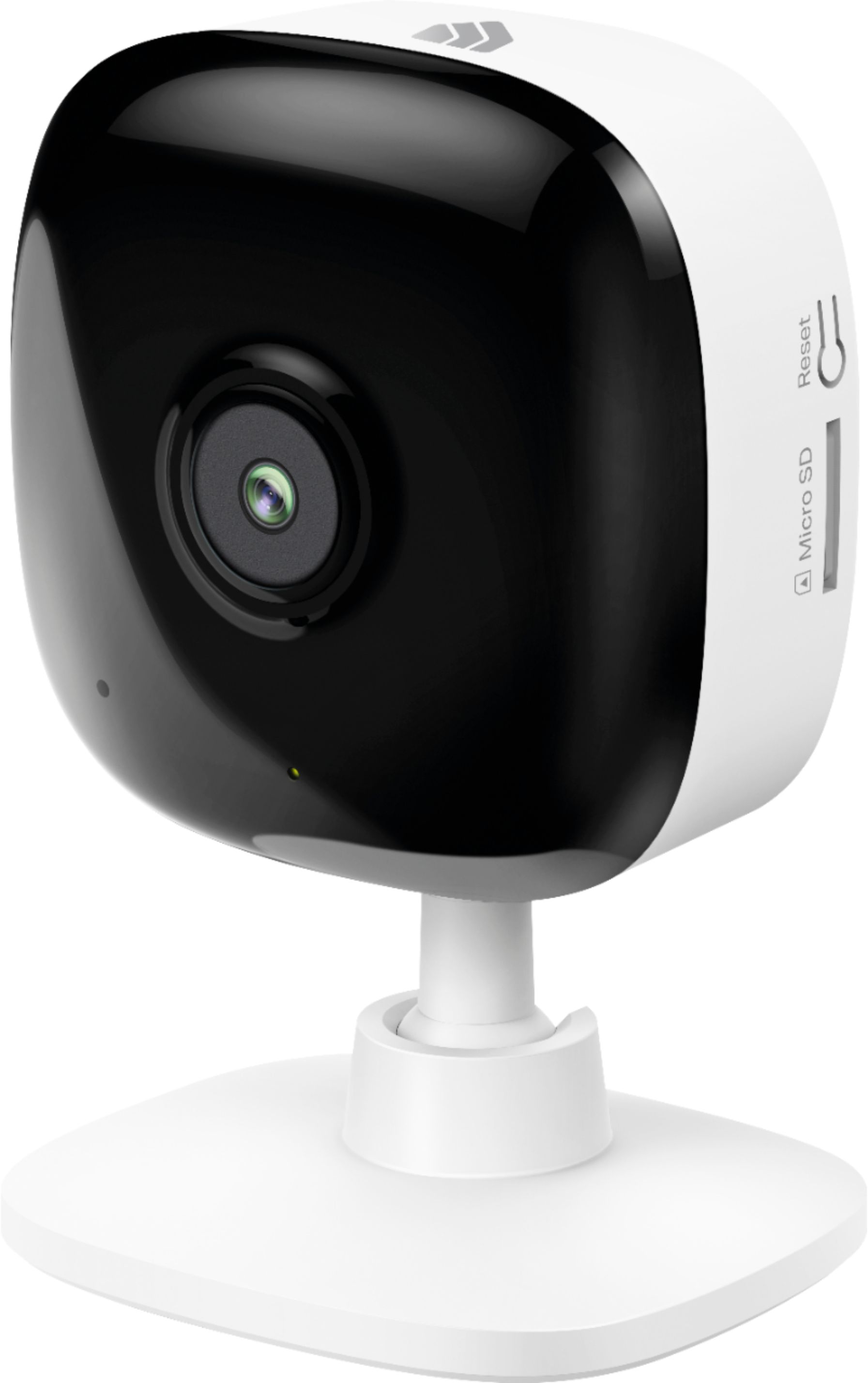
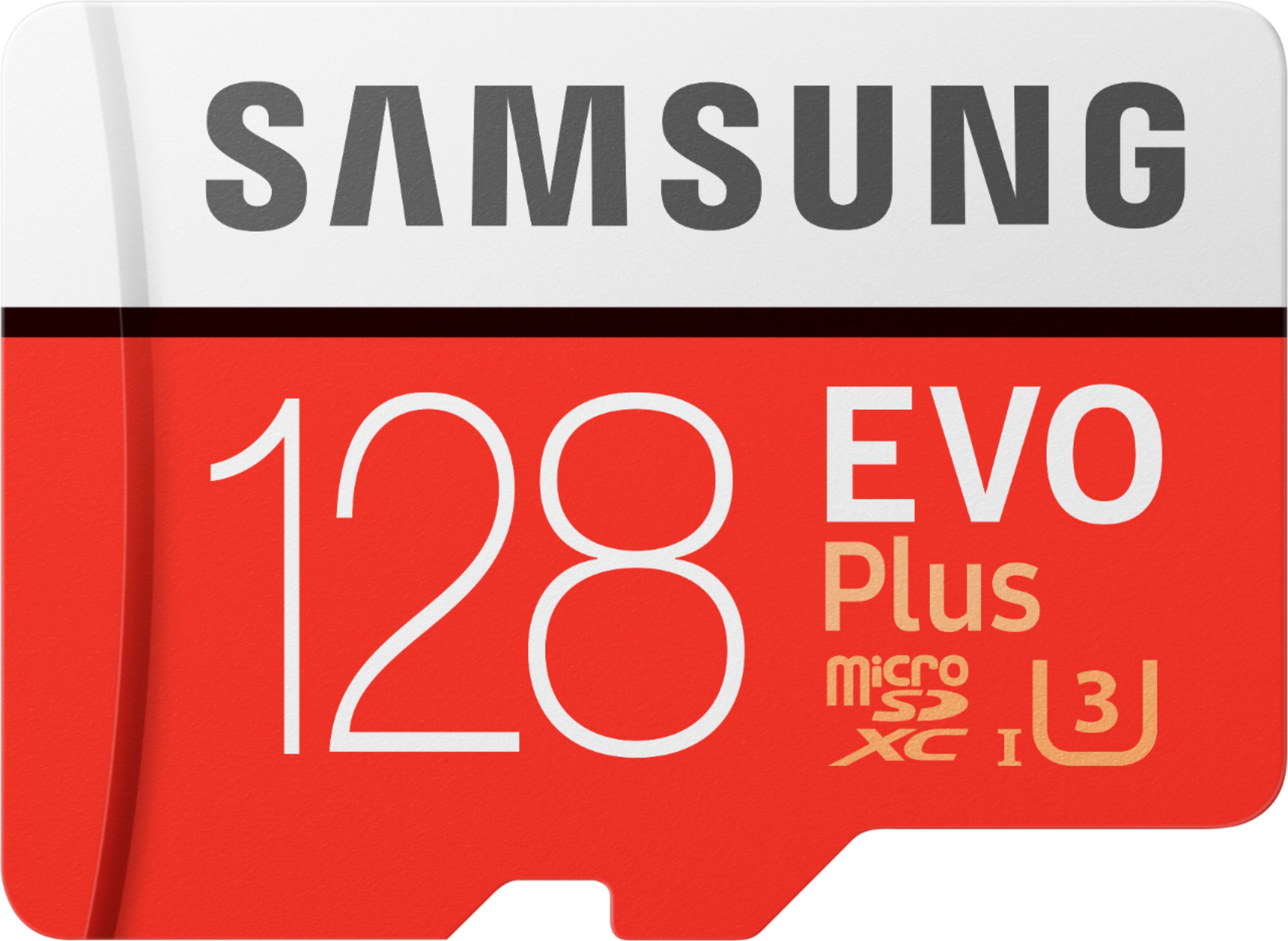
A:AnswerNo. Depending on how long you want to record will tell you what size you need. 64gb is good for 2 days without recording sound. Micro SD v10 or higher v number. Not sure if the camera can handle speeds higher than v10.
A:AnswerYes. SD card not included. I suggest buying a class 10, 32 or 64 GB card as a maximum. I was encountering problems with 128 GB cards from different manufacturers. I think it’s a problem with the camera slot, not the cards themselves because the cards worked fine in my pc. Also be away the card is formatted by the camera, so don’t have anything valuable on the card you want to keep. It will be erased.